SEE WHAT YOU CAN MAKE

A closer look at PCA3D.

Explore real editor and gameplay screenshots from the itch.io page and every supplied guide. Open any image to see the details.

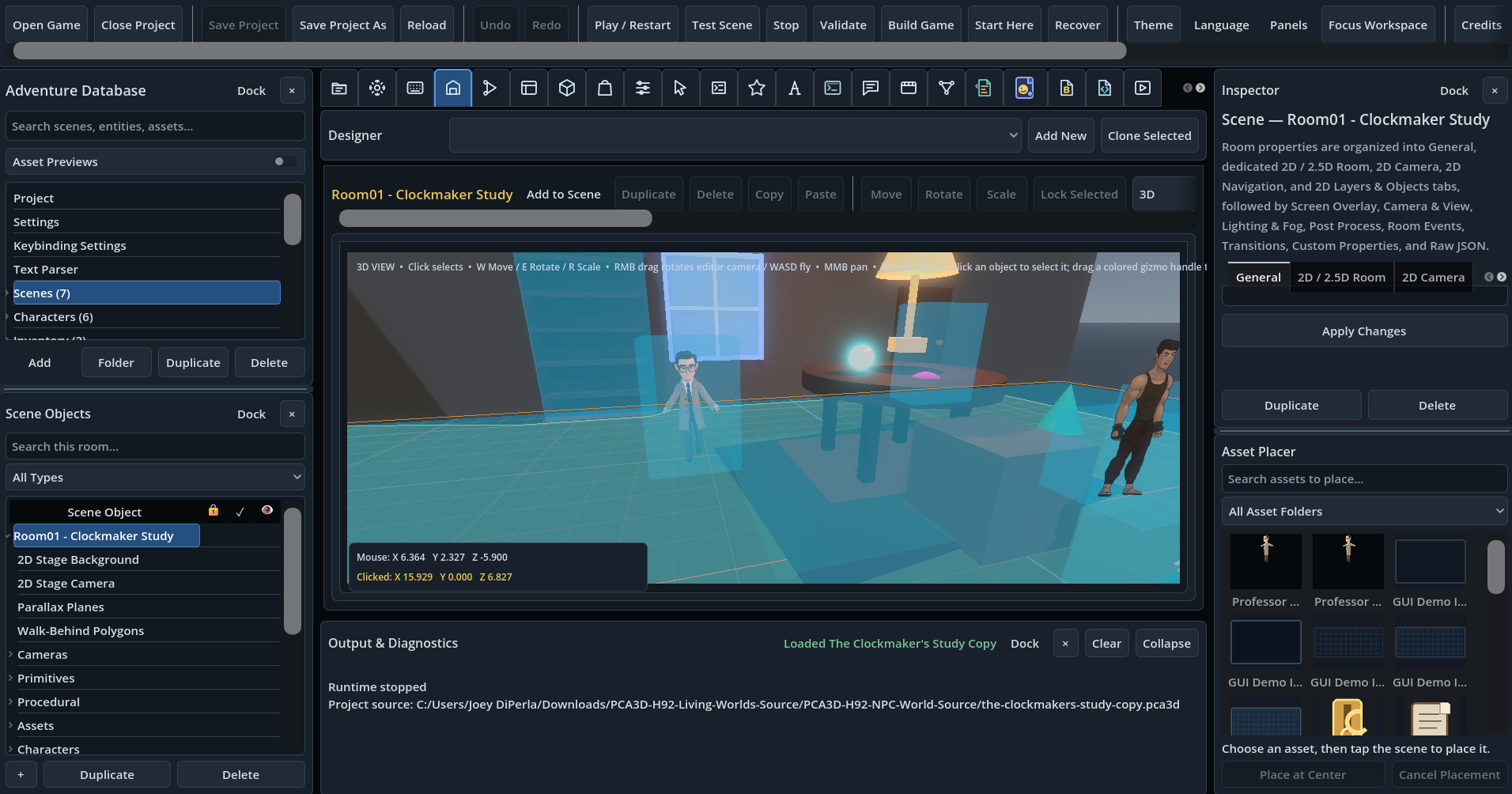
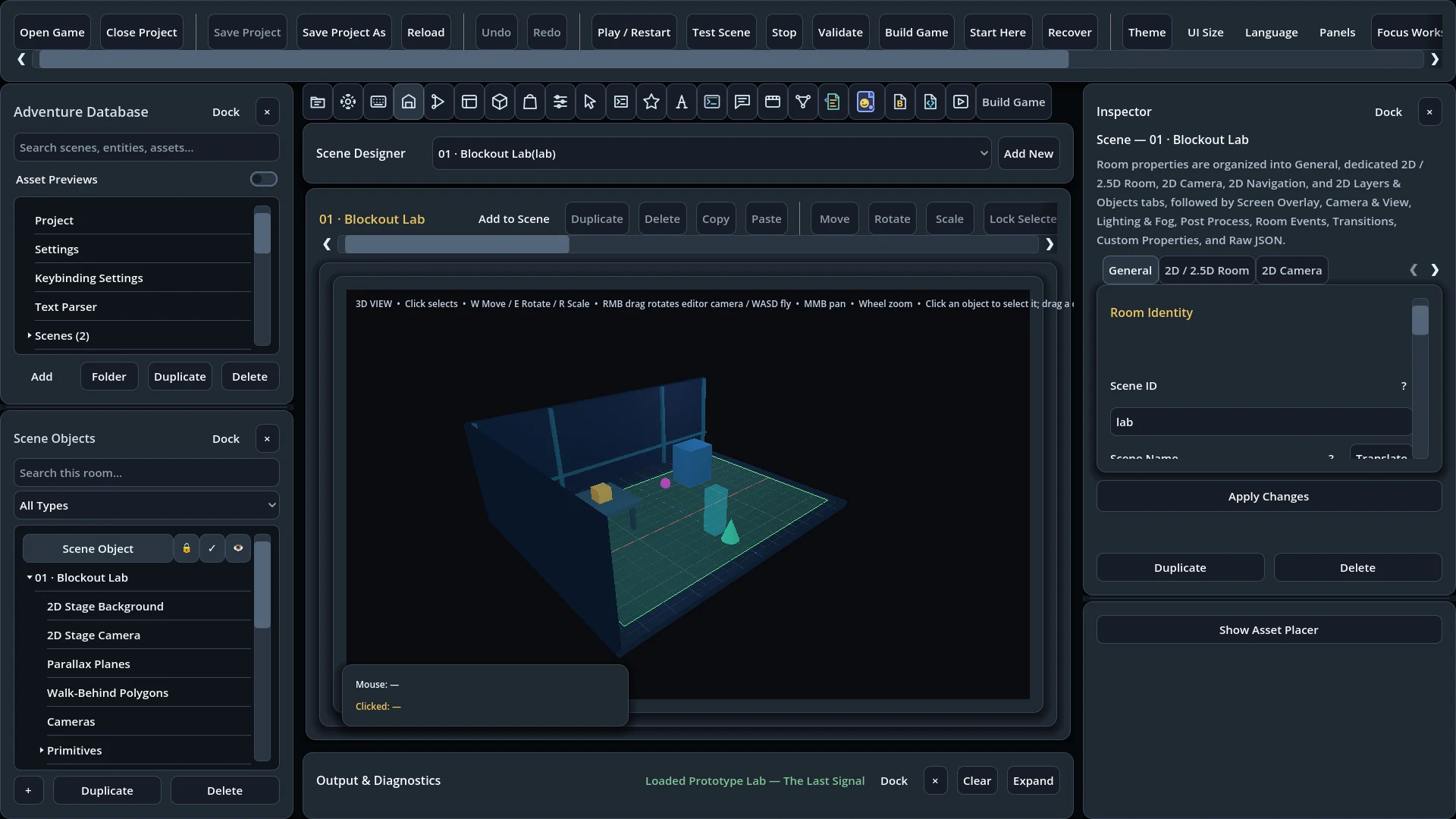
Arrange rooms, characters, scenery and navigation in the Scene Designer.
Scenes & worlds

Room editing in 3D

View 3 sources
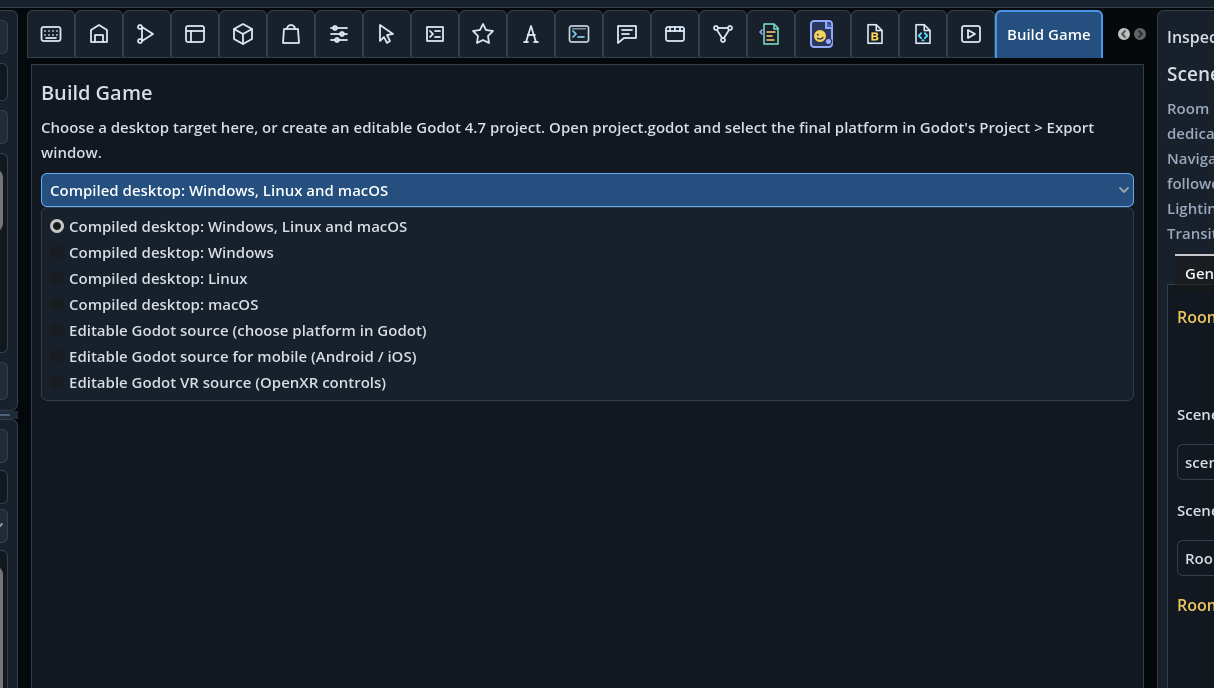
Choose compiled desktop builds or editable Godot project source from the Build Game window.
Build & export

Desktop builds and Godot source export
View 3 sources
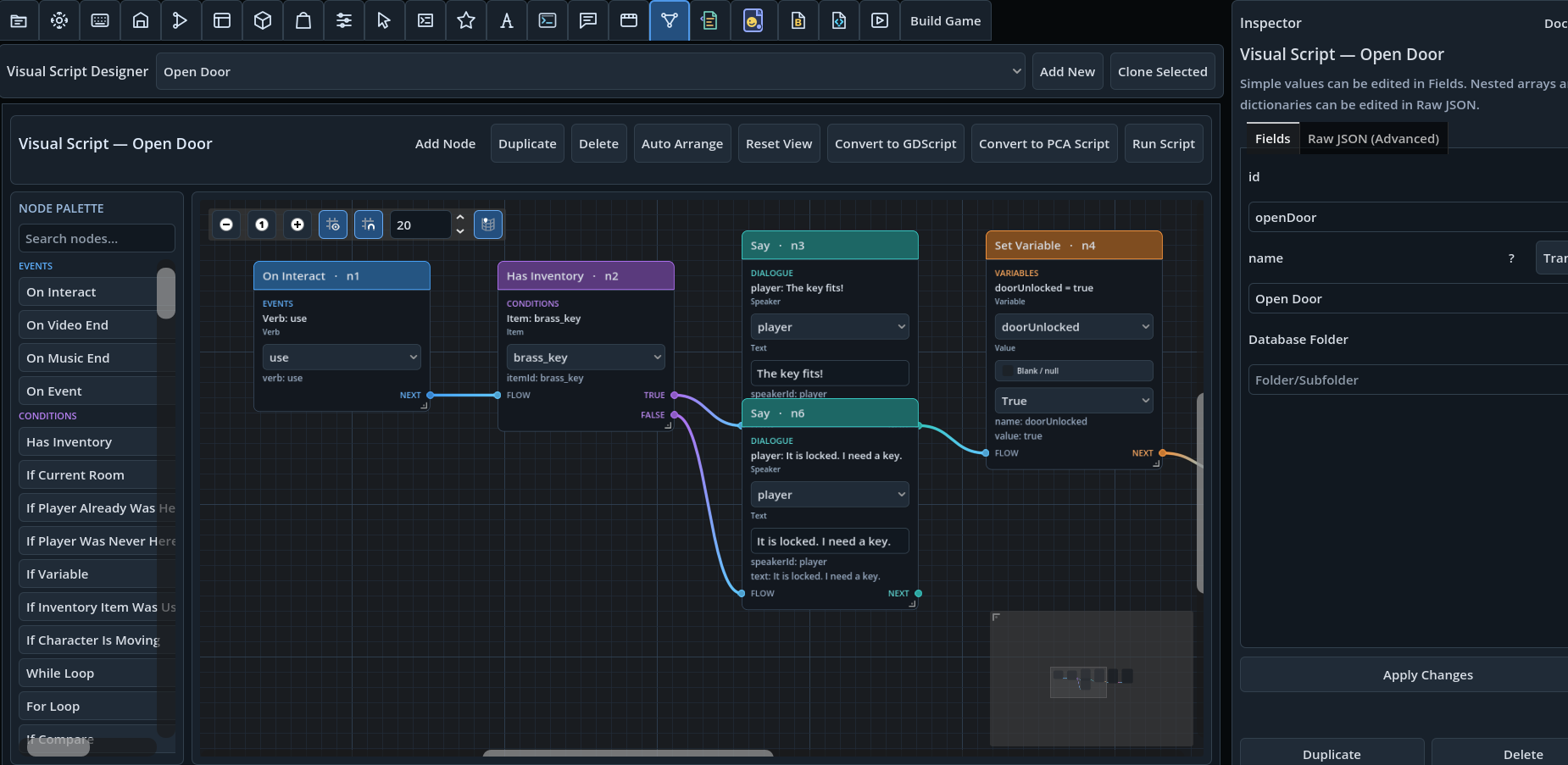
Connect action nodes and conditions to author reusable interaction logic.
Scripting & logic

A puzzle in the Visual Script Designer
View 3 sources
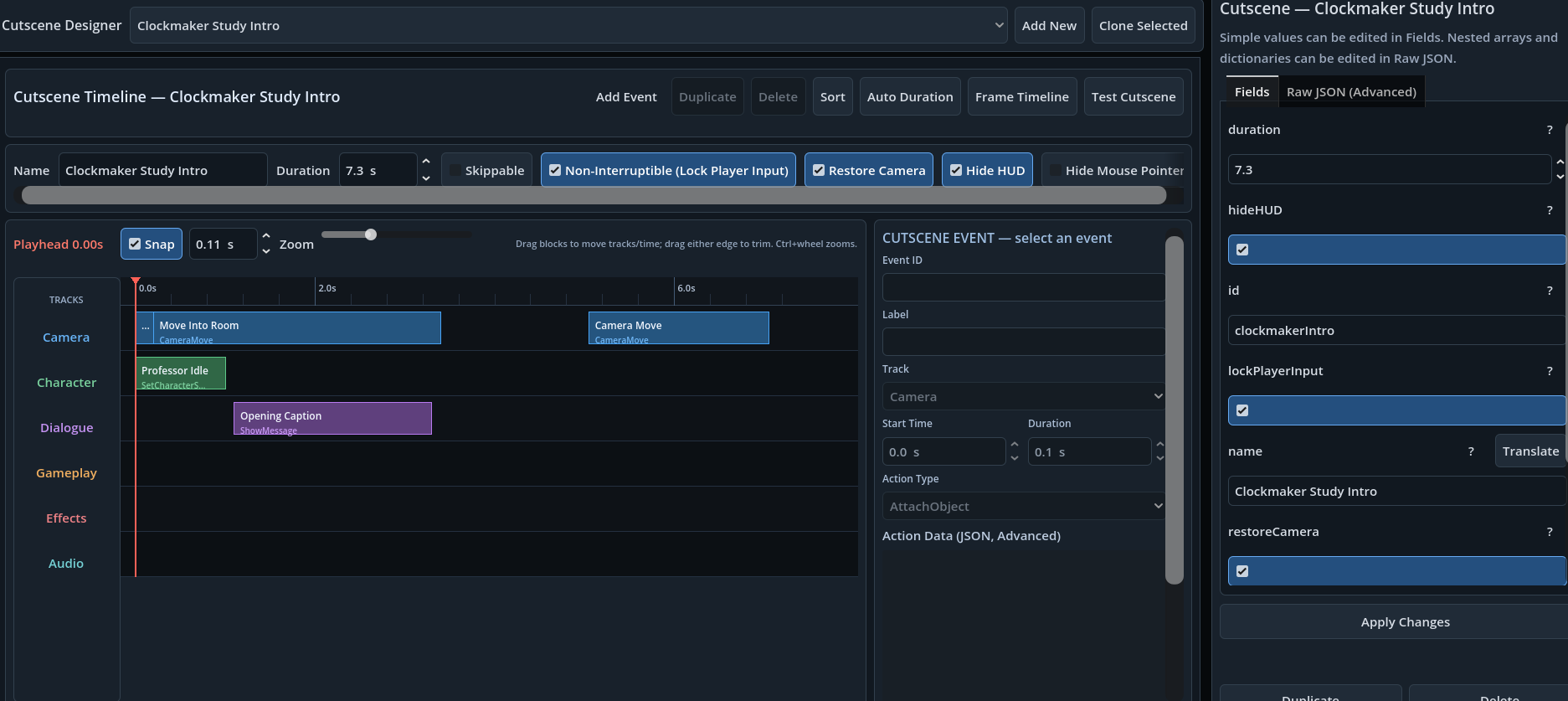
Coordinate camera shots, movement, speech and other events on the timeline.
Story & characters

Cinematic events on the cutscene timeline
View 3 sources
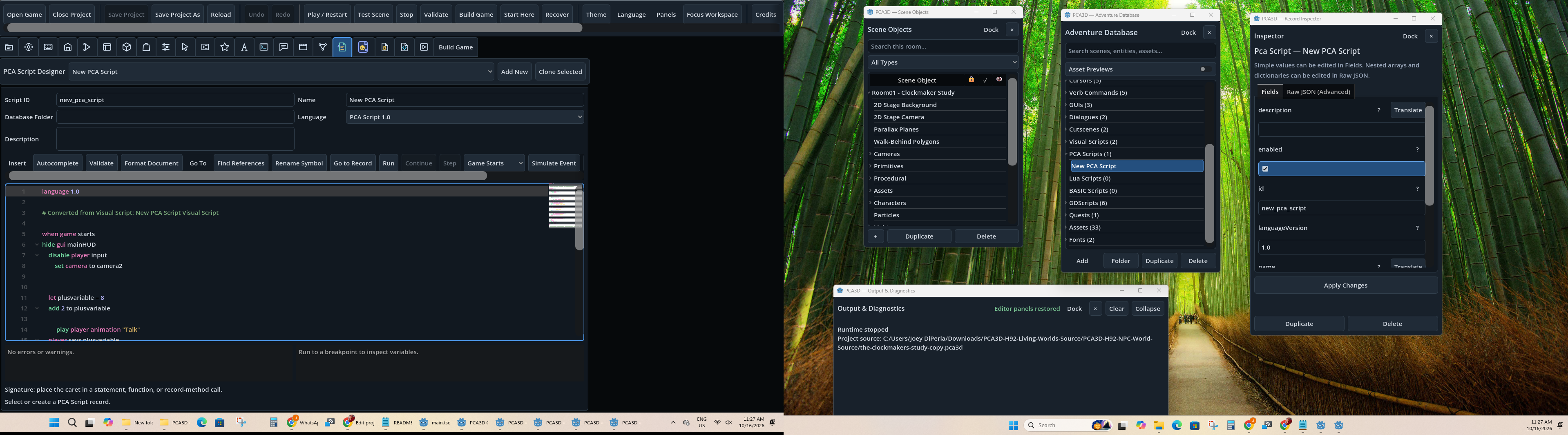
Float editor panels outside the main window and arrange the workspace around your screens.
Editor workspace

A workspace spread across monitors

View 3 sources
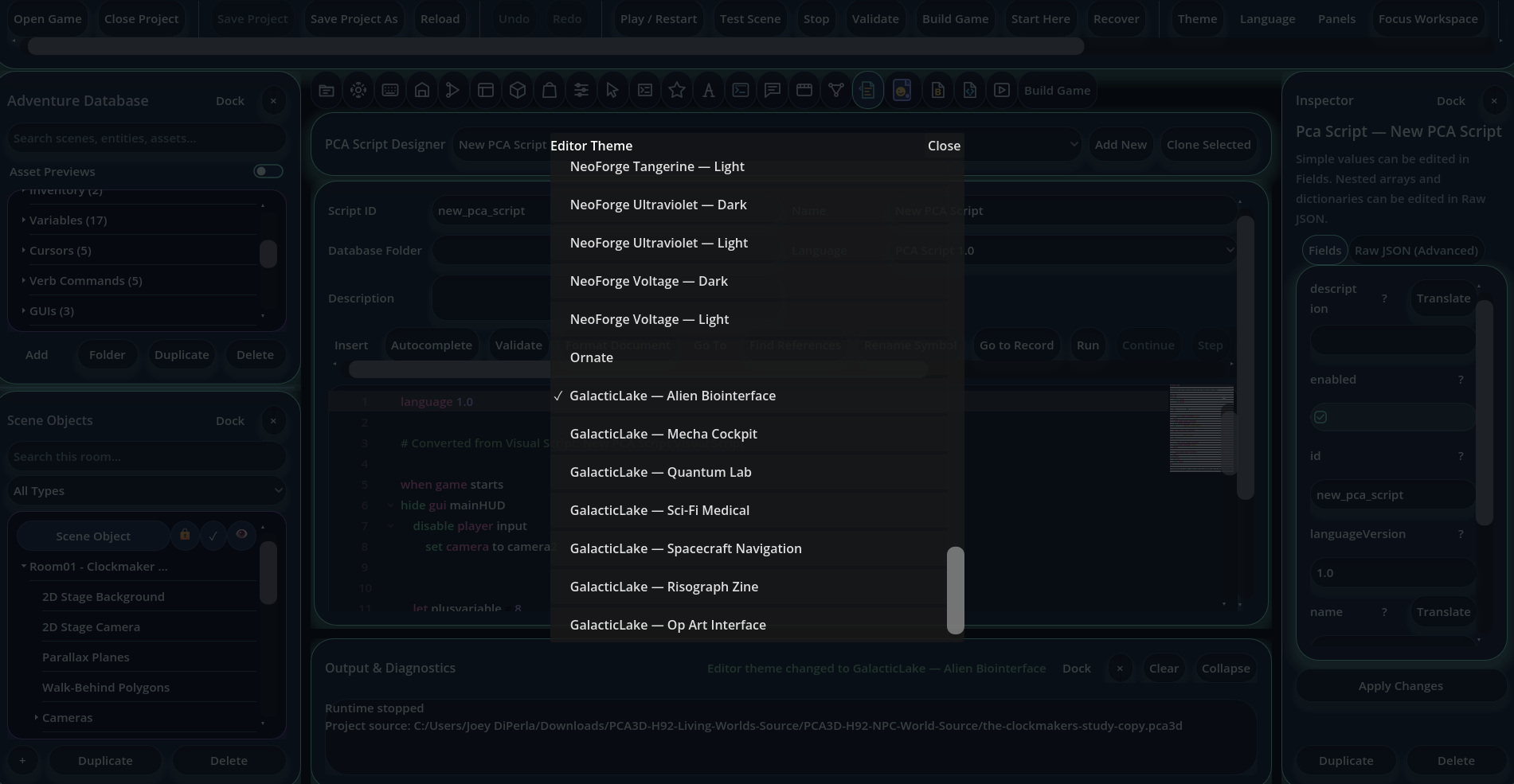
The theme picker changes the appearance of the editor workspace.
Editor workspace

Choosing an editor theme

View 3 sources
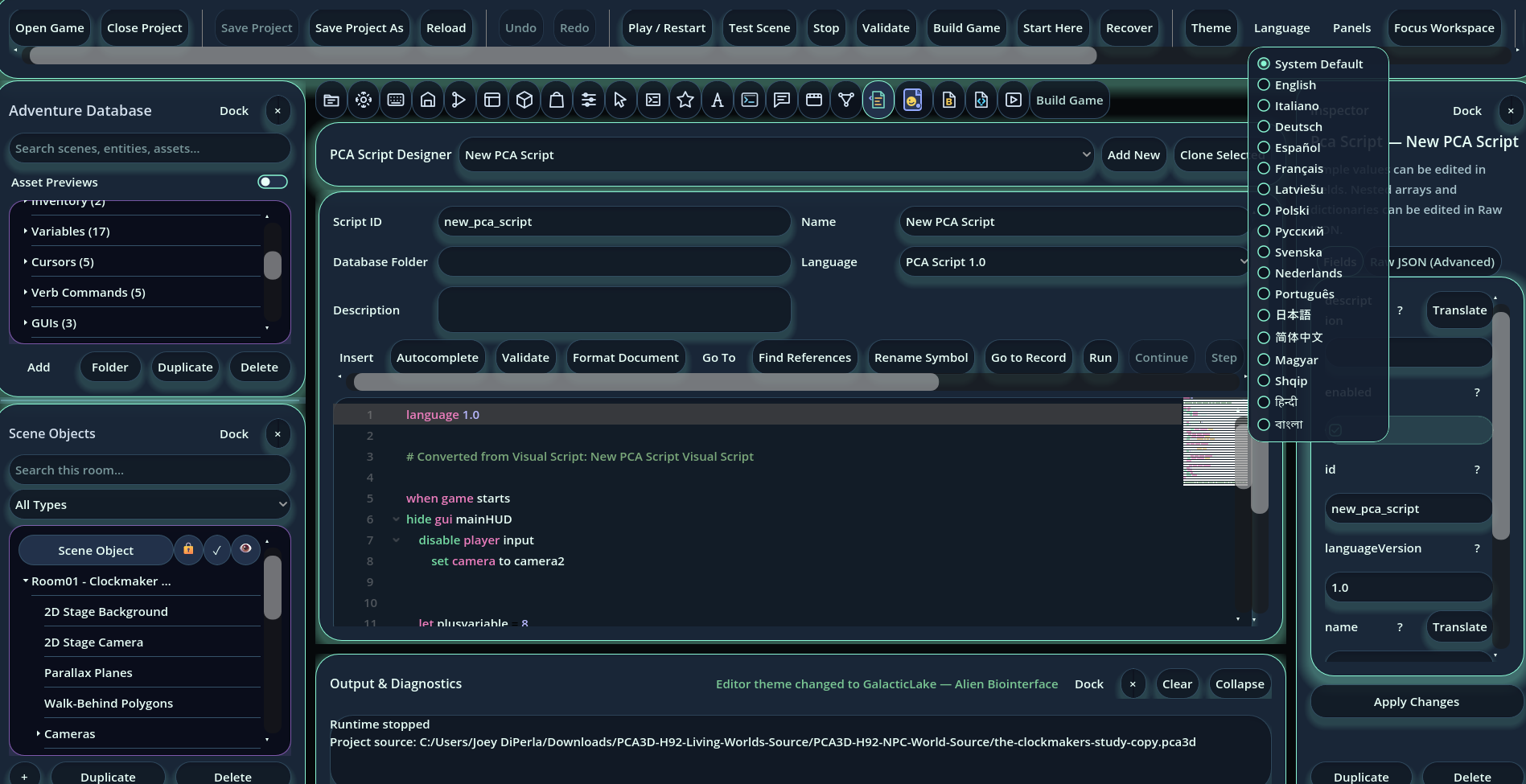
The language menu offers localized editor interfaces.
Editor workspace

Choosing the editor language

View 3 sources
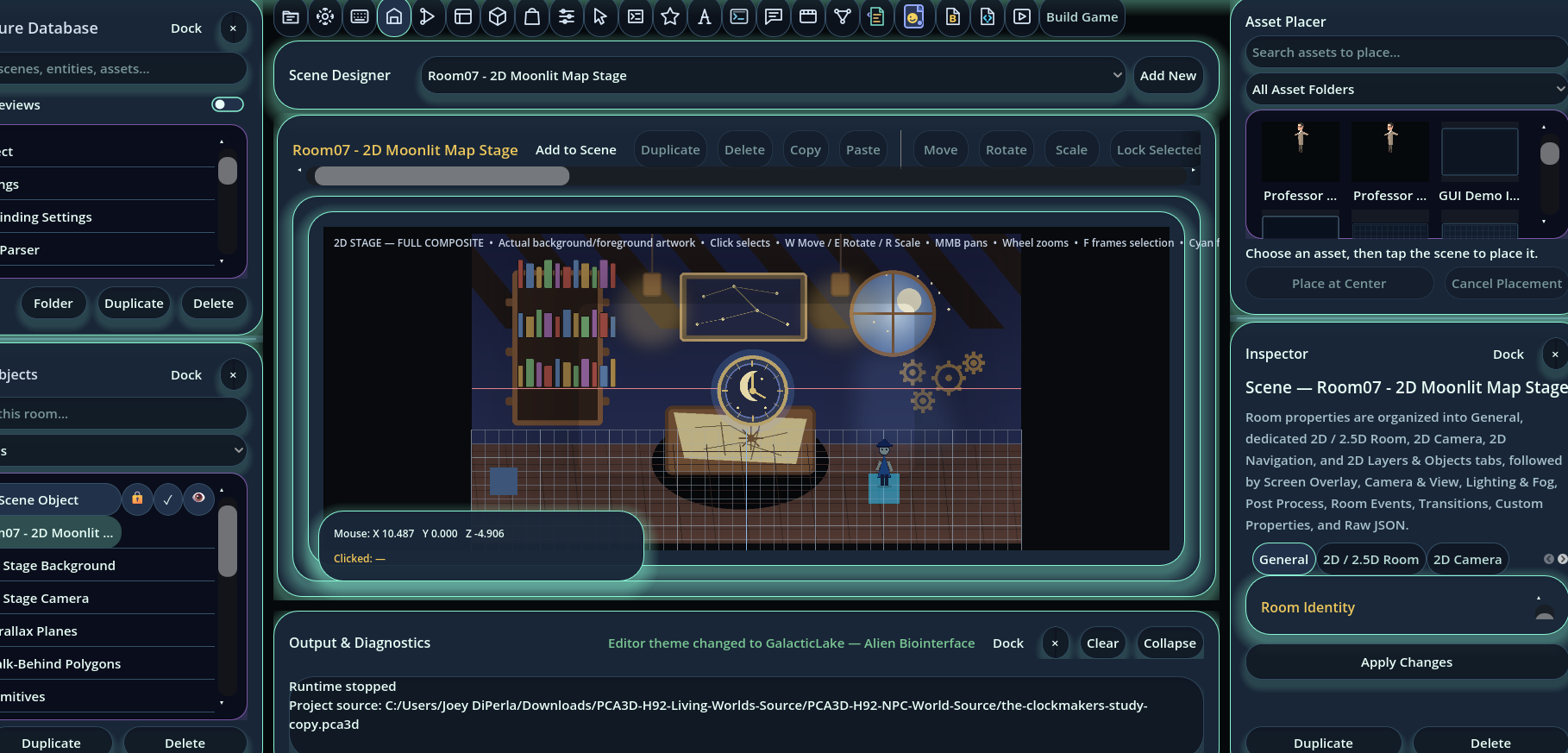
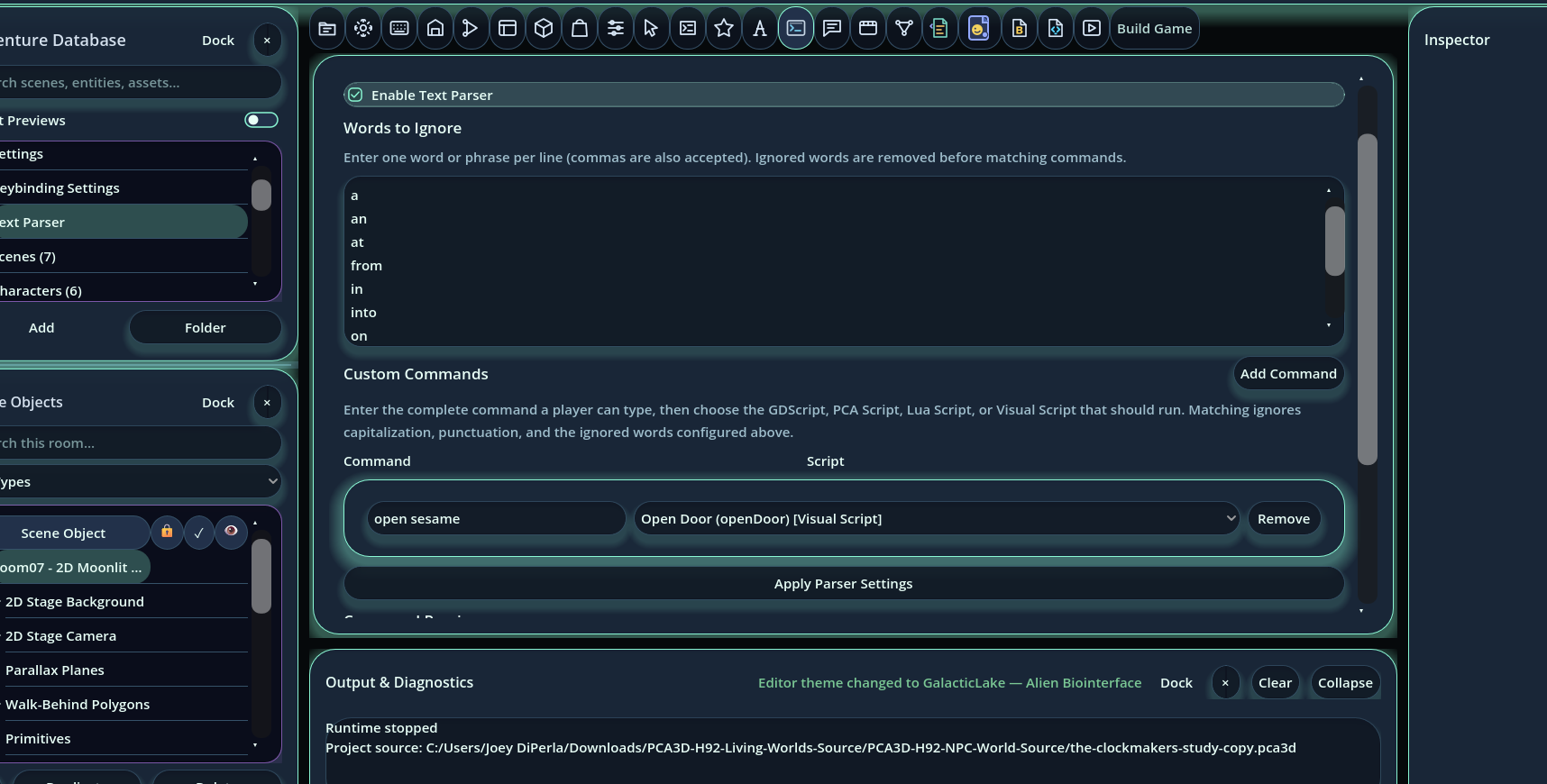
Work with illustrated rooms, interactive objects and classic adventure presentation.
Scenes & worlds

A classic 2D room in the Scene Designer
View 4 sources
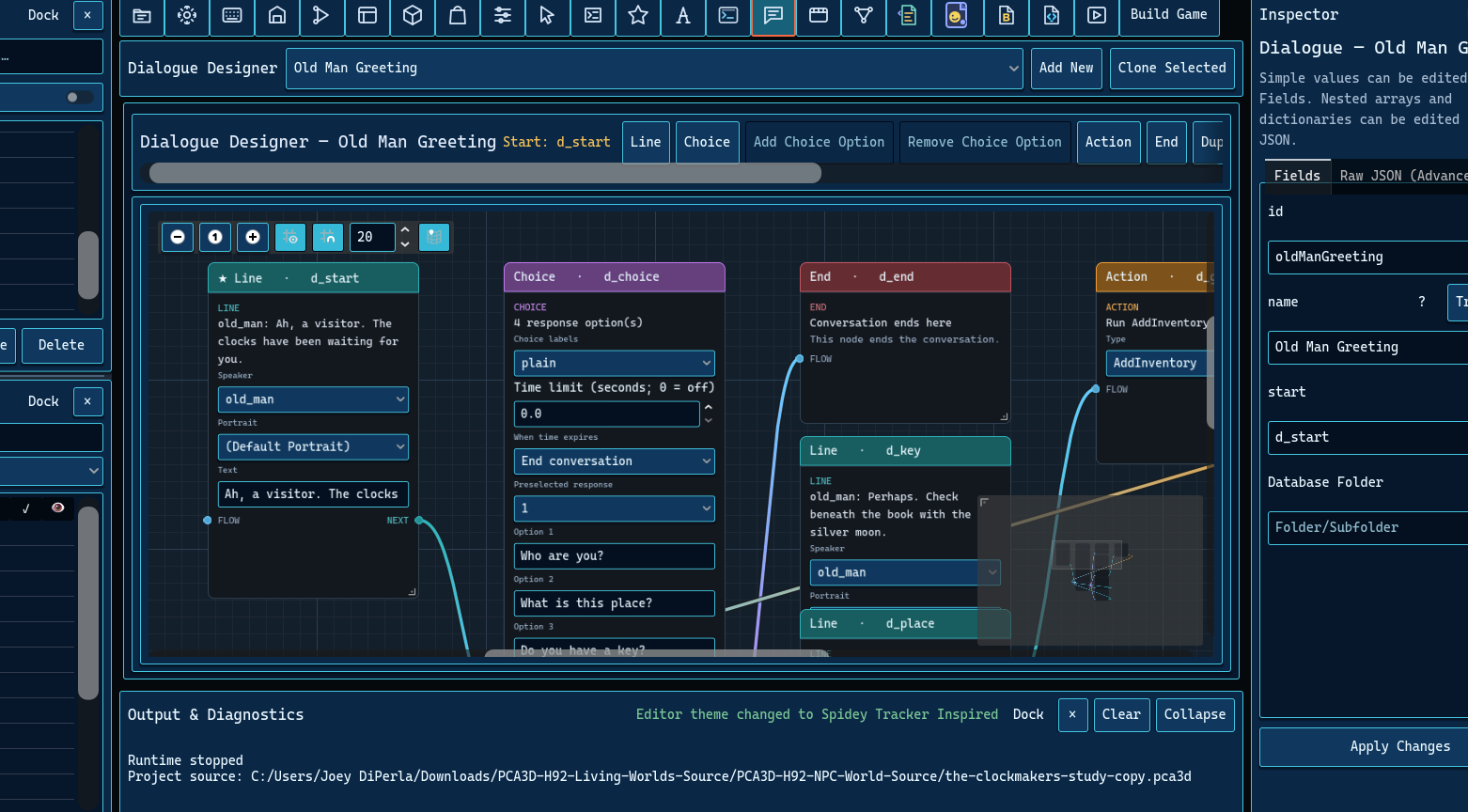
The adventure database and Text Parser Designer keep scene records and typed commands together.
Scripting & logic

Adventure records and parser commands
View 3 sources
Connect spoken lines, choices and outcomes in the Dialogue Designer.
Story & characters

Branching dialogue with Old Man Greeting
View 3 sources
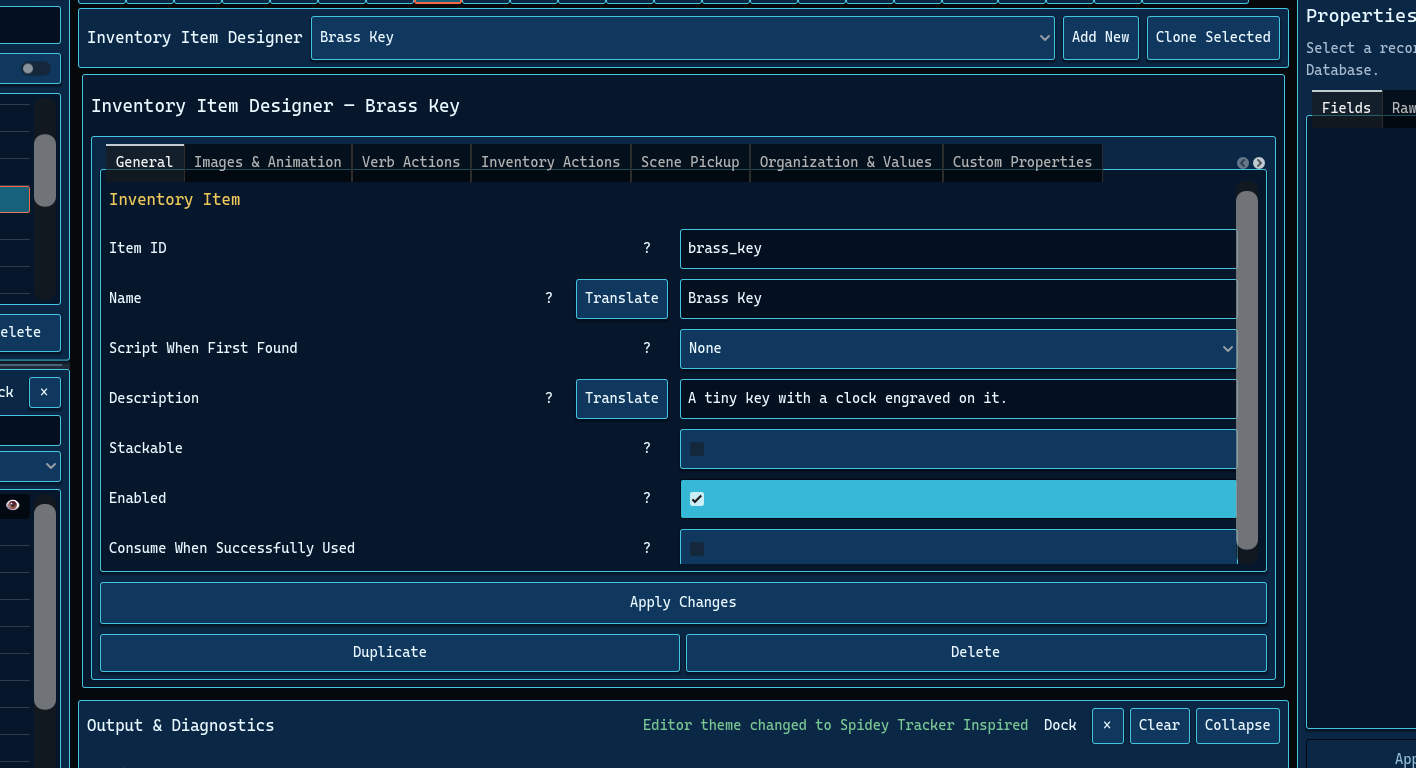
Set item identity, descriptions, interactions, combinations and other inventory properties.
Interface & inventory

Configuring the Brass Key inventory item
View 3 sources
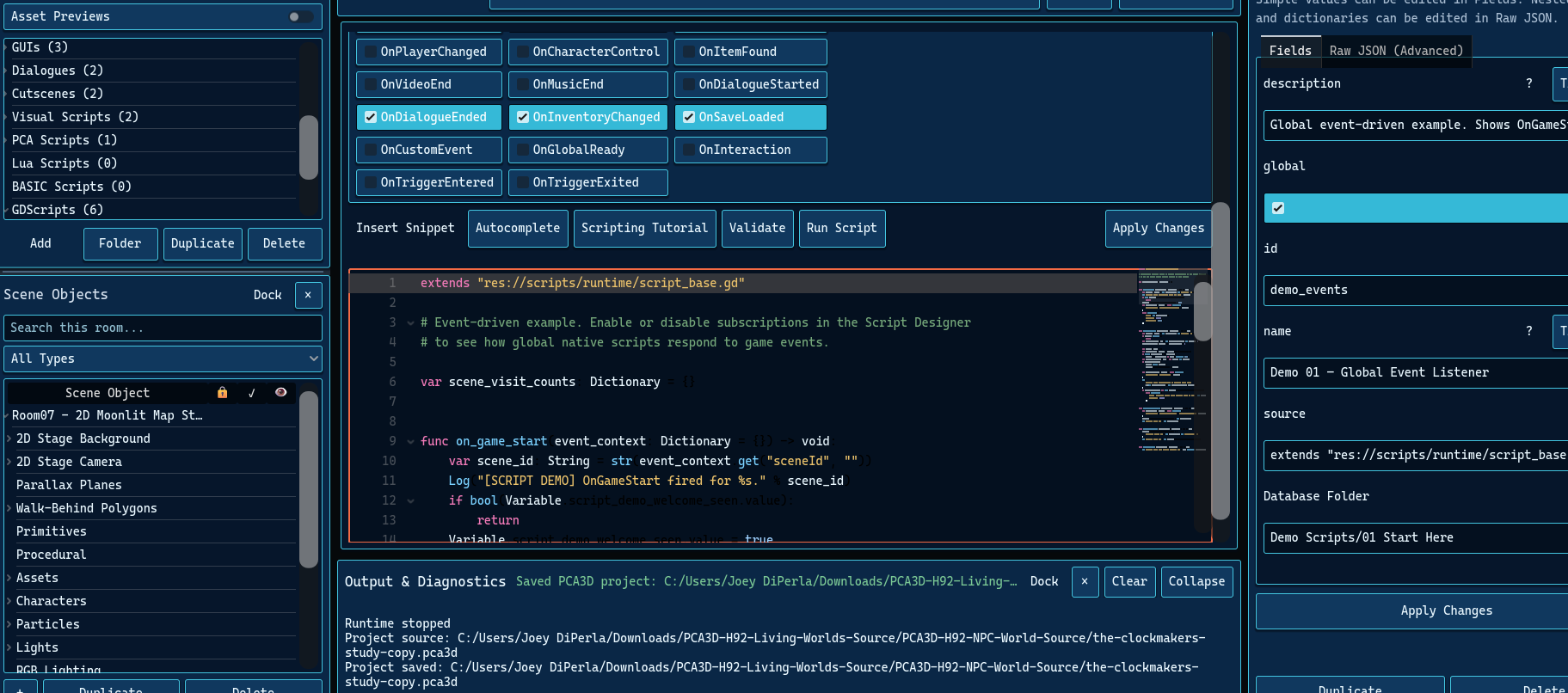
Edit gameplay scripts and select the scripting approach that fits the task.
Scripting & logic

Text scripting and reusable helper functions
View 3 sources
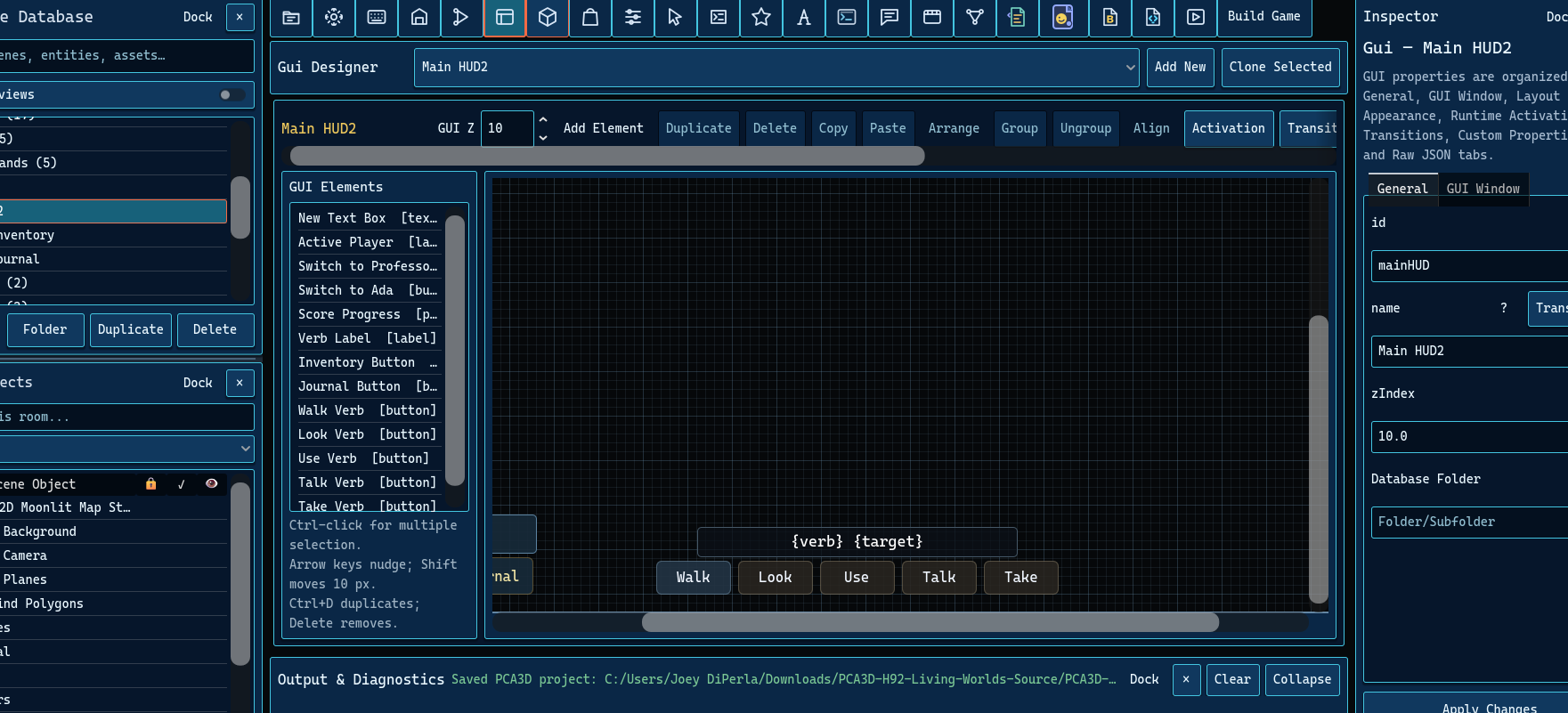
Arrange interface elements and configure their properties in the GUI Designer.
Interface & inventory

Building an interaction interface

View 2 sources
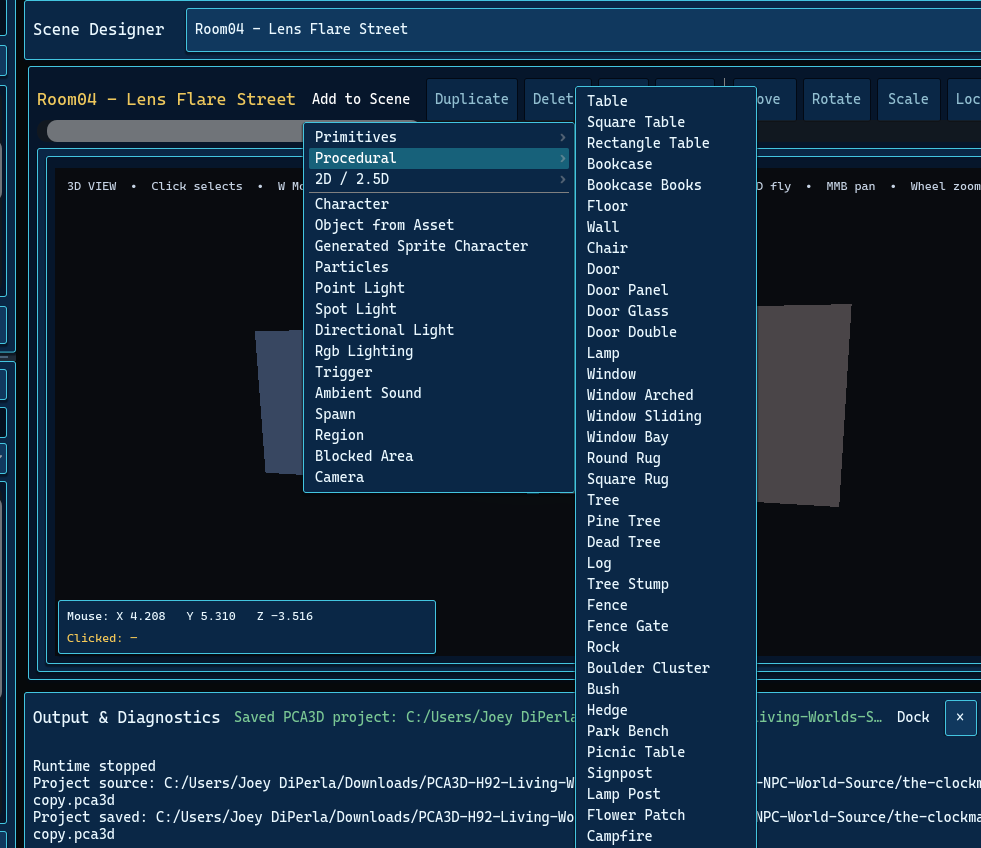
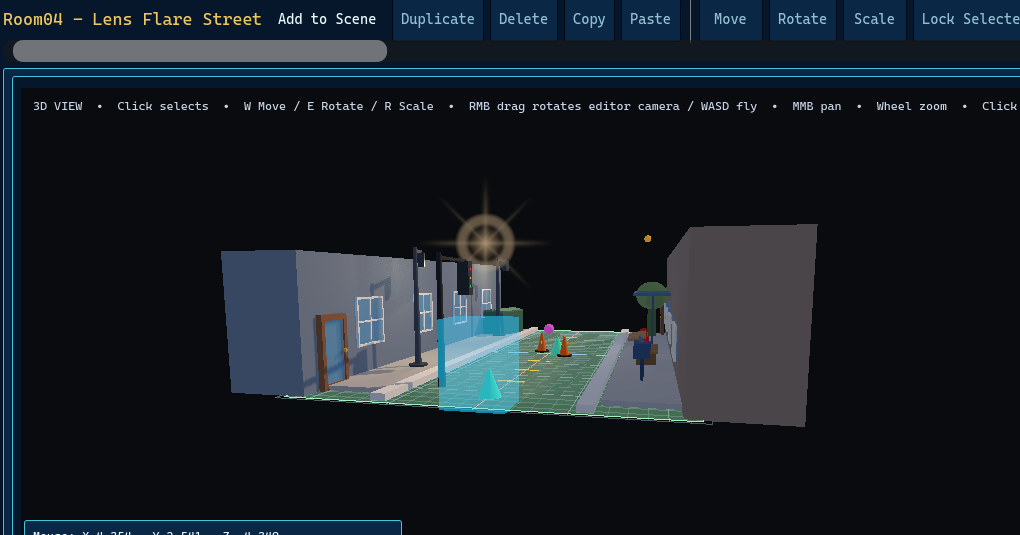
The procedural asset menu supplies furniture, structures and scenery for blocking out a room.
Scenes & worlds

Procedural scenery for rapid prototypes
View 3 sources
Test movement, camera placement and interactions in a room assembled before final artwork.
Scenes & worlds

A room prototype taking shape

View 3 sources
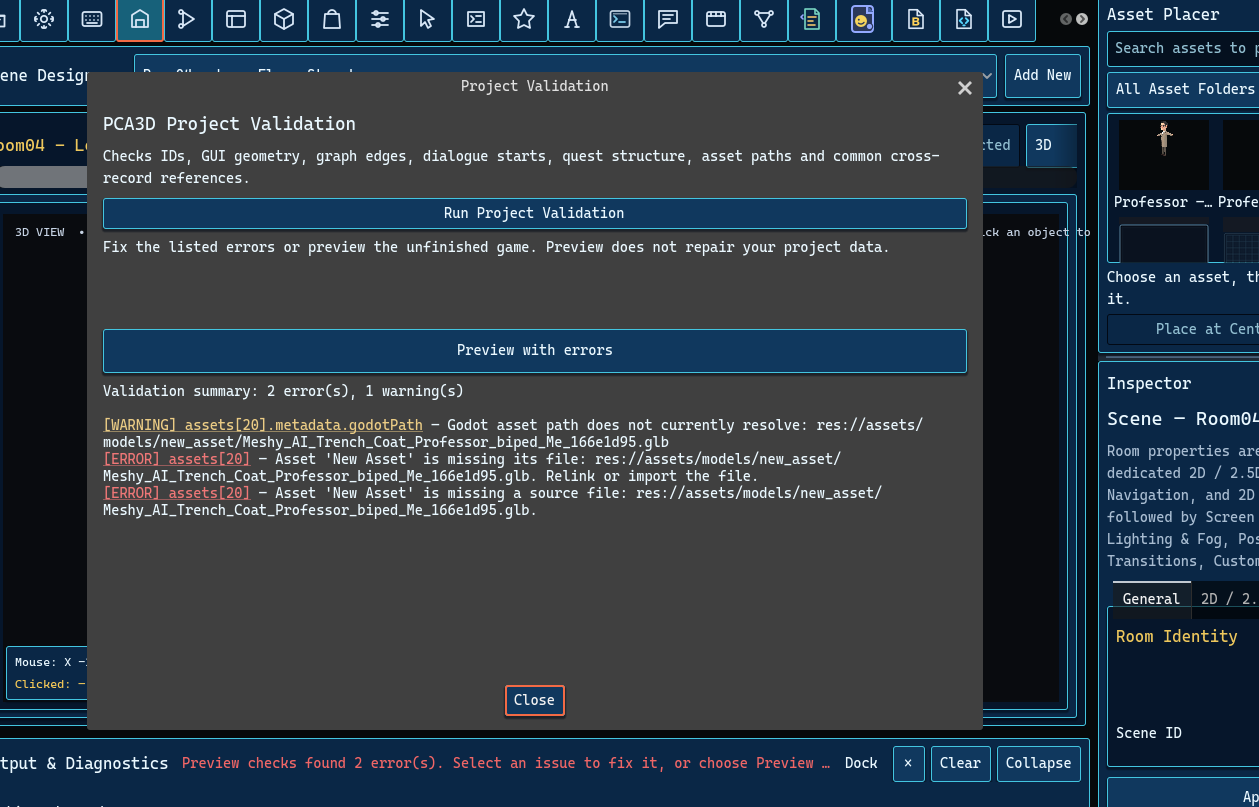
Project Validation reports issues such as missing IDs, assets or invalid script references.
Testing & localization

Checking a project for broken references
View 3 sources
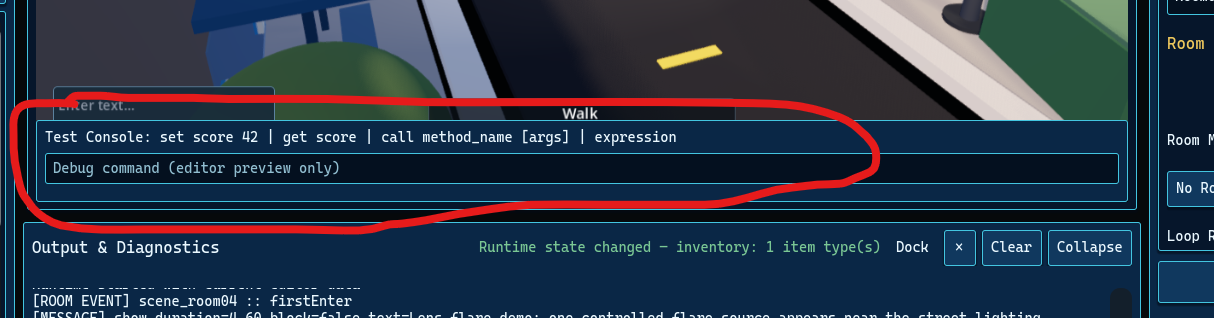
The game preview includes a command console and diagnostic output for checking runtime behavior.
Testing & localization

The in-game test console

View 3 sources
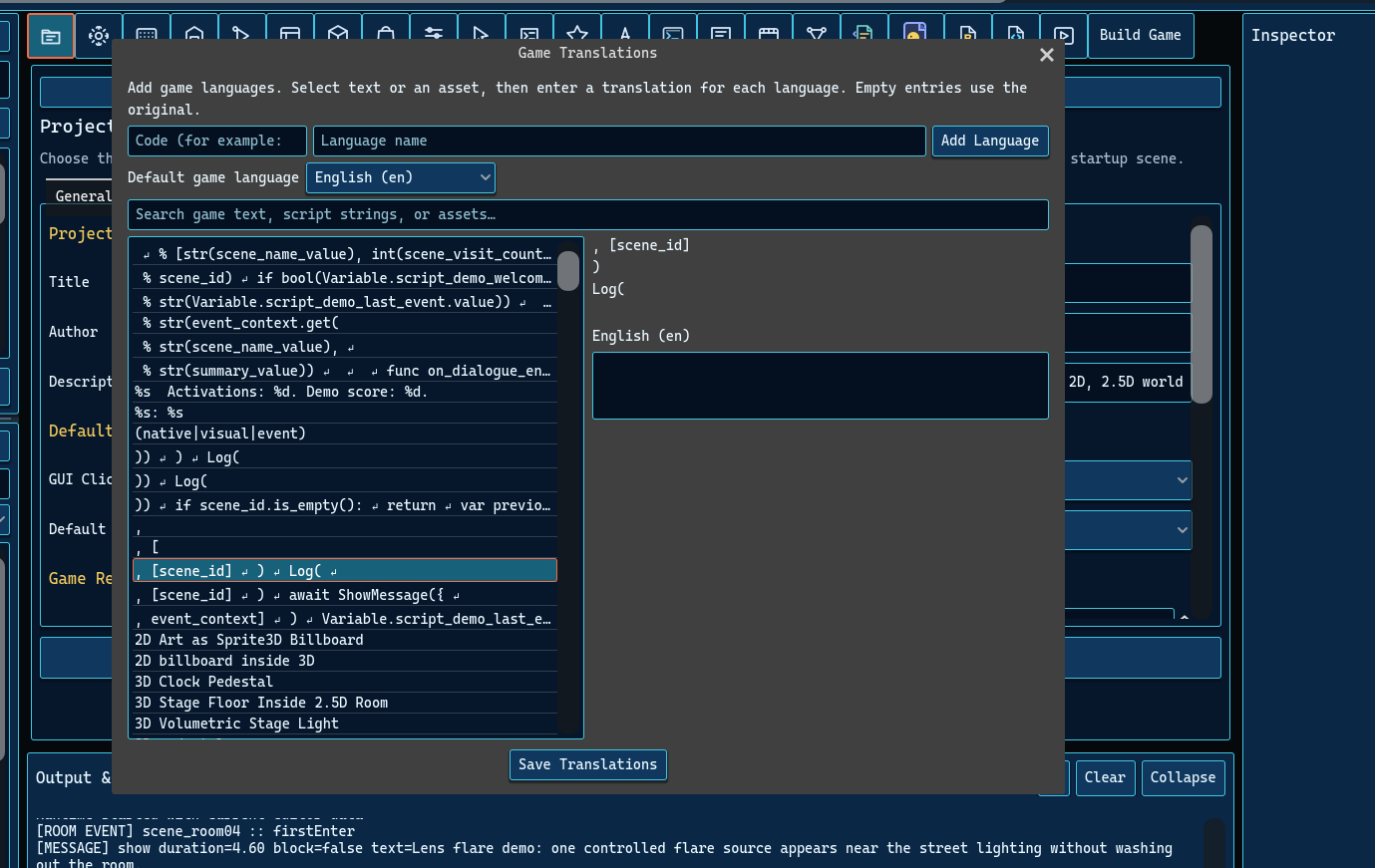
Choose a target language and edit translated game strings in the Game Translations window.
Testing & localization

Translating game text

View 4 sources
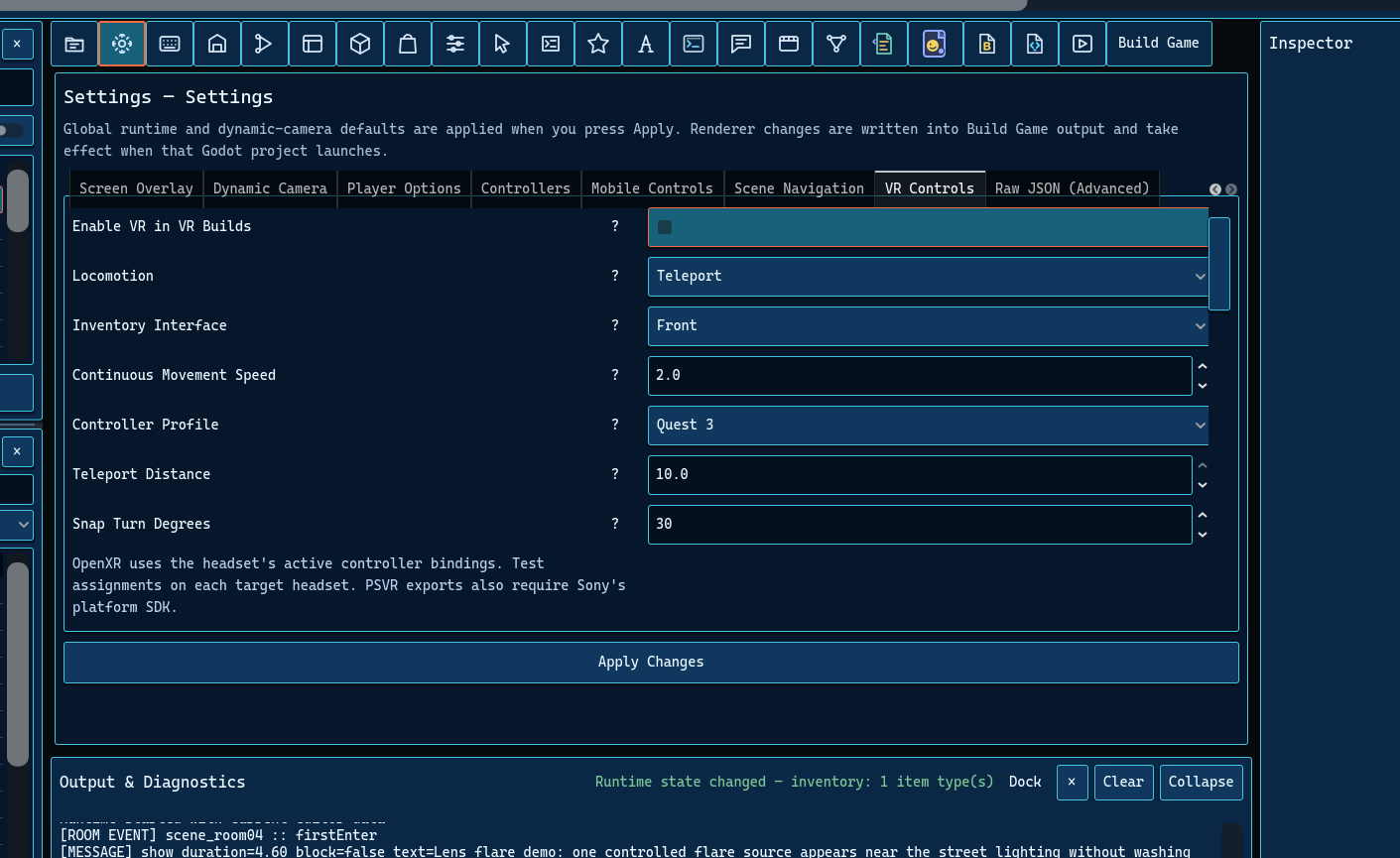
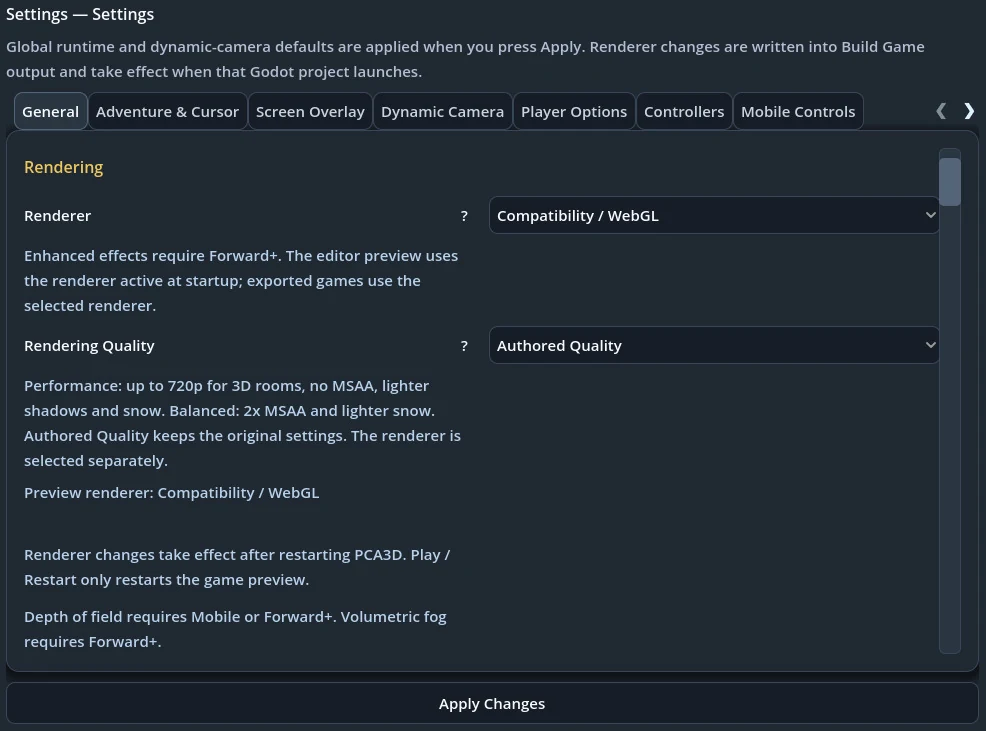
The project settings include VR options such as teleport locomotion, snap turning and controller behavior.
Build & export

Project settings for a Godot VR build
View 3 sources
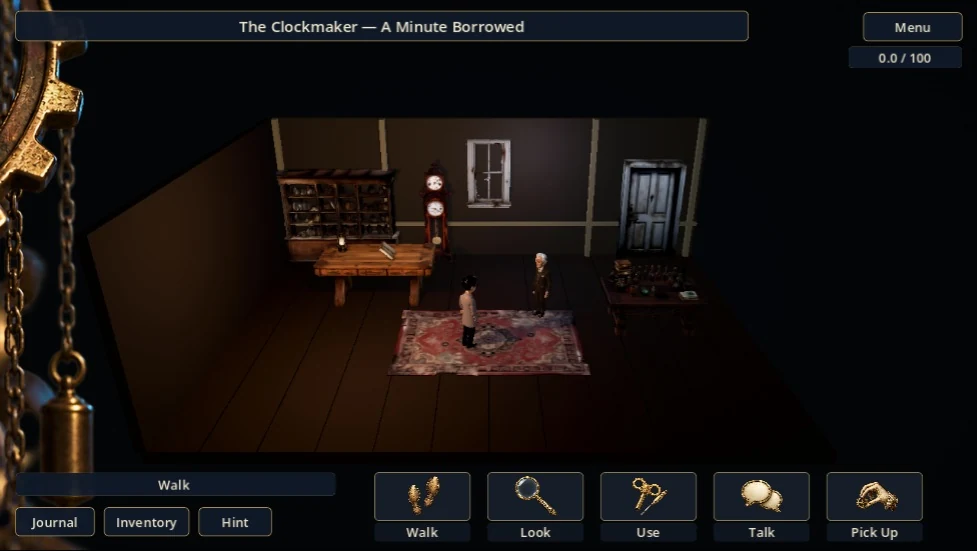
Clockmaker gameplay in the workshop
Scenes & worlds

Clockmaker gameplay in the workshop

View source
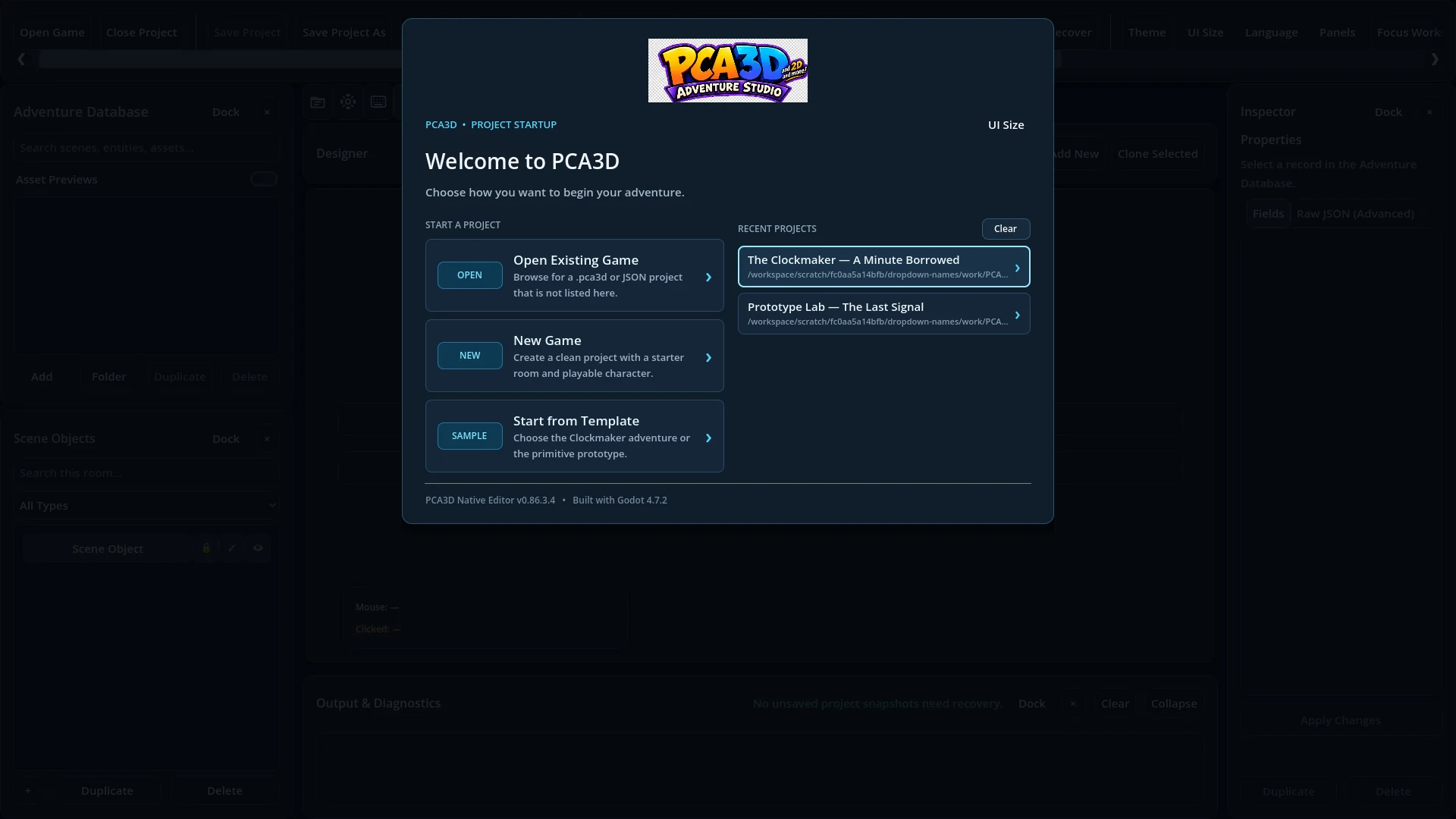
The welcome screen.
Scenes & worlds

The welcome screen.

View source
A supplied Primitive room in the editor.
Scenes & worlds

A supplied Primitive room in the editor.

View source
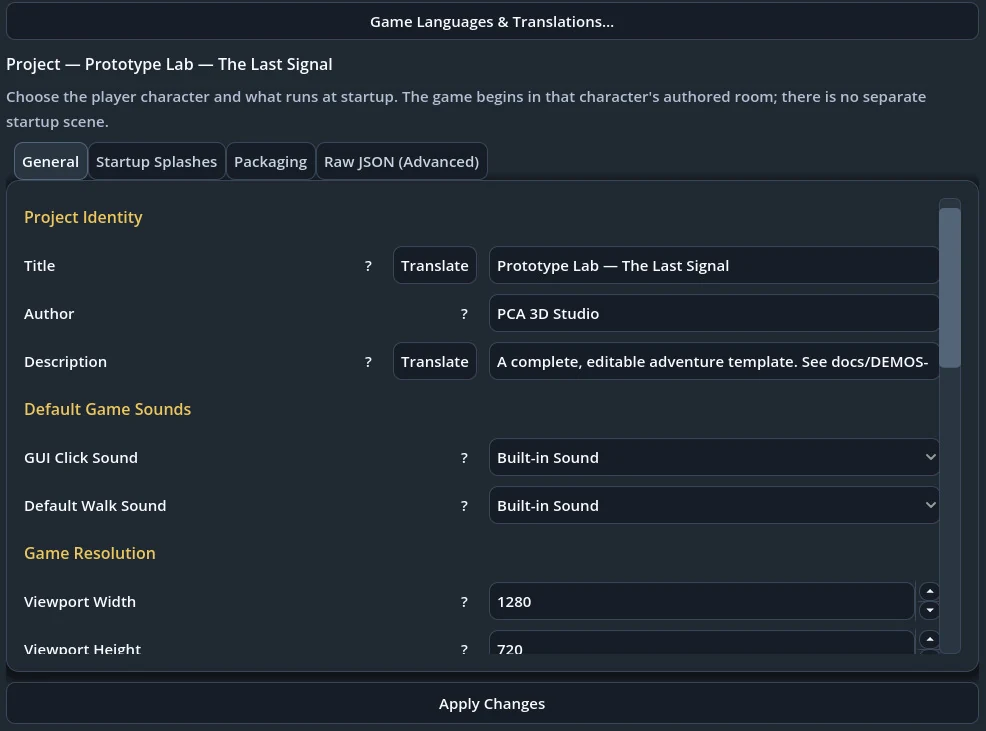
The Project form.
Scenes & worlds

The Project form.

View source
Shared game settings.
Scenes & worlds

Shared game settings.

View source