SEE WHAT YOU CAN MAKE
A closer look at PCA3D.
Explore real editor and gameplay screenshots from the itch.io page and the manual screenshot collection. Open any image to see the details.
1,127distinct screenshots
Scene building, interfaces, scripting, cinematics and the details in between. Repeated images share one entry, with their guide and page references kept together.
Explore the features1,127 screenshots · 217–240
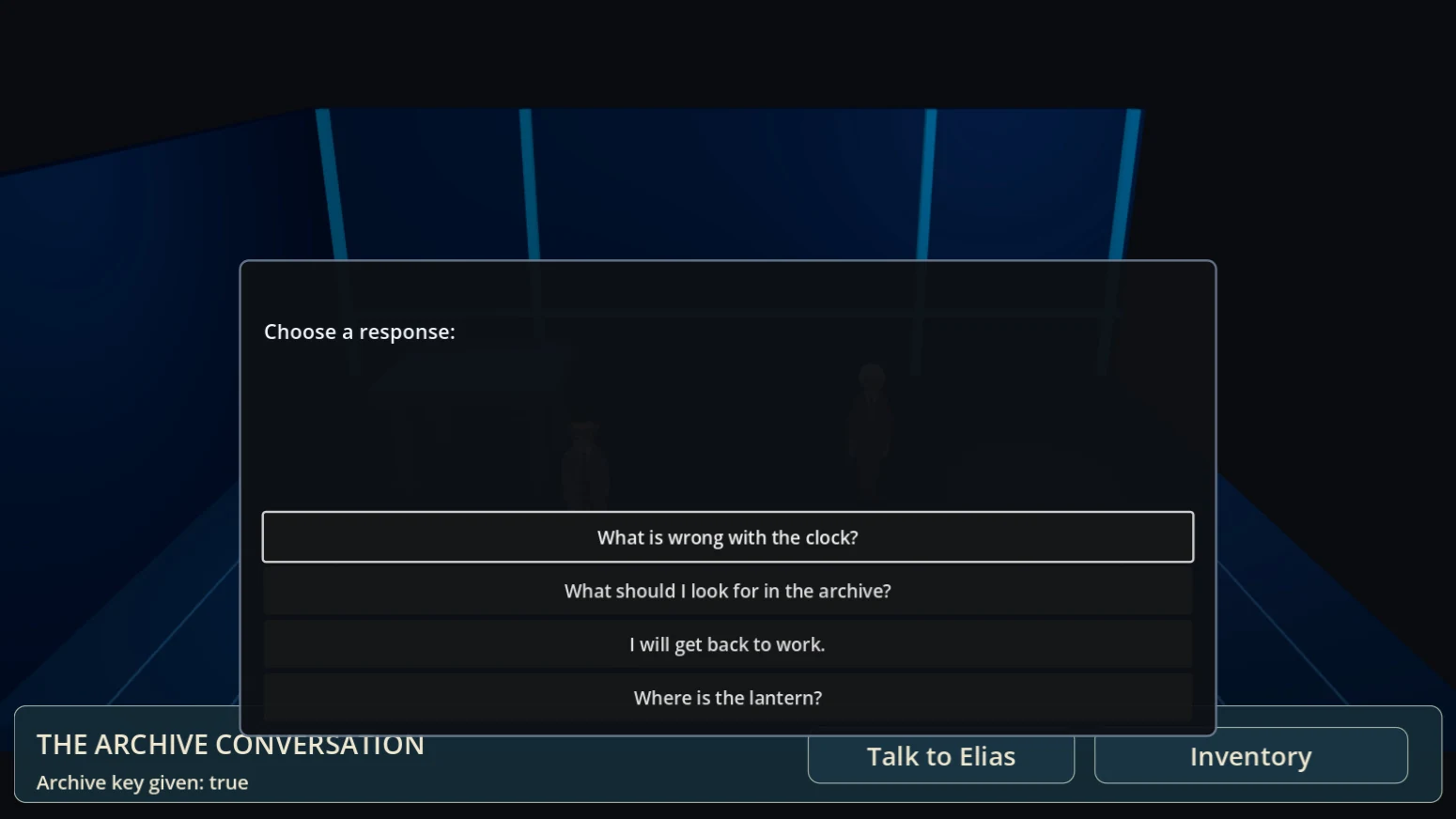
The new lantern question appears in the running conversation.
View source
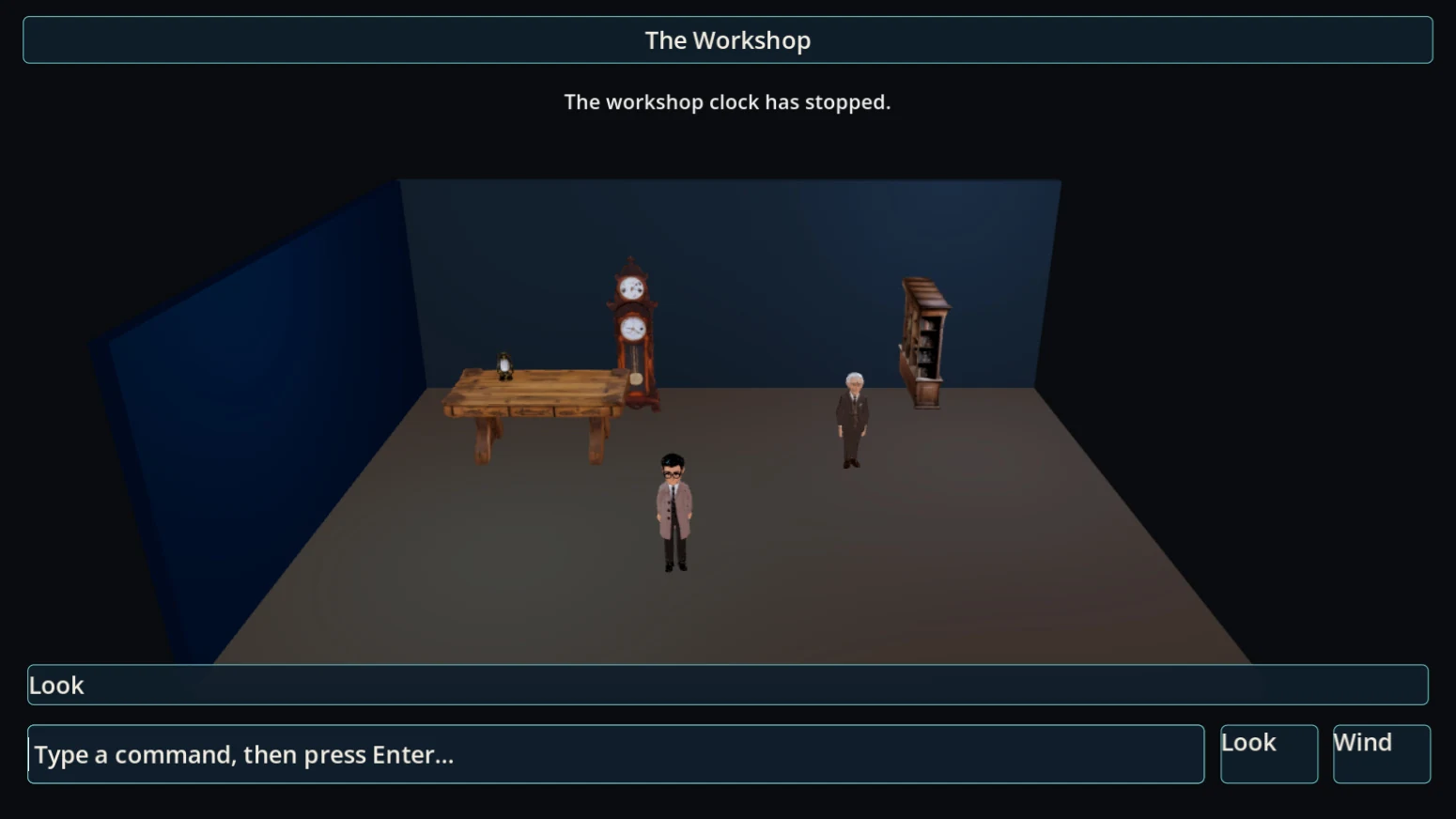
Text commands in the workshop adventure
View 2 sources
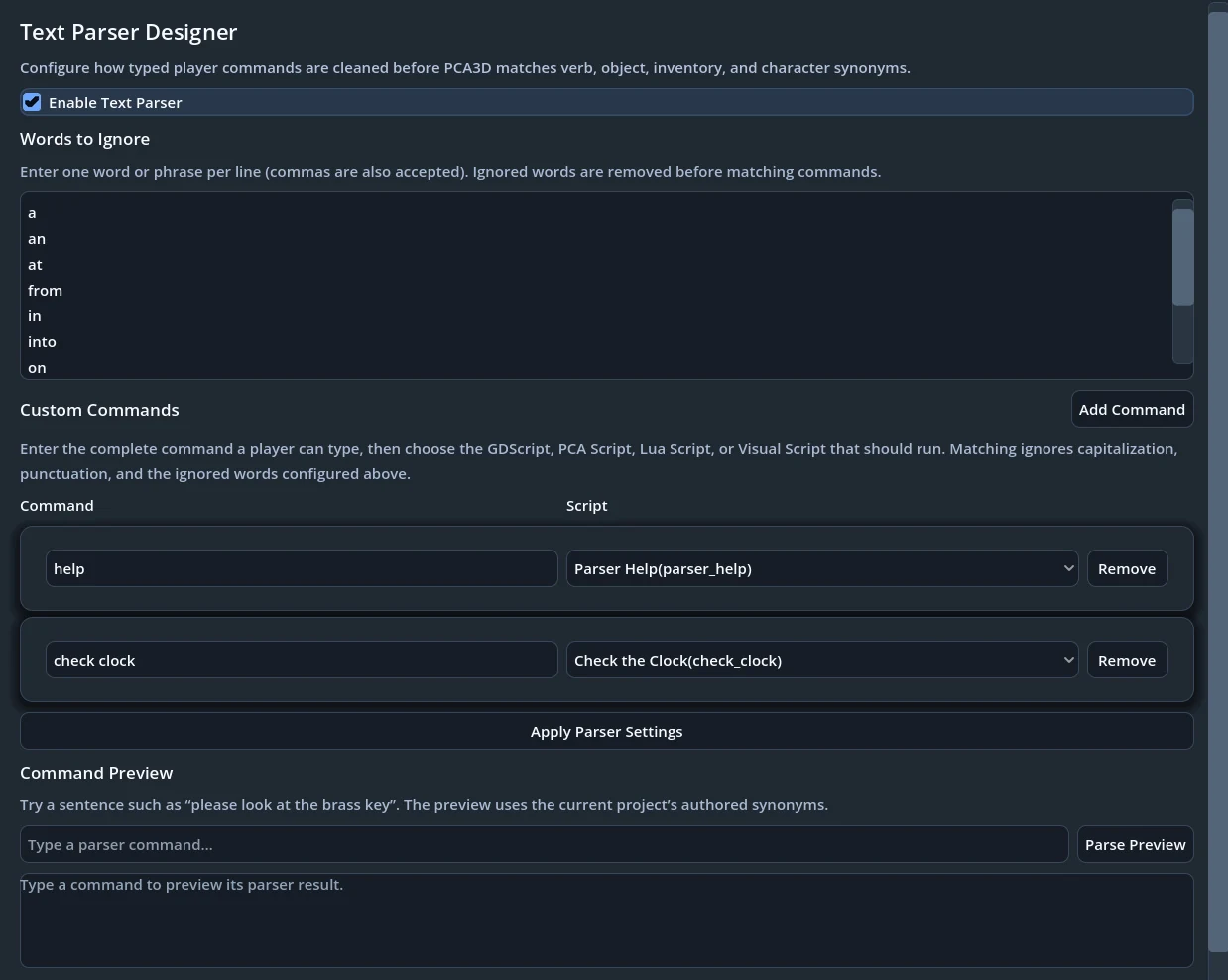
The Text Parser Designer in the running editor.
View source
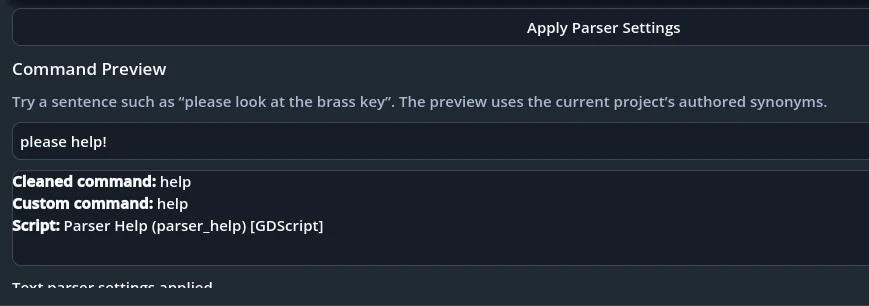
The accepted settings show a confirmation beneath Command Preview.
View source
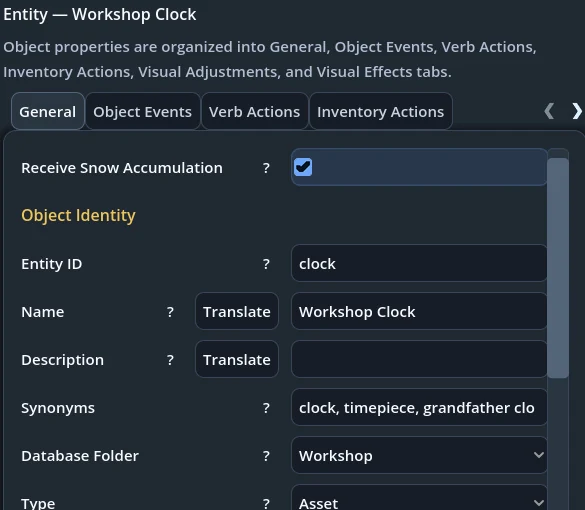
The scene object's identity and Synonyms field.
View source

Look accepts examine, inspect and observe.
View source

Wind is a separate command.
View source
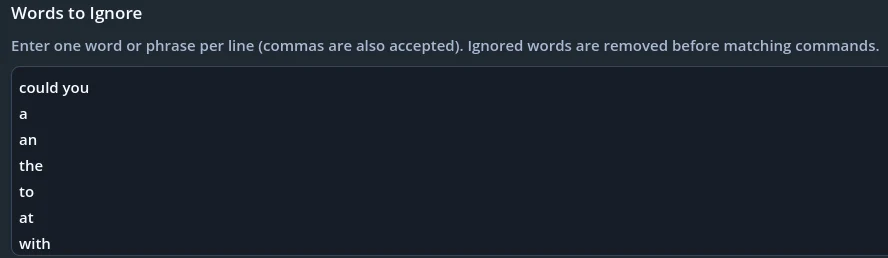
An added phrase, could you, sits in the same list as single ignored words.
View source
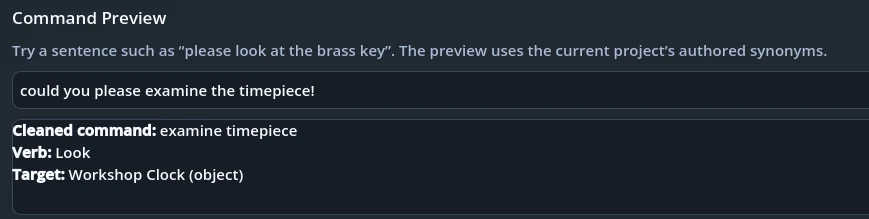
The sentence loses the filler phrase and still finds Look and Workshop Clock.
View source
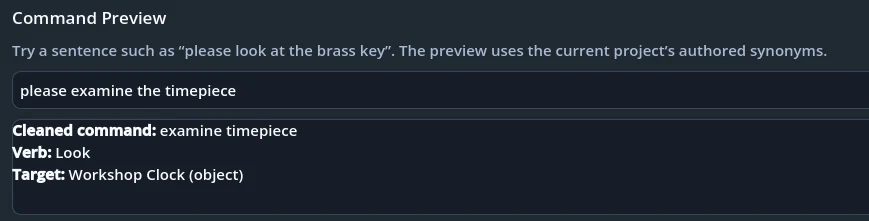
An ordinary command preview shows the cleaned words, recognised verb and recognised target.
View source
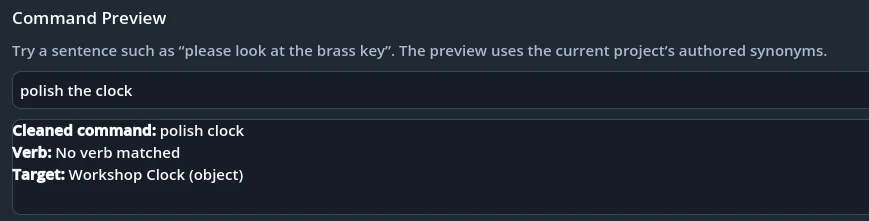
The clock is recognised, but polish has no matching verb in this example.
View source
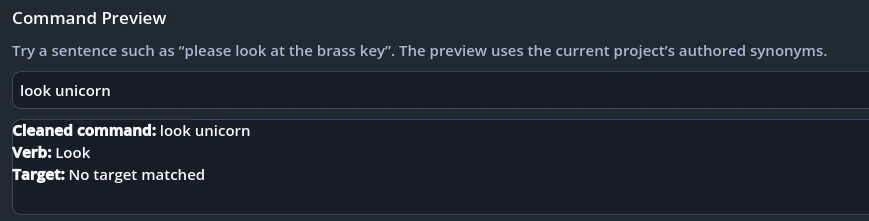
Look is recognised, while unicorn is not a target in the example.
View source
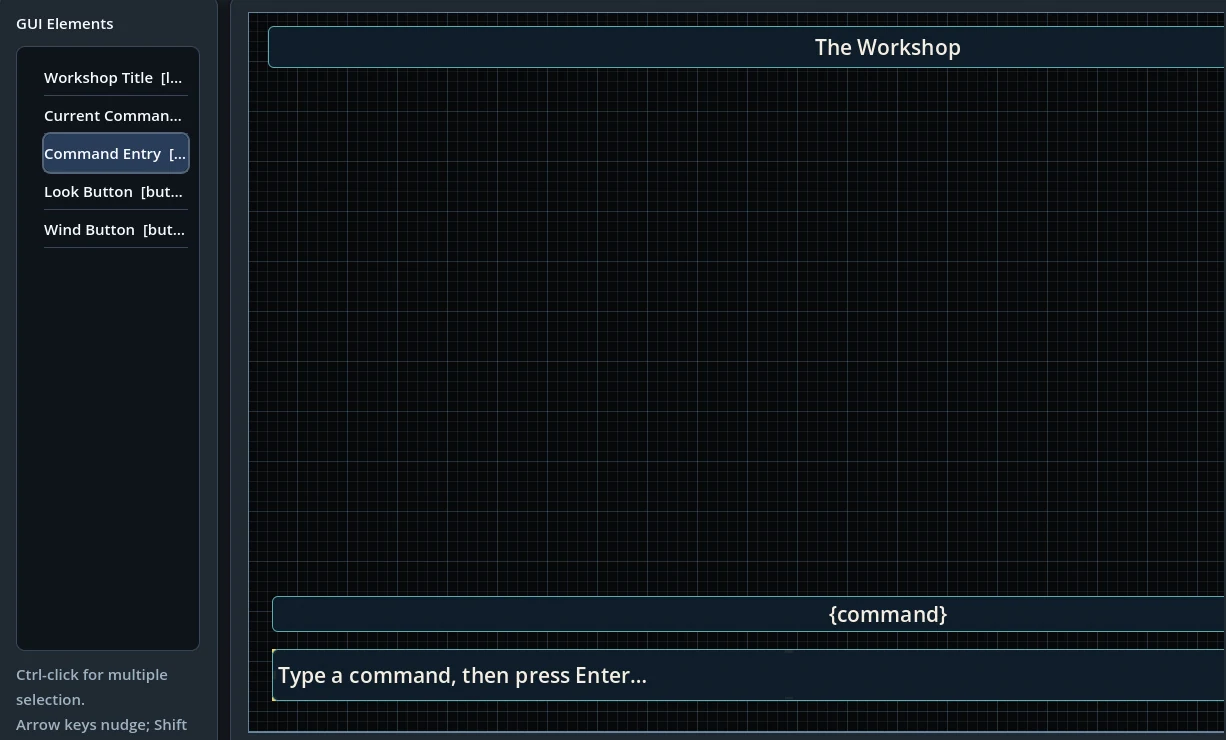
The command-entry element is selected in GUI Designer.
View source
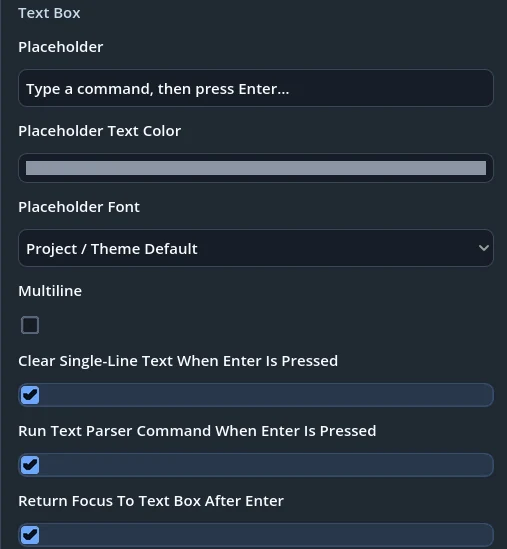
These are the three Enter options used by the example.
View source
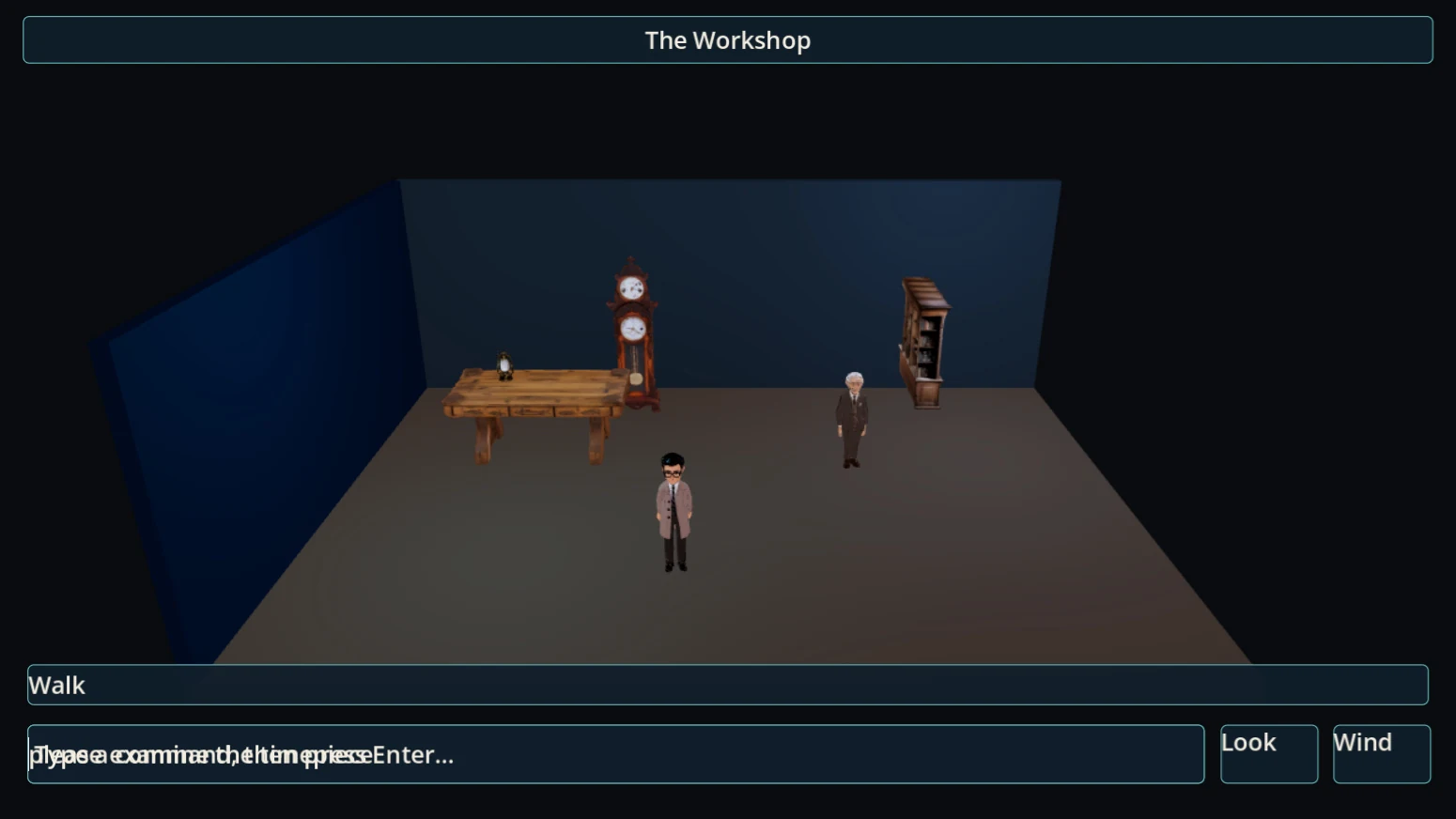
The sentence is entered in the actual game preview, before submission.
View source
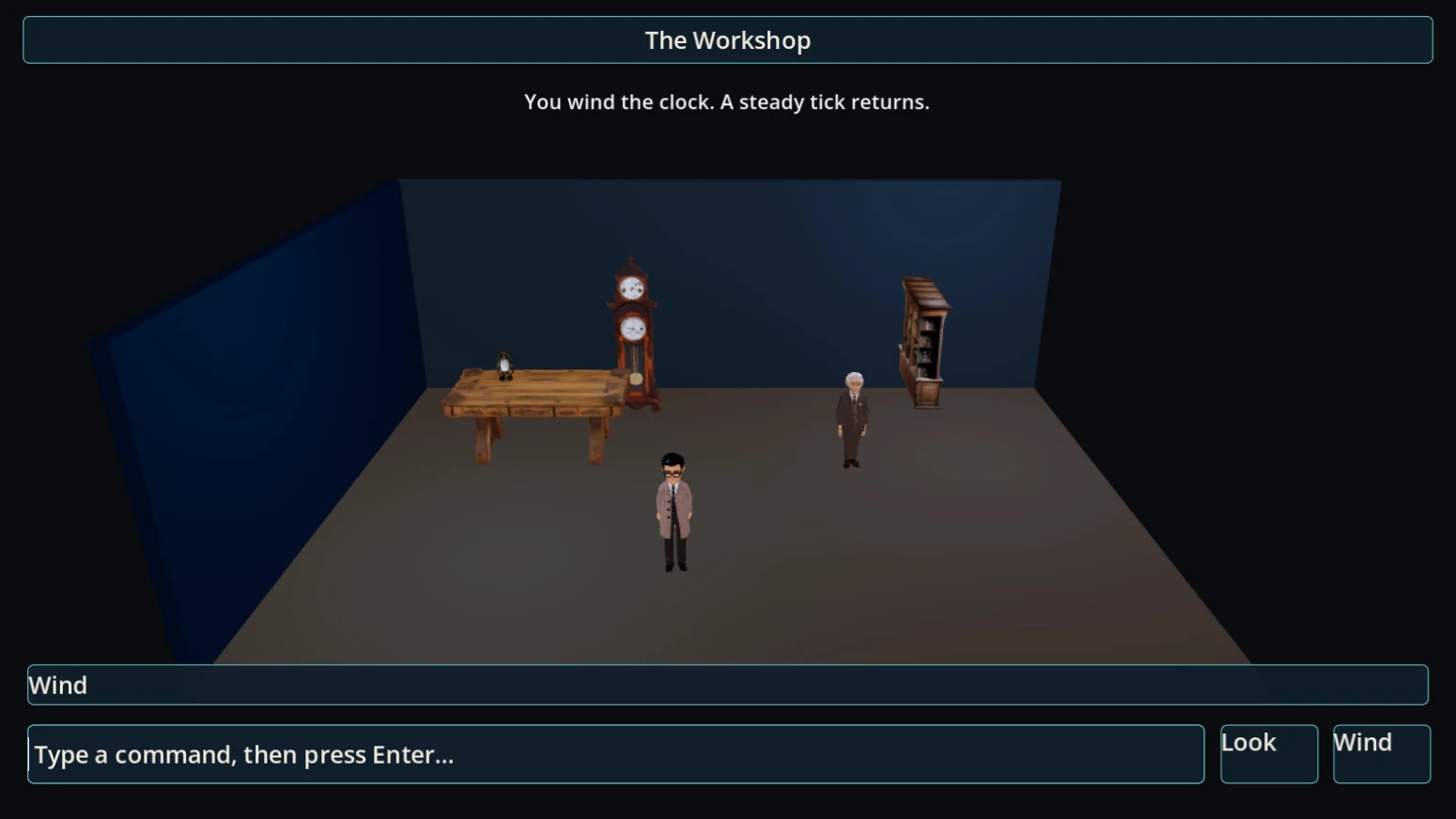
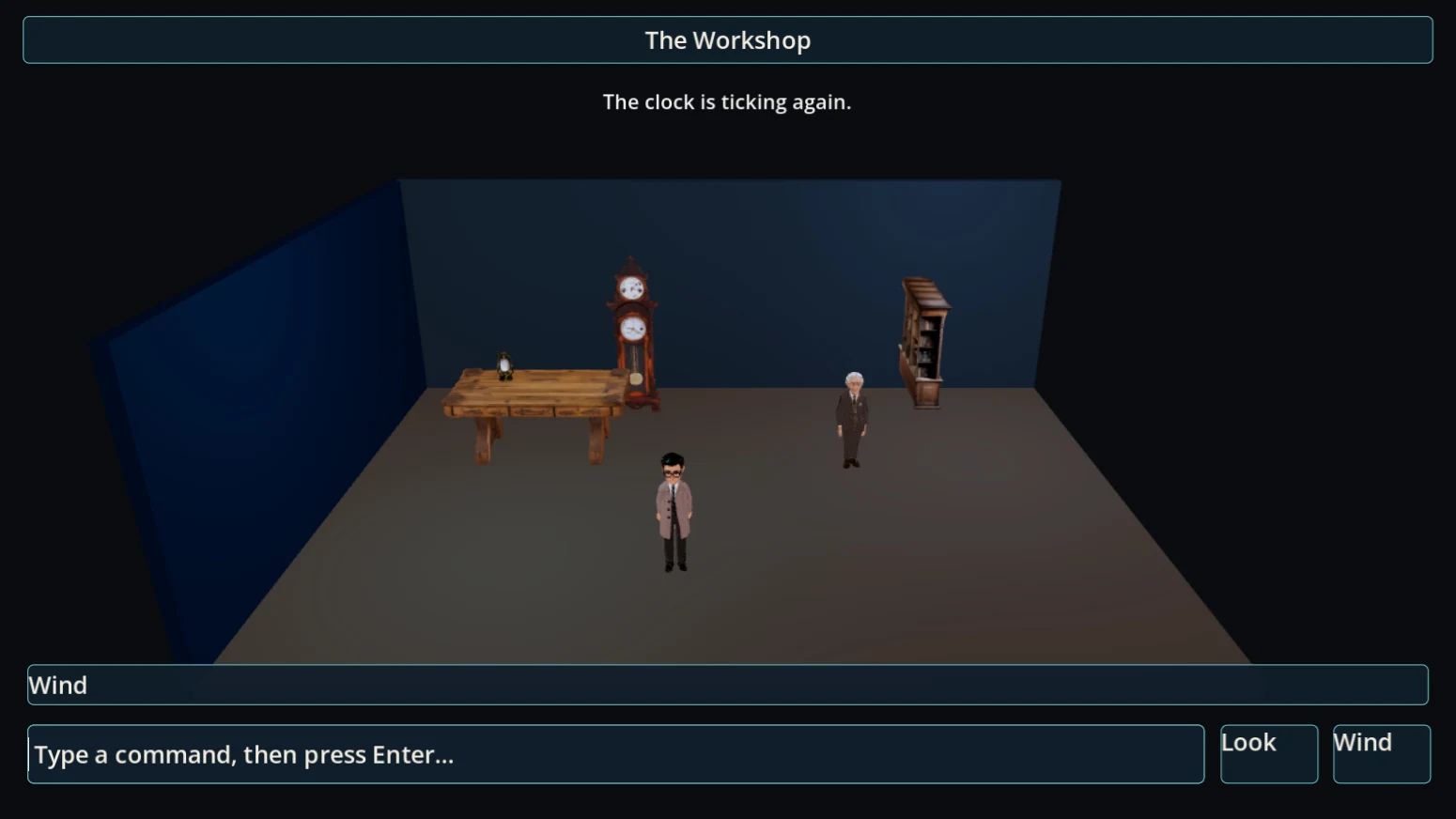
The typed Wind command reaches the authored response in the game.
View source
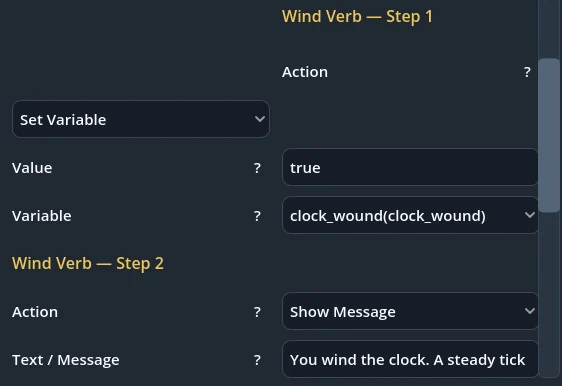
The clock's Wind response sets clock_wound, then shows the result.
View source
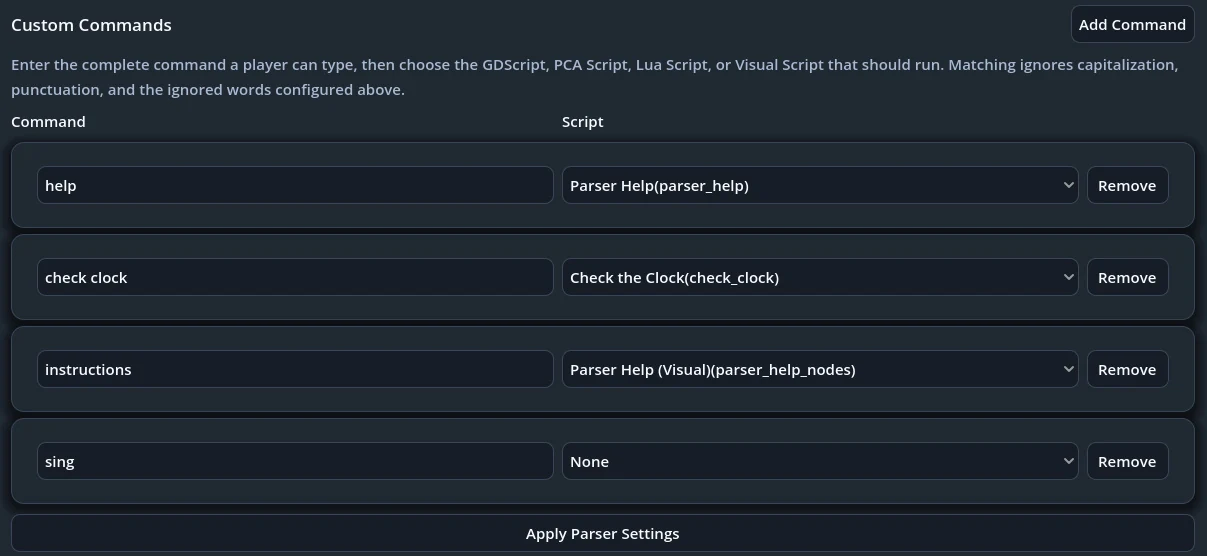
Custom rows pair a complete phrase with a script.
View source
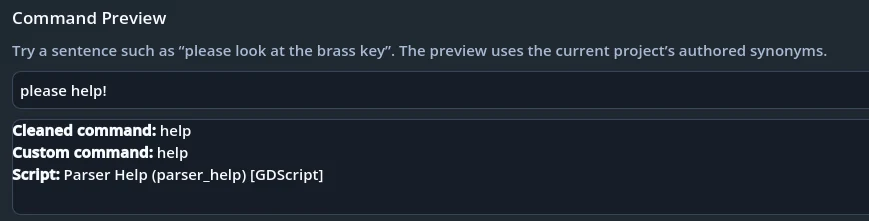
The preview identifies a custom command and its script instead of giving an ordinary verb-and-target result.
View source
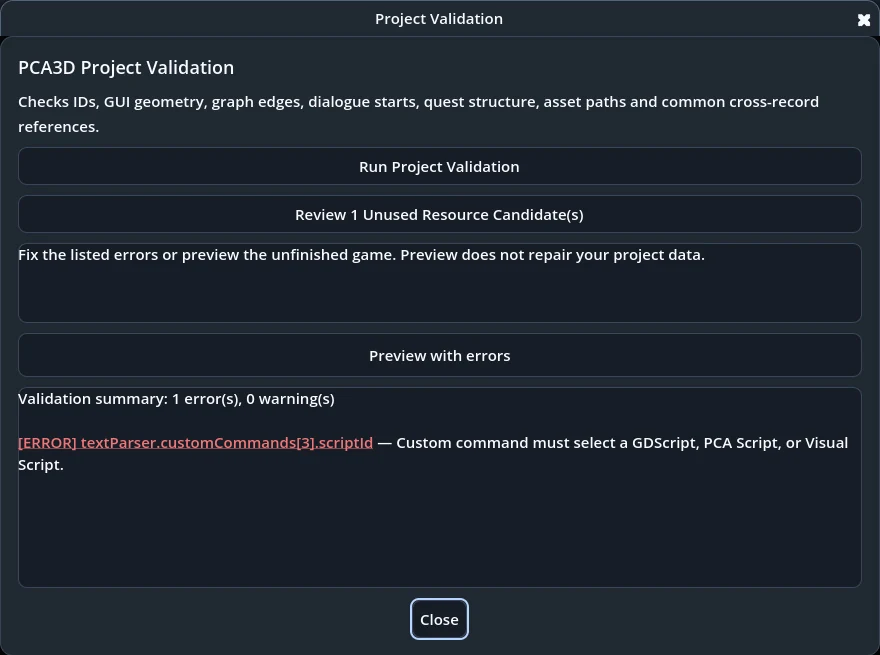
Project Validation catches a custom command with no assigned script.
View source
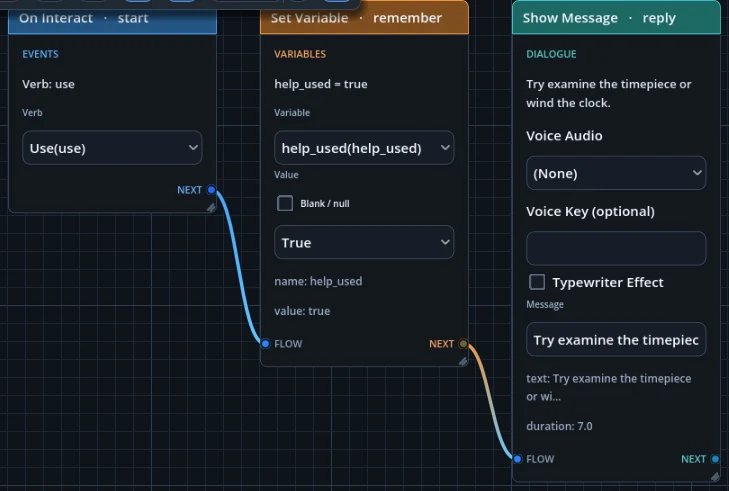
A working visual handler.
View source
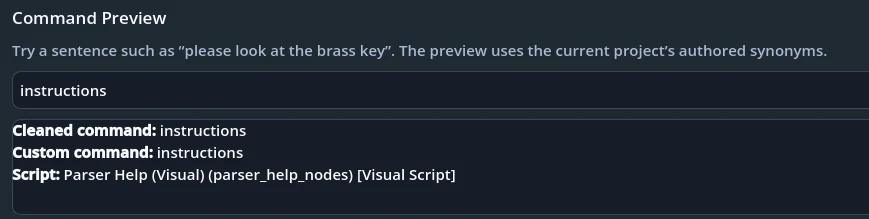
The instructions phrase is connected to the visual handler and is identified correctly in Command Preview.
View source
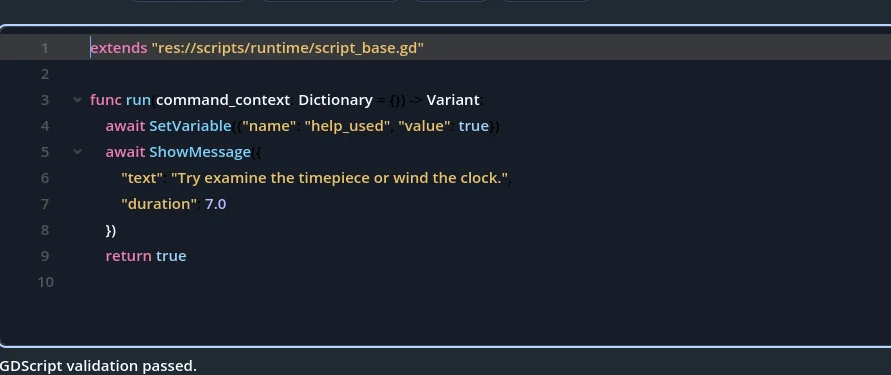
The Help handler in the engine's GDScript editor.
View source