SEE WHAT YOU CAN MAKE
A closer look at PCA3D.
Explore real editor and gameplay screenshots from the itch.io page and the manual screenshot collection. Open any image to see the details.
1,127distinct screenshots
Scene building, interfaces, scripting, cinematics and the details in between. Repeated images share one entry, with their guide and page references kept together.
Explore the features1,127 screenshots · 289–312

Lua script identity and global-instance settings
View source
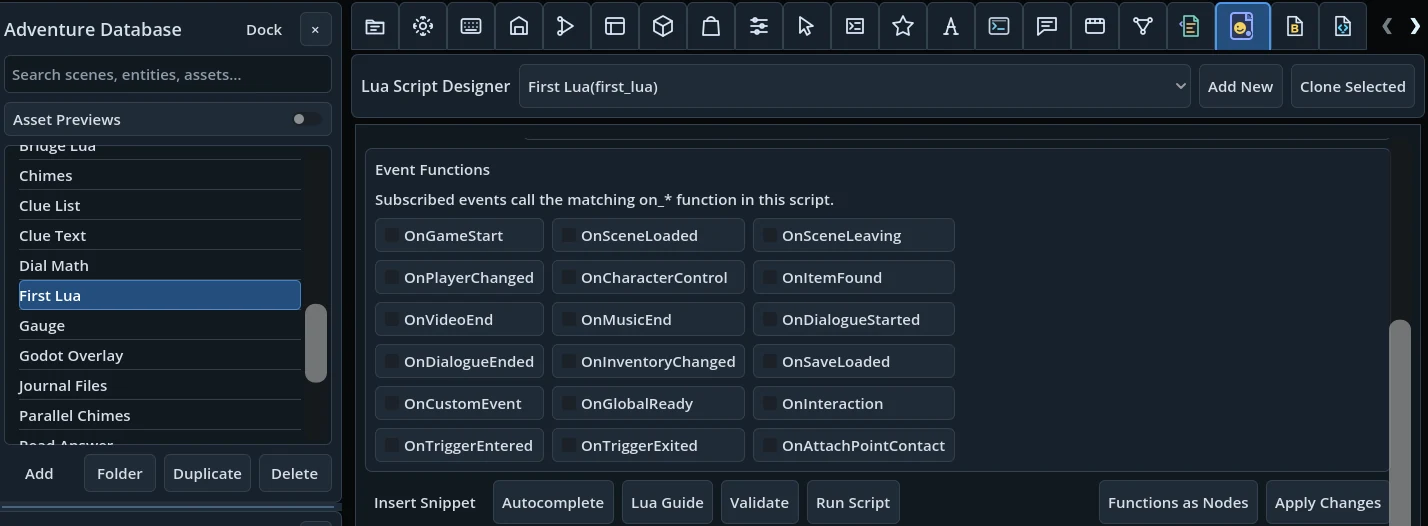
The Lua Designer and script workspace
View source

Lua output displayed in the running adventure
View source

A Lua validation error in the editor
View source

Lua editing, validation and run controls
View source

A Boolean game variable for a Lua puzzle
View source
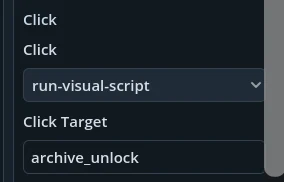
A button event linked to a Lua script record
View source
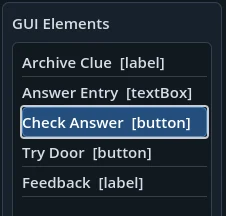
GUI elements for the Lua archive puzzle
View source
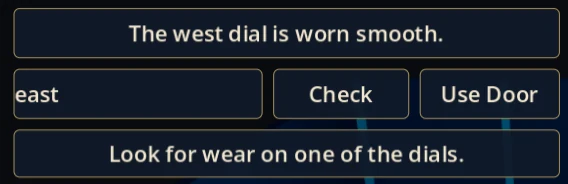
Lua puzzle feedback for an incorrect answer
View source
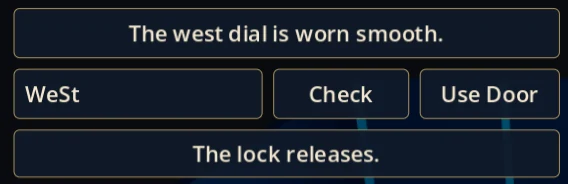
Lua puzzle feedback after the lock releases
View source
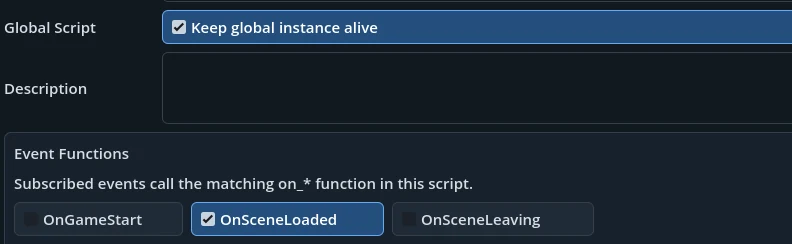
Scene-loaded event subscriptions on a Lua record
View source
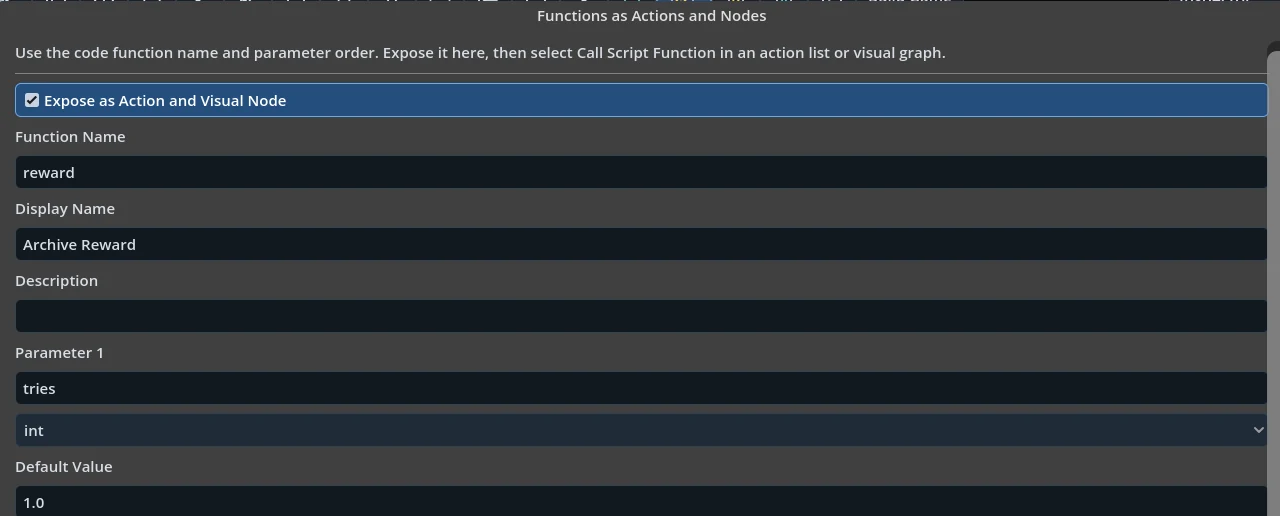
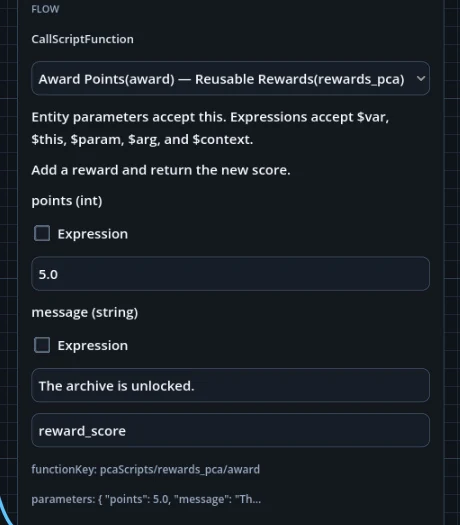
A Lua function exposed as a visual node
View source

The PCA Script workspace, using a real script in the editor.
View source
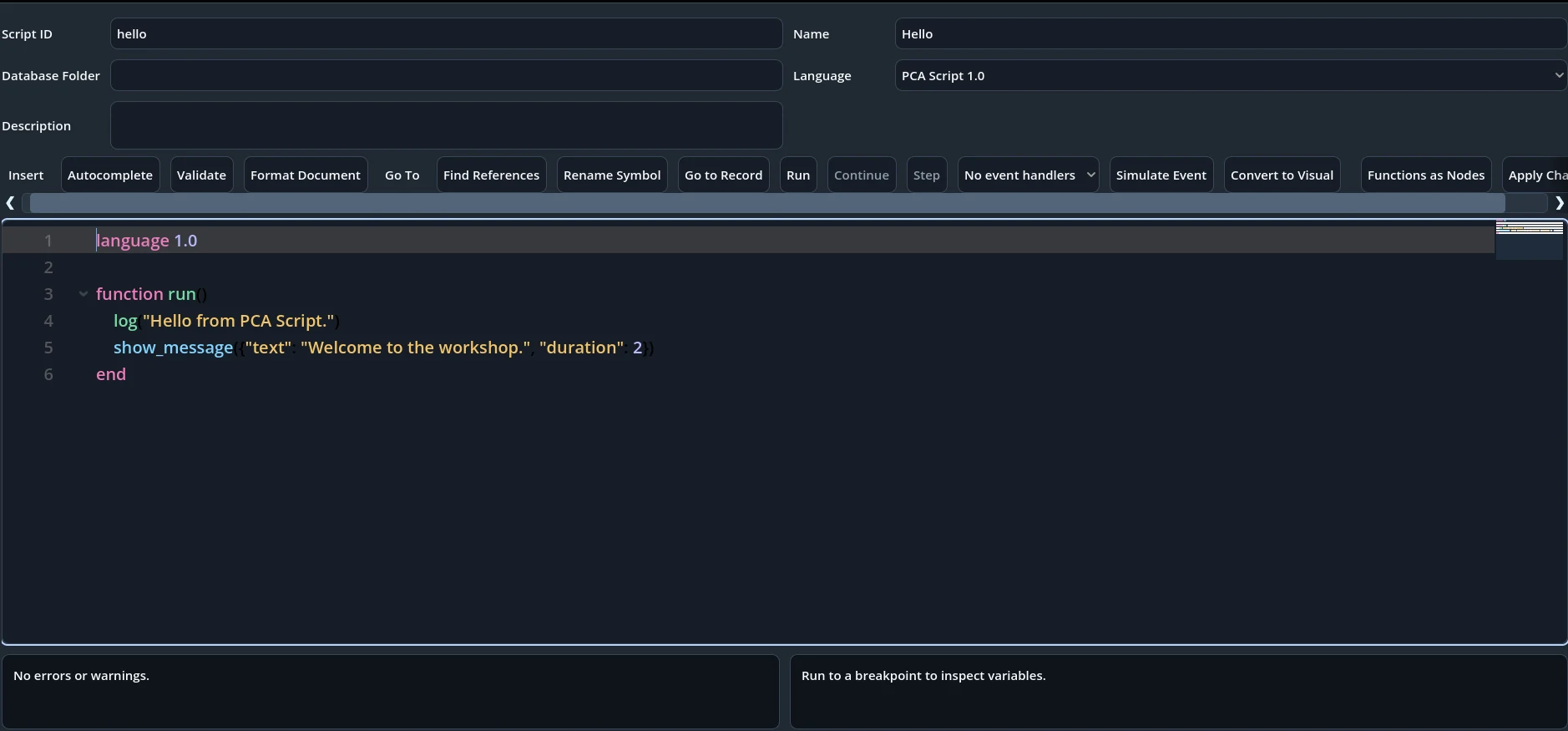
A PCA Script record in the editor, with source, validation results and the script toolbar.
View source
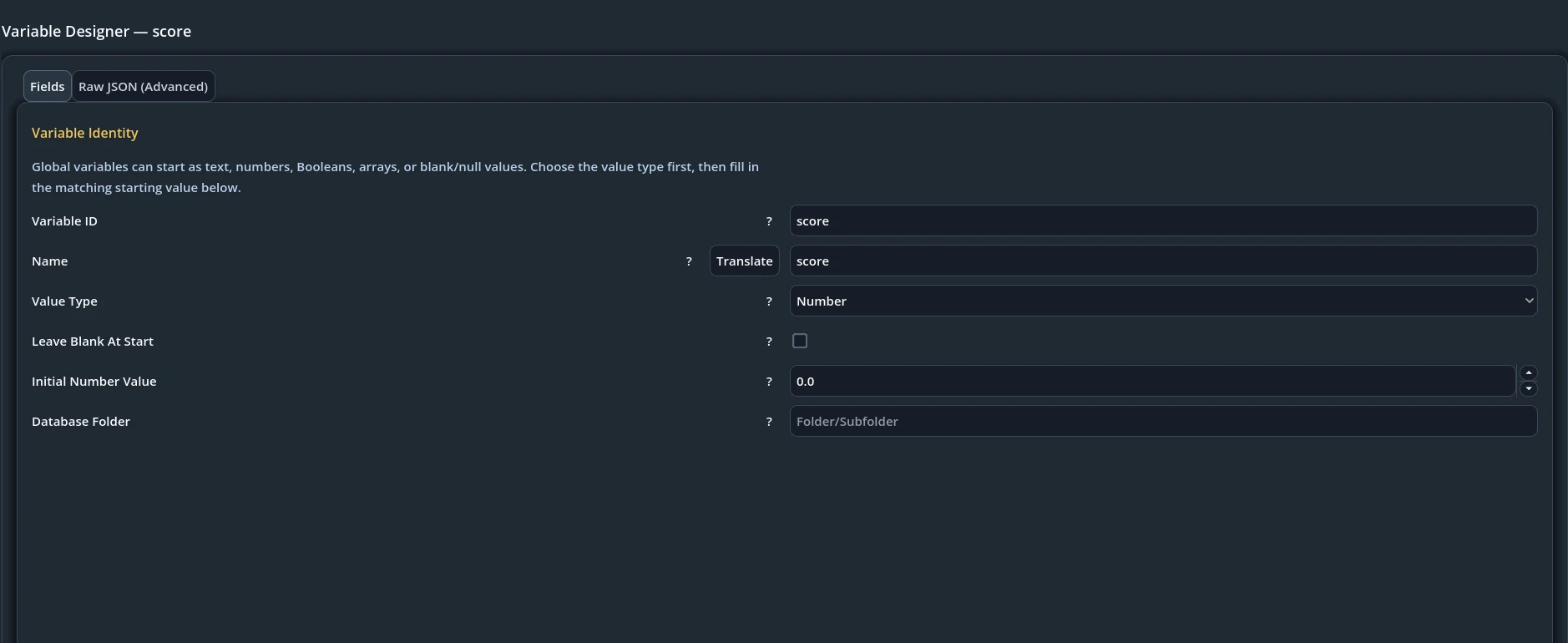
Game variables provide the saved puzzle state that PCA Script globals read and change.
View source
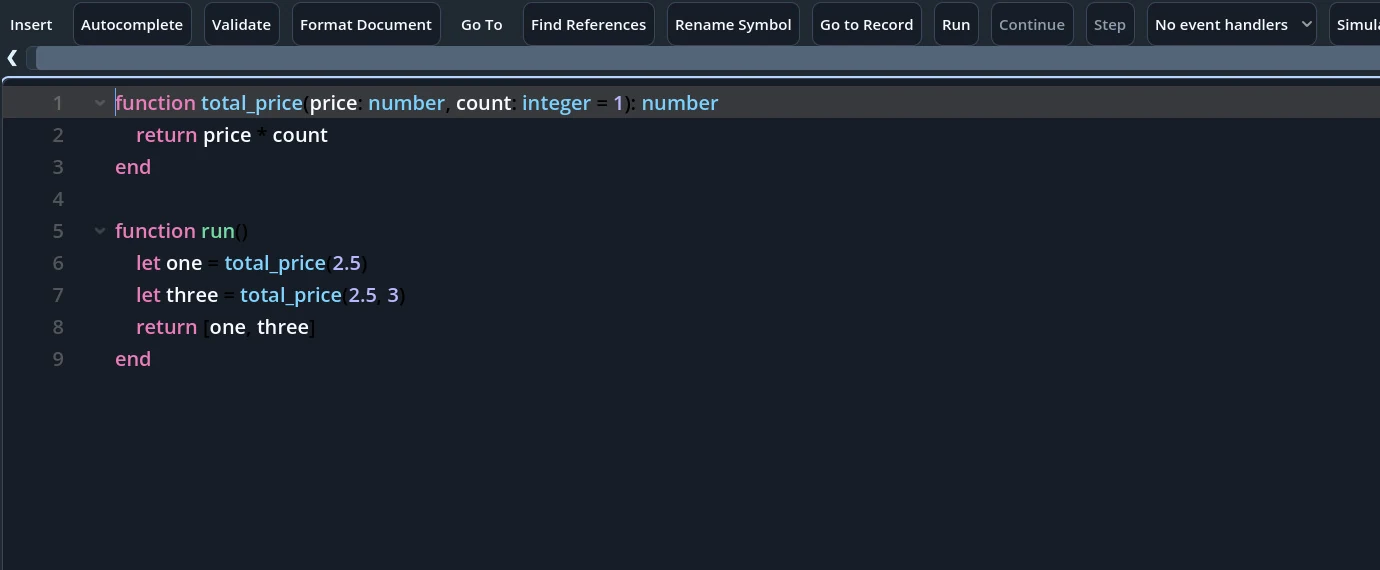
Small named functions keep puzzle checks separate from the response that uses them.
View source
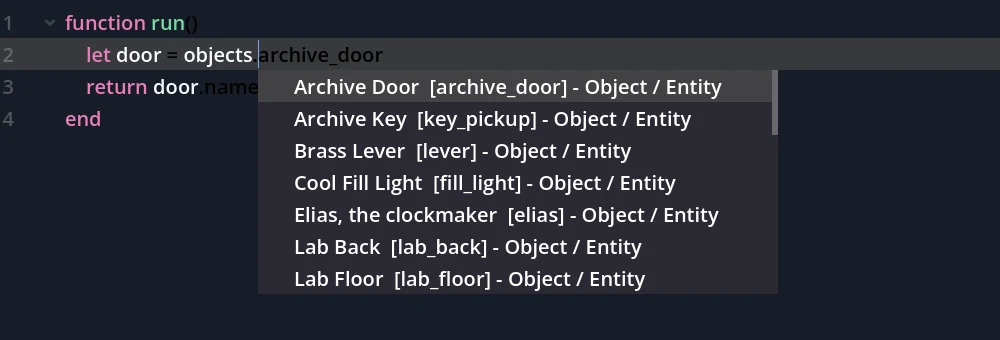
The editor’s completion list helps find actual records and supported property paths.
View source
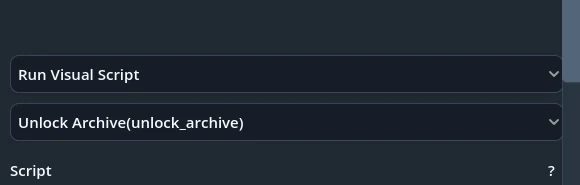
A script belongs behind the door’s Use response; the object still supplies the hotspot, verb and approach settings.
View source
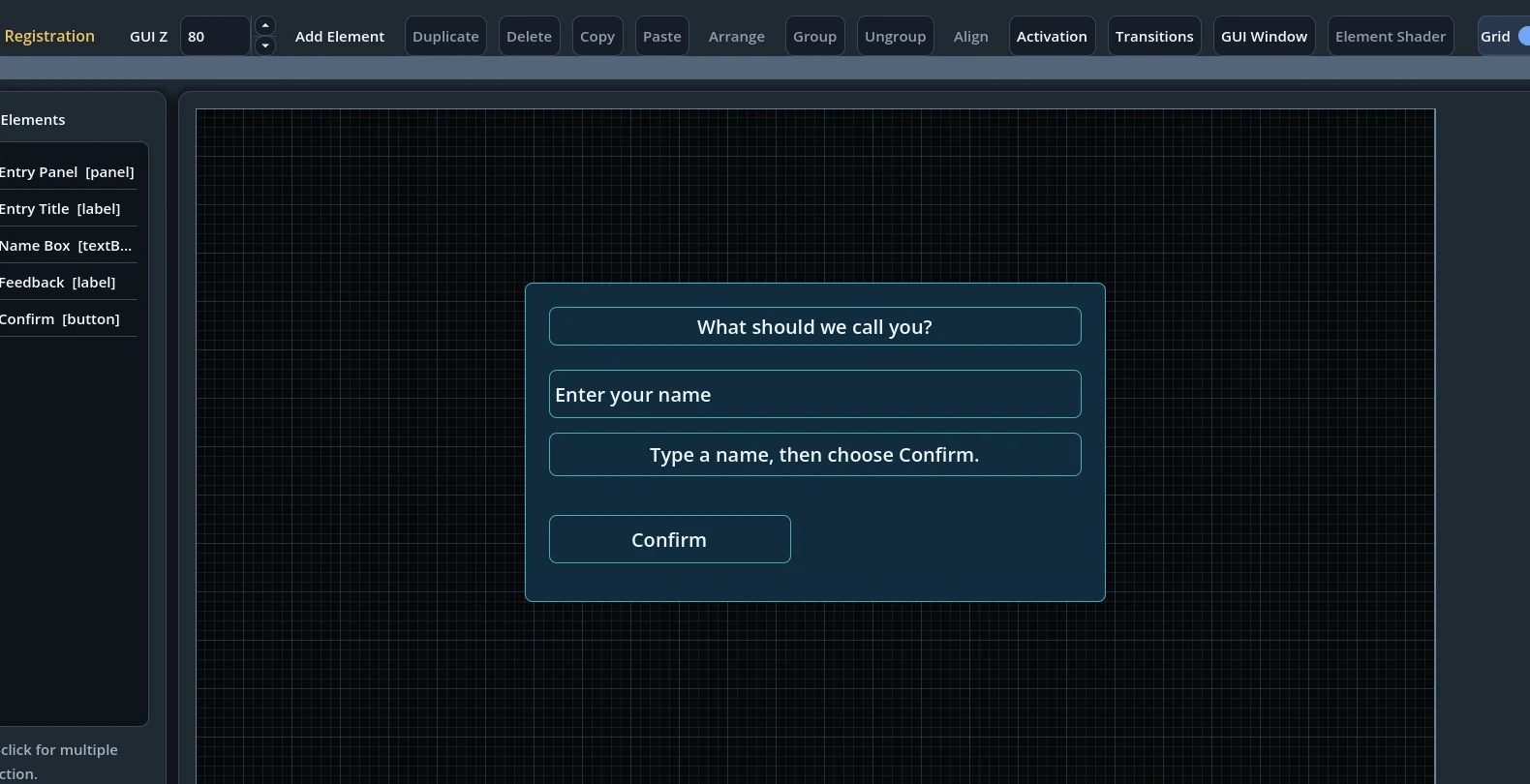
The input panel in the GUI Designer.
View source
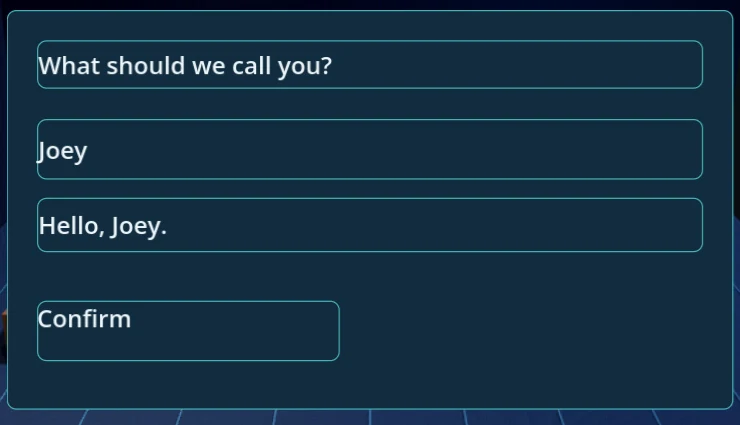
A real runtime test: Confirm reads the typed name and updates the feedback label.
View source
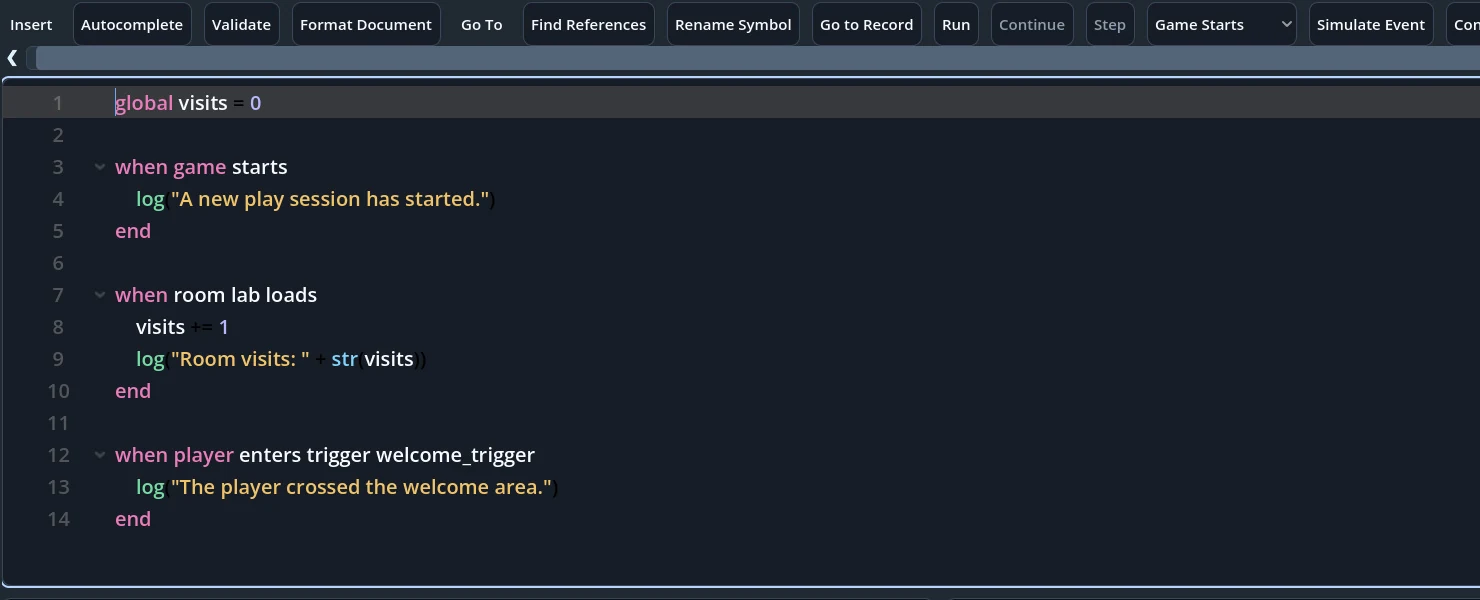
PCA event handlers are declared in the source.
View source
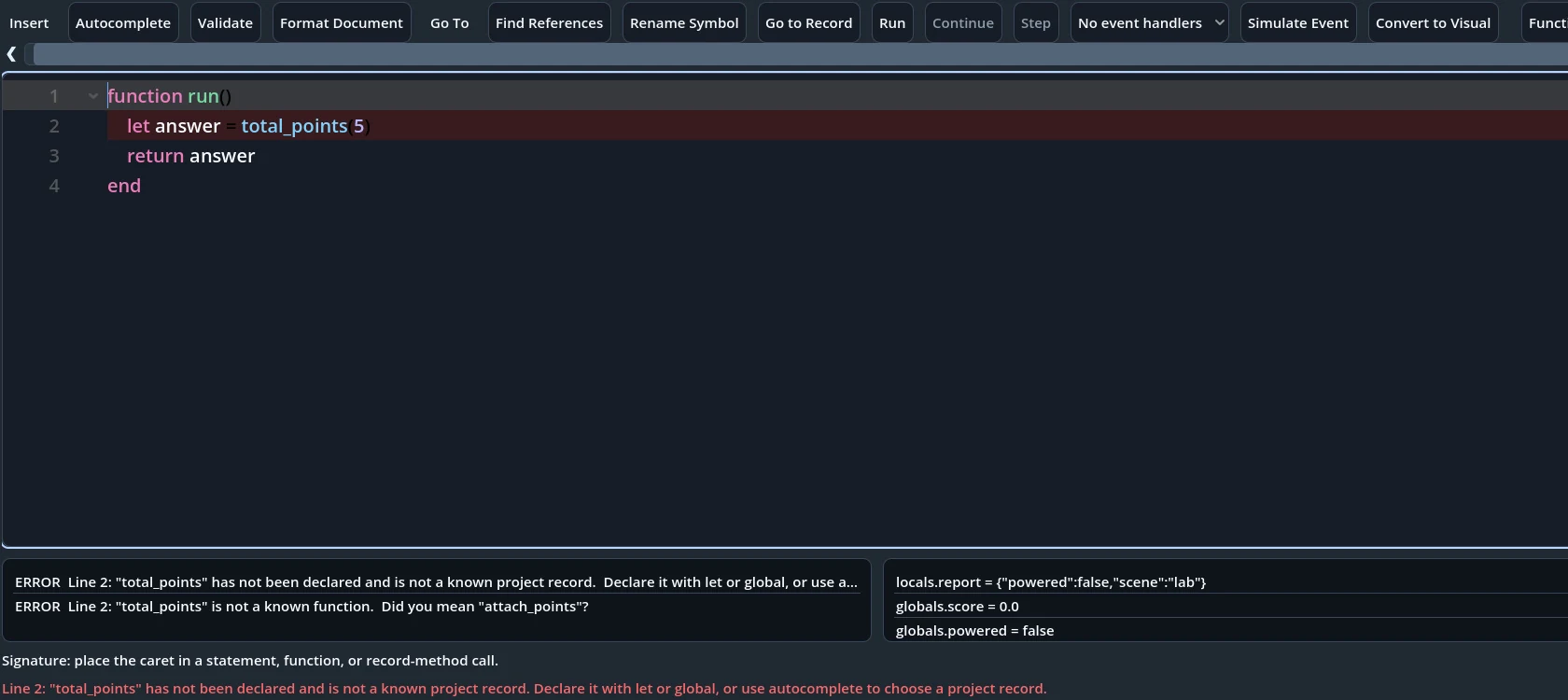
Validate reports a source line and a useful explanation before you run the script.
View source
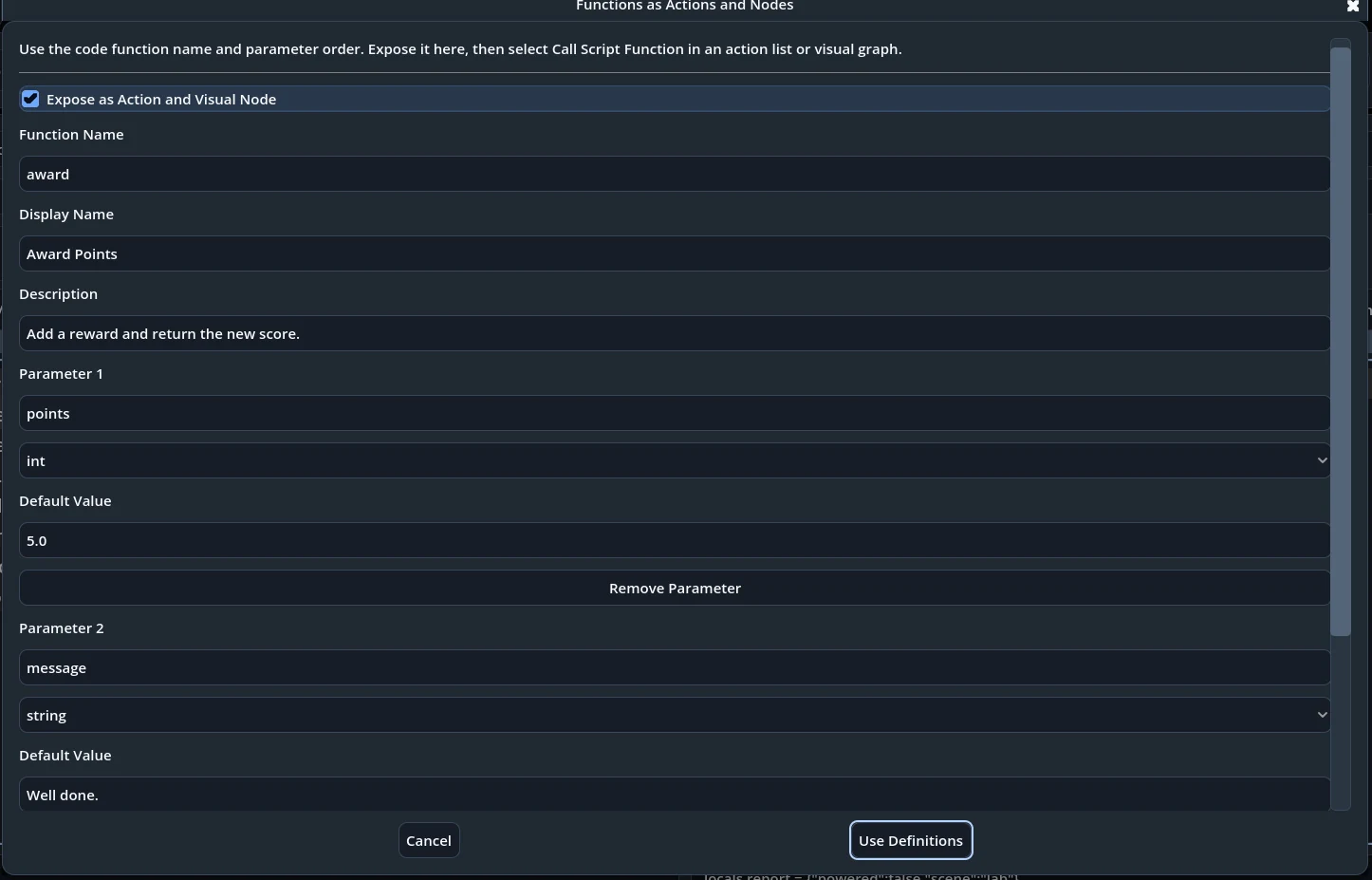
Functions as Nodes describes the public parameter contract that the visual editor will show.
View source