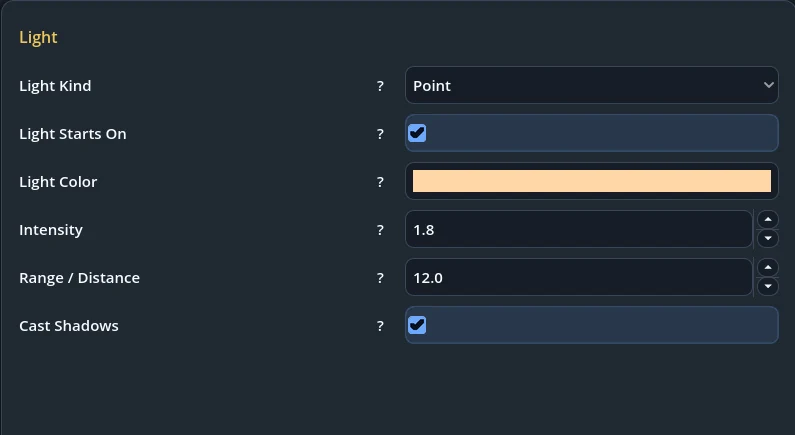
SEE WHAT YOU CAN MAKE
A closer look at PCA3D.
Explore real editor and gameplay screenshots from the itch.io page and every supplied guide. Open any image to see the details.
1,127distinct screenshots
Scene building, interfaces, scripting, cinematics and the details in between. Repeated images share one entry, with their guide and page references kept together.
Explore the features1,127 screenshots · 49–72
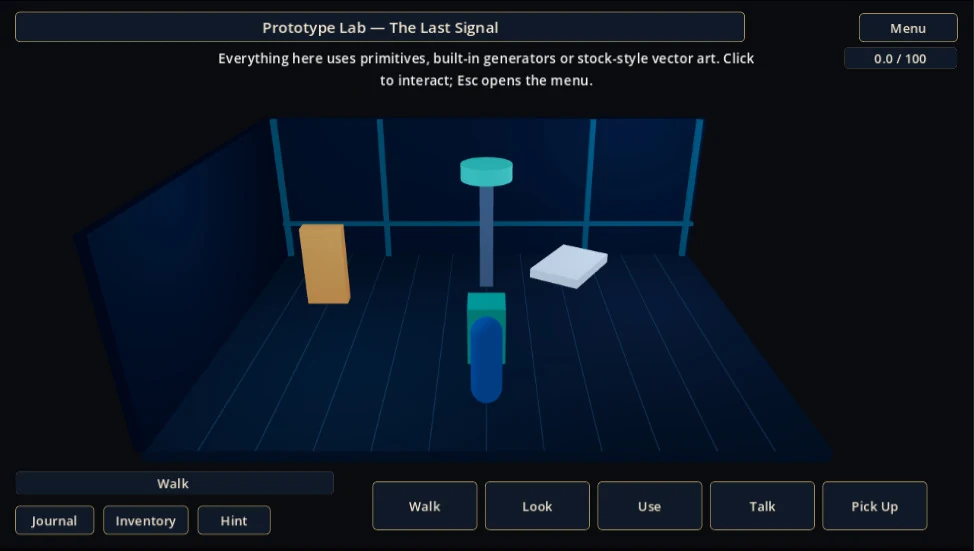
The second room.
View source
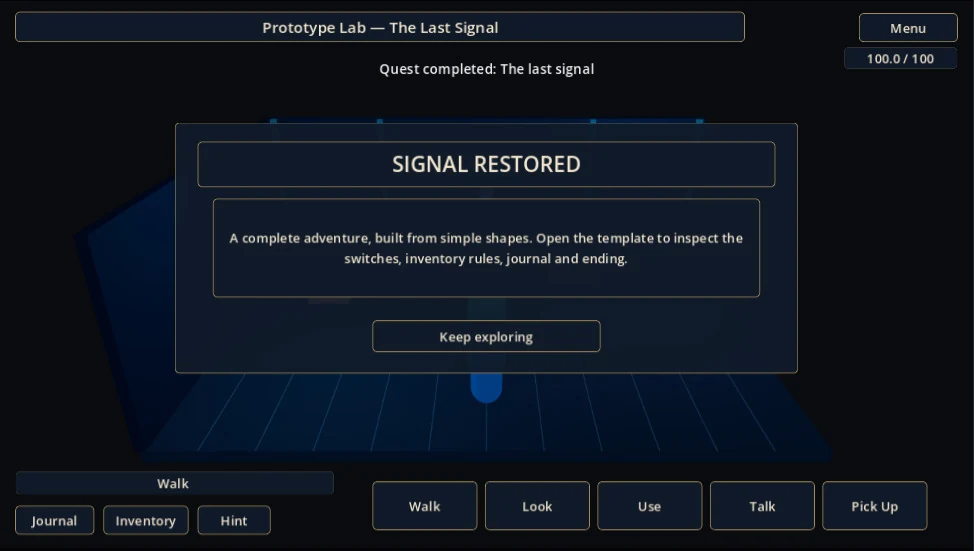
The Primitive completion screen, shown by the last node in send_signal.
View source
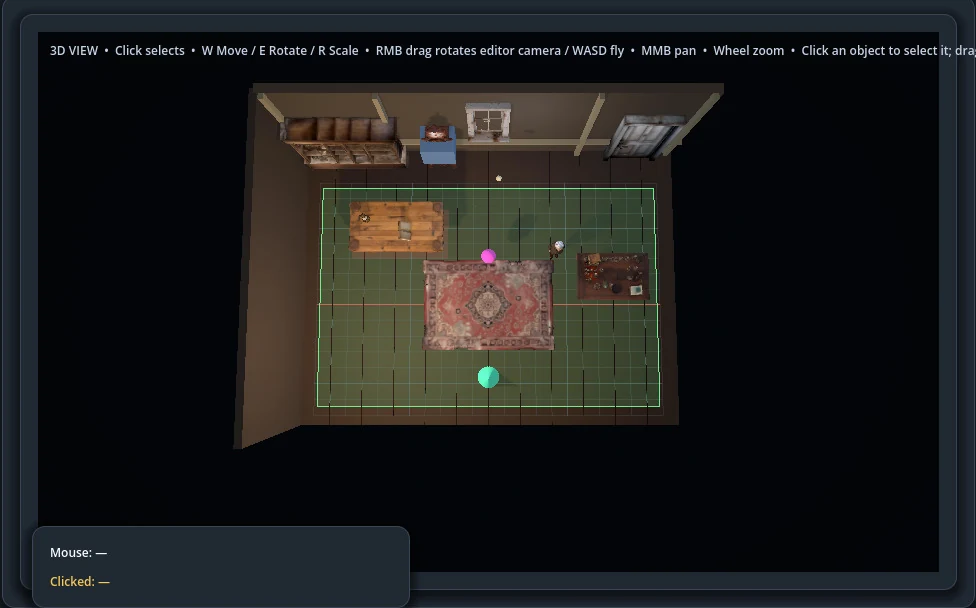
The Workshop in Scene Designer.
View source
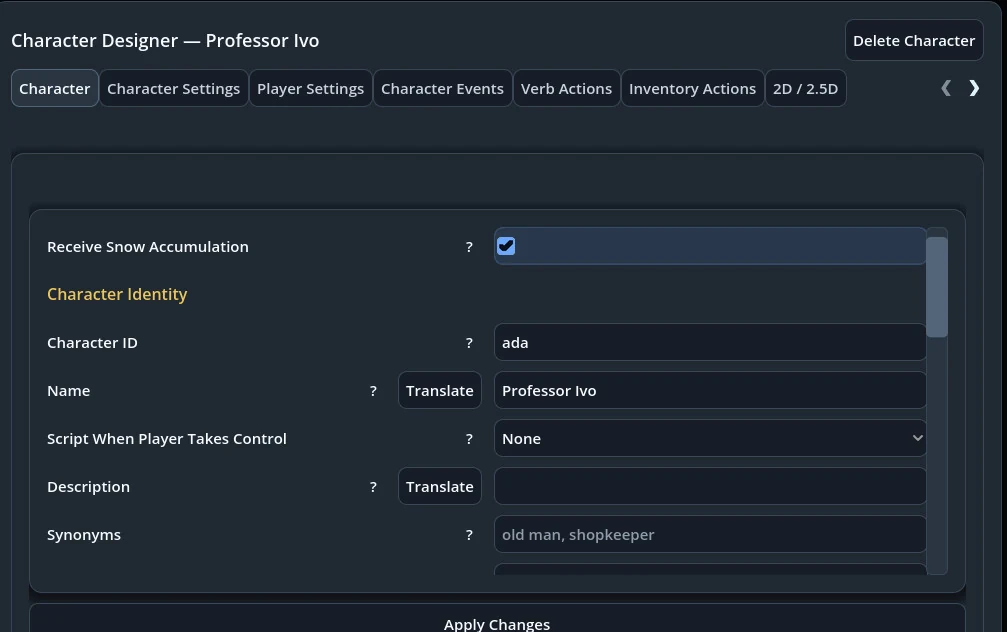
Professor Ivo's reusable definition.
View source
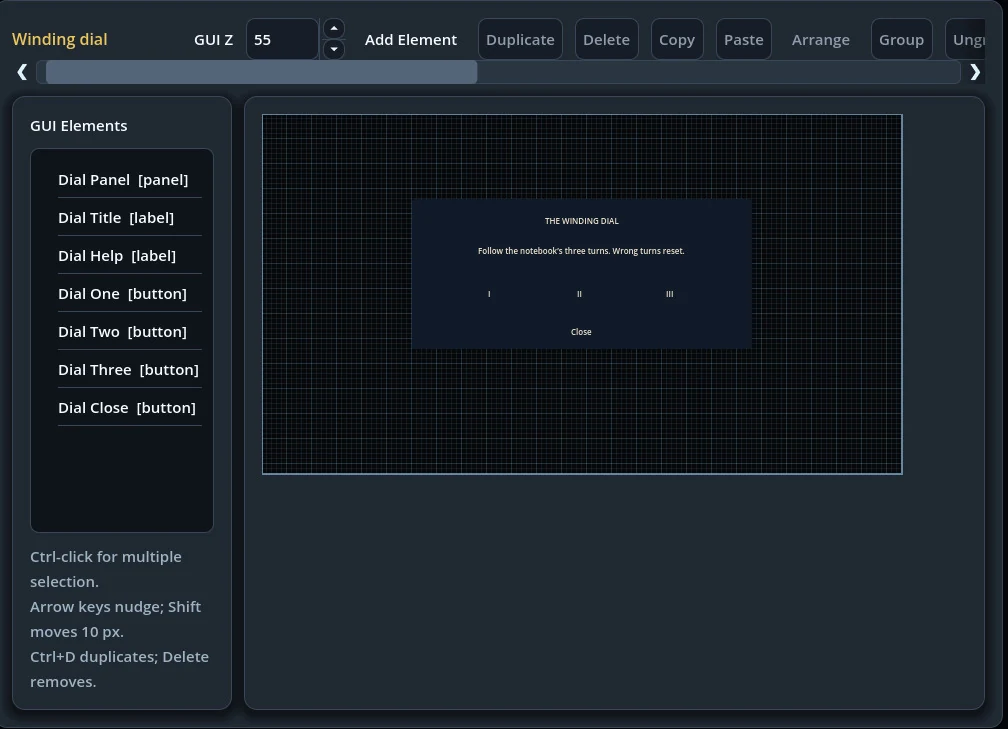
The dial GUI in the designer.
View source
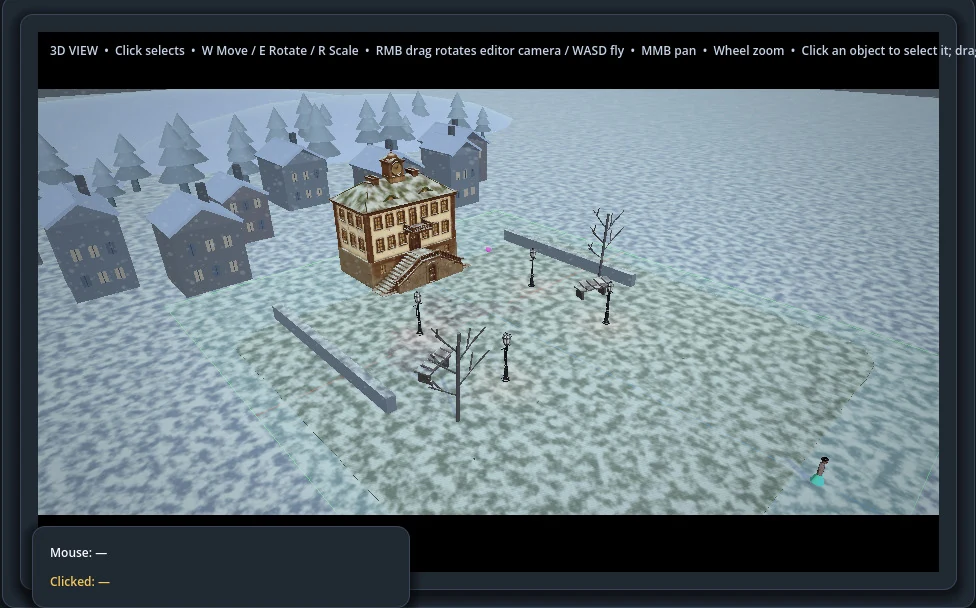
The clock-tower exterior in Scene Designer.
View source
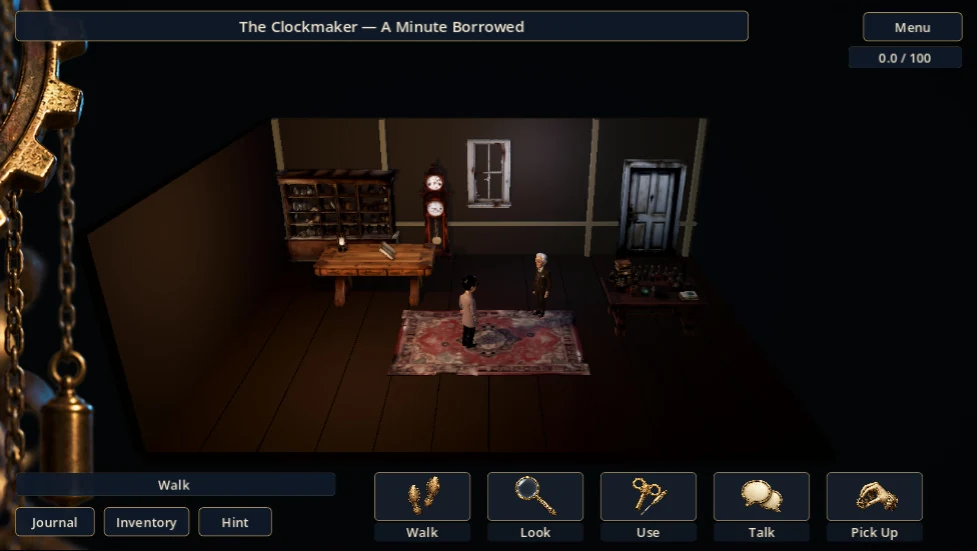
The Workshop in the running game preview.
View source
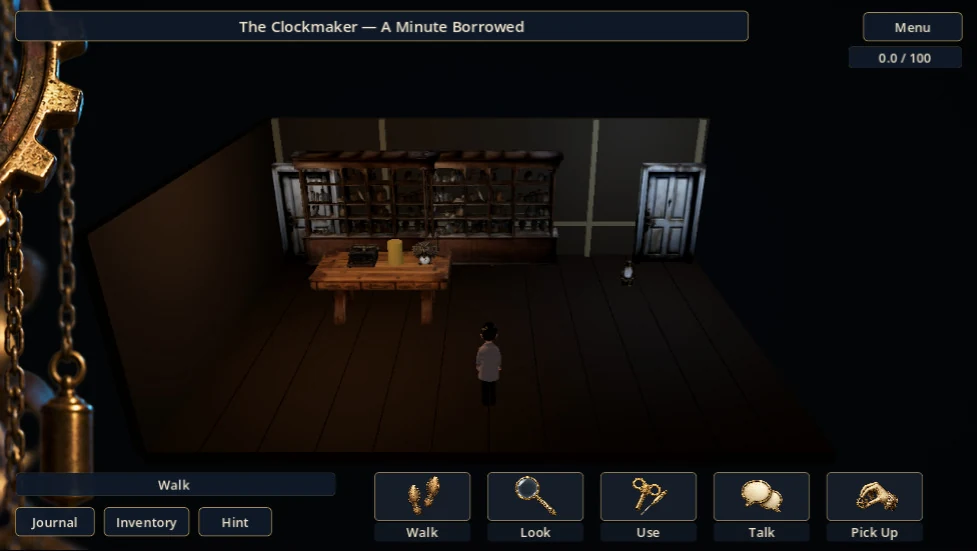
The Archive.
View source
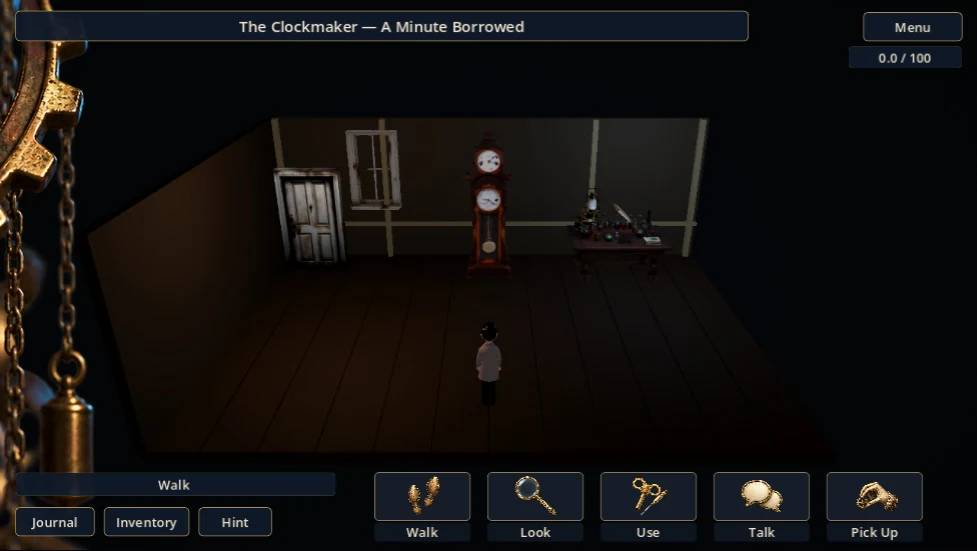
The Clock Chamber.
View source
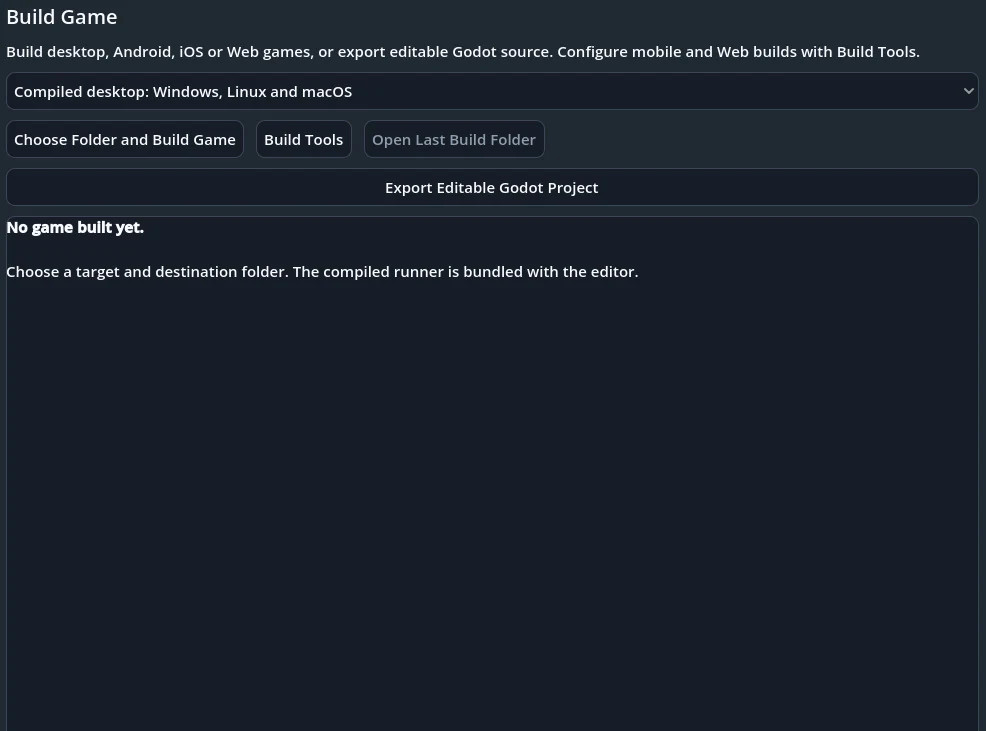
Build Game.
View source
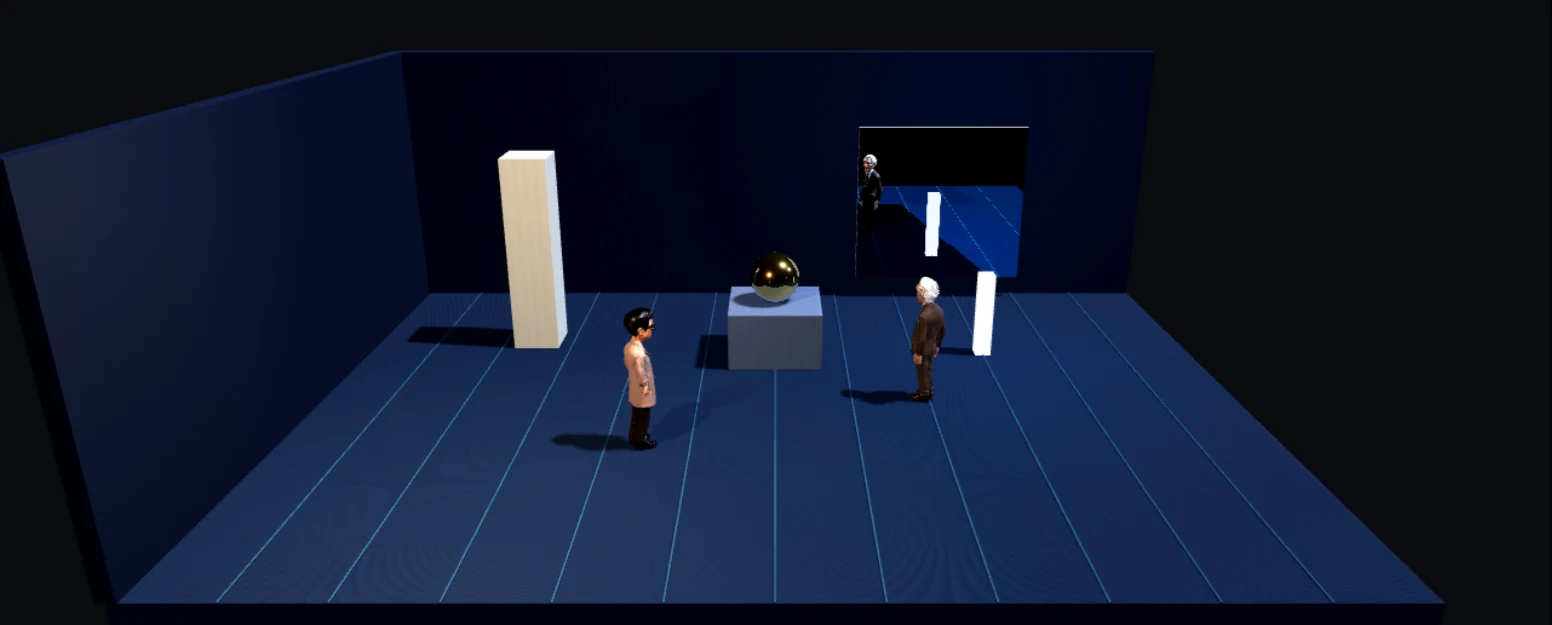
A small room built in PCA 3D.
View source
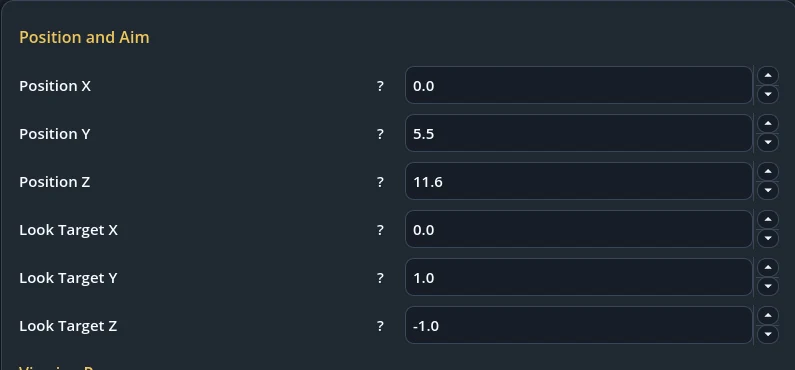
Position and Look Target are separate XYZ controls in Position & View.
View source
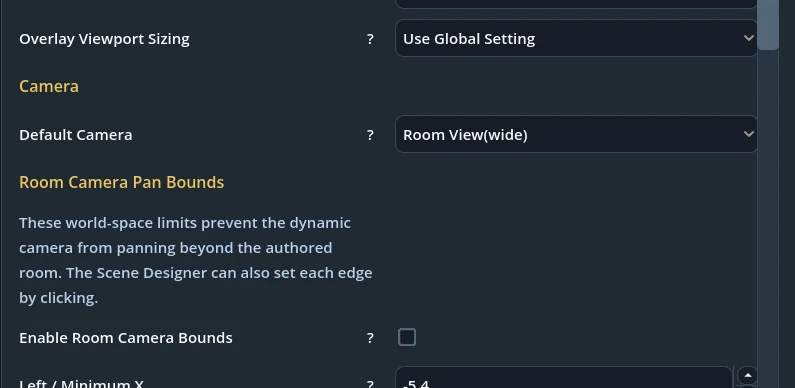
The room chooses its default shot separately from creating and selecting camera records.
View source
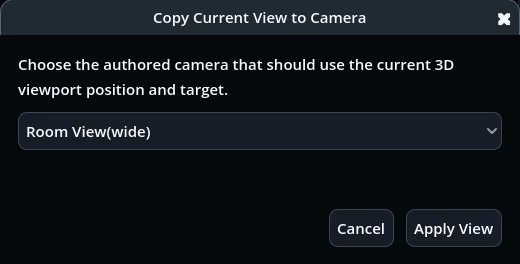
Copy the working view into the intended camera, rather than accidentally replacing another shot.
View source
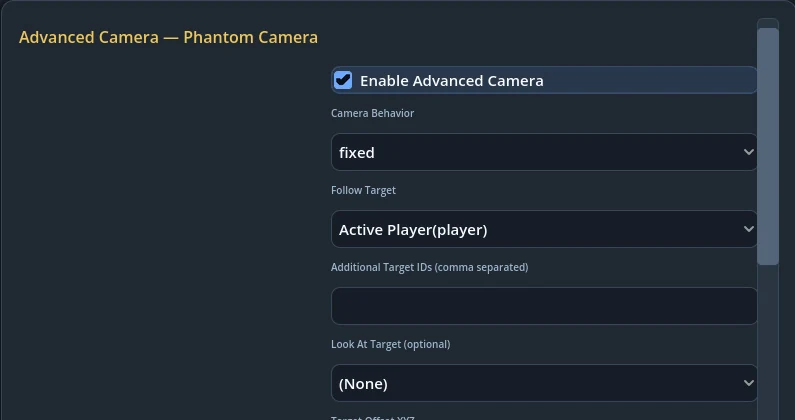
Advanced Camera is optional.
View source
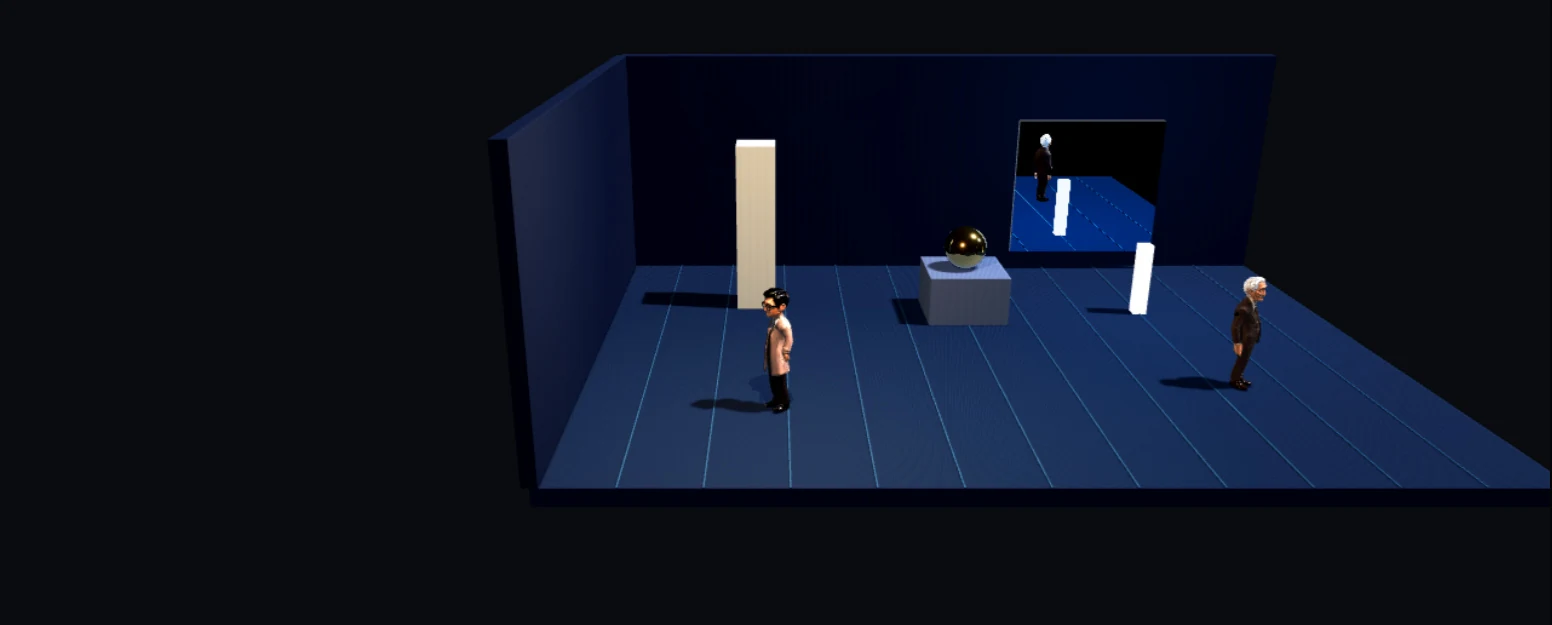
A live follow shot after the player moves.
View source
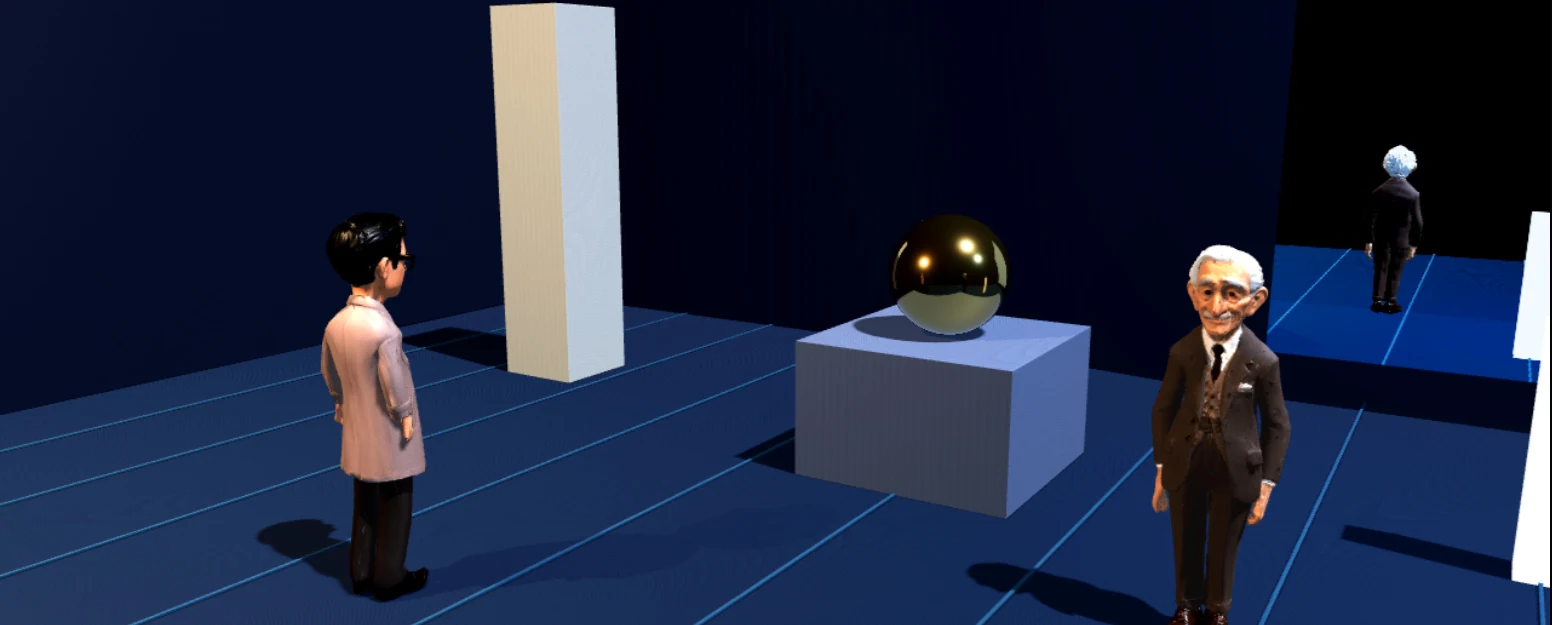
The group camera frames the player and Elias together.
View source
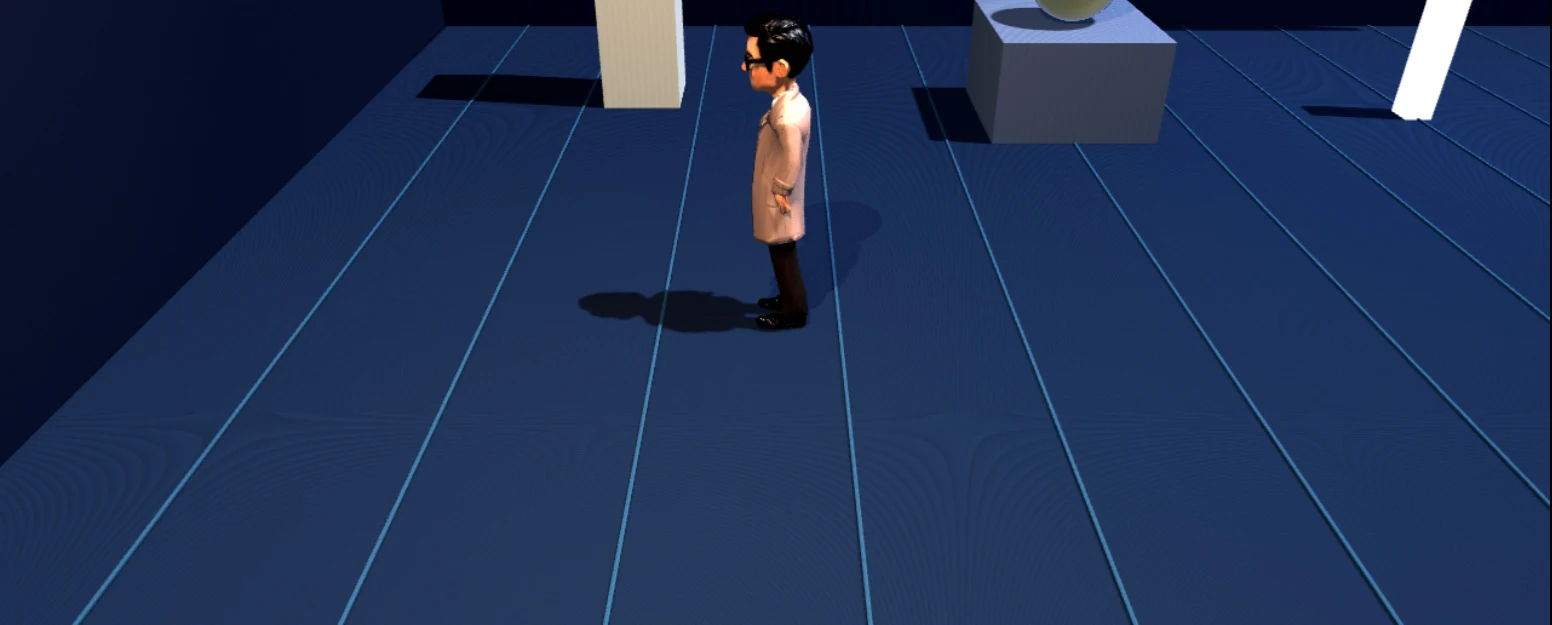
The live camera stays on the authored route while its target moves across the room.
View source
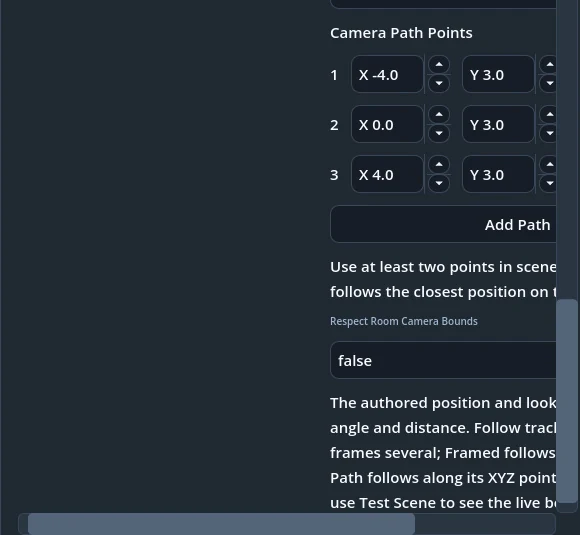
The path-point editor lets you add, order and edit XYZ points.
View source
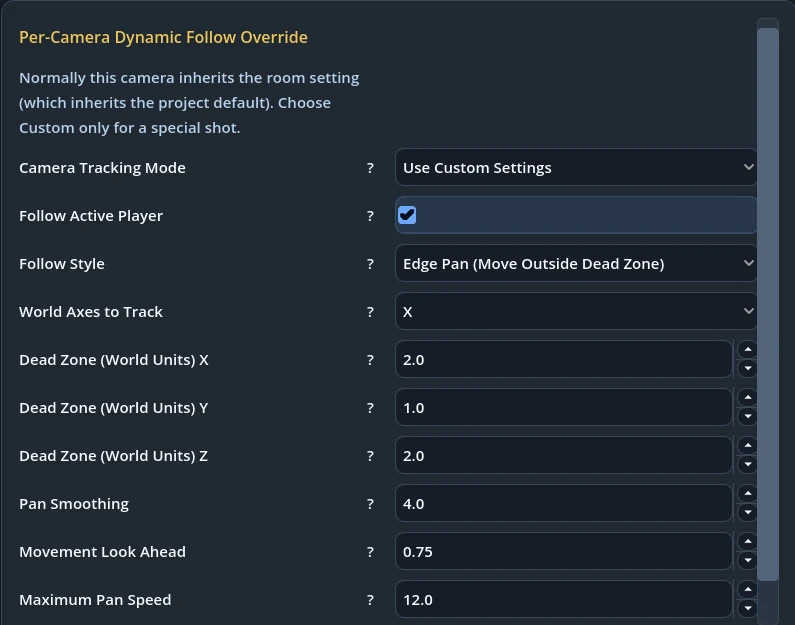
Dynamic Follow uses world axes and a world-unit dead zone.
View source
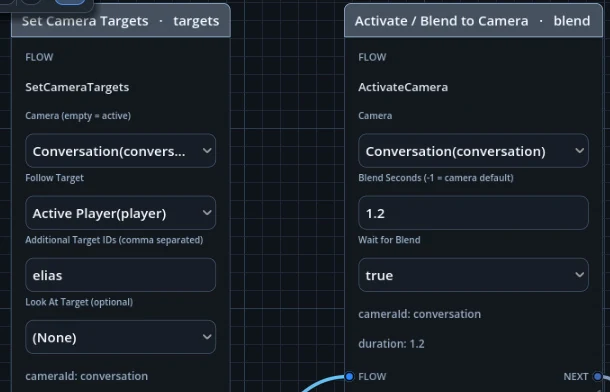
Camera target and activation nodes expose the same settings as their action-list counterparts.
View source
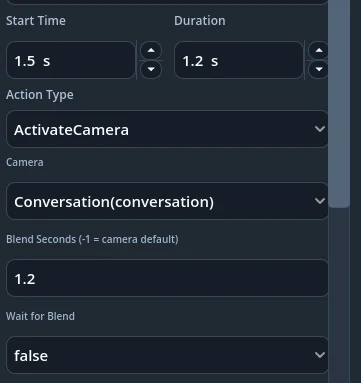
This camera event starts at 1.5 seconds, blends for 1.2 seconds and lets the timeline continue.
View source
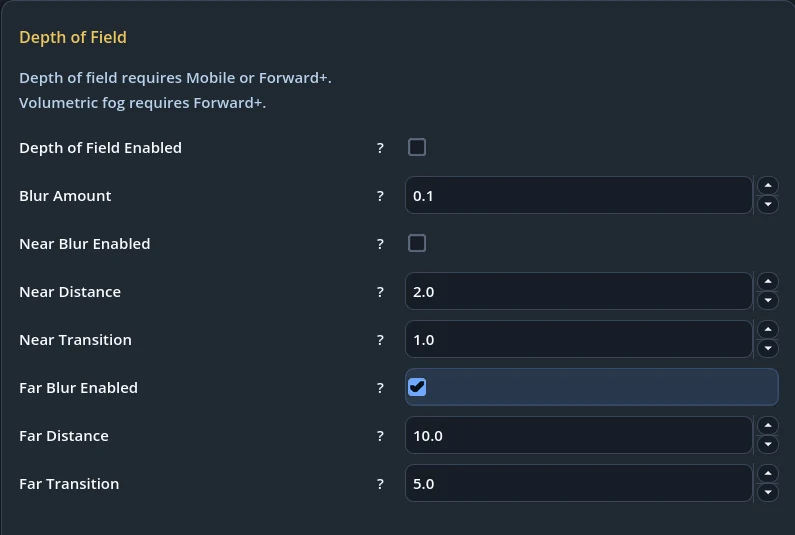
Each camera can have its own near and far blur distances.
View source