
SEE WHAT YOU CAN MAKE
A closer look at PCA3D.
Explore real editor and gameplay screenshots from the itch.io page and the manual screenshot collection. Open any image to see the details.
1,127distinct screenshots
Scene building, interfaces, scripting, cinematics and the details in between. Repeated images share one entry, with their guide and page references kept together.
Explore the features1,127 screenshots · 841–864
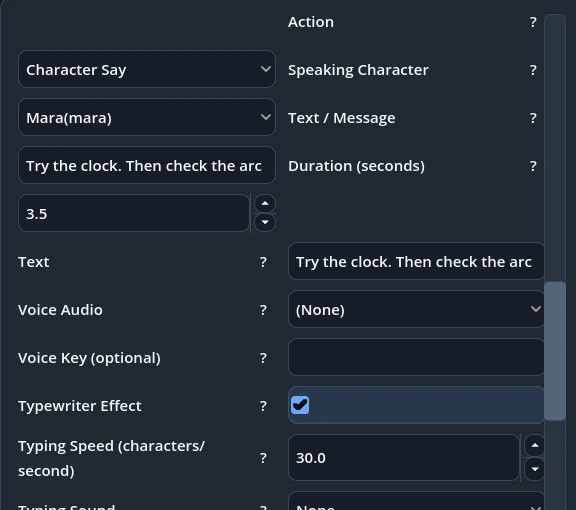
Character Say identifies a speaker.
View source
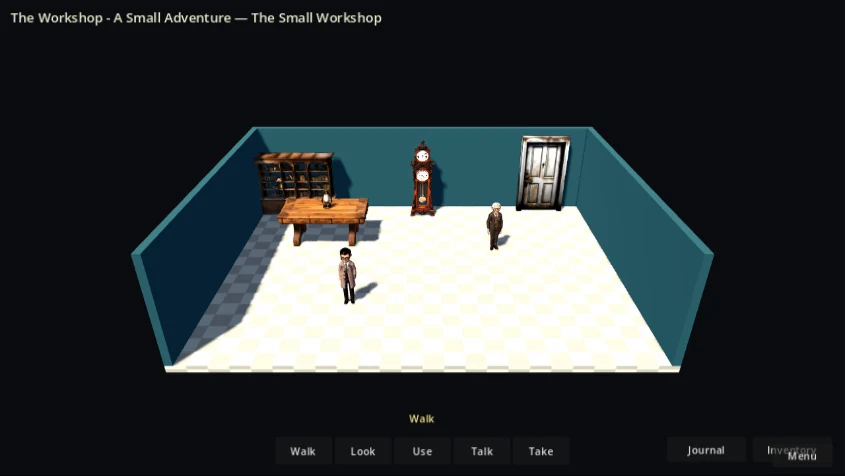
The furnished room before the repair.
View source
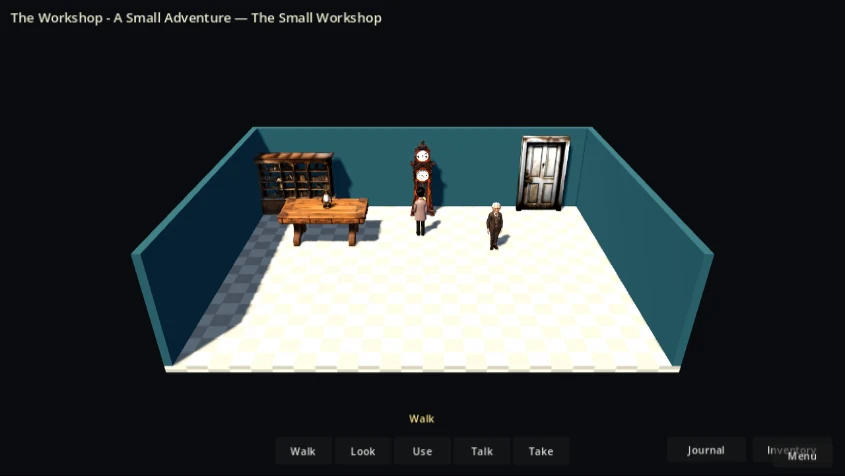
The room view returns after the repair.
View source
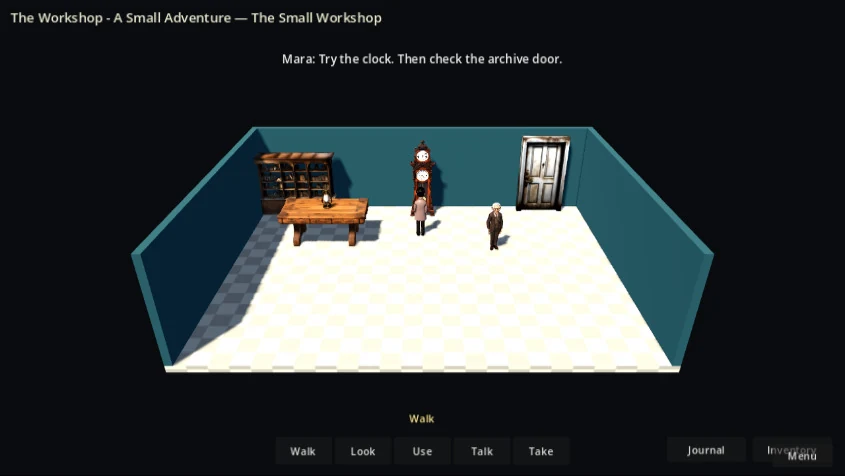
Mara's short speaking response in the actual game view.
View source
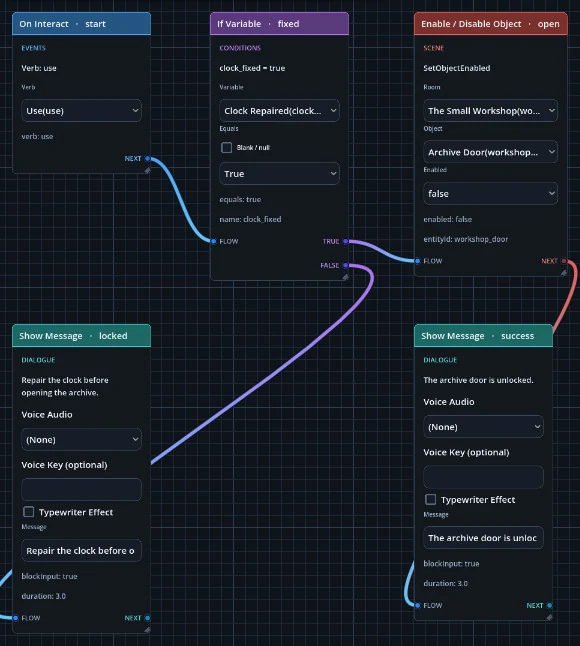
A condition chooses one route.
View source
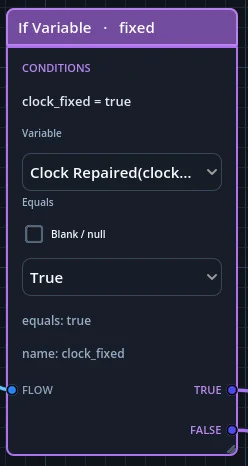
If Variable compares the current boolean game value with true.
View source
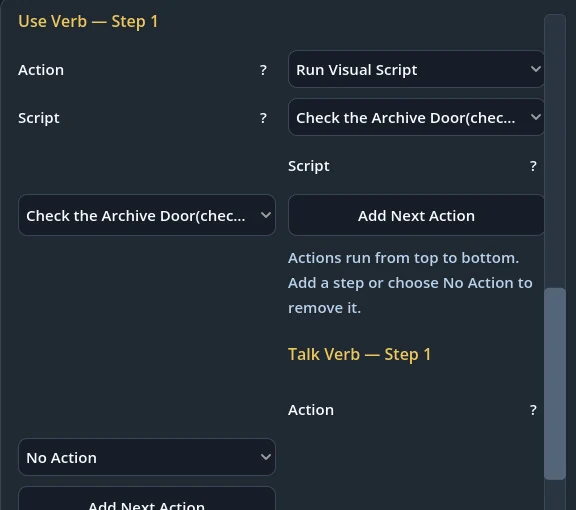
The door's ordinary action list calls the reusable visual script.
View source
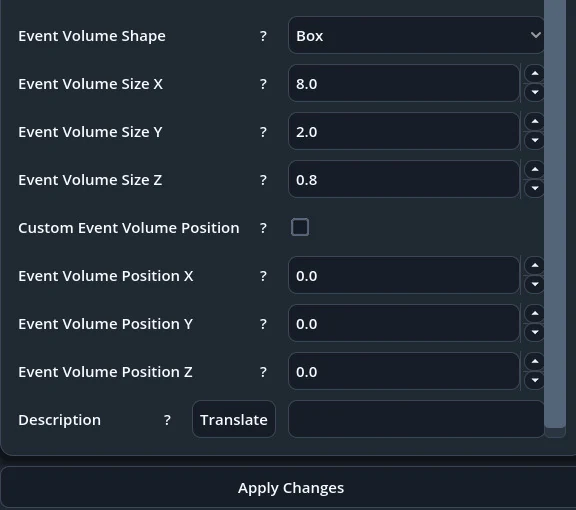
The trigger covers a strip across the room.
View source
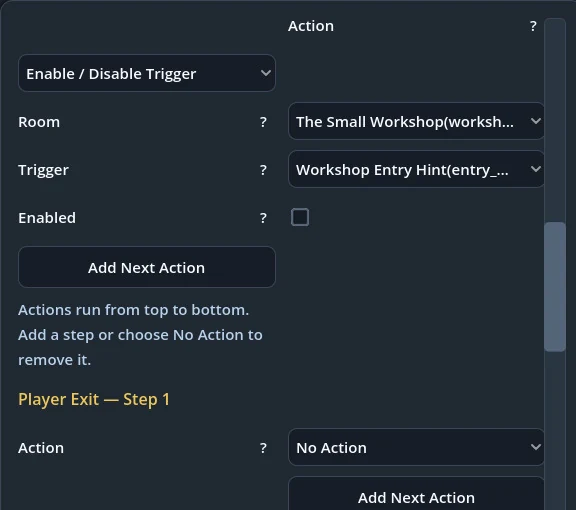
The second entry action disables this trigger, so walking back through it does not repeat the hint in the same run.
View source
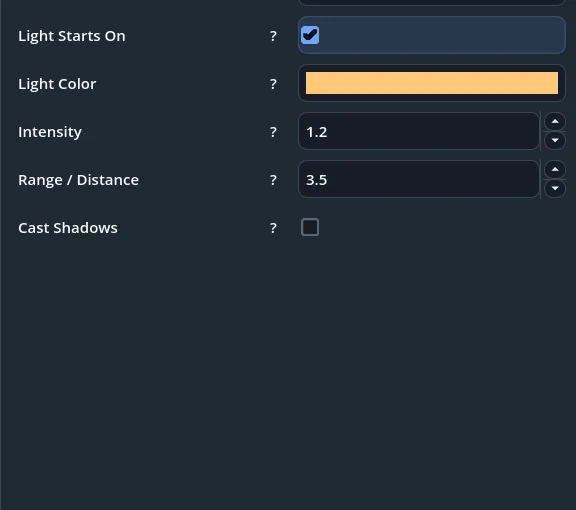
A point light has a position and range.
View source
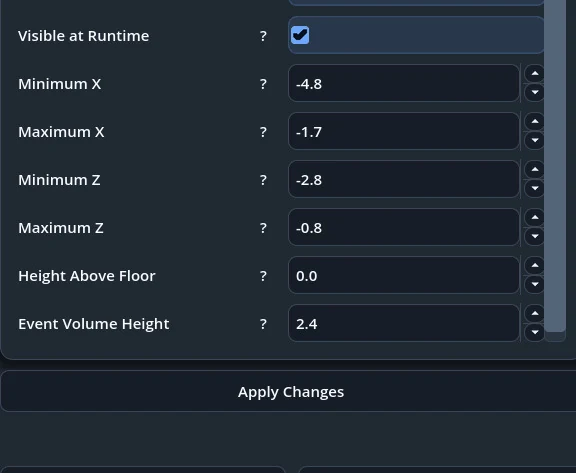
The region's footprint is separate from the walkable navigation area and from the table's collider.
View source
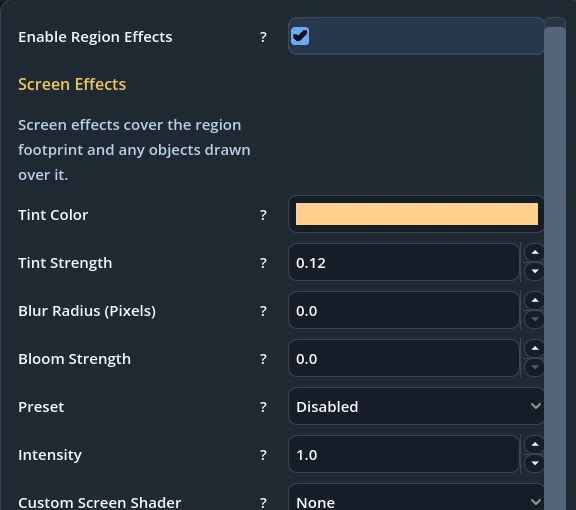
A gentle tint affects the region footprint.
View source
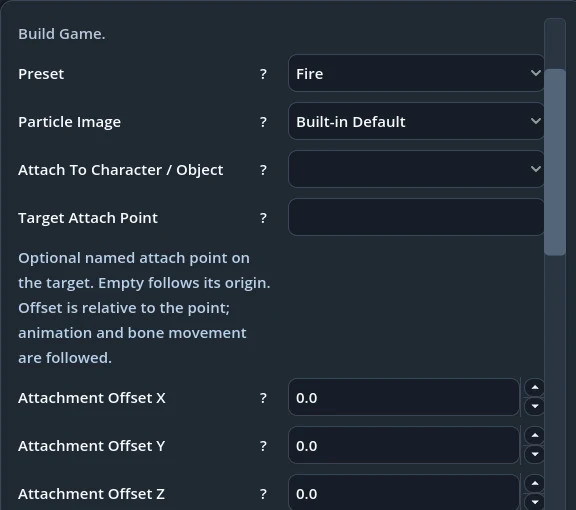
Choose a preset before fine-tuning.
View source
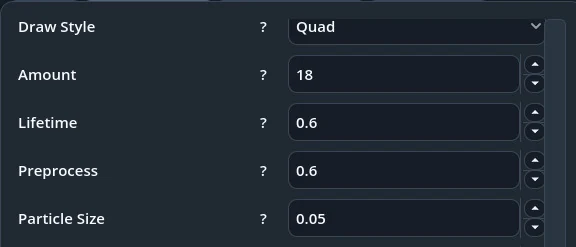
The smaller flame uses a modest particle count, lifetime and size.
View source
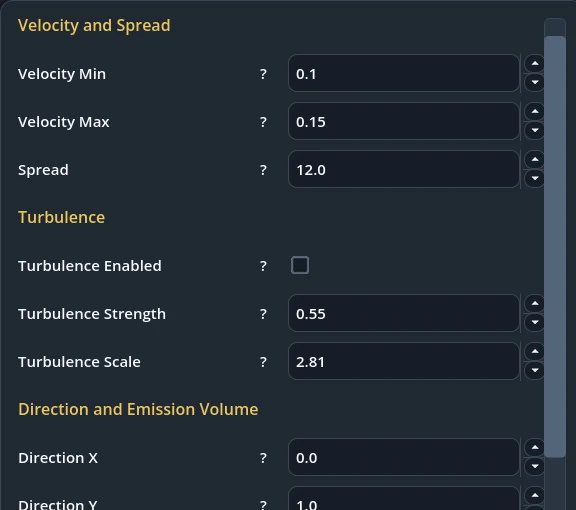
Velocity Min and Max control the initial speed range.
View source
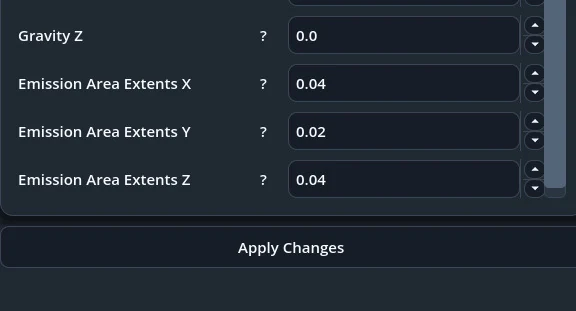
The emission area controls where particles start.
View source
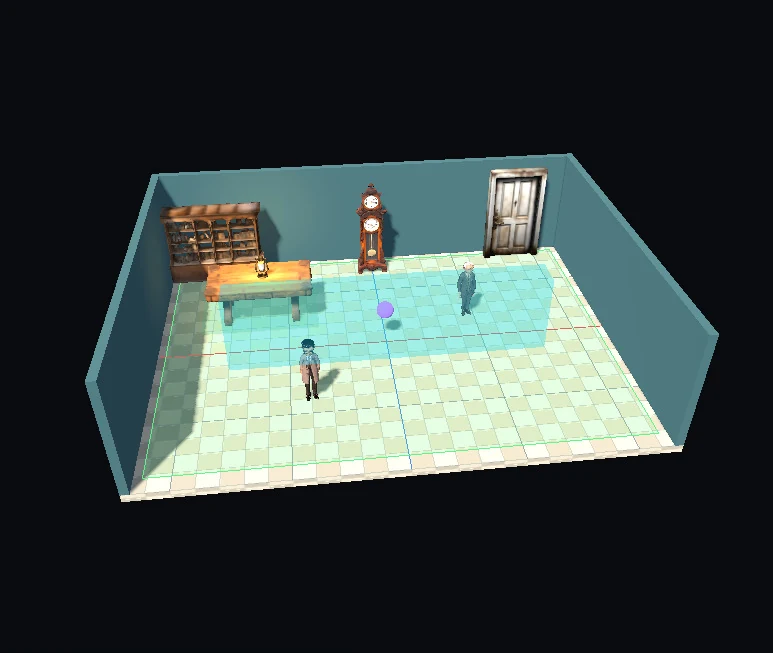
The completed scene in the editor, with imported art, characters, lights and authored gameplay objects.
View source
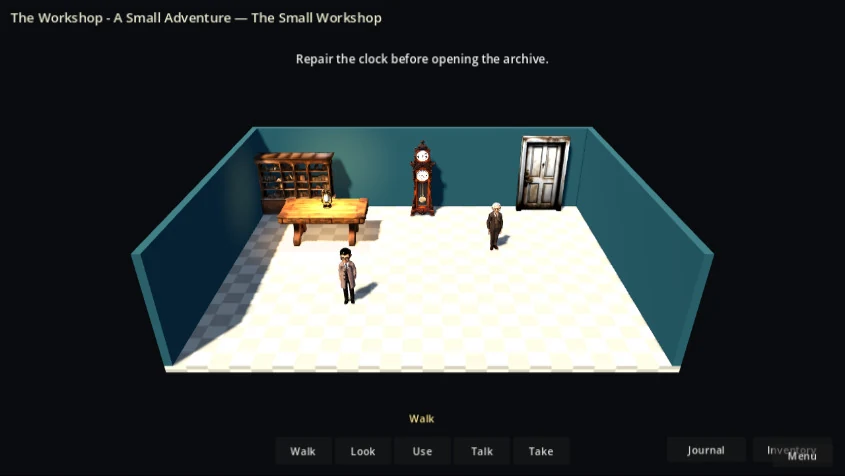
The door's refusal response before the clock has been repaired.
View source
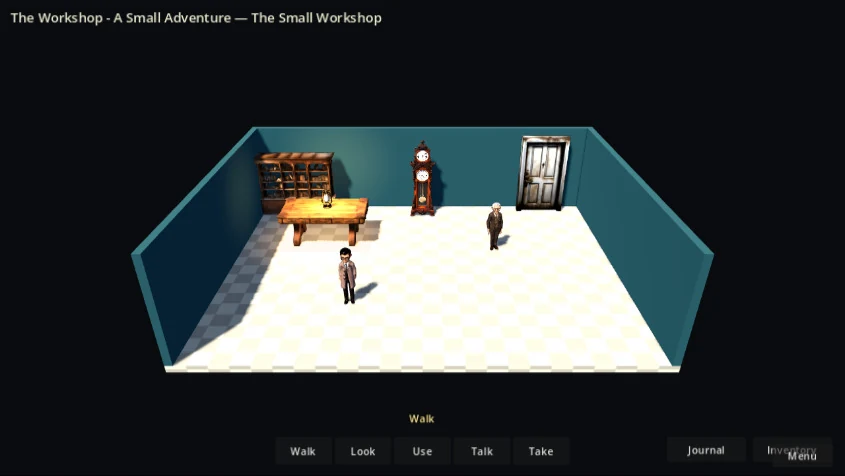
The finished scene in a fresh test run.
View source
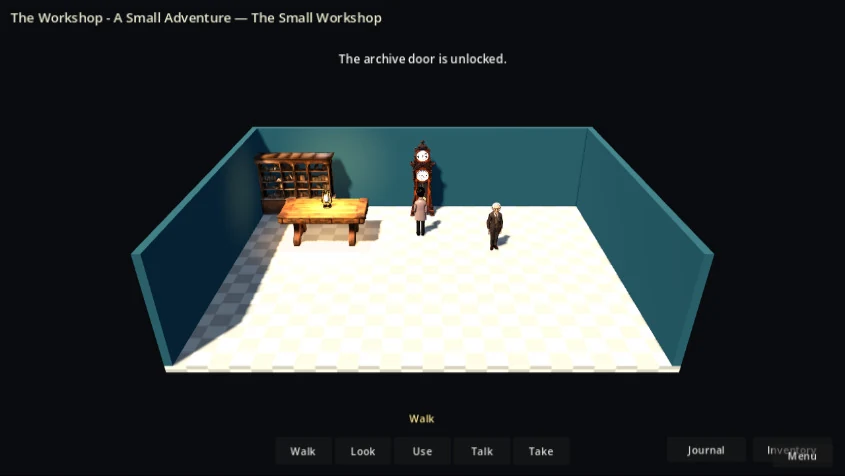
After the repair, the same door interaction takes the success route.
View source
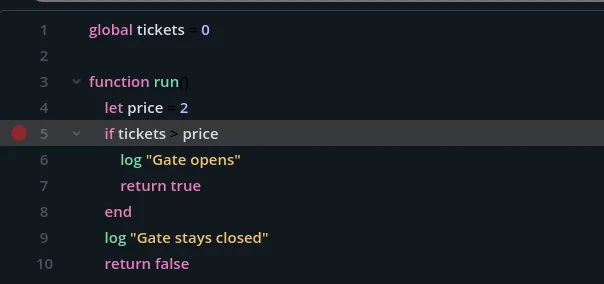
Error Handling & Debugging — Error handling and debugging
View source
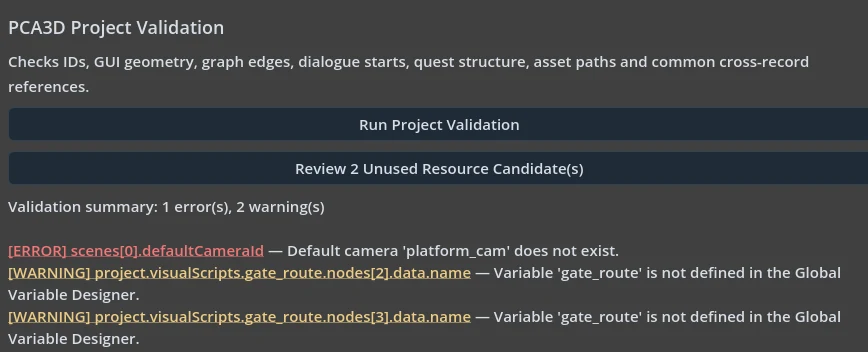
Error Handling & Debugging — Read a project validation error
View source

Error Handling & Debugging — Decide what a warning needs
View source
