SEE WHAT YOU CAN MAKE
A closer look at PCA3D.
Explore real editor and gameplay screenshots from the itch.io page and the manual screenshot collection. Open any image to see the details.
1,127distinct screenshots
Scene building, interfaces, scripting, cinematics and the details in between. Repeated images share one entry, with their guide and page references kept together.
Explore the features1,127 screenshots · 865–888

Error Handling & Debugging — Follow a script error to its source
View source

Error Handling & Debugging — Follow a script error to its source
View source

Error Handling & Debugging — Make the output tell a story
View source

Error Handling & Debugging — Ask the live preview for a value
View source

Error Handling & Debugging — Pause before the decision
View source
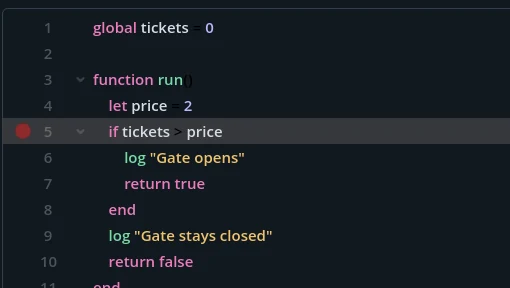
Error Handling & Debugging — Pause before the decision
View source

Error Handling & Debugging — Tell an event problem from a handler problem
View source
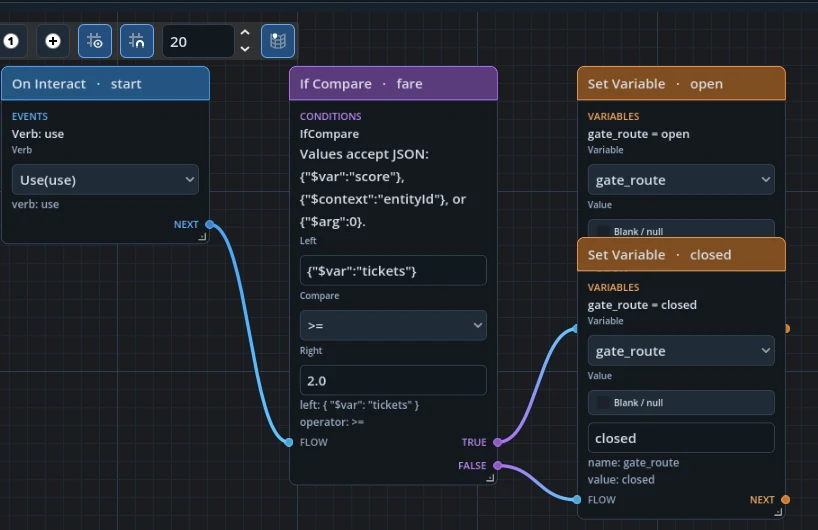
Error Handling & Debugging — Follow a visual graph one wire at a time
View source
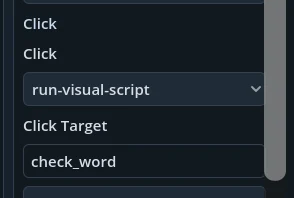
Error Handling & Debugging — Find where a button click disappears
View 2 sources
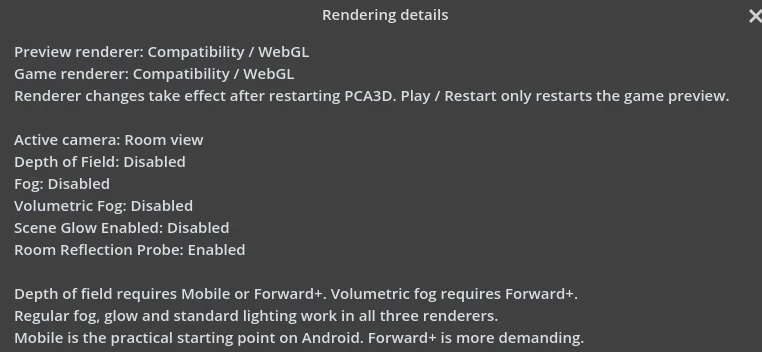
Error Handling & Debugging — When an effect is missing or the game is slow
View source
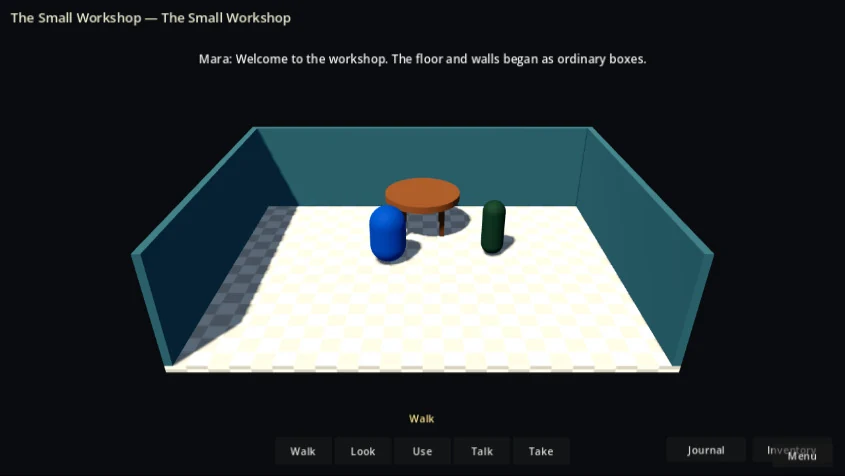
The Scene Designer — Part 1
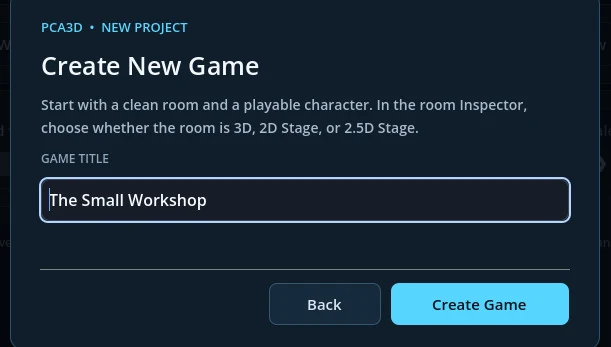
New Game starts a clean adventure with a starter room and a playable character.
View source
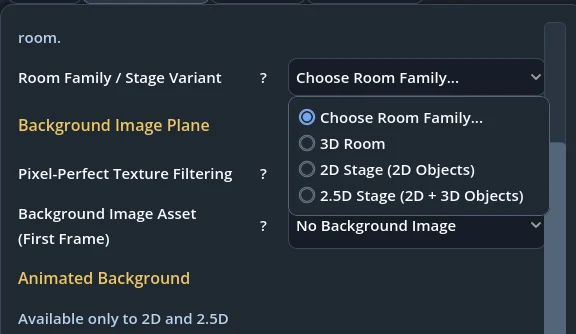
Choose 3D Room here.
View source
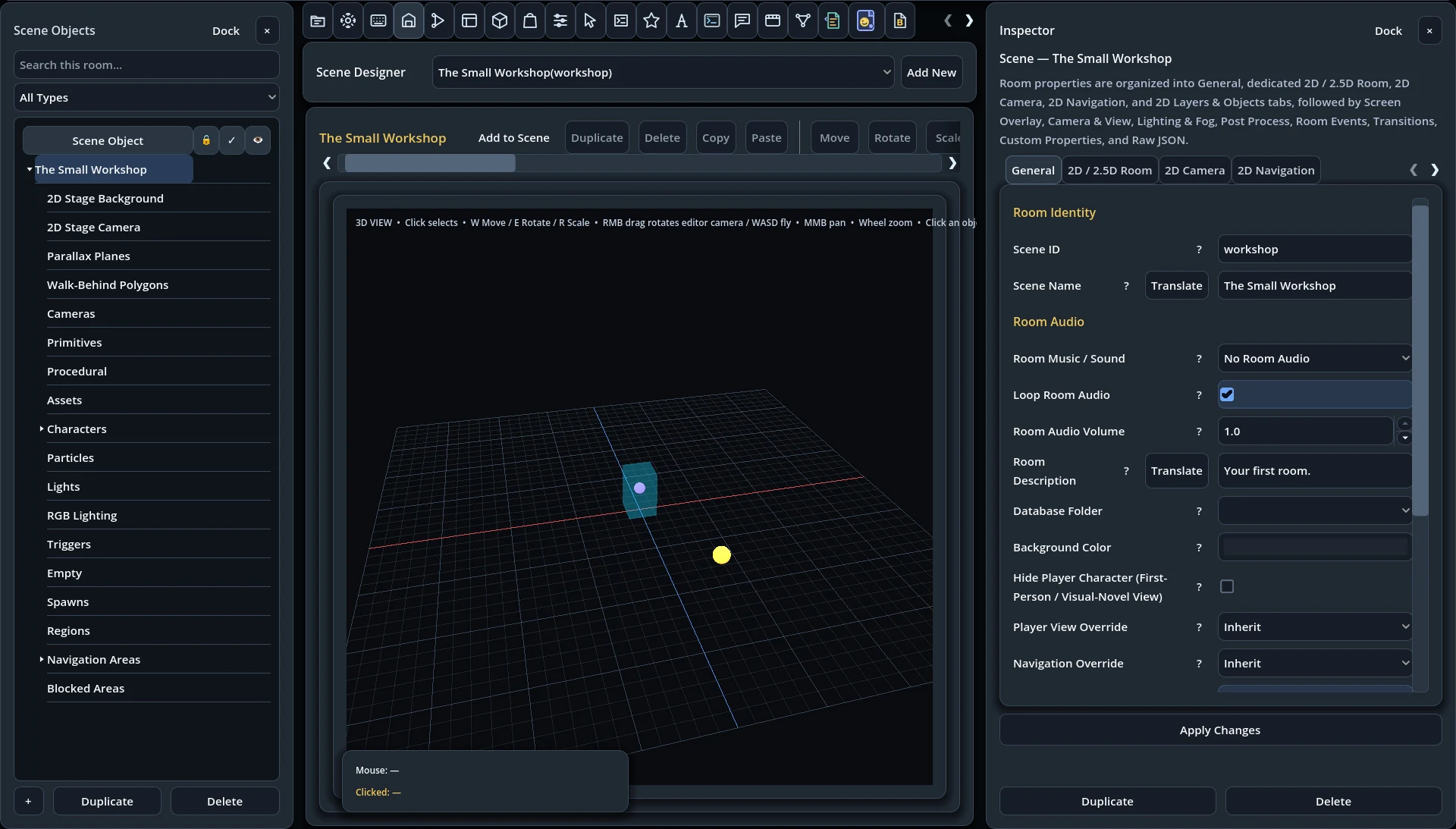
The 3D workspace before construction.
View source
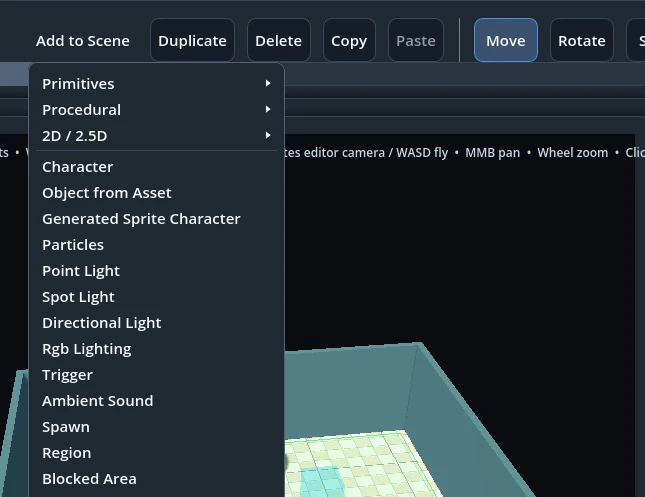
Open Add to Scene, then open its Primitives submenu to choose Box, Sphere, Cylinder or Plane.
View source
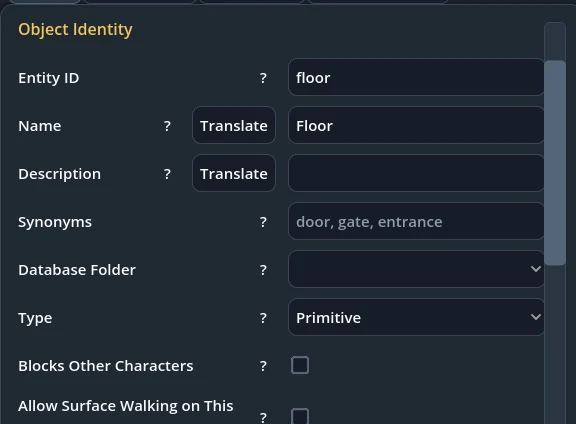
Select the new box and name the object before changing its geometry.
View source
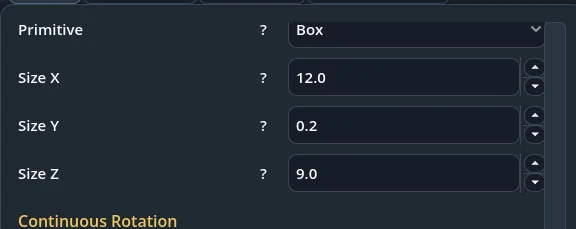
The floor is a 12-by-9 box with a thickness of 0.2.
View source
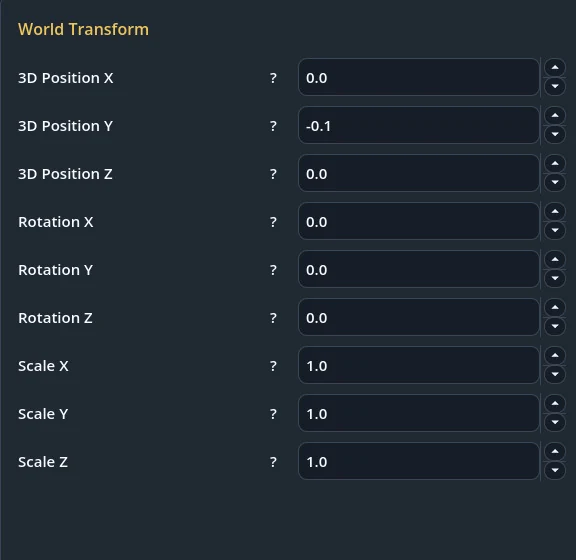
Moving the centre down by half the thickness puts the floor's top at Y 0.
View source
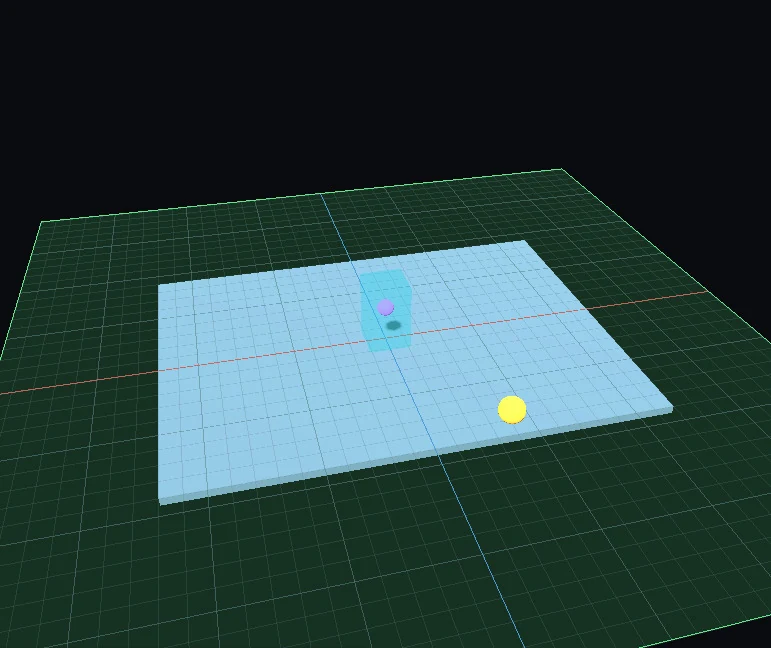
The first building piece in place.
View source
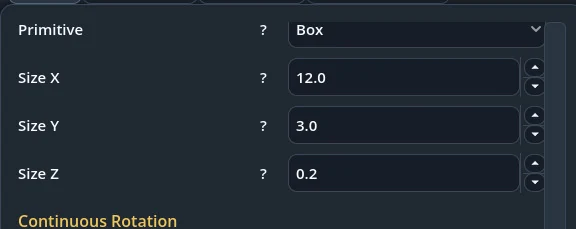
The back wall is wide and thin.
View source
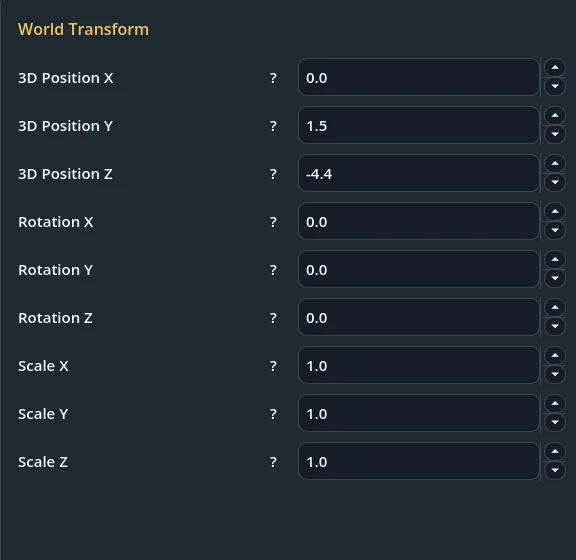
The back wall's centre is halfway up its height.
View source
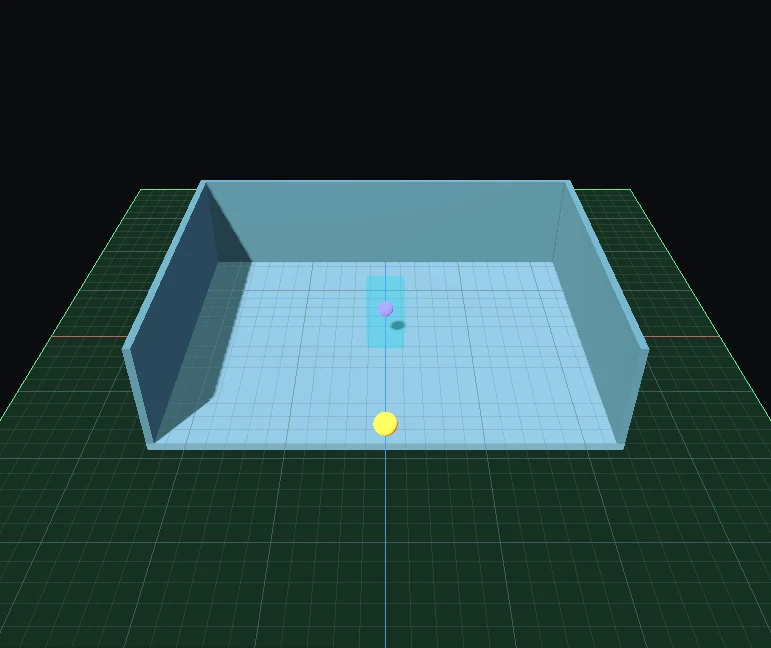
The floor and three walls form the room shell.
View source
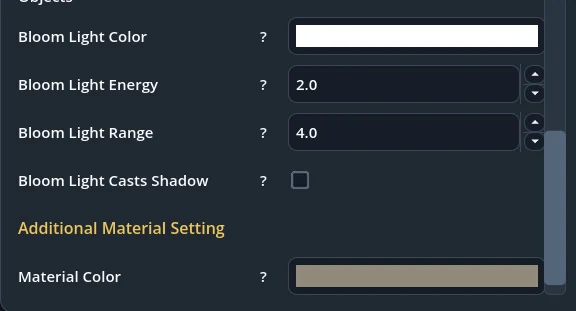
Material Color is in Visual Effects.
View source