SEE WHAT YOU CAN MAKE
A closer look at PCA3D.
Explore real editor and gameplay screenshots from the itch.io page and the manual screenshot collection. Open any image to see the details.
1,127distinct screenshots
Scene building, interfaces, scripting, cinematics and the details in between. Repeated images share one entry, with their guide and page references kept together.
Explore the features1,127 screenshots · 889–912
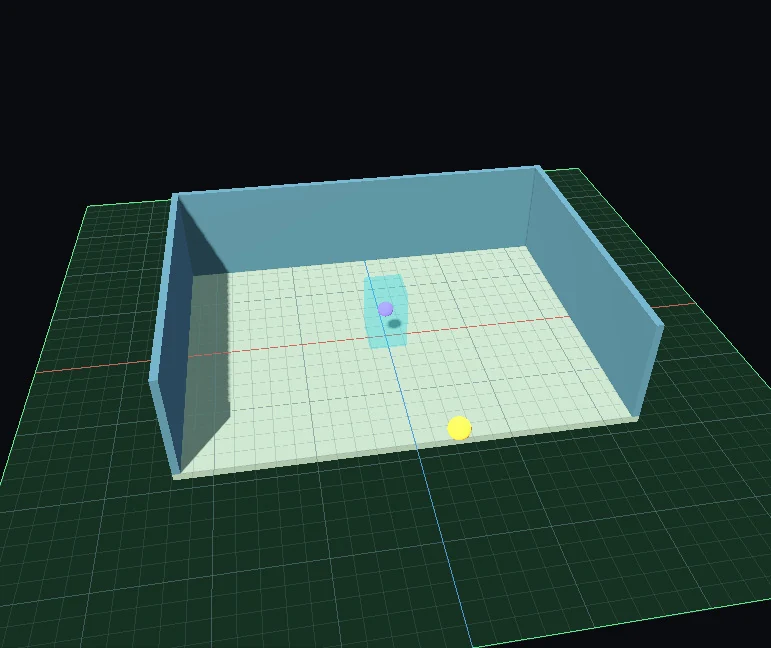
The same room shell with separate floor and wall colours.
View source
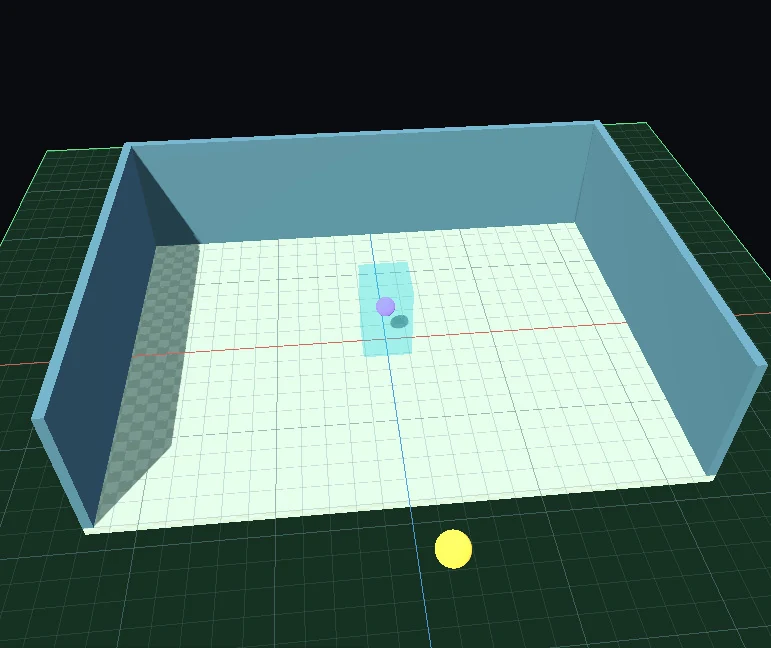
The Image asset supplies the floor pattern.
View source
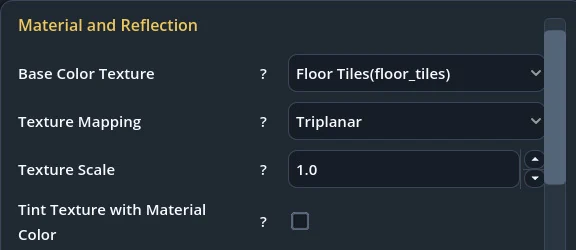
These are the primitive texture controls in the main Inspector.
View source
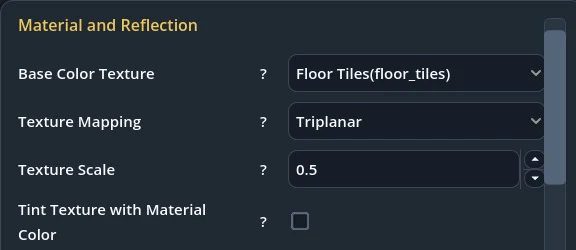
Change Texture Scale while keeping Size and Position unchanged.
View source
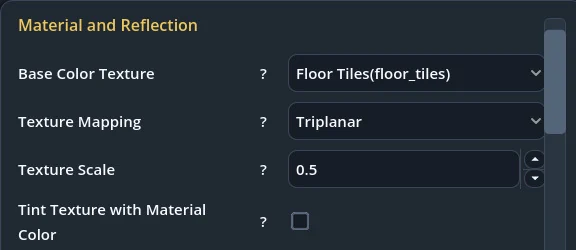
The same material controls work on a wall.
View source
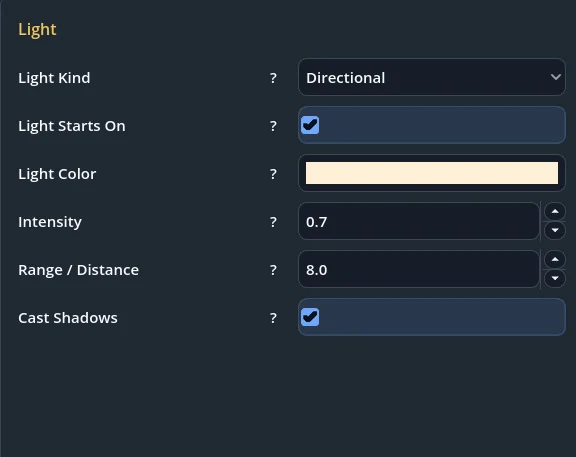
An authored light belongs to the room and is used by the game.
View source
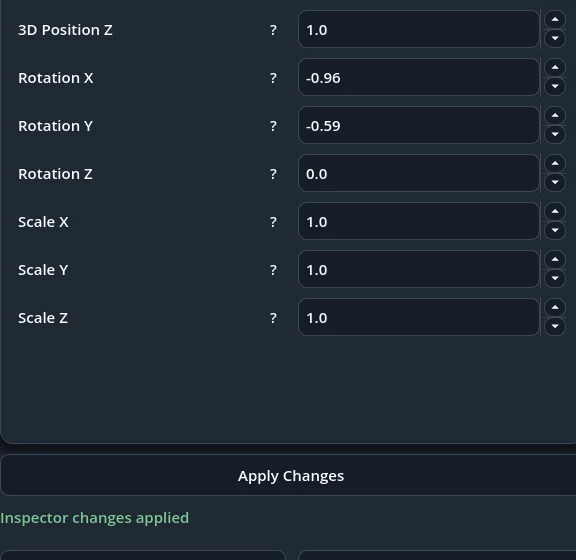
This directional light's Rotation values are radians.
View source
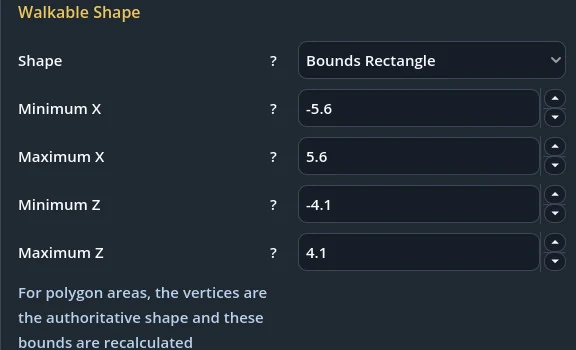
The navigation rectangle uses its own bounds.
View source
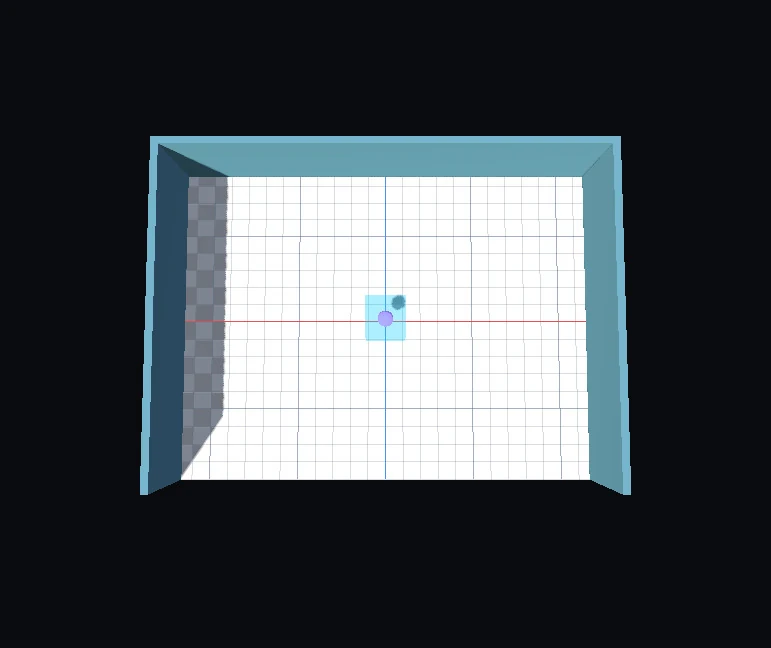
Top view is useful for comparing the walkable area with the room shell.
View source
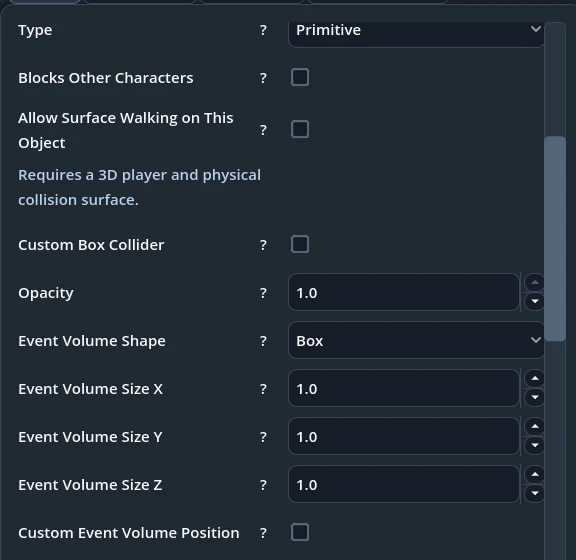
Floor's blocking switch is off for this flat-room setup.
View source
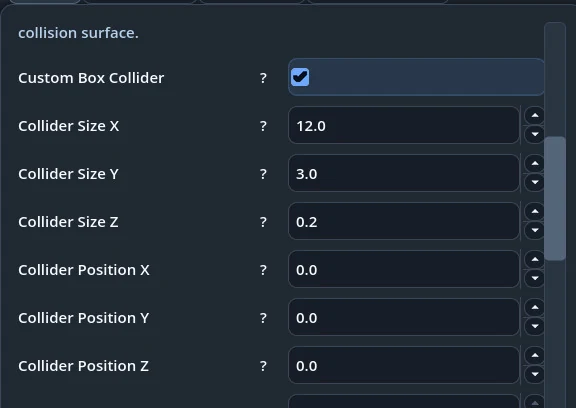
Custom Box Collider exposes a separate physical box.
View source
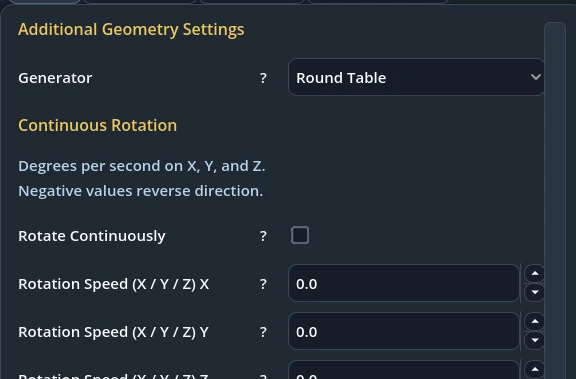
A procedural table supplies several generated parts without requiring you to assemble every leg by hand.
View source
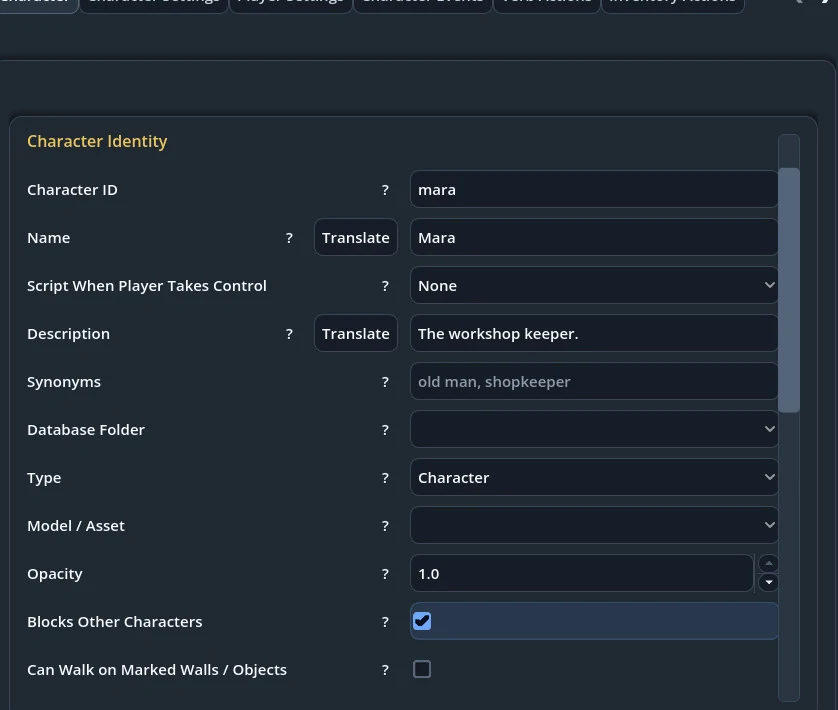
Mara's reusable Character definition.
View source
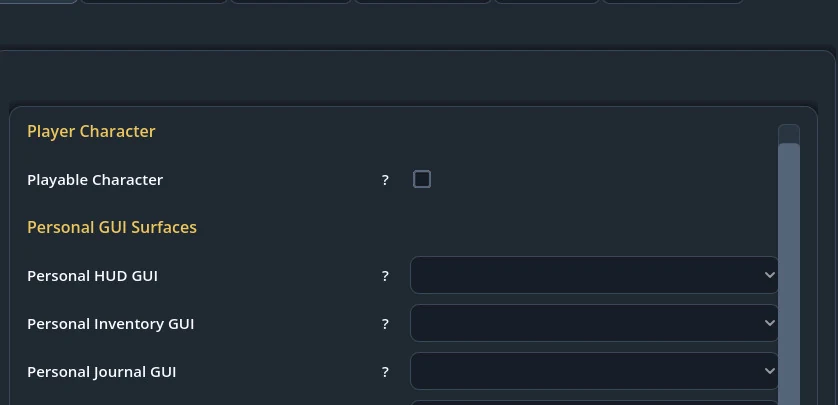
An ordinary NPC is not selected as a playable or default starting character.
View source
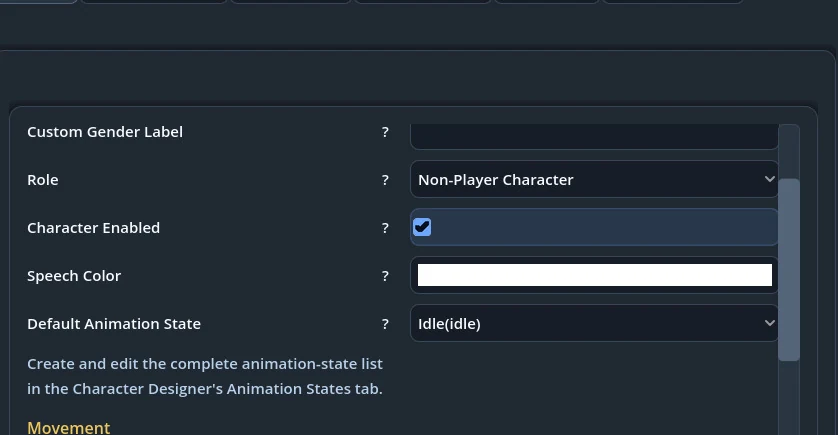
Role and display name belong to the reusable character's Character Settings.
View source
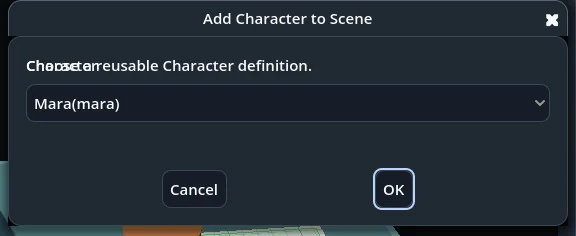
The chooser lists reusable characters that are available for placement in this room.
View source
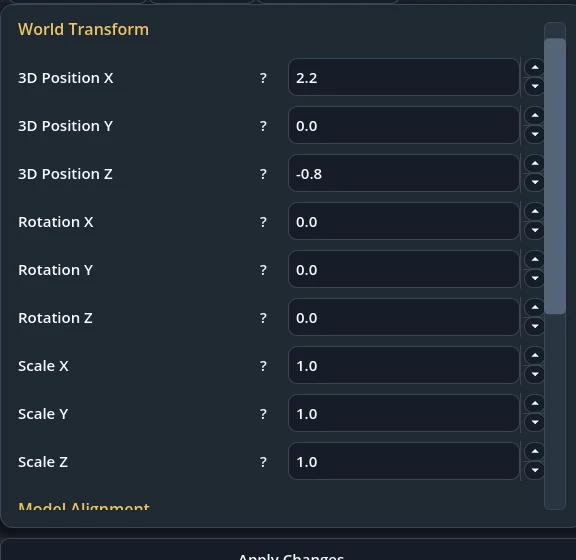
The room instance supplies Mara's workshop position.
View source
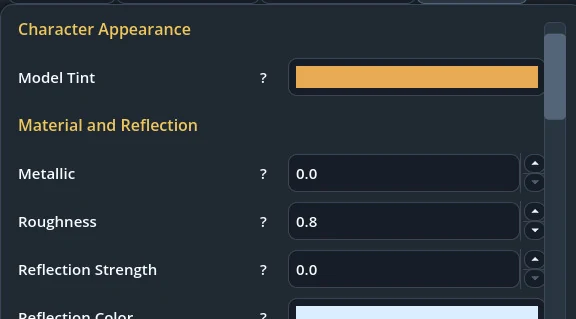
Model Tint changes the character's appearance in this scene.
View source
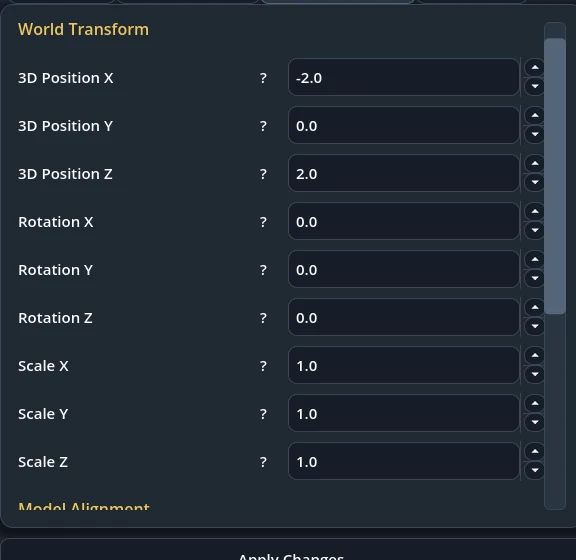
The player's scene position is its starting location for this simple setup.
View source
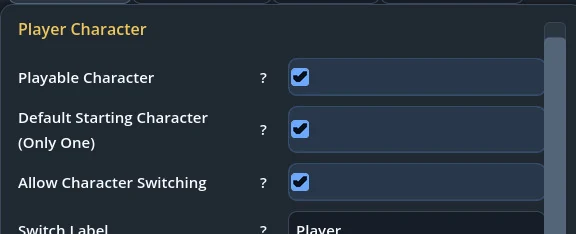
The player has a different job from the NPC even though both use reusable Character definitions.
View source
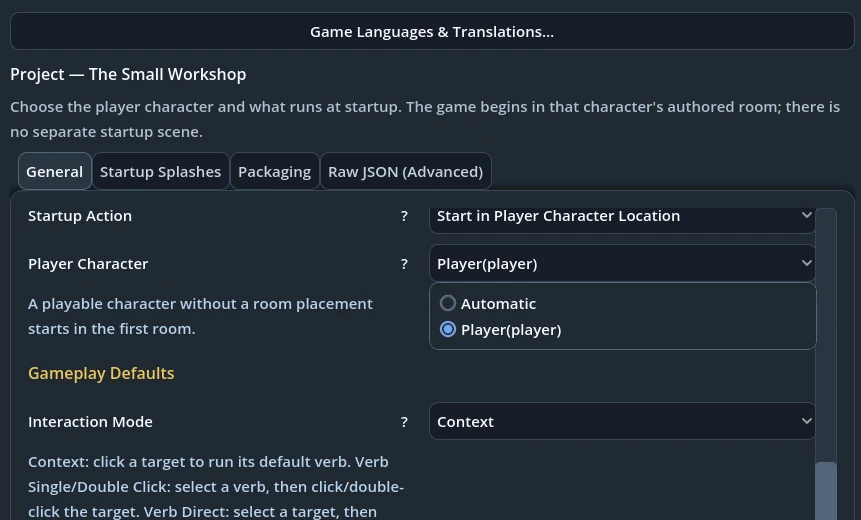
Project startup chooses the player whose room location should begin the game.
View source
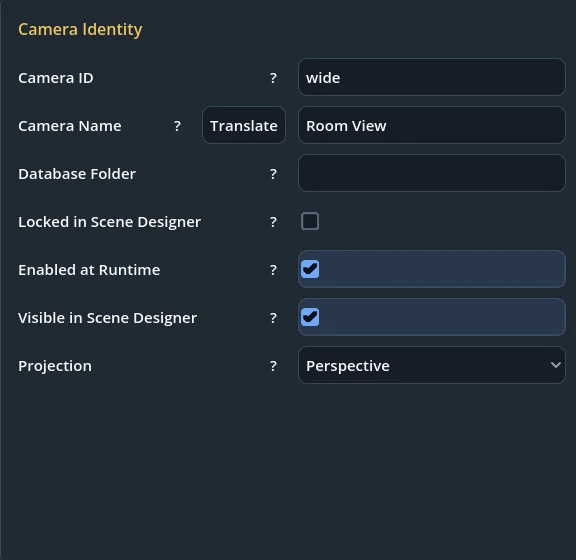
Give the camera a recognisable name and ID.
View source
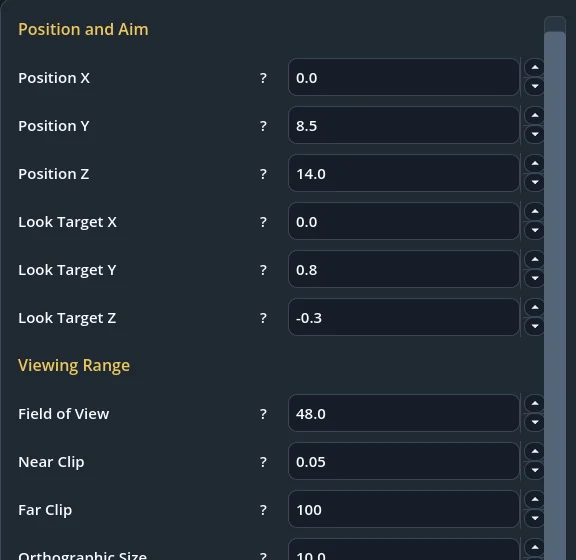
Position locates the camera.
View source