SEE WHAT YOU CAN MAKE
A closer look at PCA3D.
Explore real editor and gameplay screenshots from the itch.io page and the manual screenshot collection. Open any image to see the details.
1,127distinct screenshots
Scene building, interfaces, scripting, cinematics and the details in between. Repeated images share one entry, with their guide and page references kept together.
Explore the features1,127 screenshots · 913–936
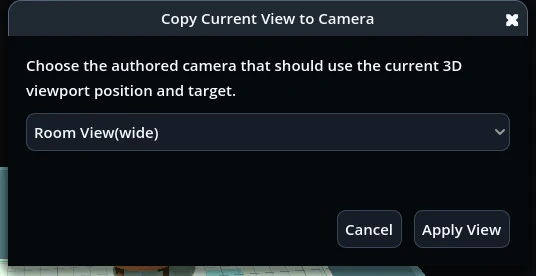
Copy View to Camera writes the editor's current position, aim and field of view to the chosen authored camera.
View source
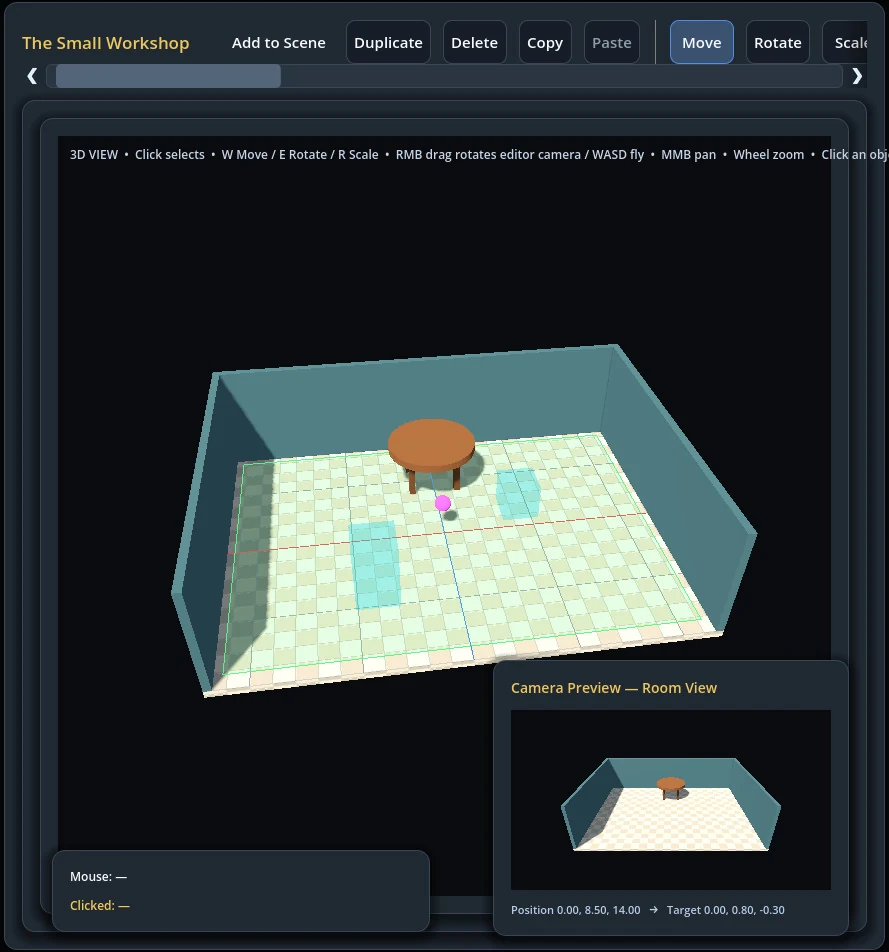
Selecting the authored camera exposes its settings and preview.
View source
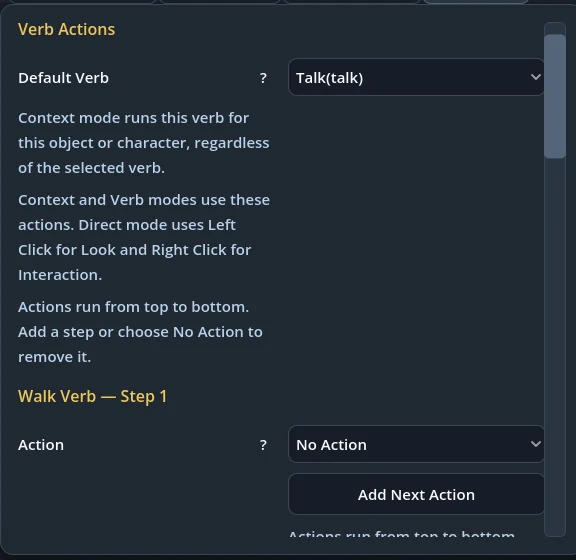
Verb Actions assigns behaviour to Mara.
View source
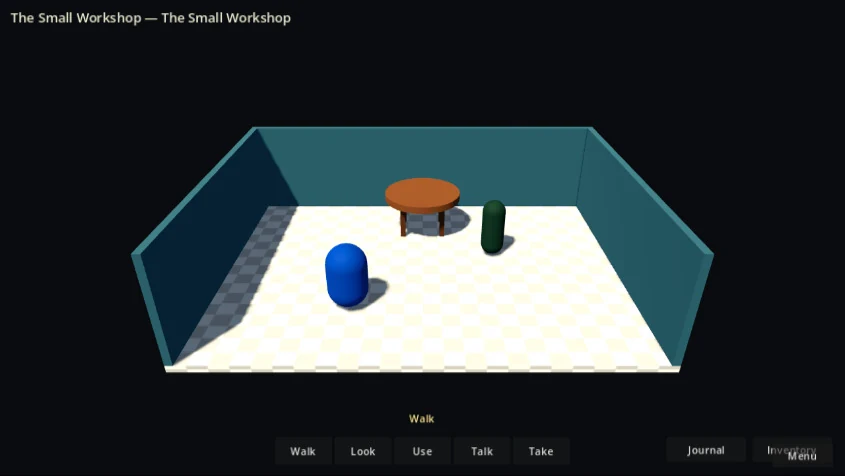
The room running with its authored camera, two character placeholders, floor, walls, workbench and light.
View source
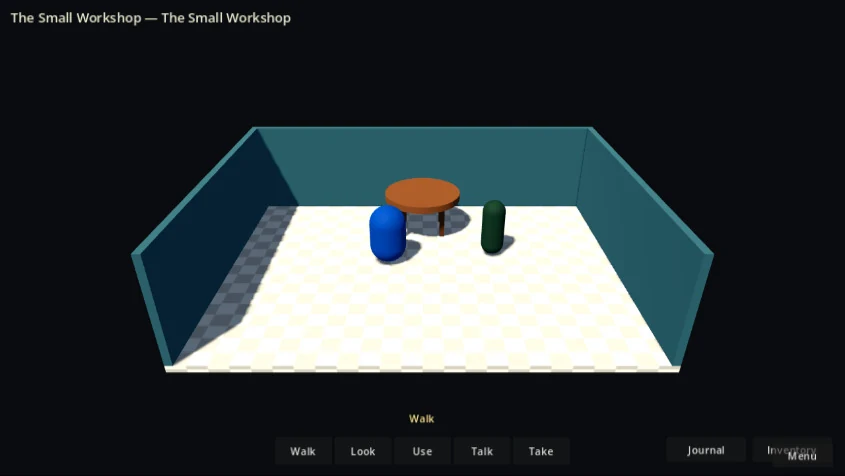
The player has moved from its starting position.
View source
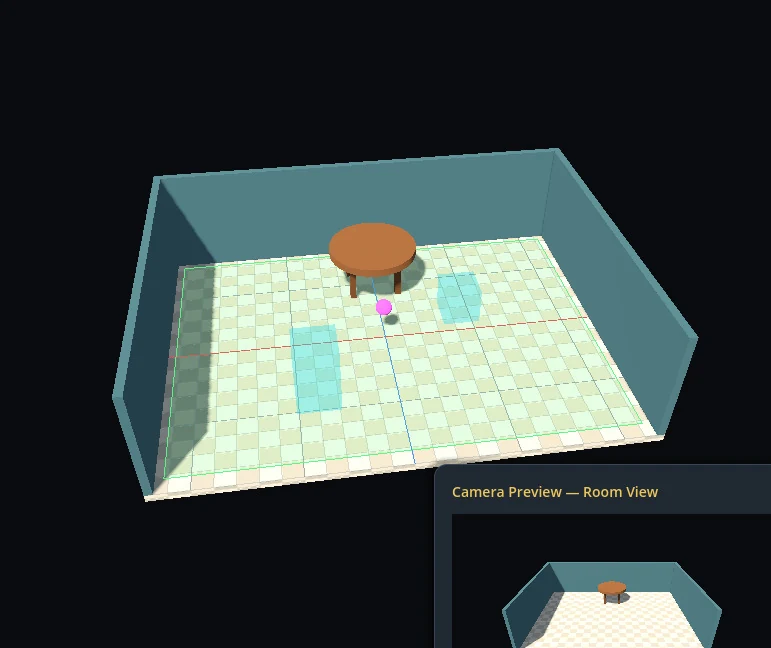
The finished editing scene.
View source
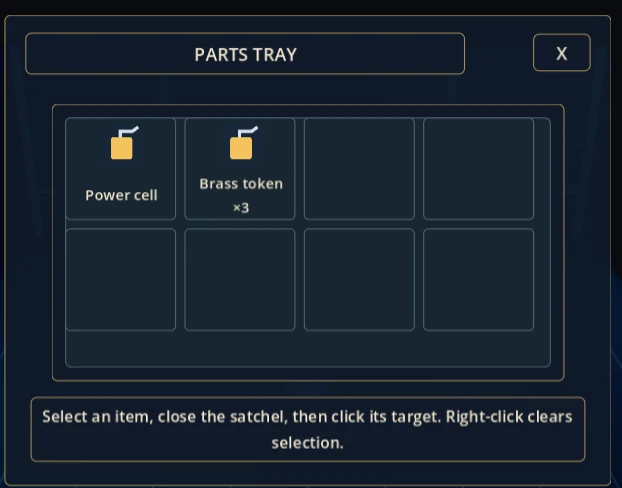
The Inventory Designer — Inventory Designer
View source
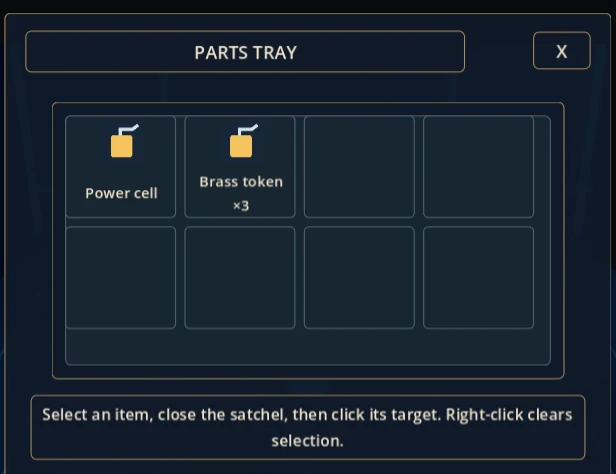
The Inventory Designer — One power cell, three places to look
View source
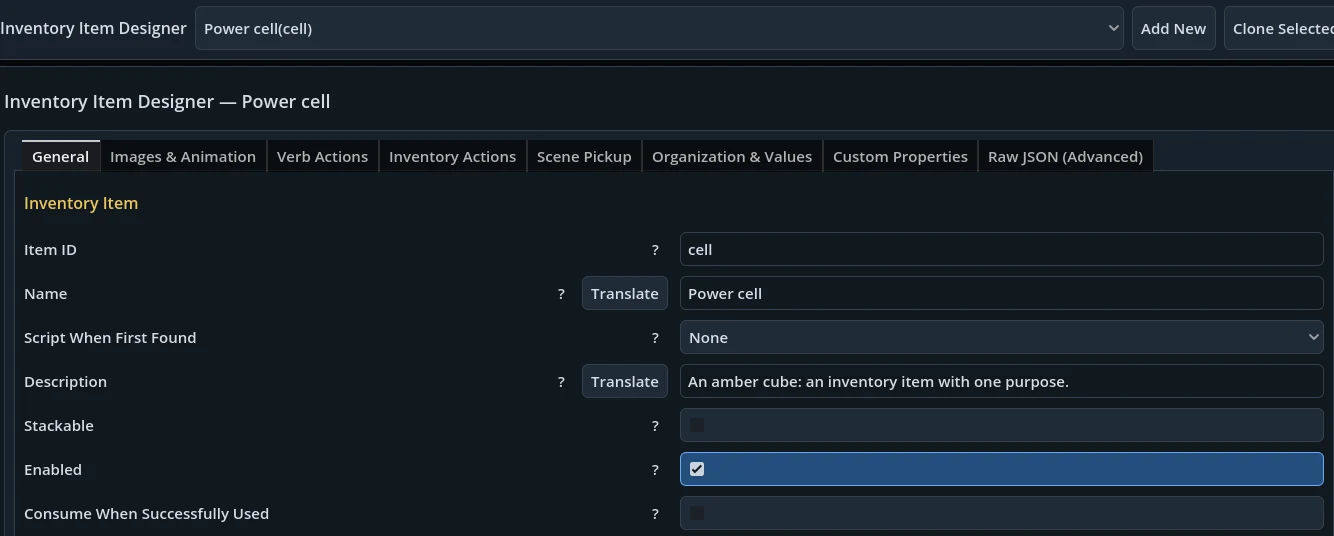
The Inventory Designer — Create or edit an item record
View source

The Inventory Designer — Set quantities and first-found behavior
View source
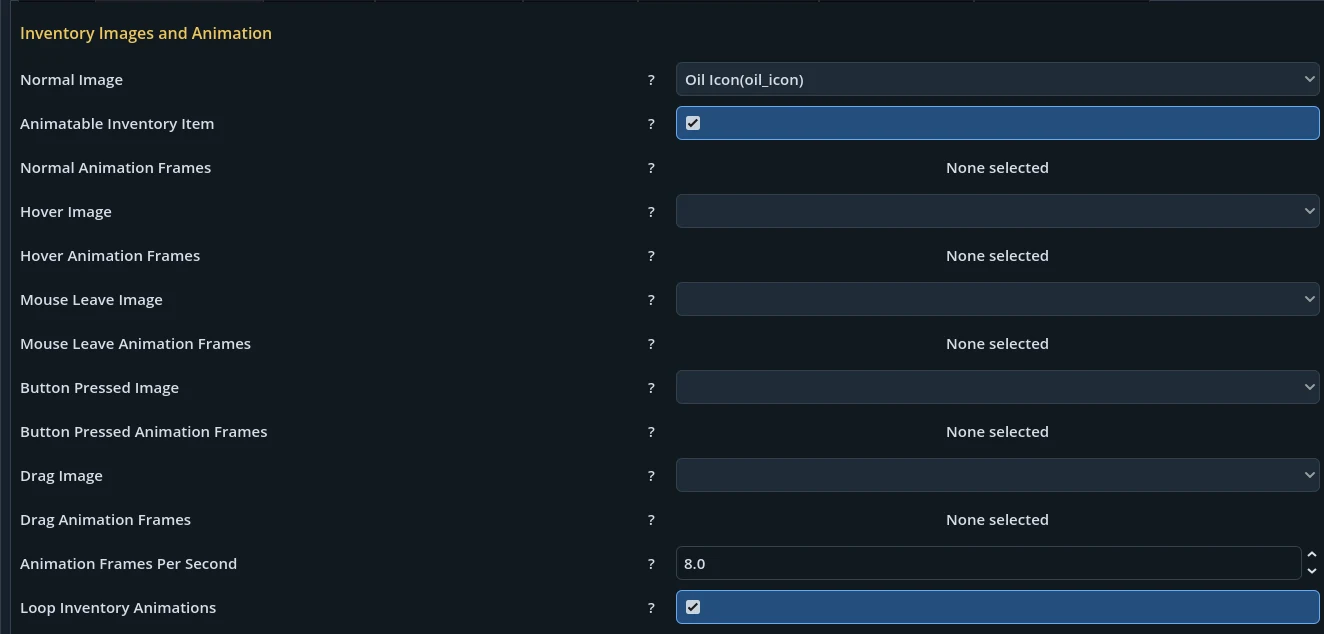
The Inventory Designer — Choose an icon for each state
View source
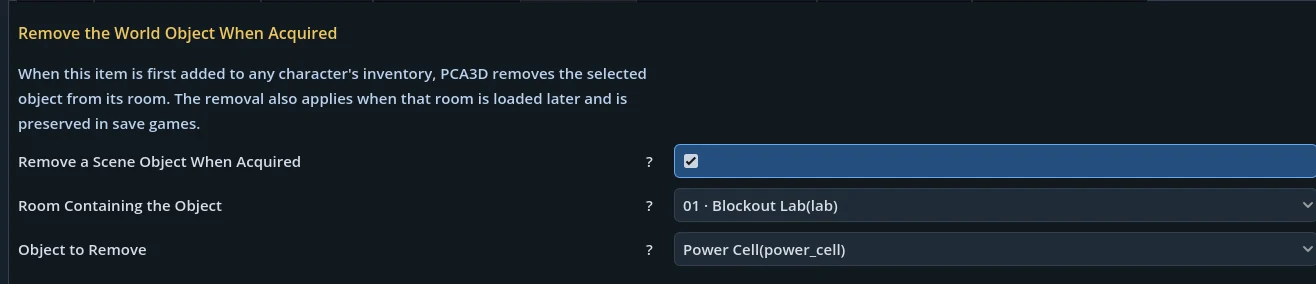
The Inventory Designer — Give the player an item they can pick up
View source
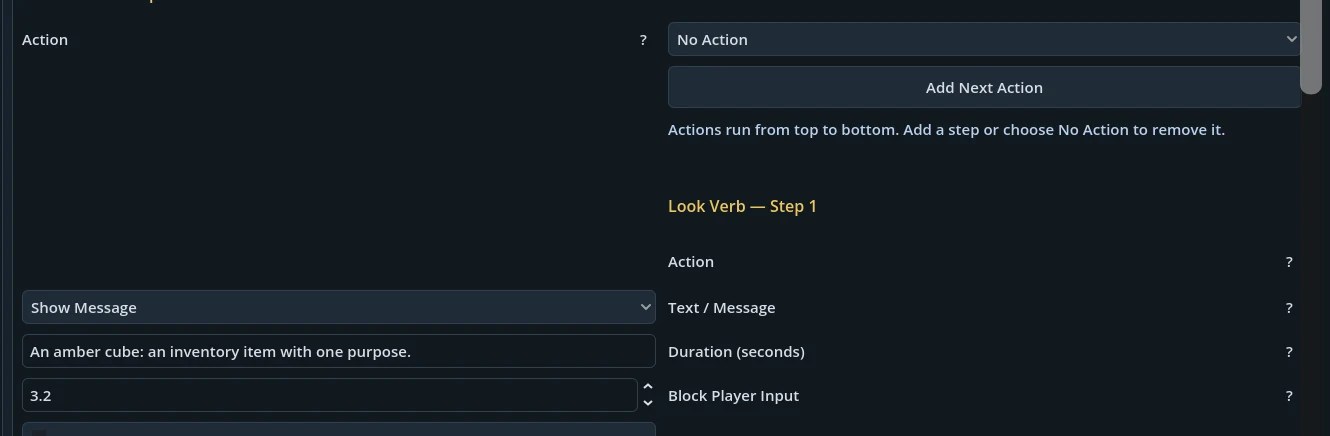
The Inventory Designer — Give an item something to say or do
View source
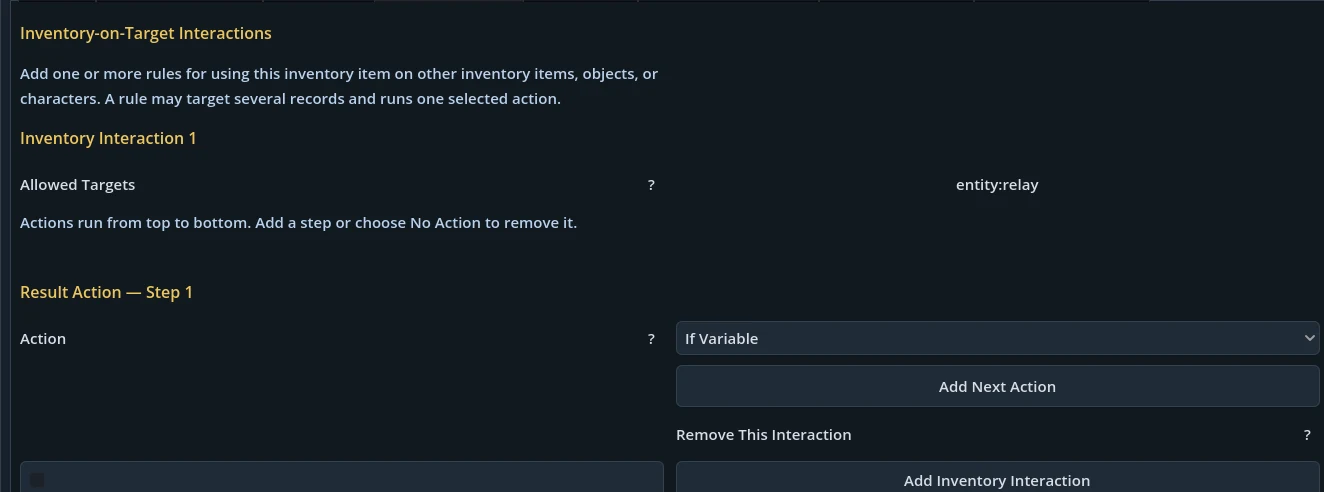
The Inventory Designer — Use a carried item on a world target
View source
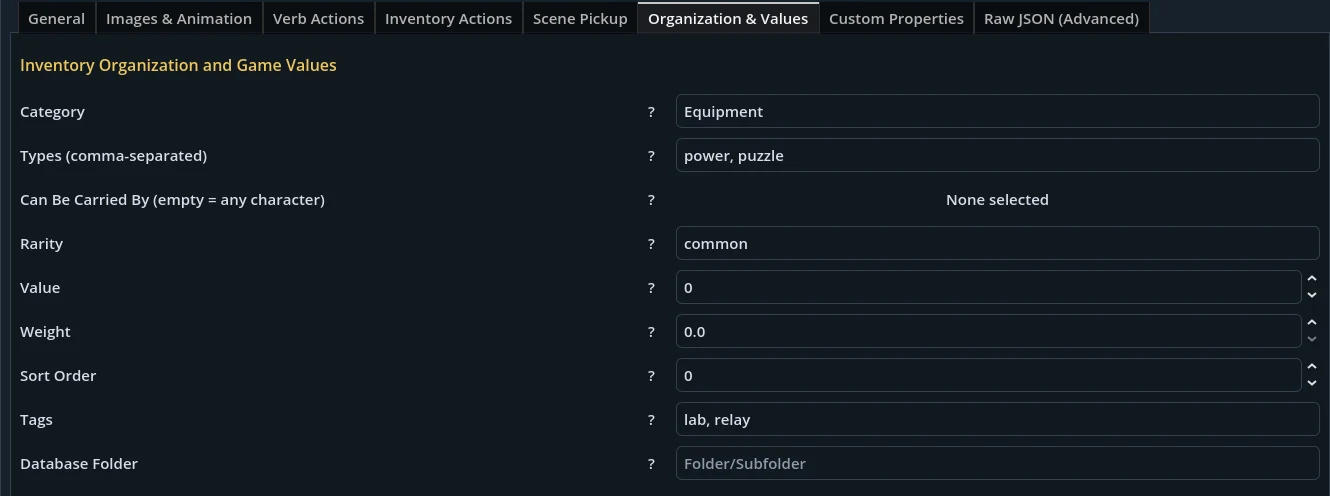
The Inventory Designer — Use types, categories and custom values
View source
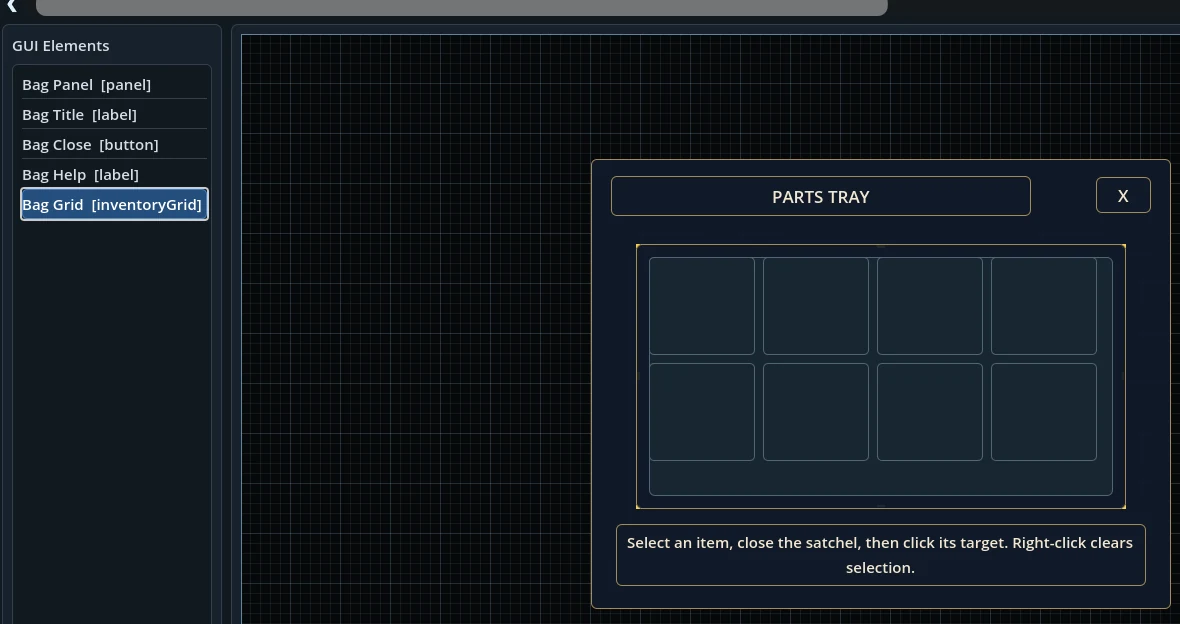
The Inventory Designer — Show the inventory in your own GUI
View source
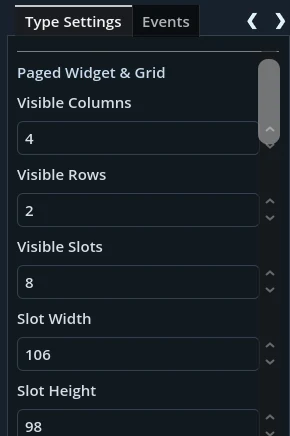
The Inventory Designer — Size the grid and reach the next item
View source
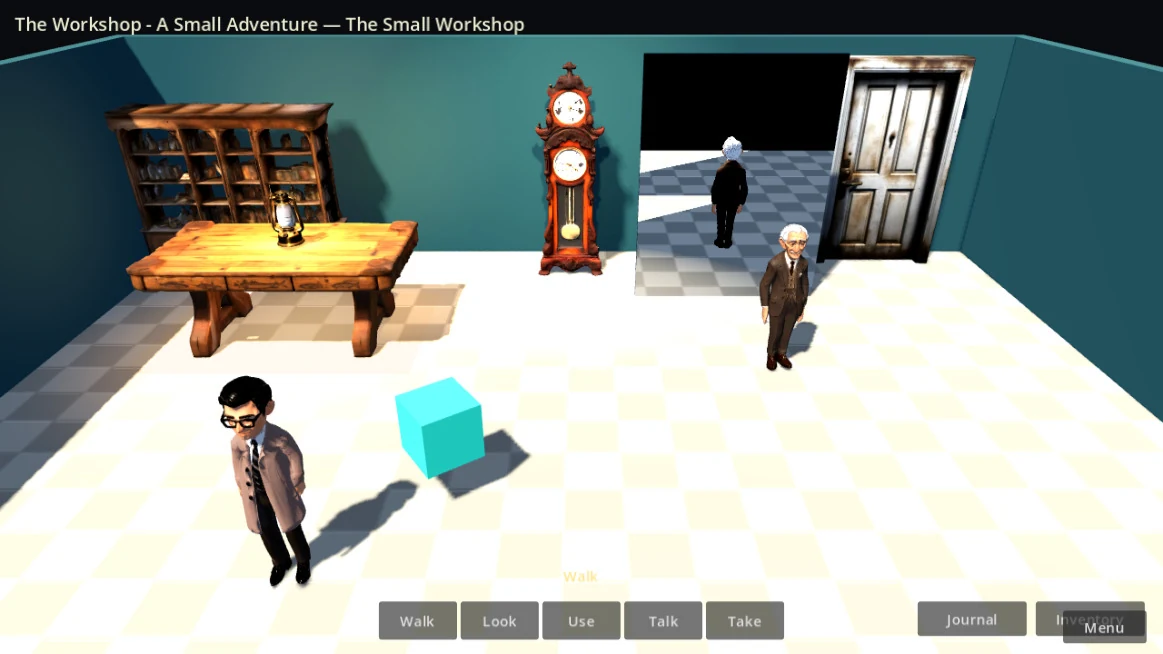
The Scene Designer — Part 3
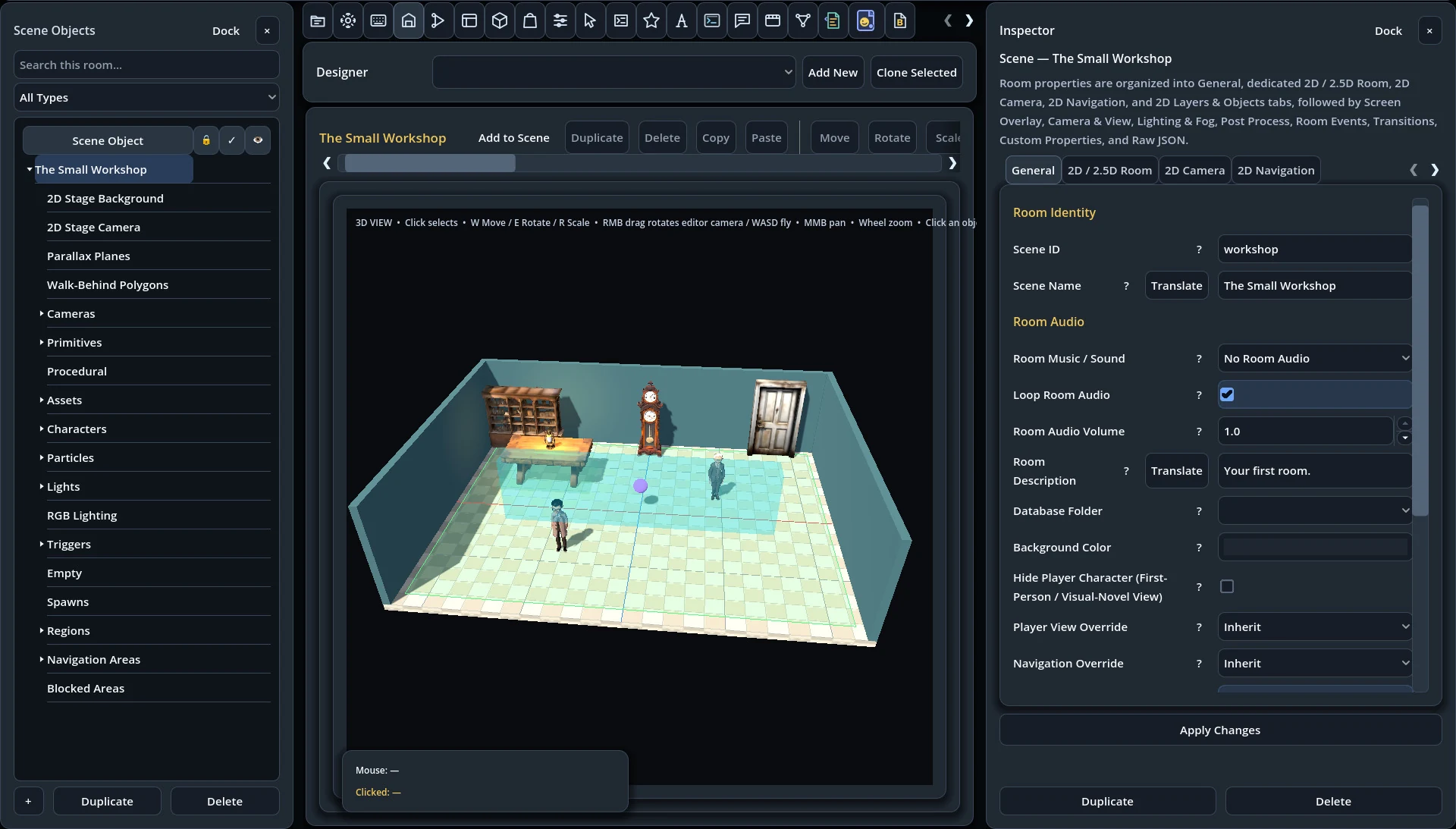
Our starting room.
View source
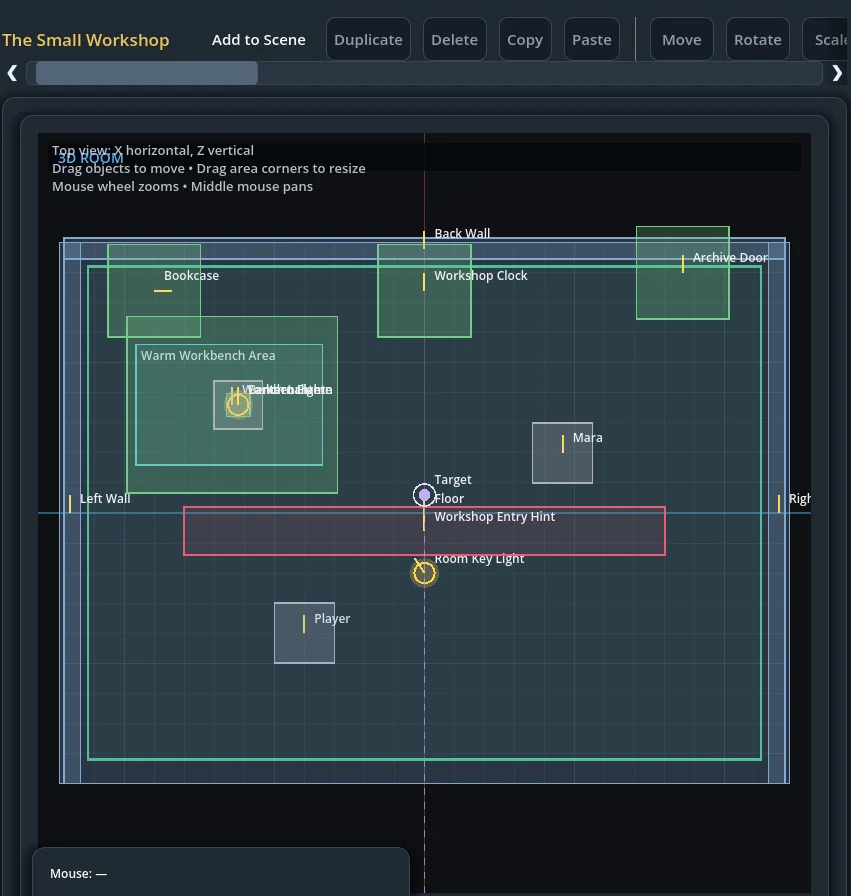
Designer gives a readable plan of the workshop and its navigation footprint.
View source
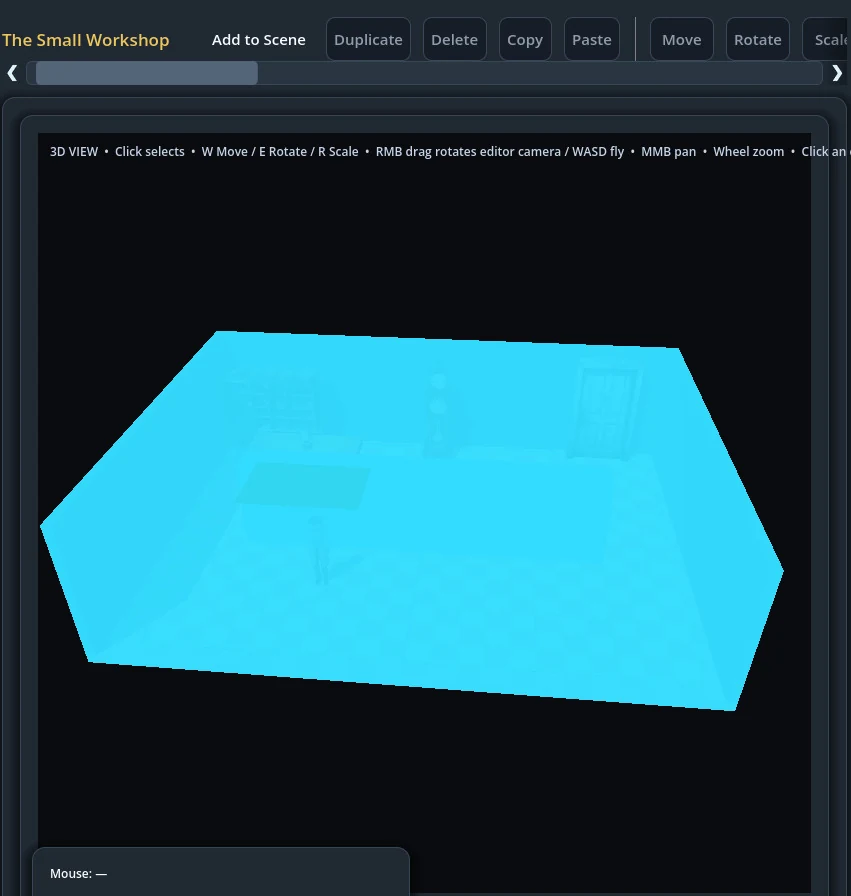
Mesh view is useful when a textured surface makes the underlying geometry hard to judge.
View source
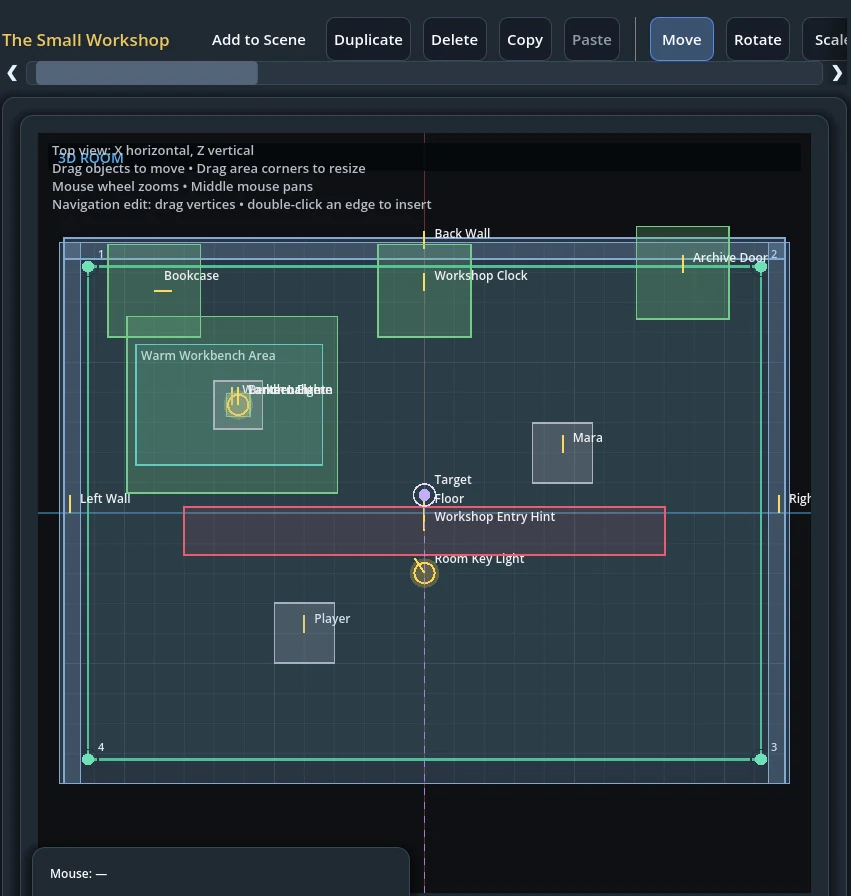
The navigation rectangle has become a polygon with editable corner handles.
View source
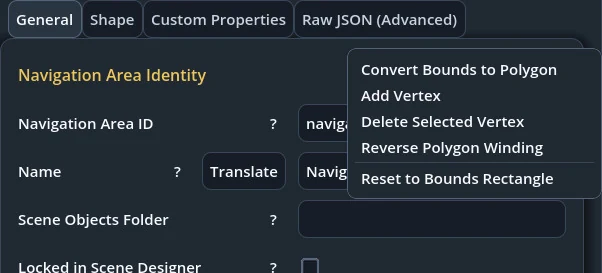
The navigation menu contains conversion, vertex editing, winding, and reset commands.
View source