SEE WHAT YOU CAN MAKE
A closer look at PCA3D.
Explore real editor and gameplay screenshots from the itch.io page and every supplied guide. Open any image to see the details.
1,127distinct screenshots
Scene building, interfaces, scripting, cinematics and the details in between. Repeated images share one entry, with their guide and page references kept together.
Explore the features1,127 screenshots · 73–96
A single directional light establishes the main shadow direction.
View source
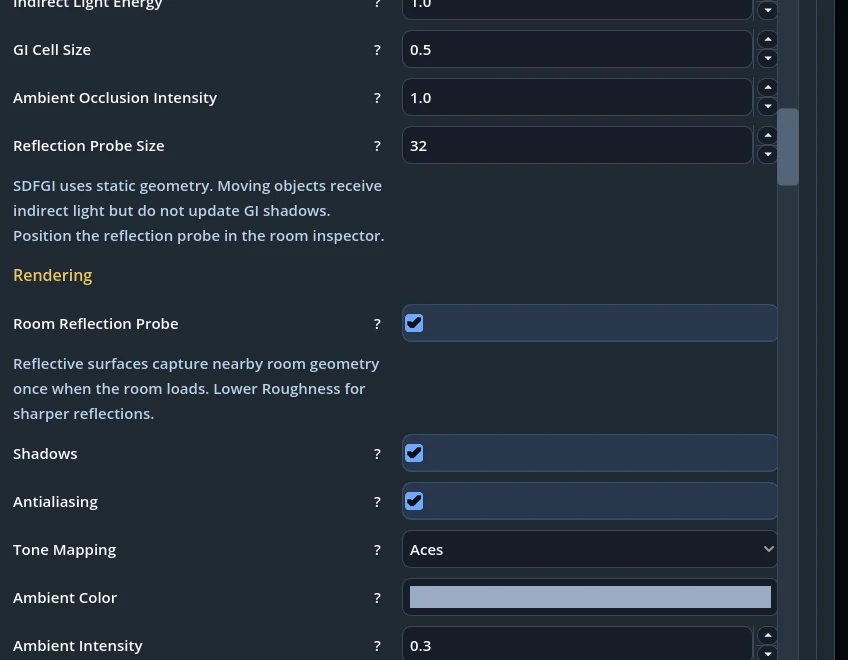
Ambient light and tone mapping are global rendering defaults.
View source
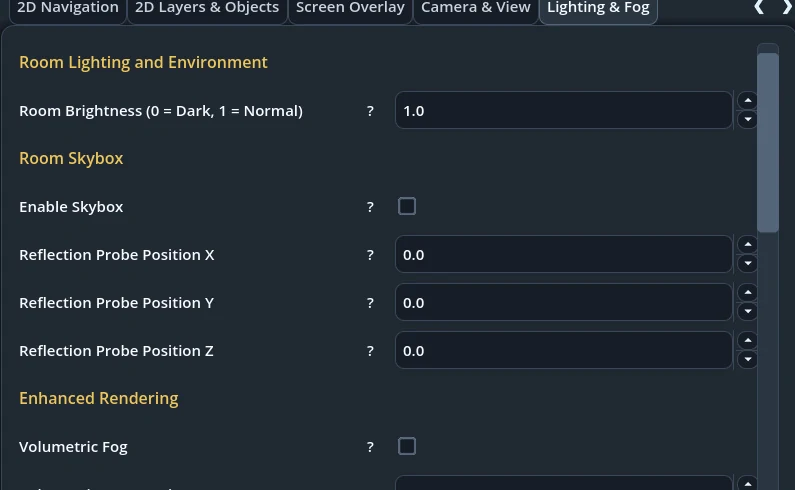
Room Lighting & Fog includes sky settings as well as brightness and atmosphere.
View source
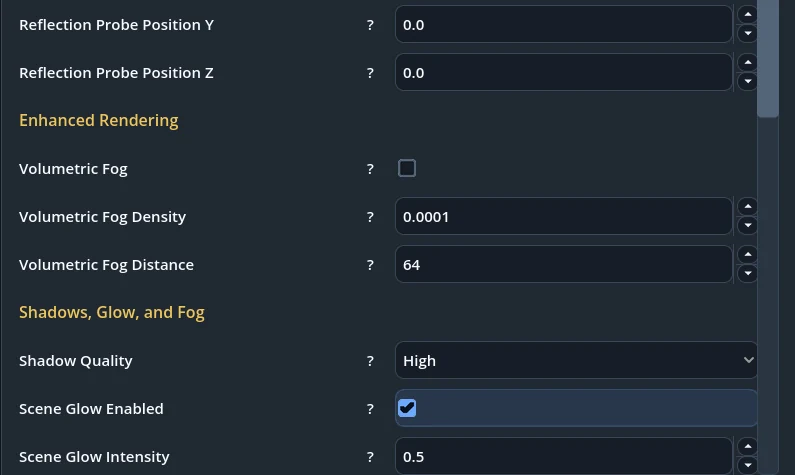
Shadow quality and Scene Glow are room environment controls.
View source
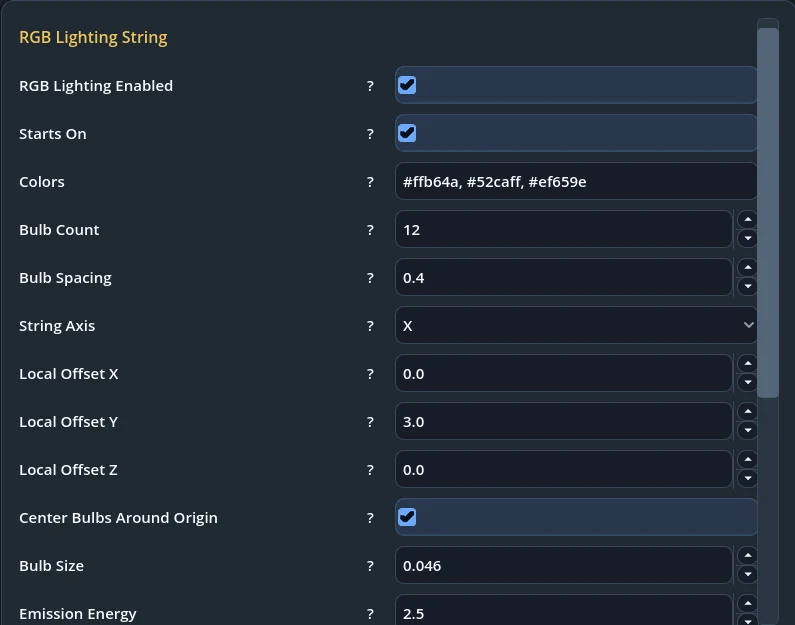
A string’s color sequence, count, spacing and local placement are authored together.
View source
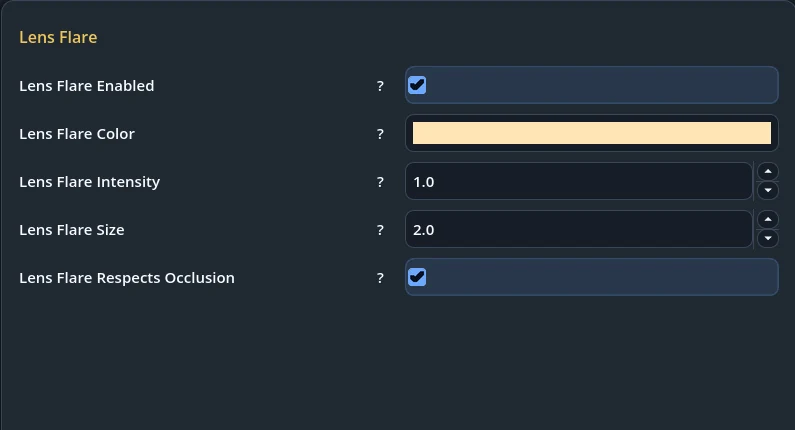
Flare color, strength, size and occlusion are separate from the light’s main intensity.
View source
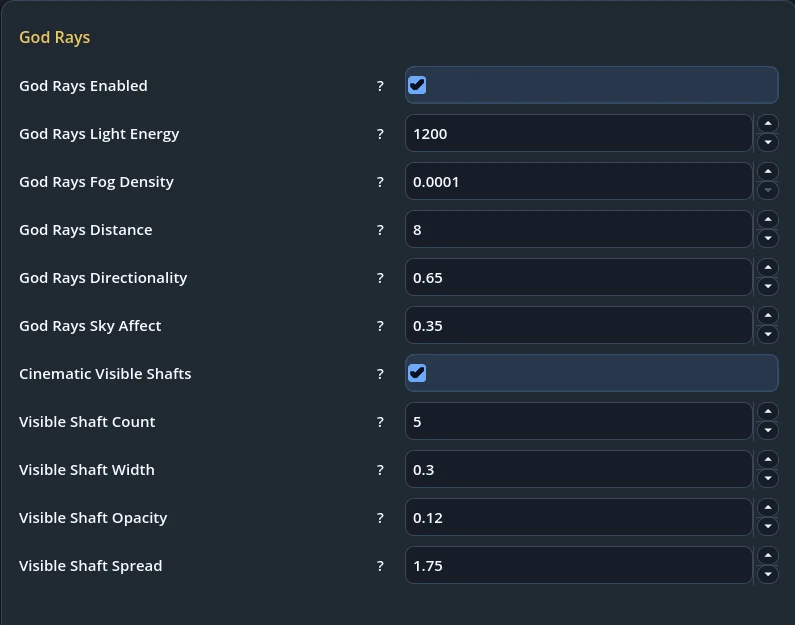
God Rays controls include the volumetric light contribution and visible-shaft options.
View source
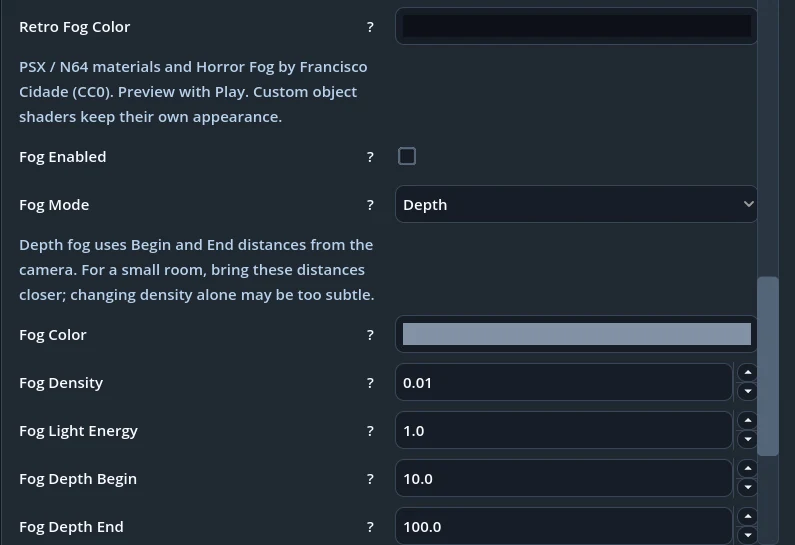
Bring the depth distances into the scale of your room.
View source
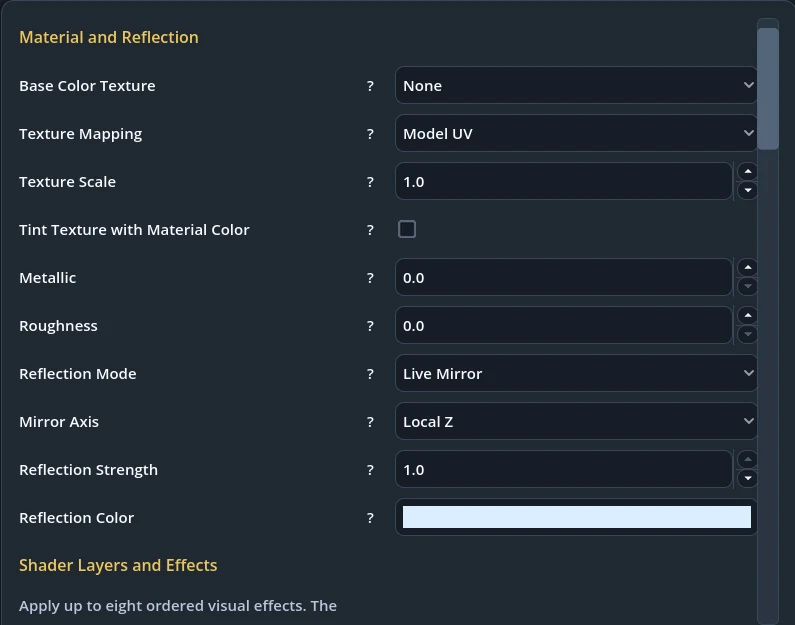
Live Mirror is a separate reflection mode.
View source
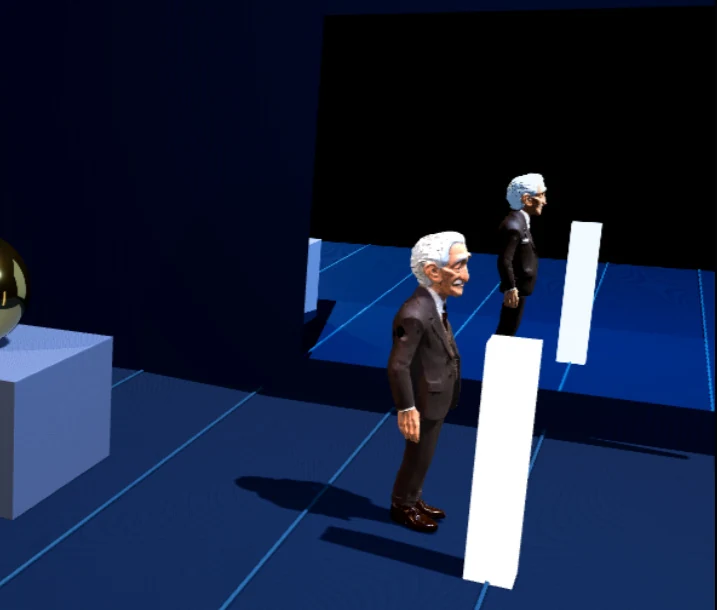
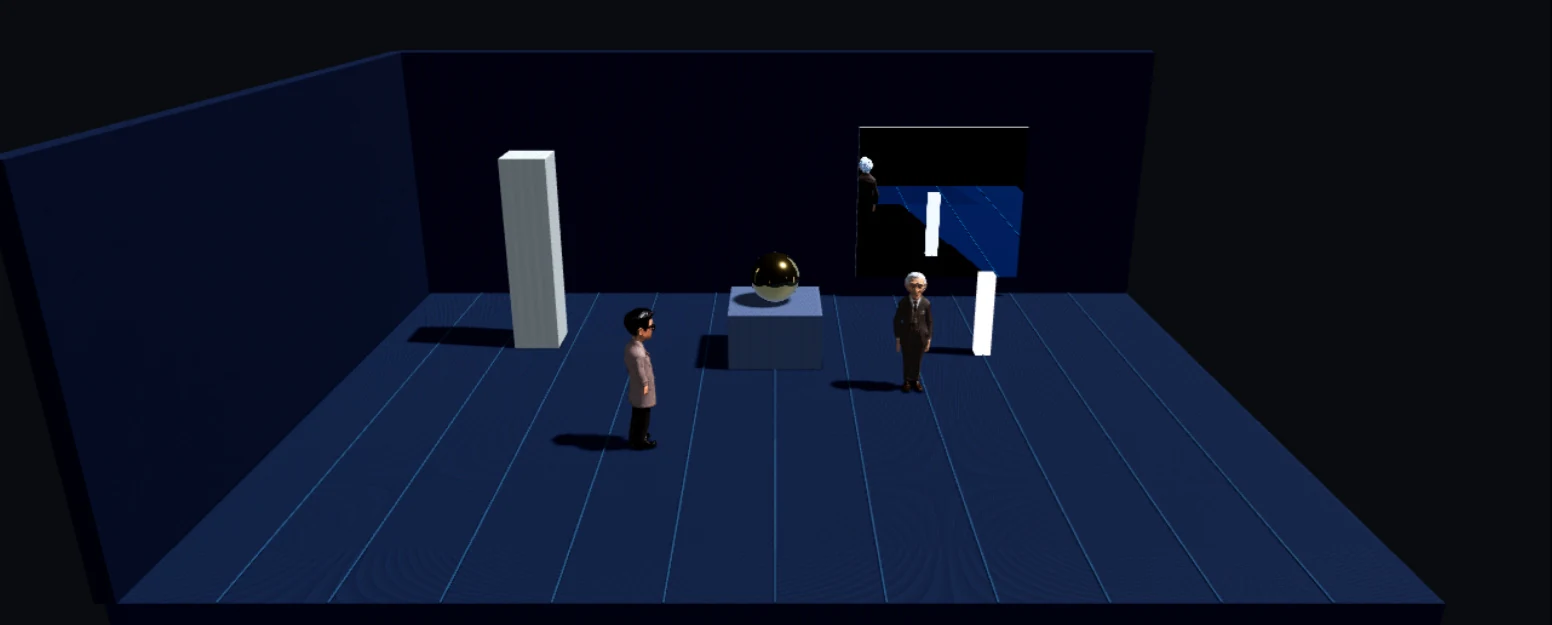
Elias and his live reflection after he moves toward the mirror.
View source
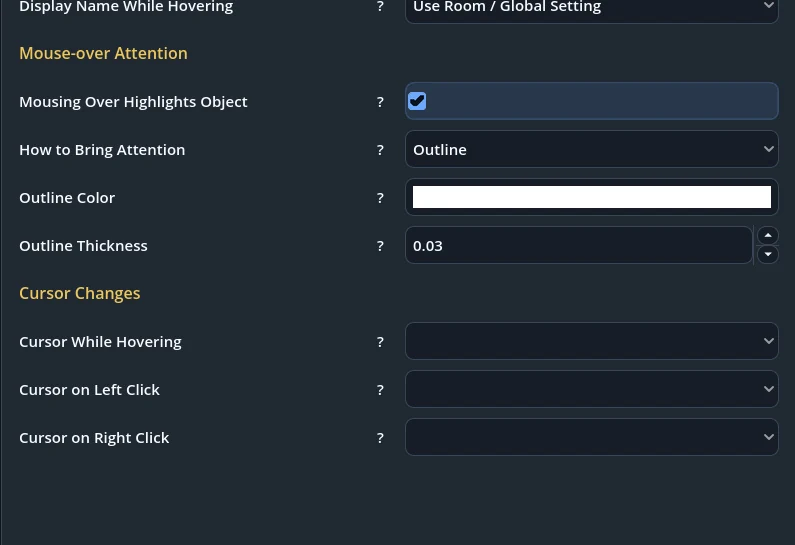
Choose outline, bloom or tint for hover attention on the selected scene object.
View source
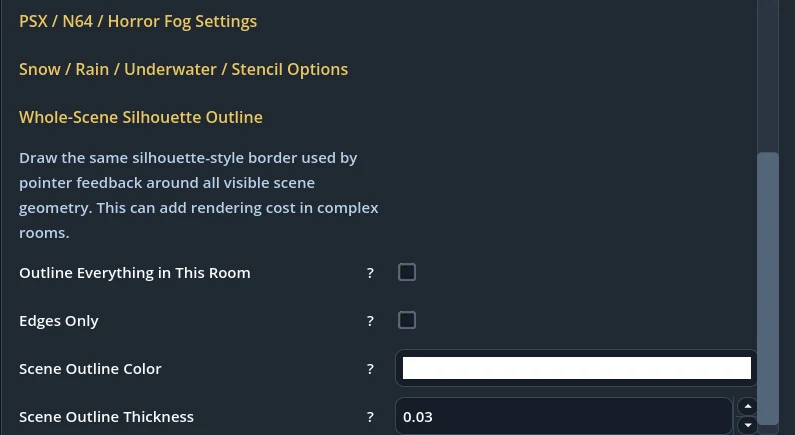
The room outline has its own switch, edge mode, color and thickness.
View source
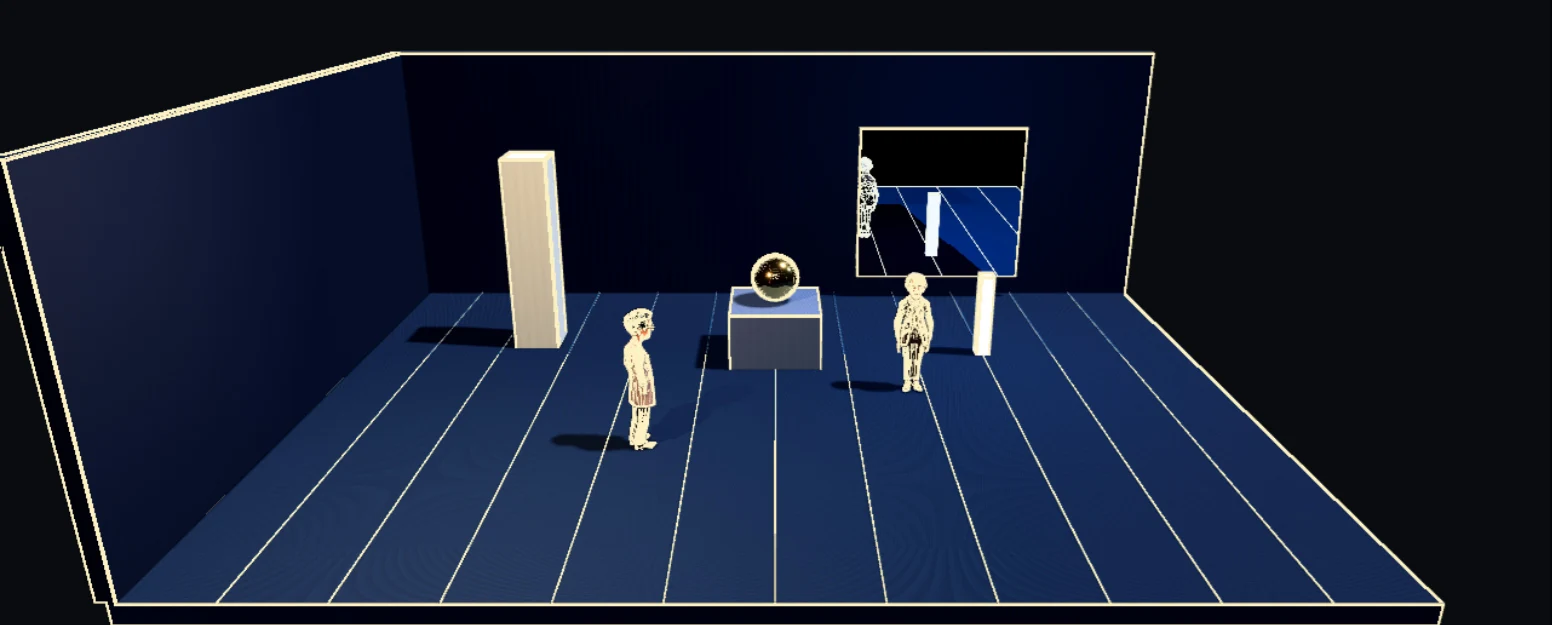
Edges Only in the running room.
View source
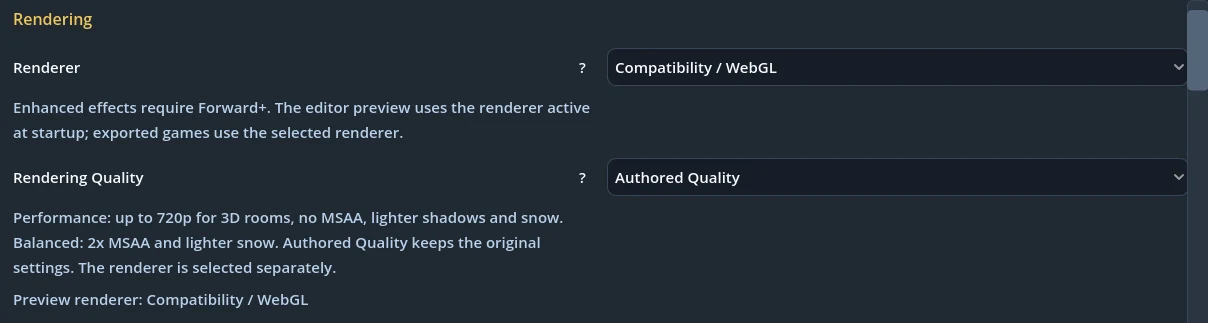
Renderer and Rendering Quality are separate settings; the live preview label appears below them.
View source
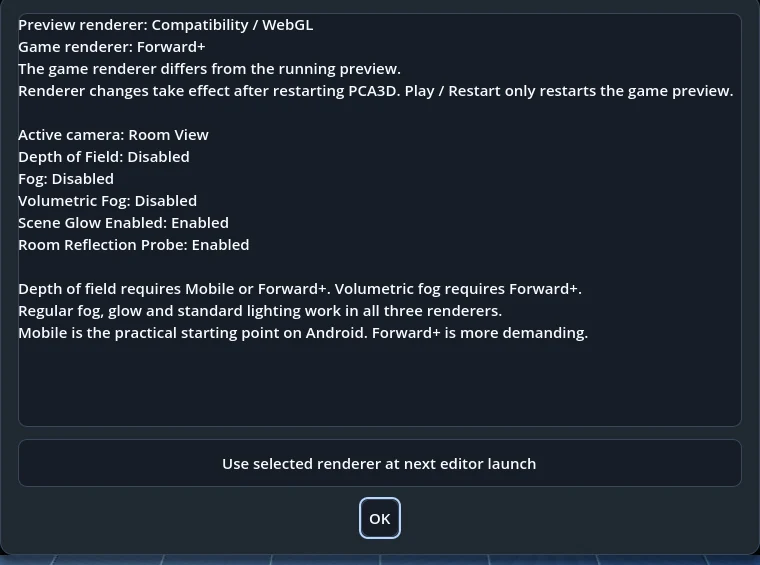
The saved Forward+ game setting and a live Compatibility preview are shown separately after renderer fallback.
View source
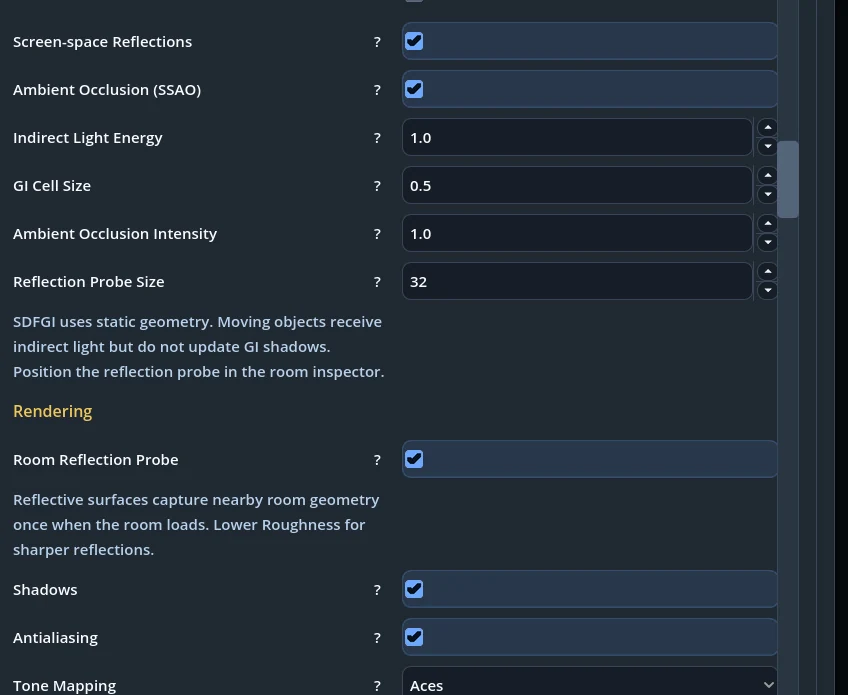
Enhanced Rendering has independent toggles and tuning values rather than one compulsory all-effects setting.
View source
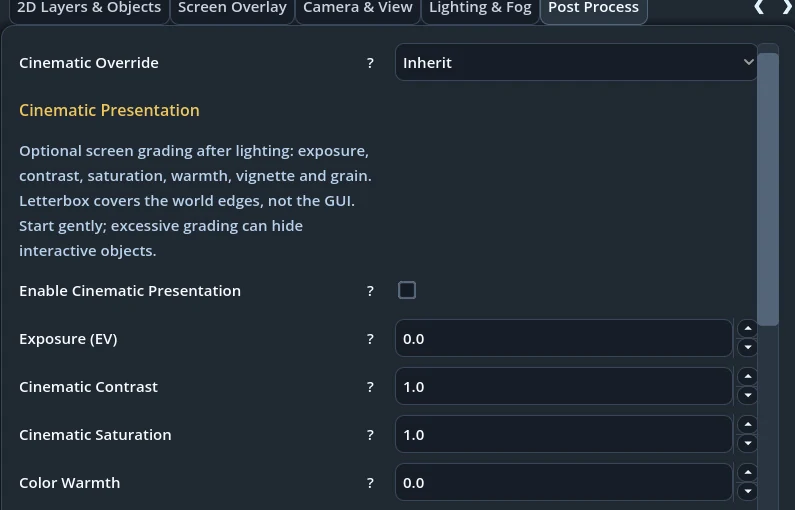
Cinematic grading and the room screen stack are edited in Post Process.
View source
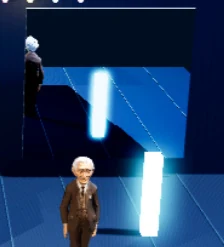
Scene Glow adds a halo to the cyan emitter; the mirror reflects the bright marker.
View source
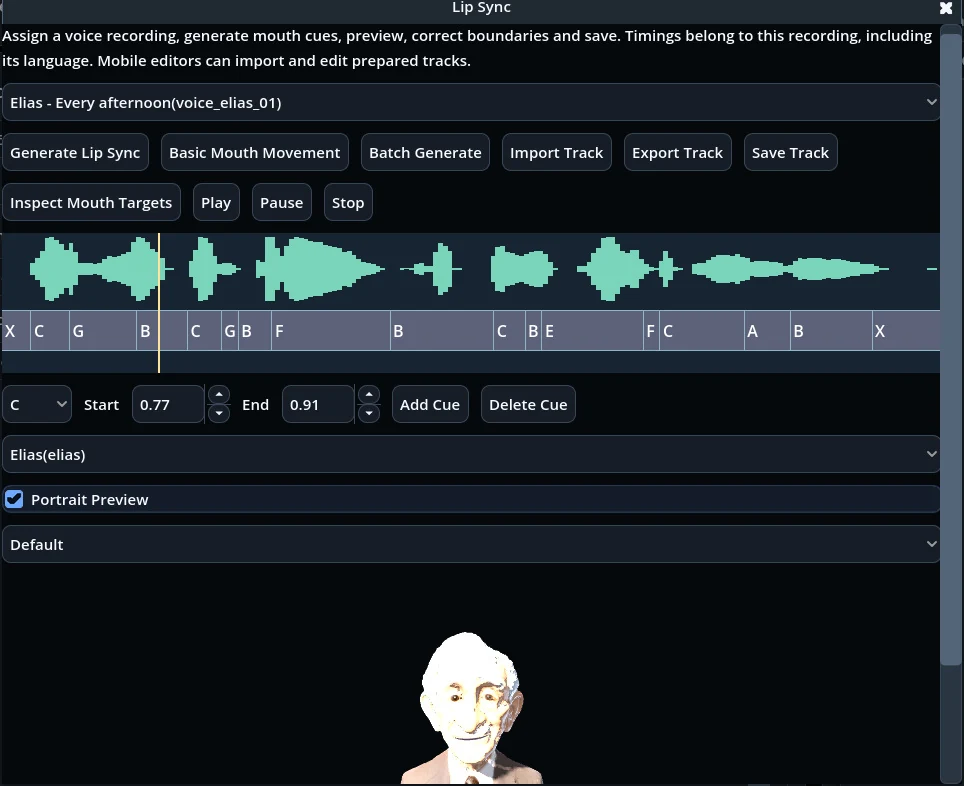
Lip-sync timing and portrait preview
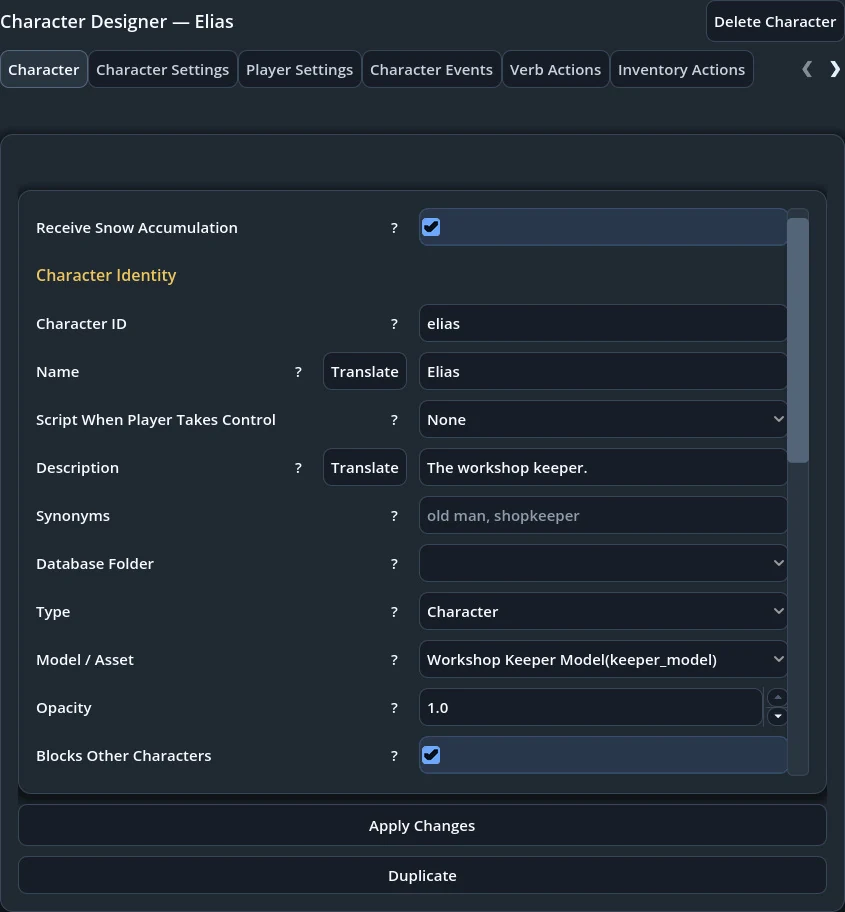
The Character Designer has its own section row.
View source
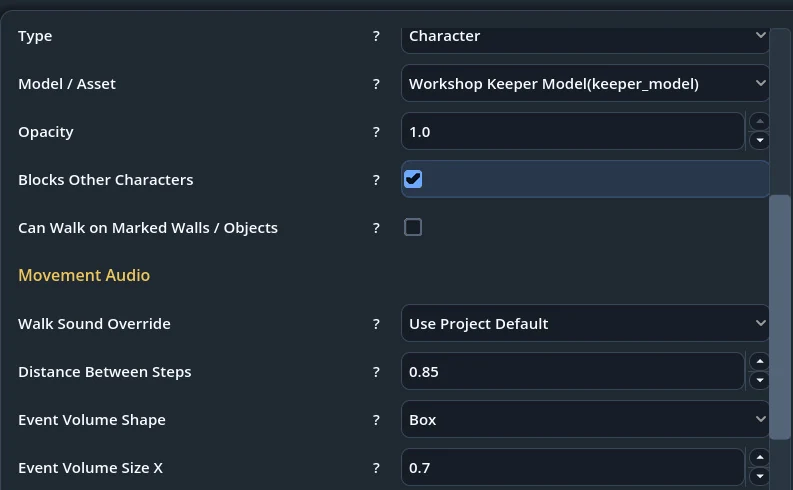
Model / Asset belongs to the reusable character definition.
View source
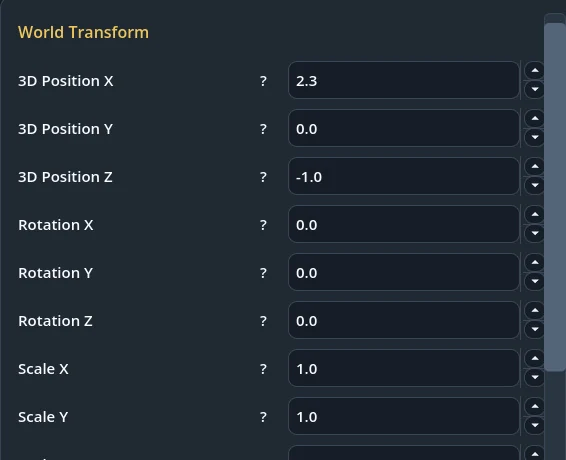
Select the placed character for Visual Adjustments.
View source
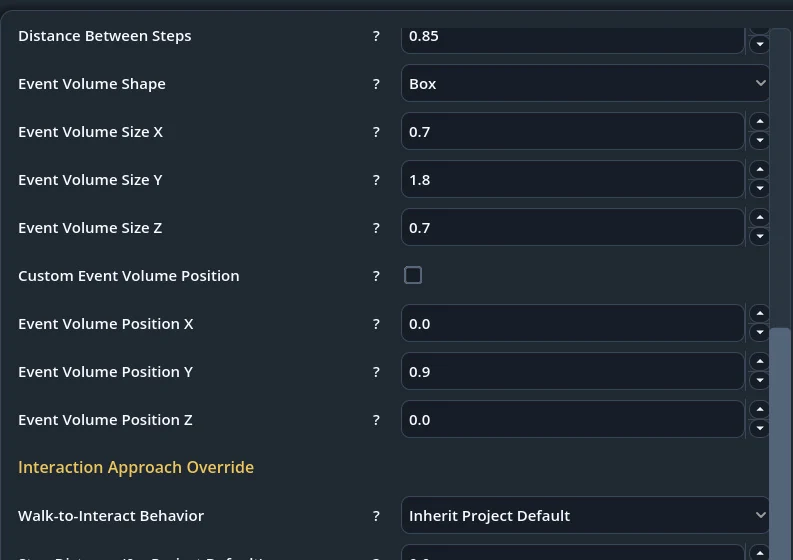
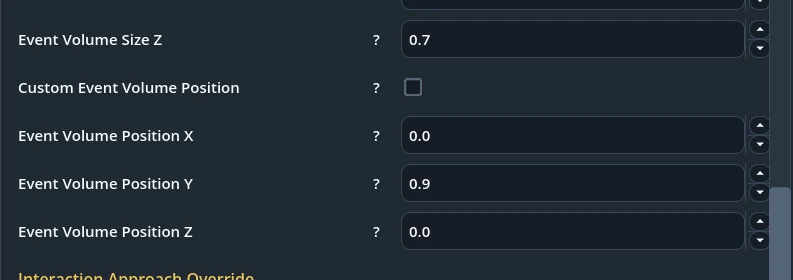
The character definition can supply event-volume defaults that a scene placement may override.
View source