SEE WHAT YOU CAN MAKE
A closer look at PCA3D.
Explore real editor and gameplay screenshots from the itch.io page and the manual screenshot collection. Open any image to see the details.
1,127distinct screenshots
Scene building, interfaces, scripting, cinematics and the details in between. Repeated images share one entry, with their guide and page references kept together.
Explore the features1,127 screenshots · 937–960
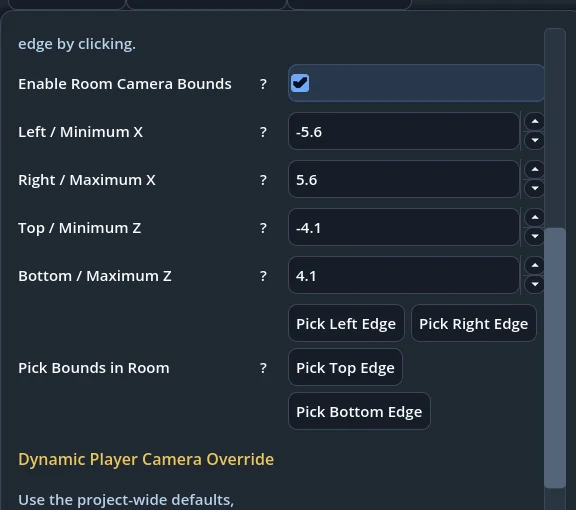
Room camera bounds use world-space X and Z limits.
View source
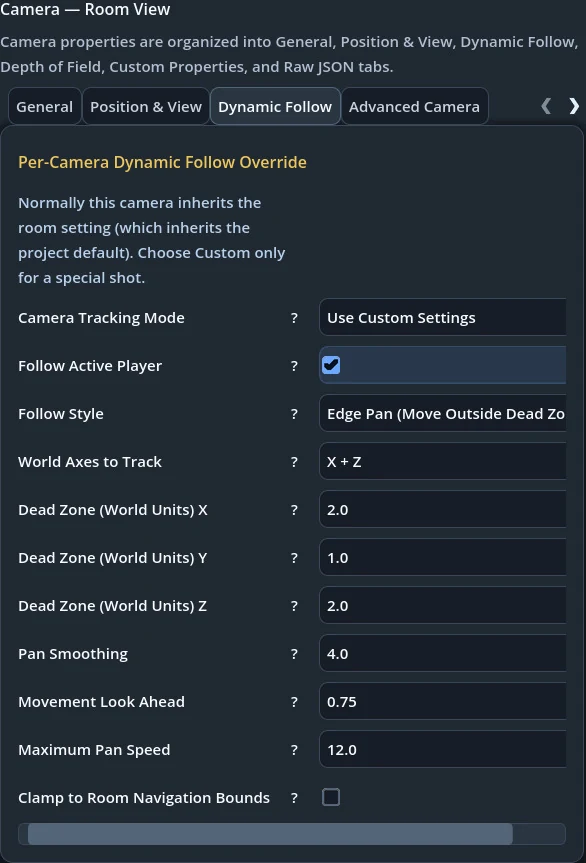
Dynamic Follow adds player tracking to an ordinary camera.
View source
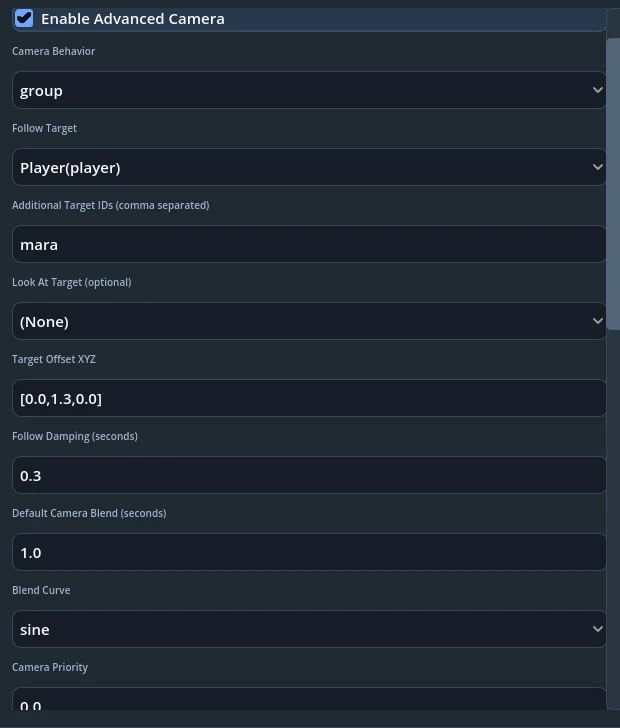
The advanced settings are stored on the selected camera, not on the player.
View source
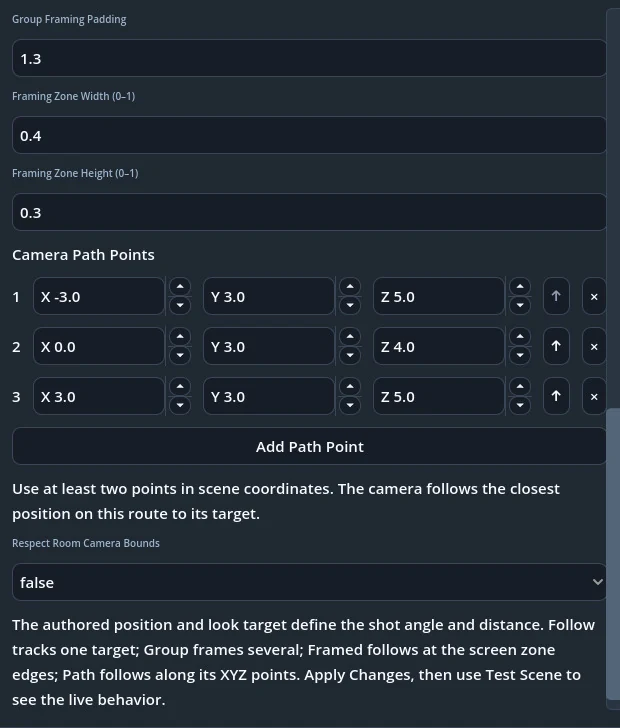
Each row is one camera path point.
View source
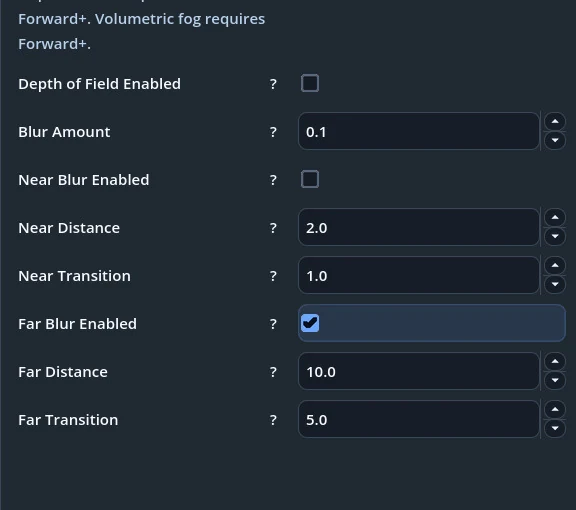
Near and far blur are separate controls on each camera.
View source
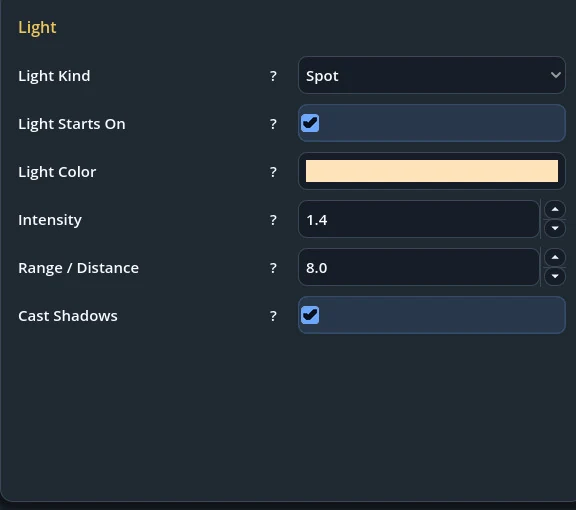
A spotlight has its own position, direction, range, color, and shadow setting.
View source
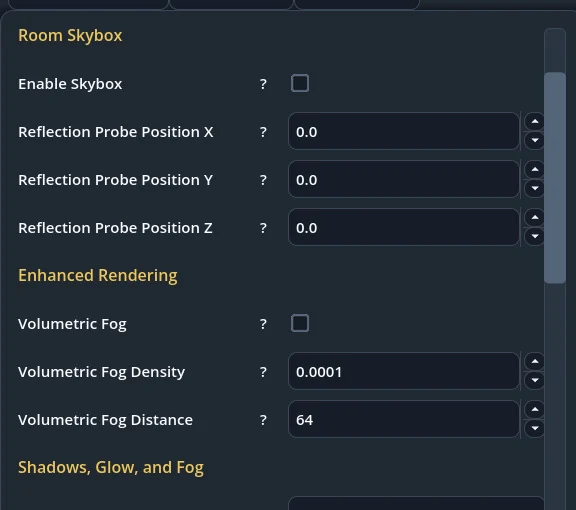
The room can use a procedural sky or an imported panorama.
View source
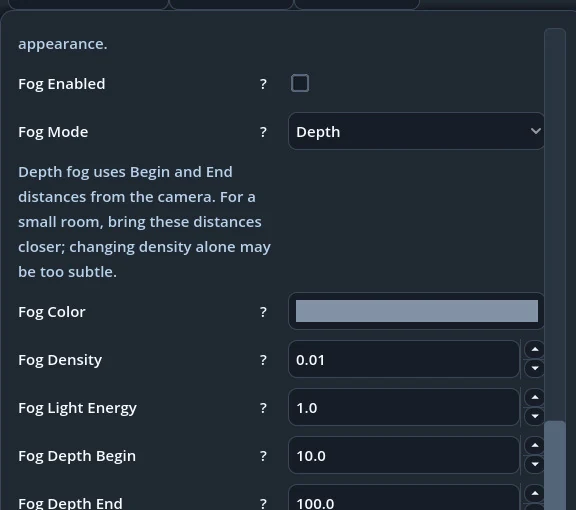
Depth fog is controlled mainly by its camera-distance range; exponential fog uses density.
View source
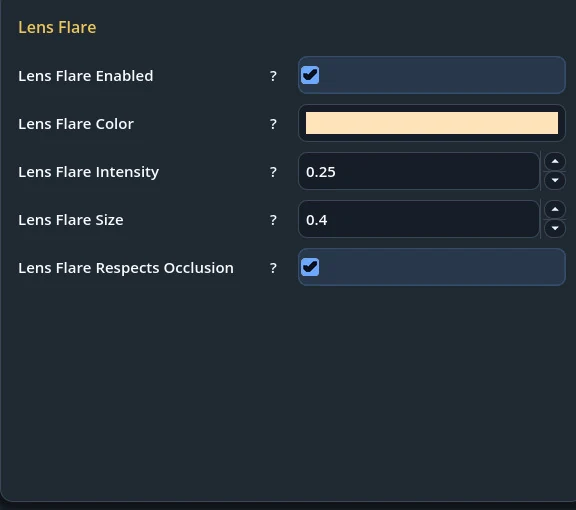
Keep flare size and intensity restrained until the game camera is in the right place.
View source
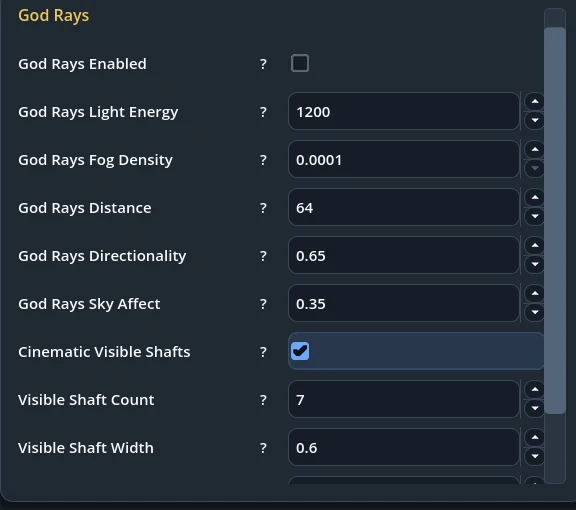
Ray settings belong to the light that supplies them.
View source
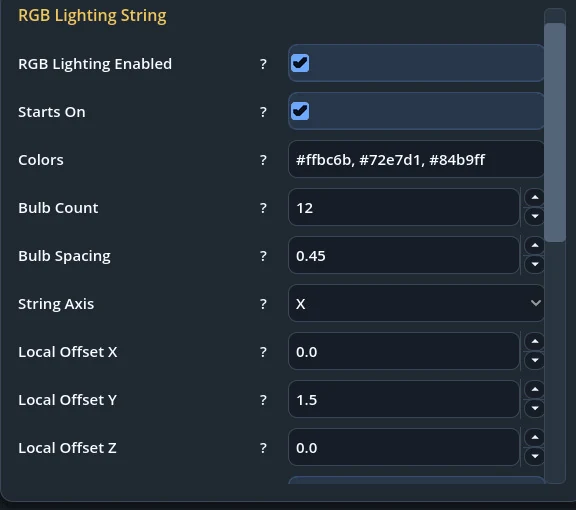
Bulb appearance and actual light emission have separate controls.
View source
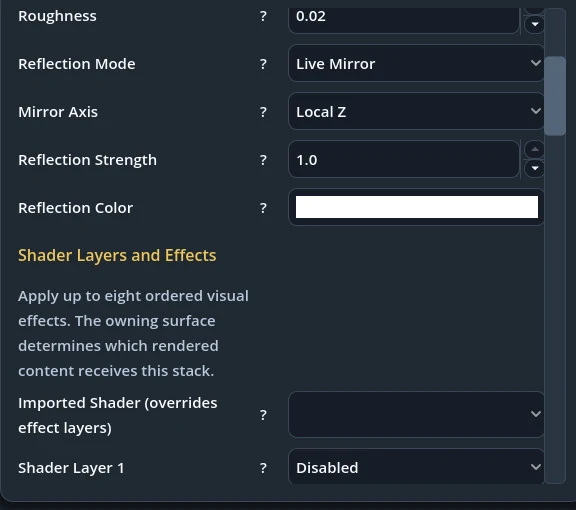
Live Mirror is the setting that distinguishes a mirror from a general shiny material.
View source
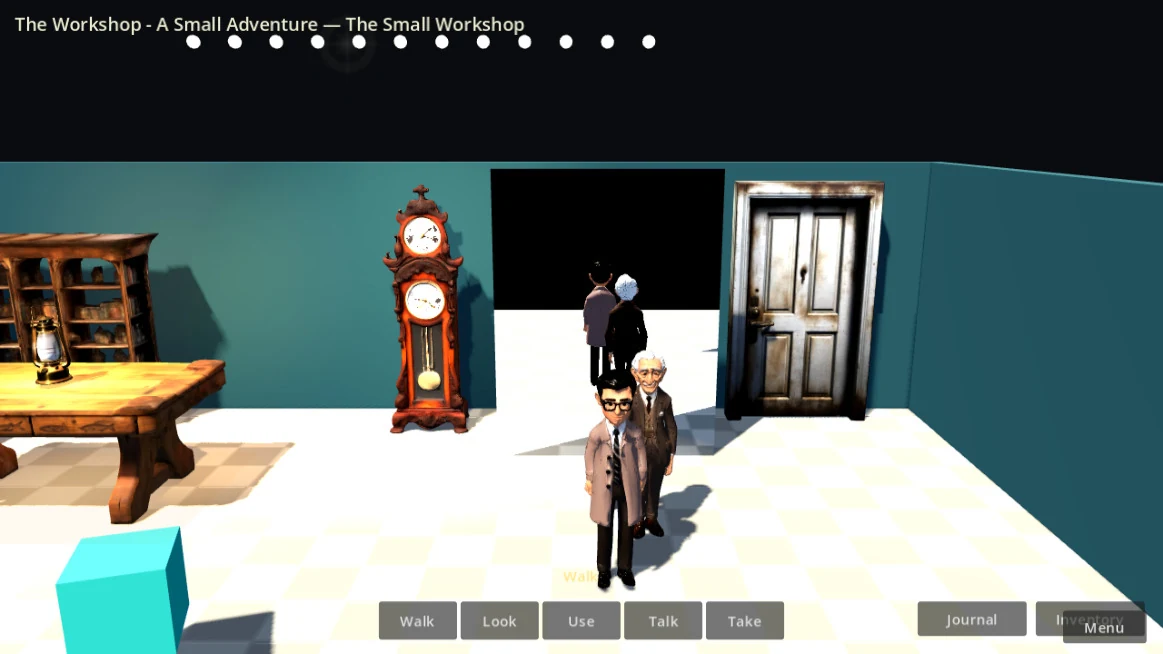
The running mirror reflects the backs of the characters standing in front of it, rather than showing only a light highlight.
View source
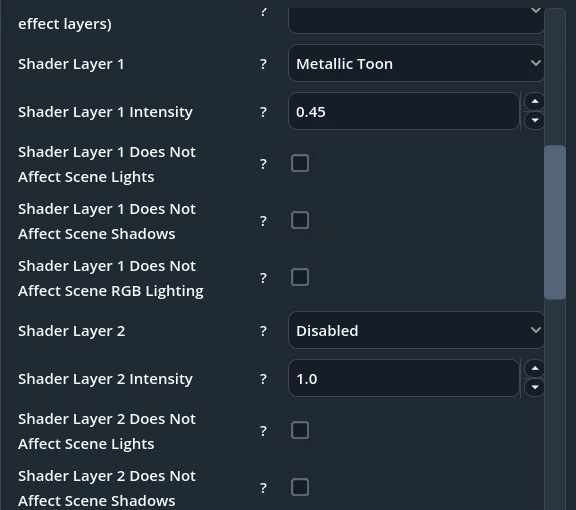
An object can have its own ordered shader layers, independent of the room's screen stack.
View source
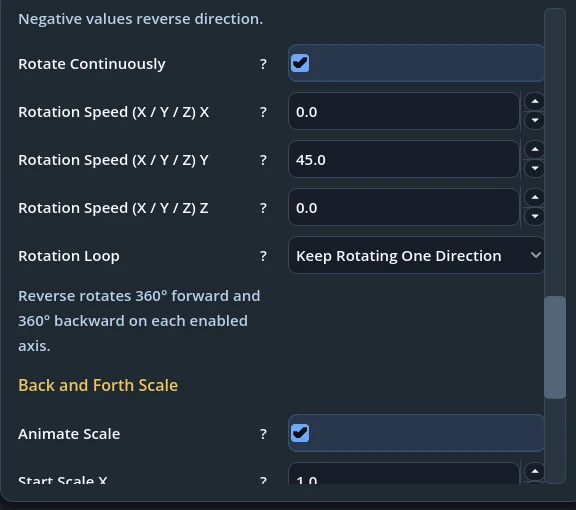
Rotation speed is in degrees per second.
View source
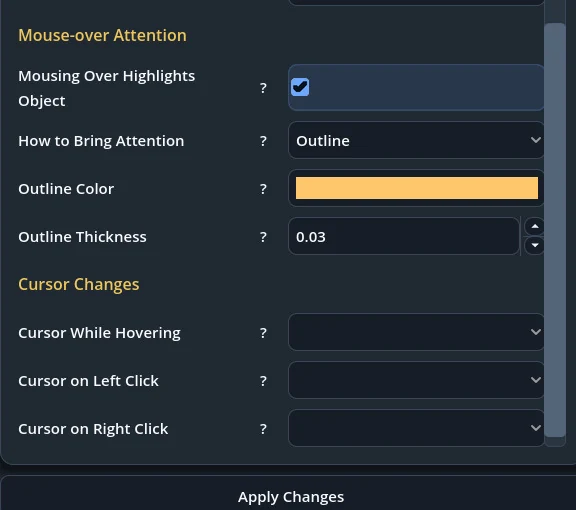
Pointer Feedback controls the response to hovering, including optional cursor changes.
View source
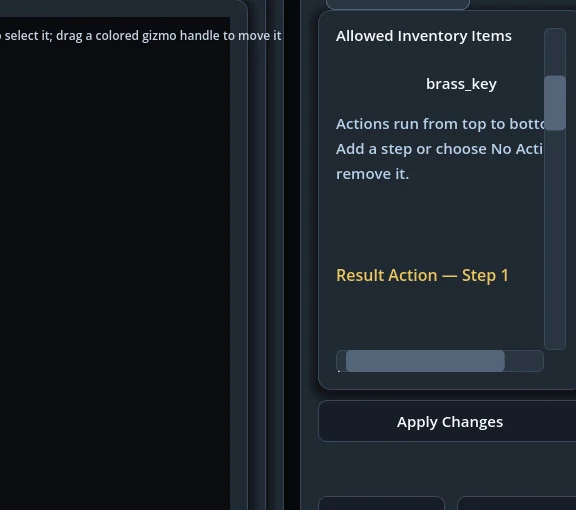
An inventory-on-target rule identifies the allowed item and the result actions.
View source
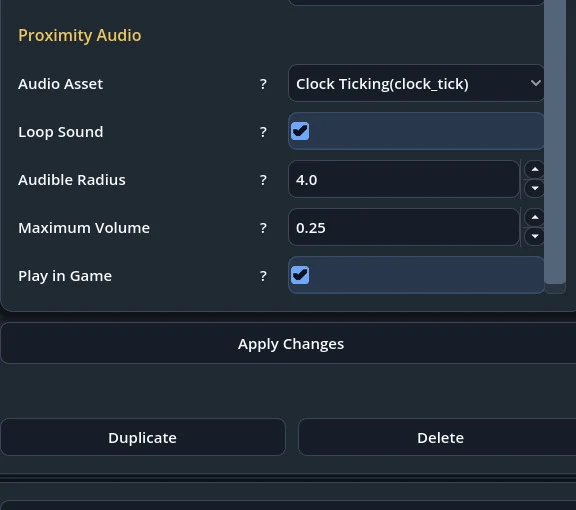
The ambient sound record has a position, an audible radius, and a maximum volume.
View source
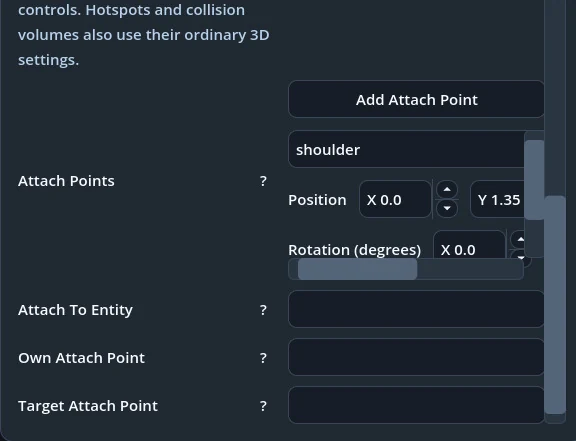
A saved shoulder point has local position and rotation controls.
View source
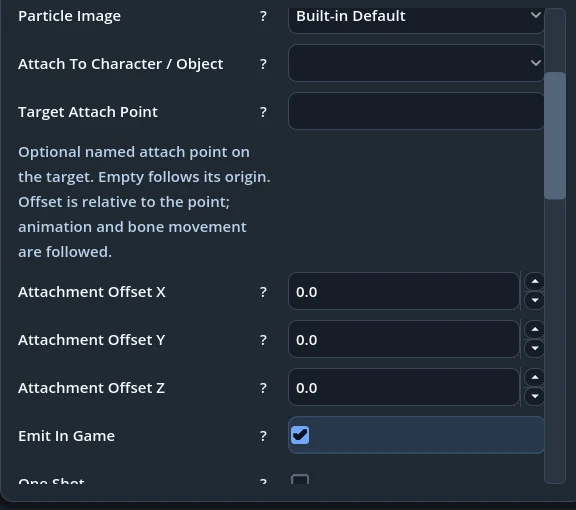
Particle attachment selects a target record, an optional named point, and a local offset.
View source
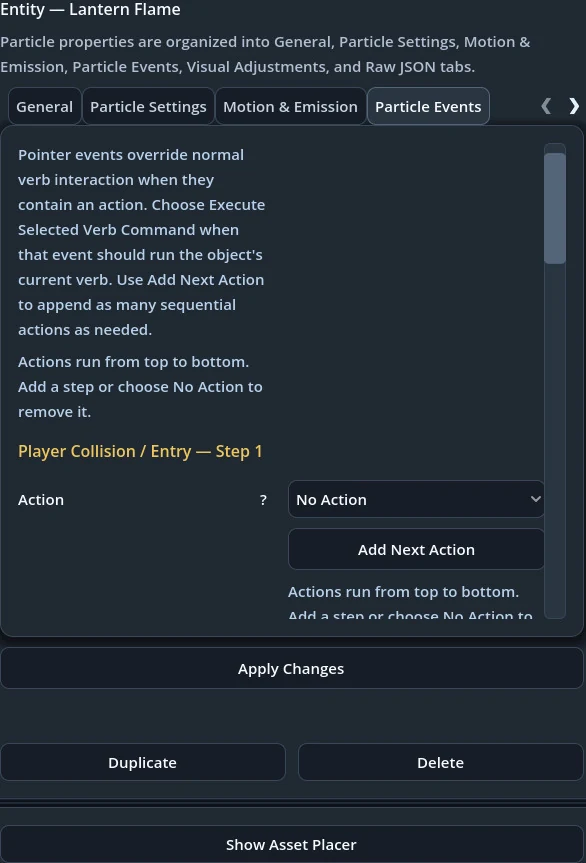
Particle Events uses the familiar entry, exit, pointer, and action-list controls.
View source
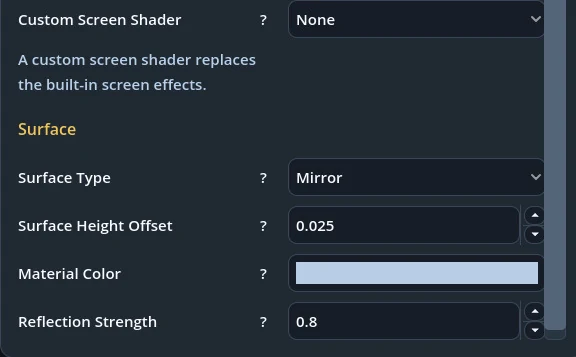
A region can draw a mirror surface over its footprint.
View source
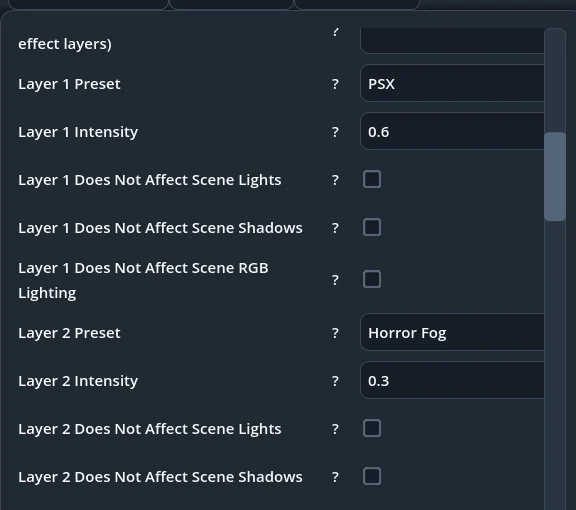
The room owns this screen stack.
View source