SEE WHAT YOU CAN MAKE
A closer look at PCA3D.
Explore real editor and gameplay screenshots from the itch.io page and the manual screenshot collection. Open any image to see the details.
1,127distinct screenshots
Scene building, interfaces, scripting, cinematics and the details in between. Repeated images share one entry, with their guide and page references kept together.
Explore the features1,127 screenshots · 961–984
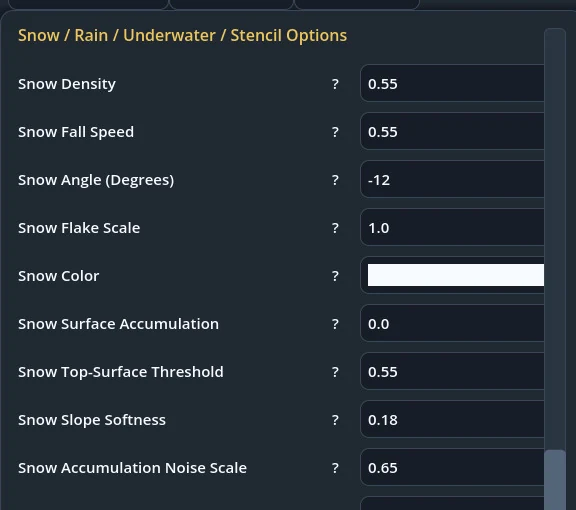
Weather controls include screen movement and a separate set of snow-accumulation settings.
View source
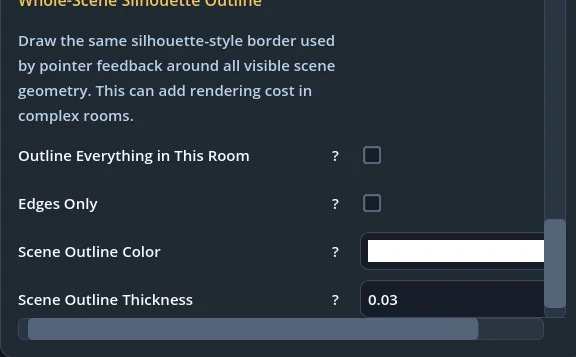
Edges Only changes the whole-scene silhouette treatment without changing an individual object's hover outline.
View source
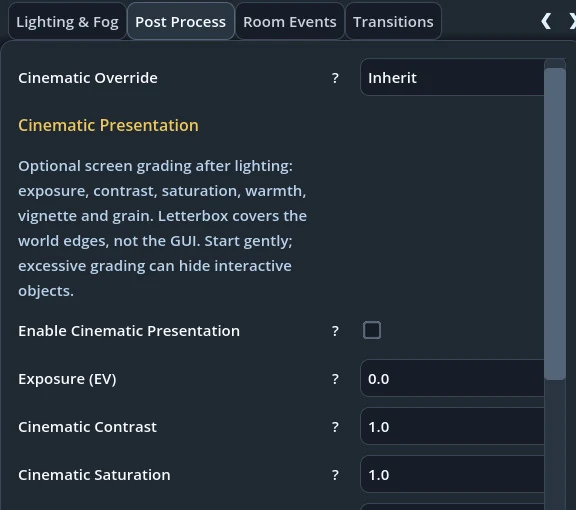
Cinematic presentation supplies grading and letterbox controls separately from the room's shader layers.
View source
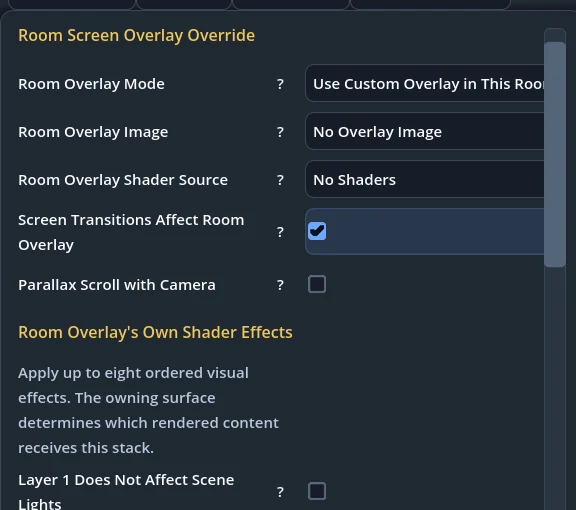
Room overlays can inherit, be disabled, or have their own image and shader treatment.
View source
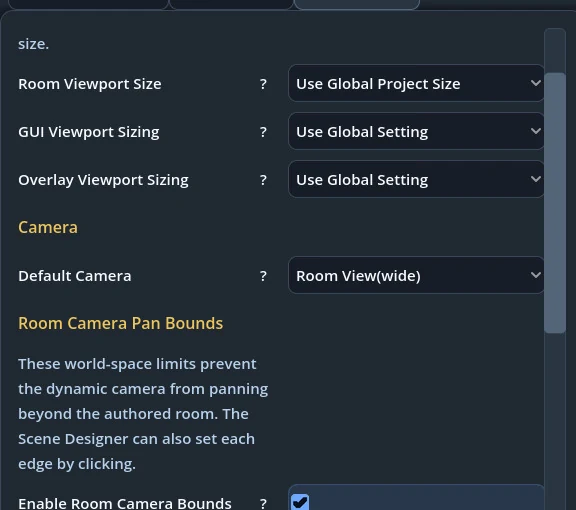
Room, GUI, and overlay sizing can follow different settings.
View source
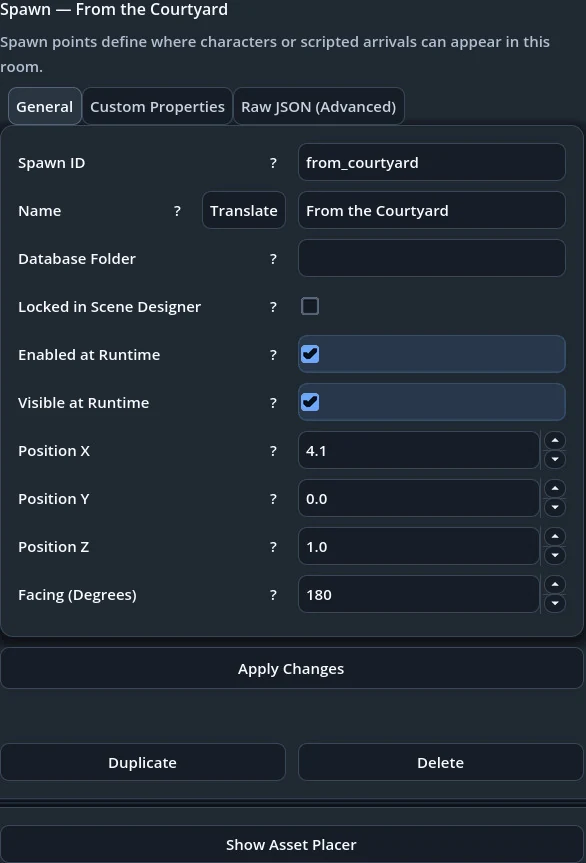
A spawn is an arrival position and facing.
View source
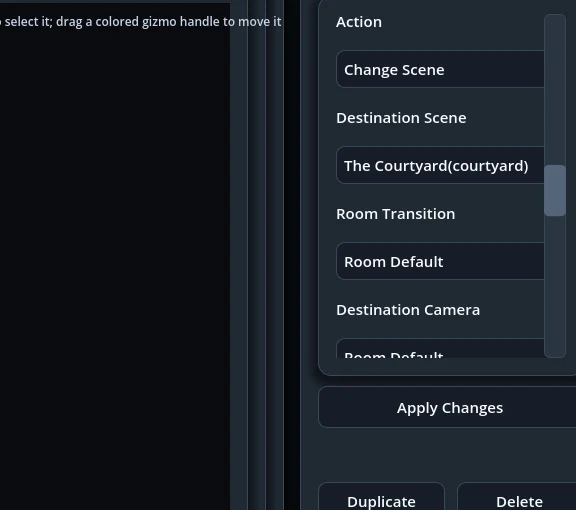
Change Room selects the destination and its arrival point; it can also specify the transition or destination camera.
View source
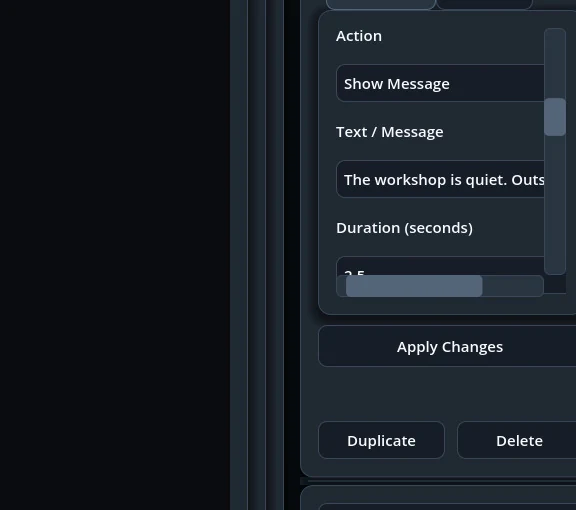
First-time room events are tracked per saved game, rather than per editor selection.
View source
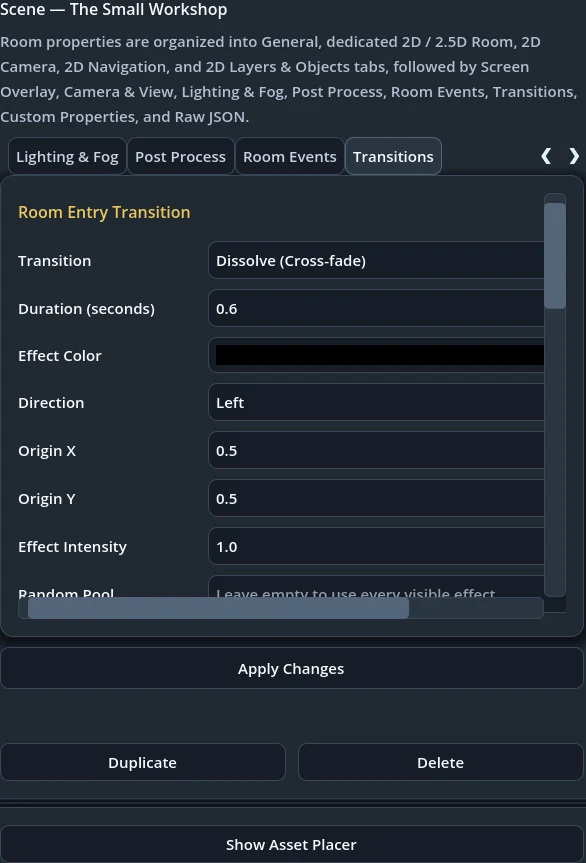
The room's entry transition is a presentation setting, separate from the doorway's destination.
View source
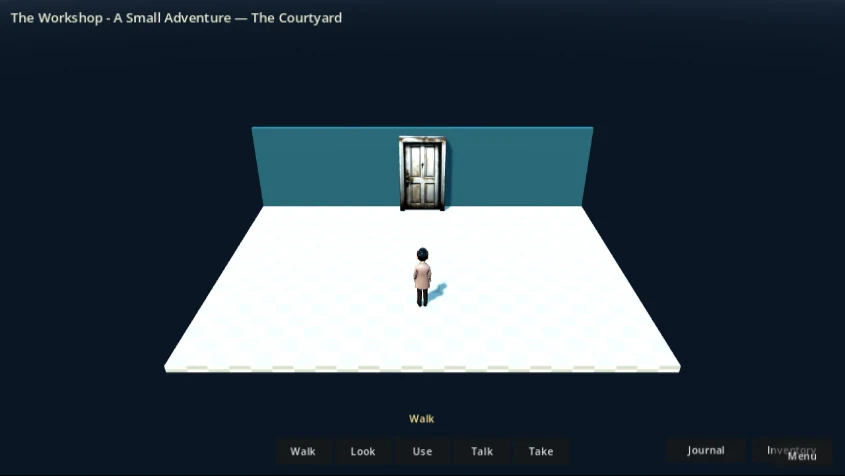
The doorway has loaded the separate courtyard room and placed the existing player at its destination spawn.
View source
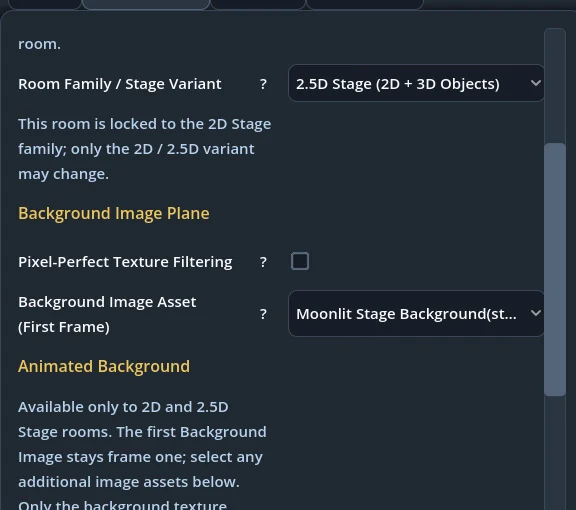
The stage variant belongs to the room.
View source
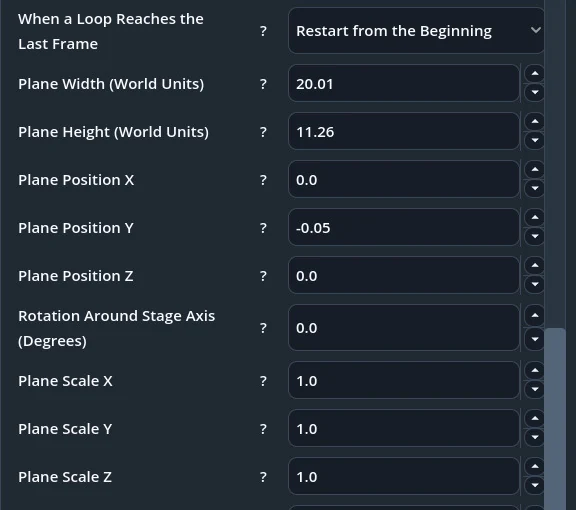
Plane size, source pixels per world unit, and stage ground height are related measurements, but they have separate jobs.
View source
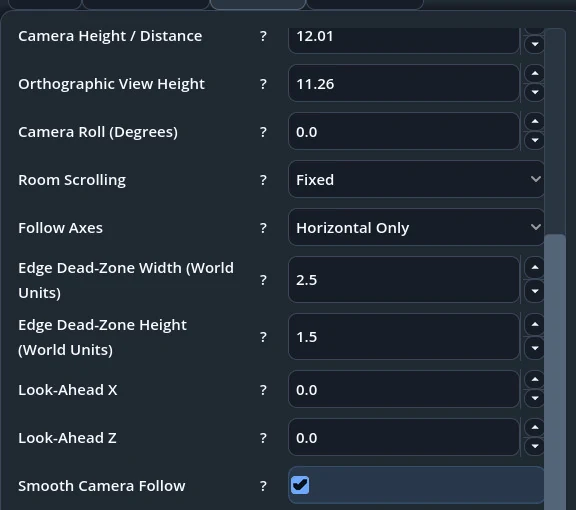
Orthographic View Height changes the visible stage area.
View source
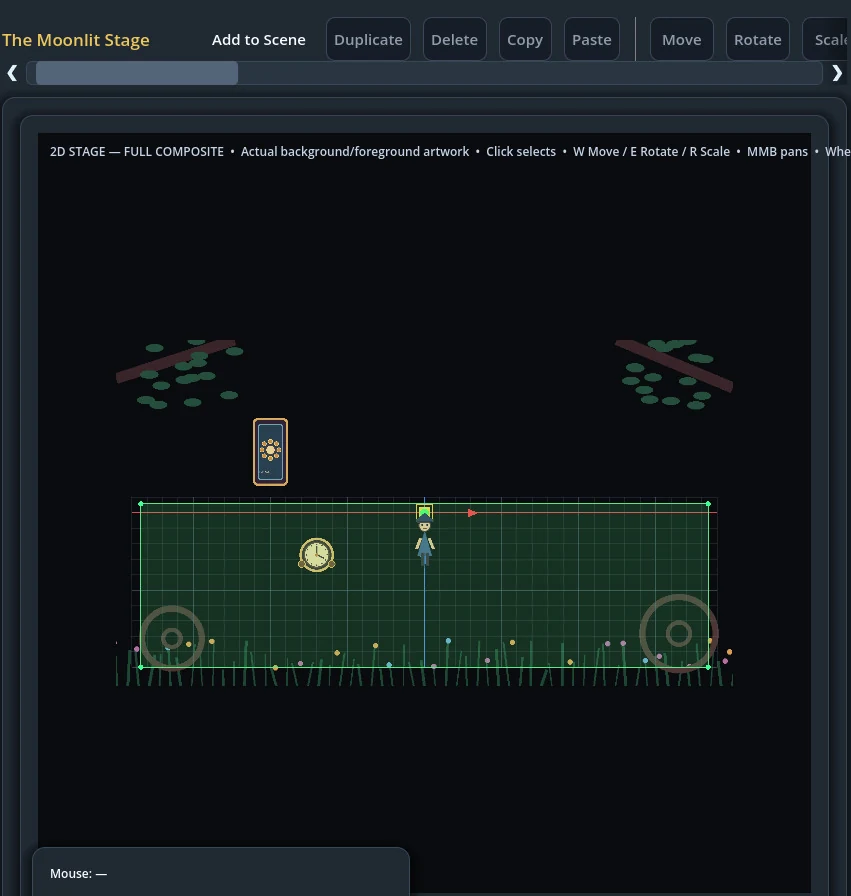
The navigation polygon is edited over the background.
View source
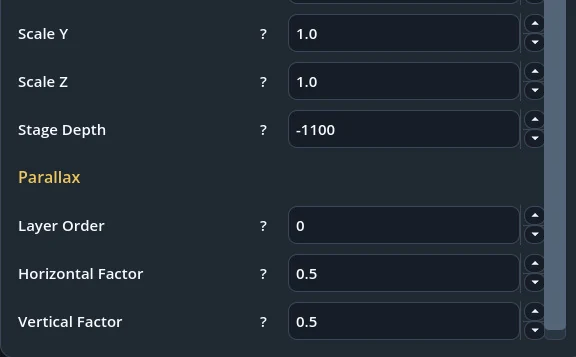
Each parallax plane has its own image, transform, order, and movement factors.
View source
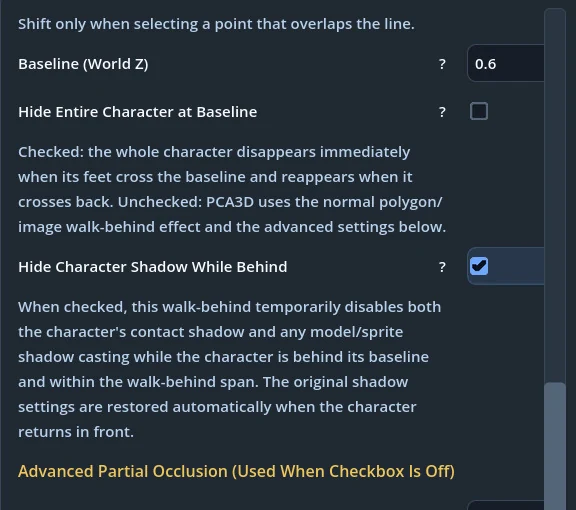
The polygon describes the relevant footprint; the pink baseline controls which side counts as behind.
View source
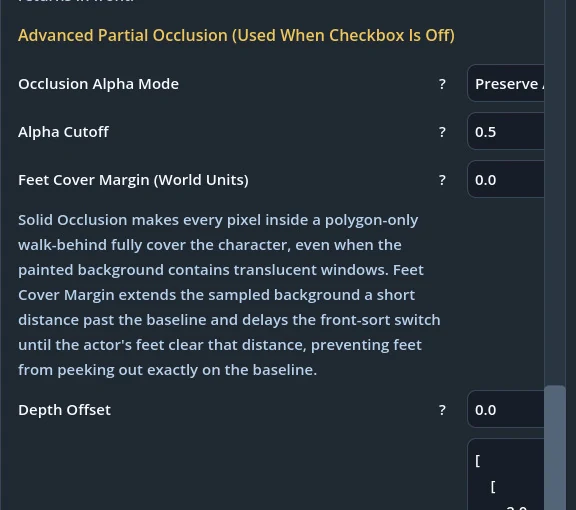
The advanced partial-occlusion controls are used when full-character hiding is off.
View source
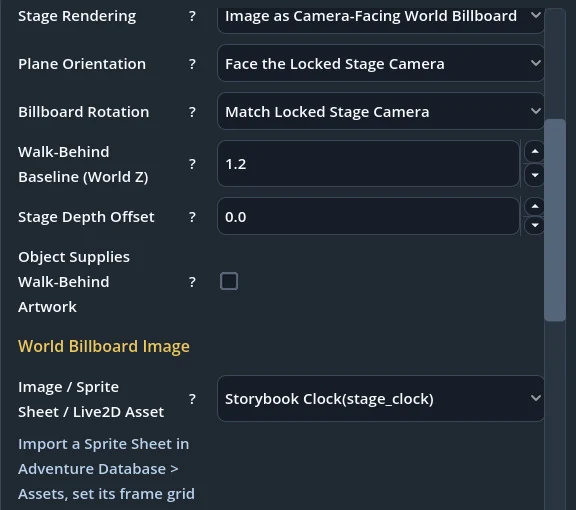
Stage presentation controls how an image plane faces the camera and participates in stage depth.
View source
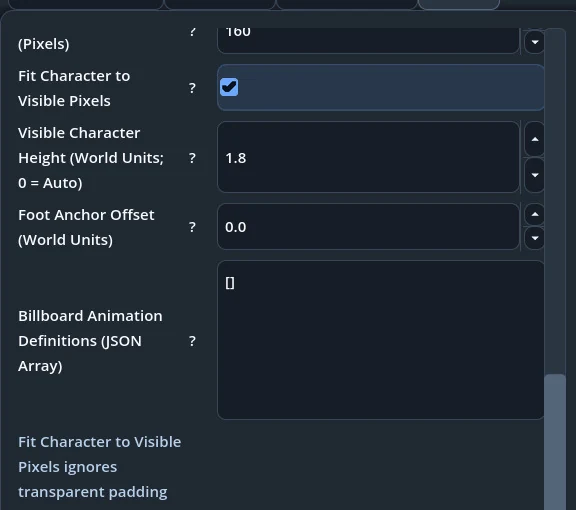
These controls help a padded sprite frame stand at the intended height with its feet on the stage.
View source
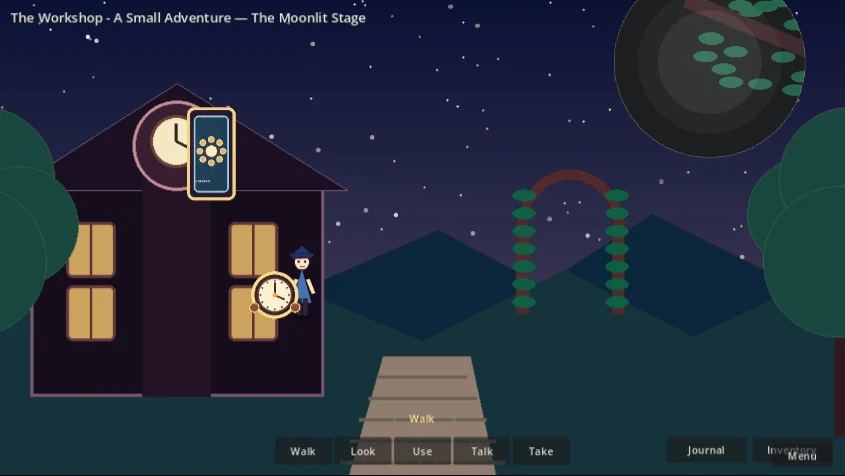
A running stage view shows the character, background, and placed artwork together.
View source
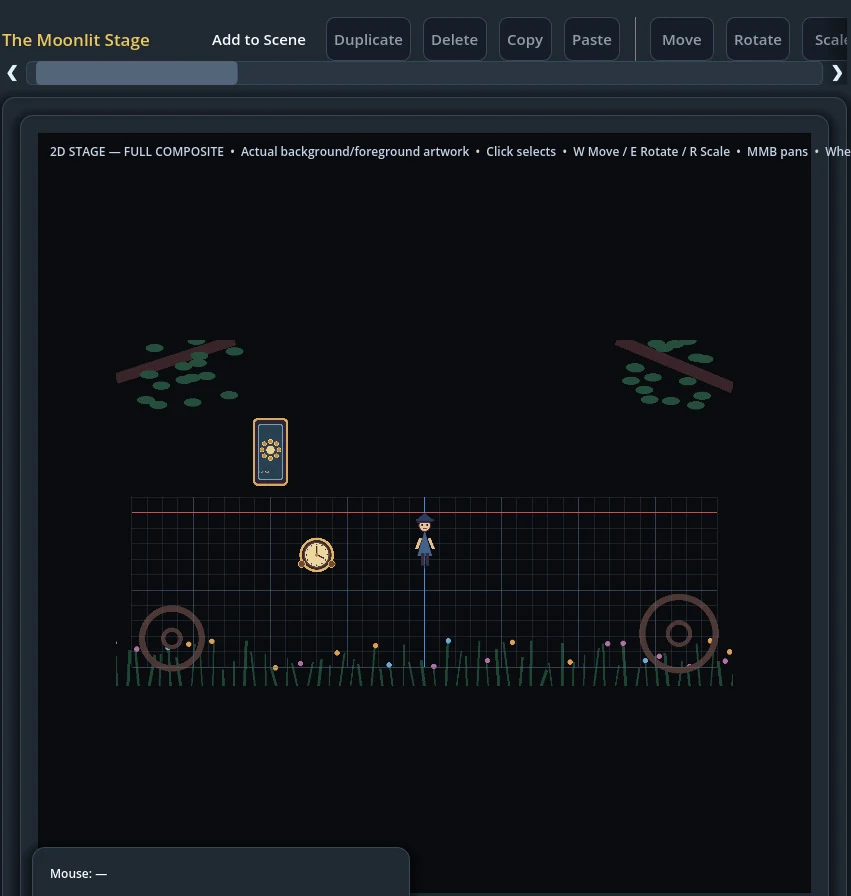
Clean 2D Room reduces editing clutter; it does not disable gameplay records.
View source
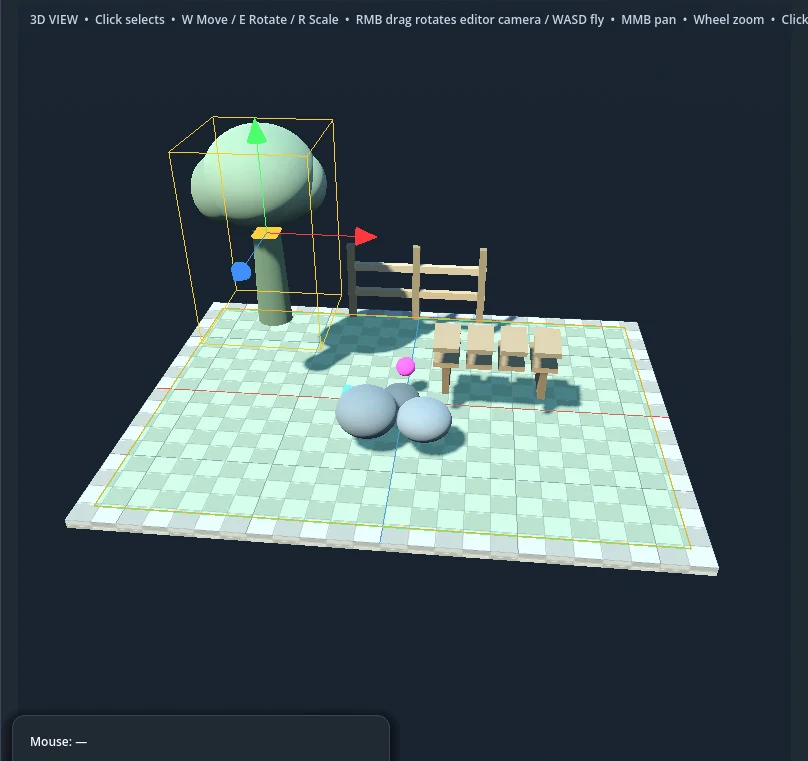
A tree, fence, bench, and rocks made with the built-in generators.
View source
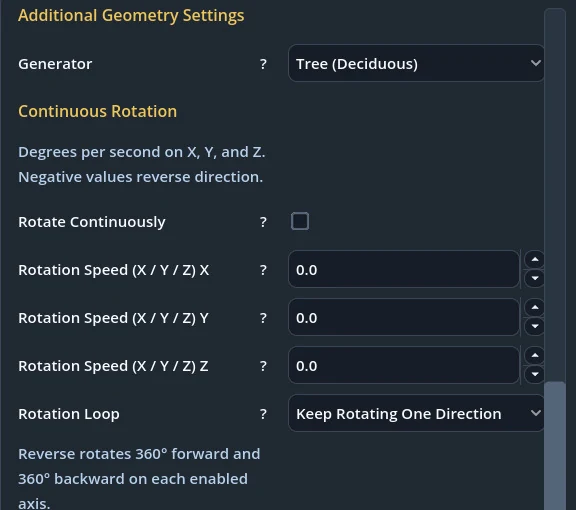
Procedural scenery uses the same placement and material workflow as the workshop's first generated table.
View source