SEE WHAT YOU CAN MAKE
A closer look at PCA3D.
Explore real editor and gameplay screenshots from the itch.io page and every supplied guide. Open any image to see the details.
1,127distinct screenshots
Scene building, interfaces, scripting, cinematics and the details in between. Repeated images share one entry, with their guide and page references kept together.
Explore the features1,127 screenshots · 985–1,008
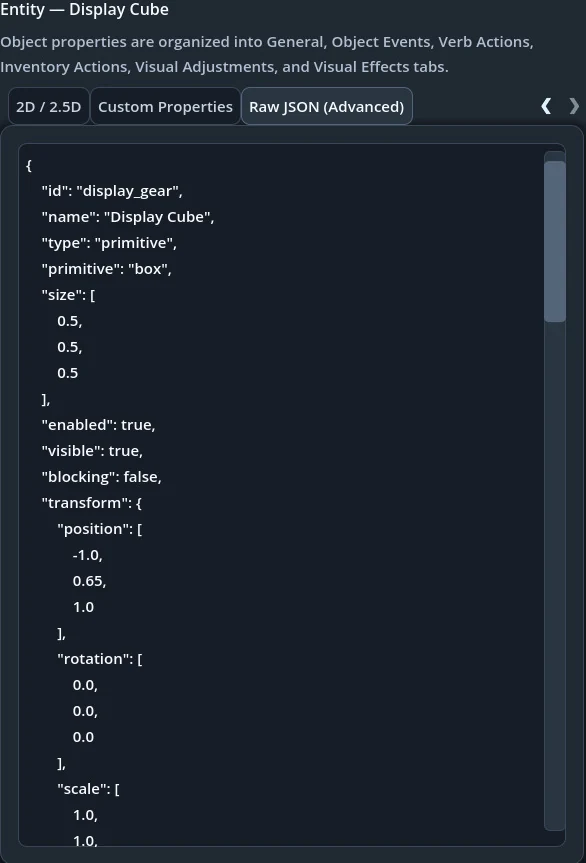
Raw JSON shows the selected record's structure.
View source
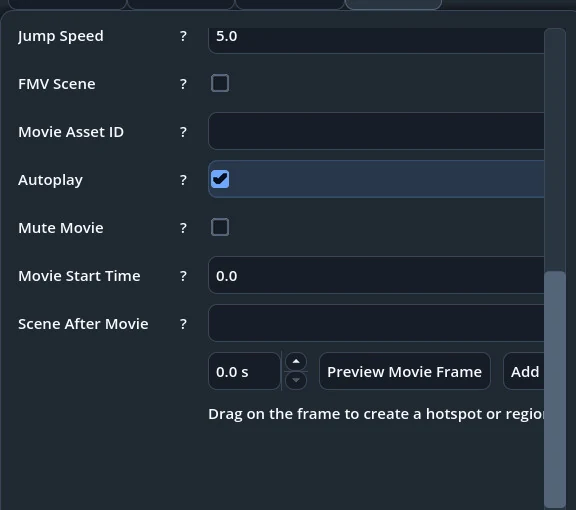
FMV settings are available in the room Inspector.
View source
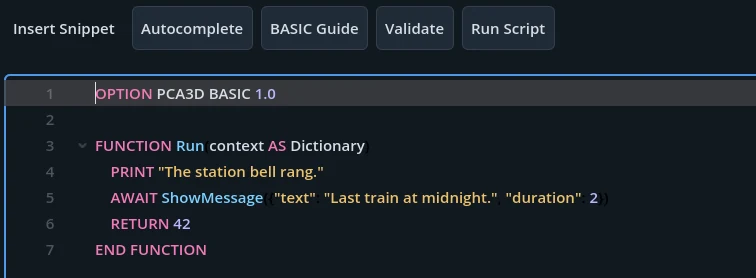
BASIC Scripting — BASIC scripting
View source
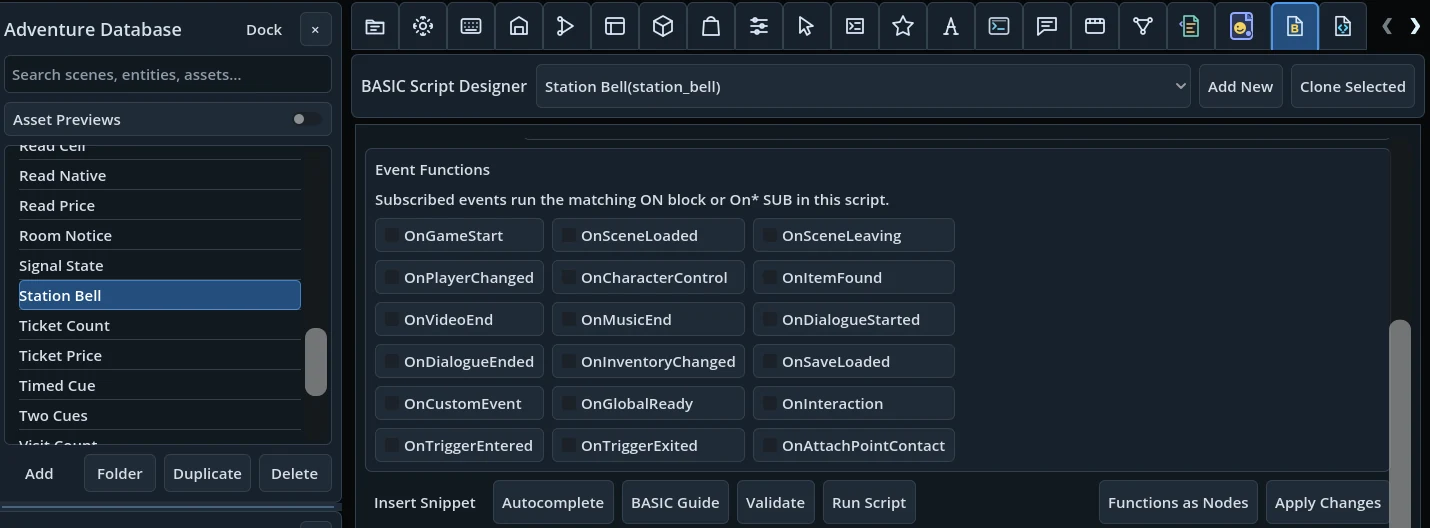
BASIC Scripting — Open the BASIC Script Designer
View source

BASIC Scripting — Open the BASIC Script Designer
View source
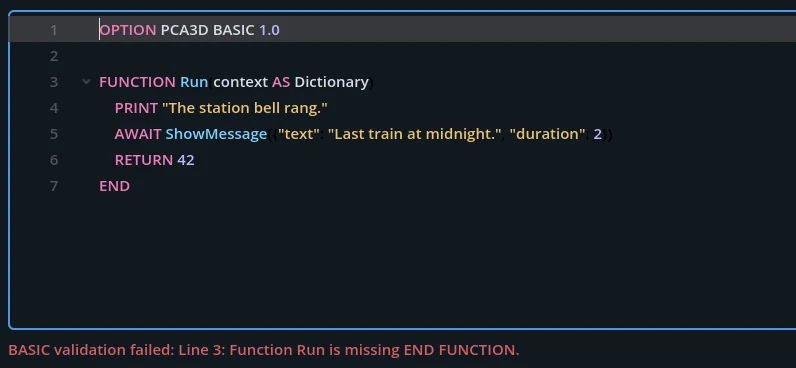
BASIC Scripting — Read a validation message
View source
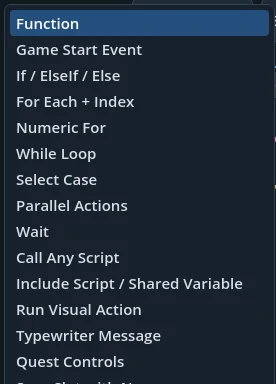
BASIC Scripting — Read a validation message
View source
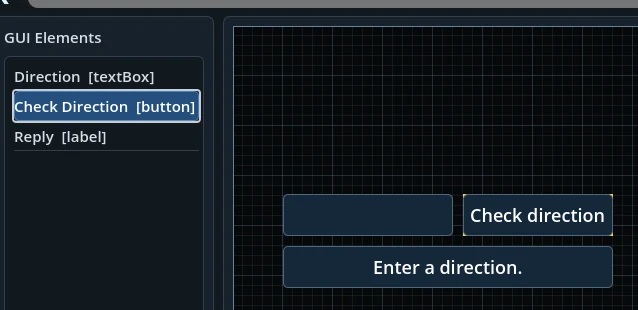
BASIC Scripting — Connect a button to BASIC
View source
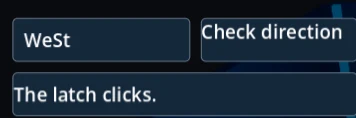
BASIC Scripting — Read exactly what the player typed
View source
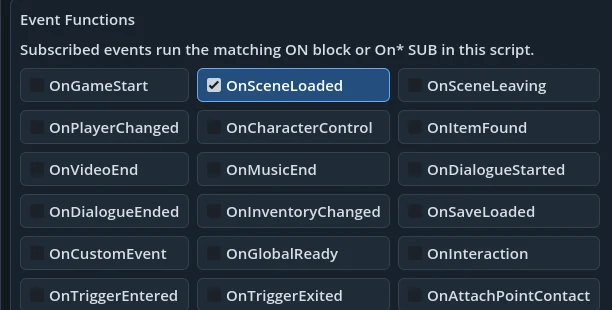
BASIC Scripting — Let the engine call your script
View source
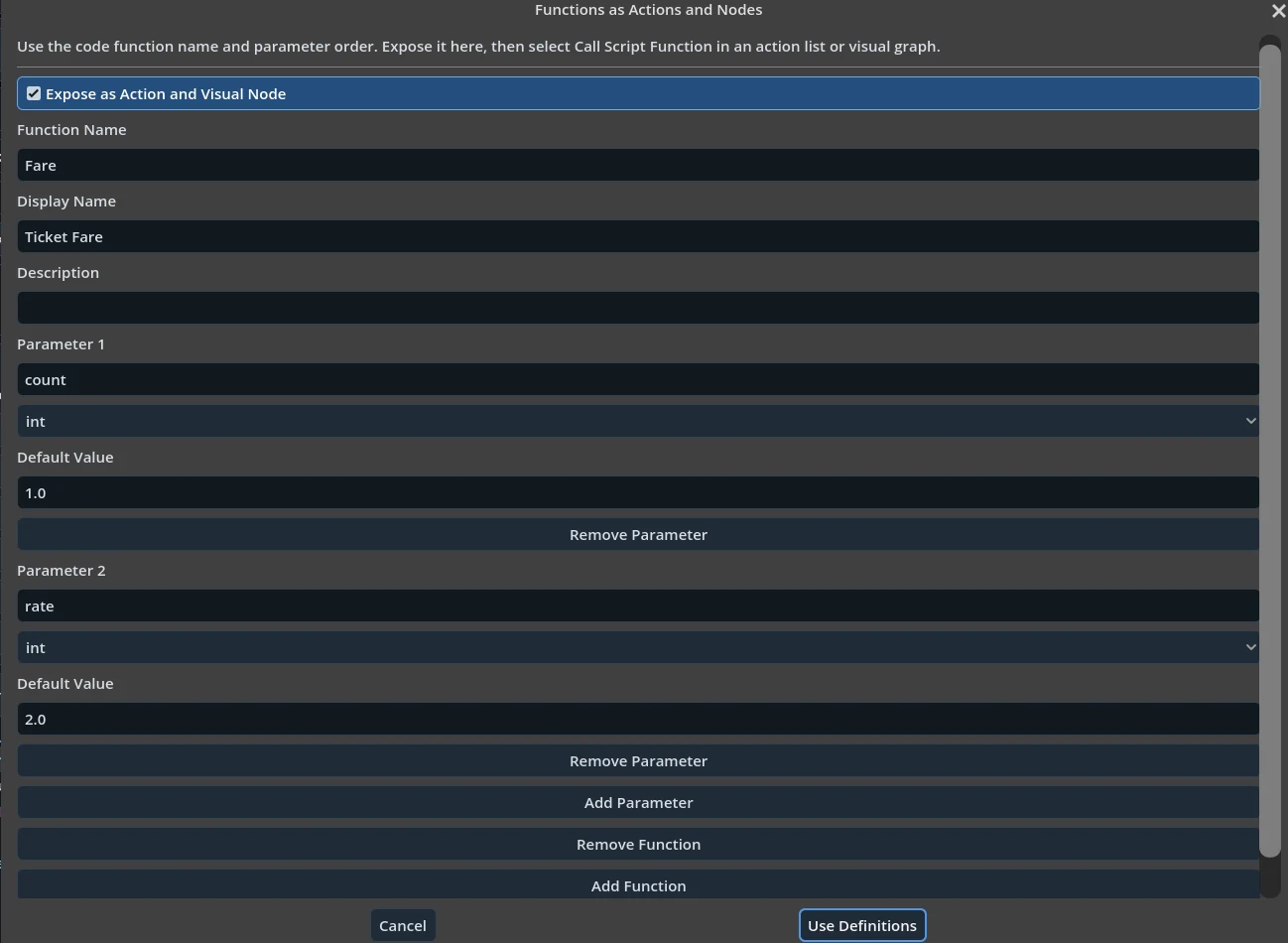
BASIC Scripting — Use a BASIC function as a visual node
View source

BASIC Scripting — Choose the action the story needs
View source
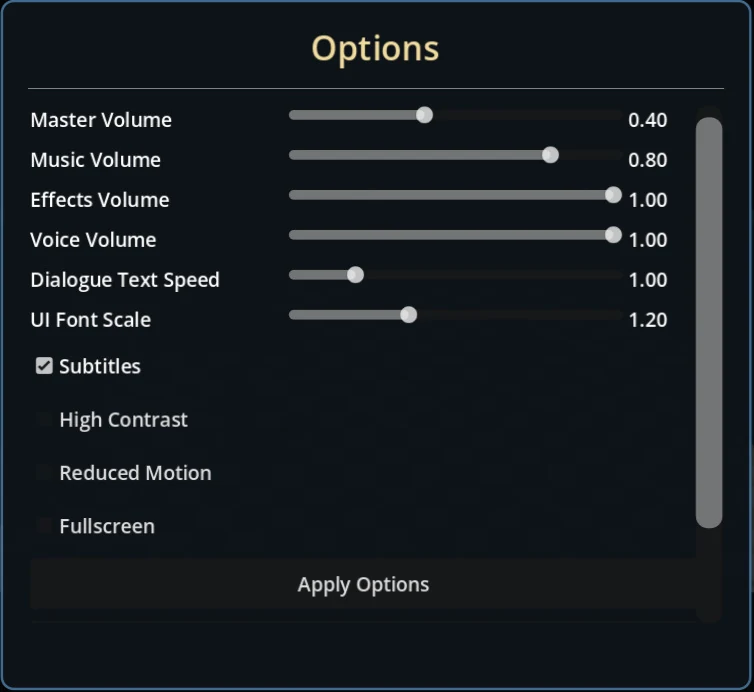
Global & Project Settings
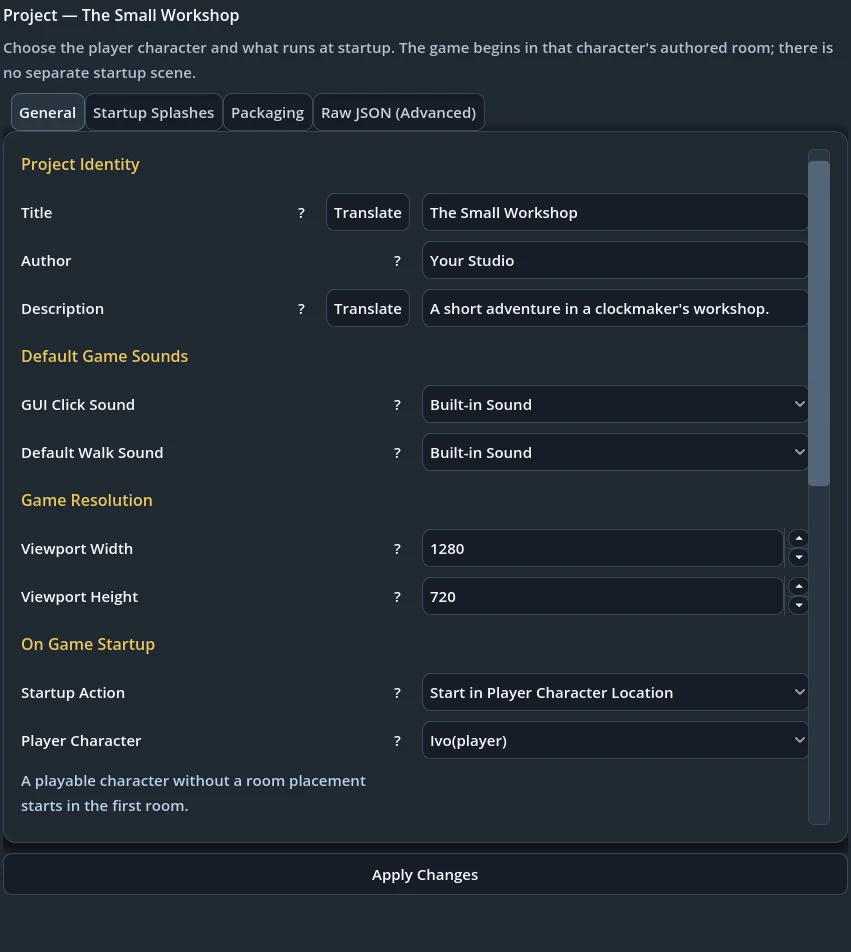
Project Settings has its own editing form and section row.
View source
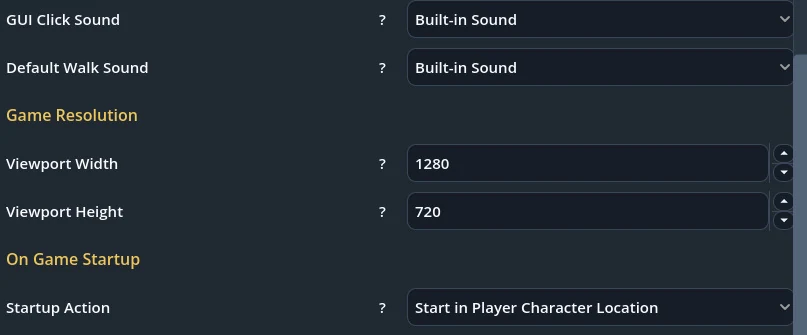
The same part of General contains the default click/footstep sounds and the base viewport dimensions.
View source
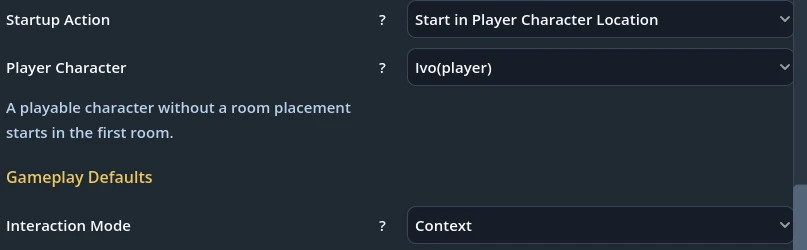
Player Character chooses a playable definition.
View source
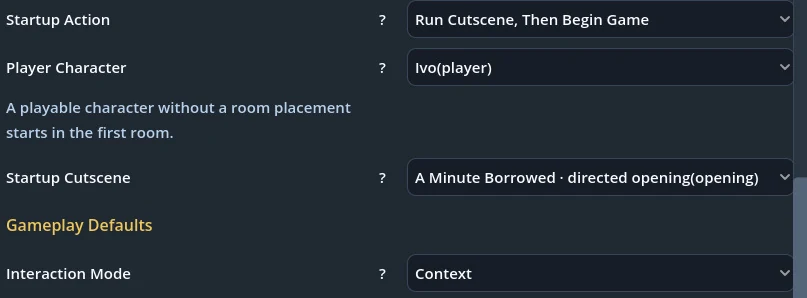
Choosing the cutscene startup mode reveals Startup Cutscene.
View source
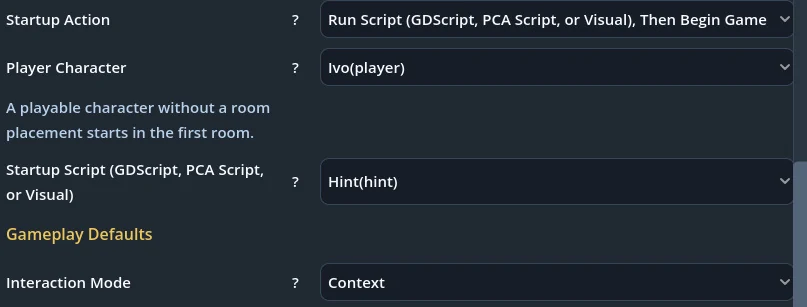
The script startup mode reveals the shared Startup Script selector.
View source
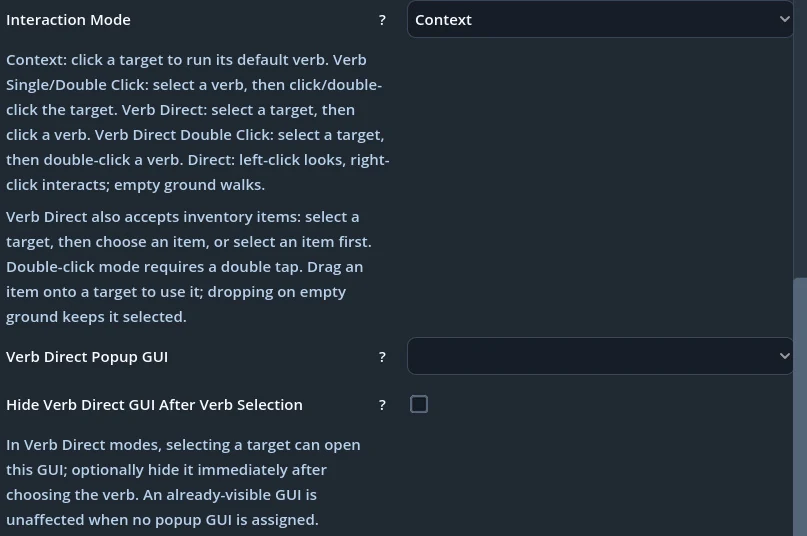
Interaction Mode and the optional Verb Direct popup belong to Project Settings.
View source

Inventory Mode, Pixel-perfect 2D, and the project-level Autosave flag are farther down General.
View source
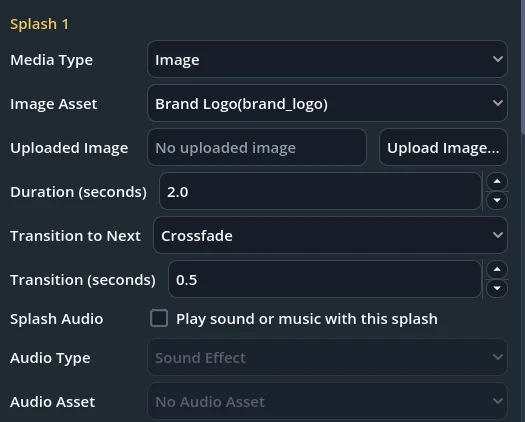
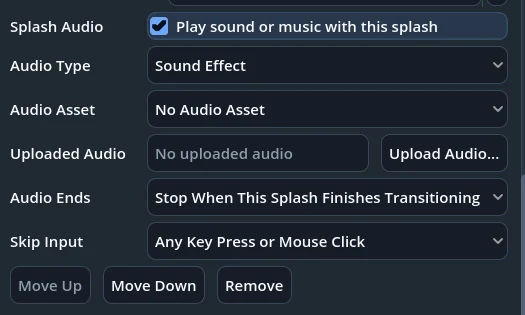
Each splash has its own media choice and timing.
View source
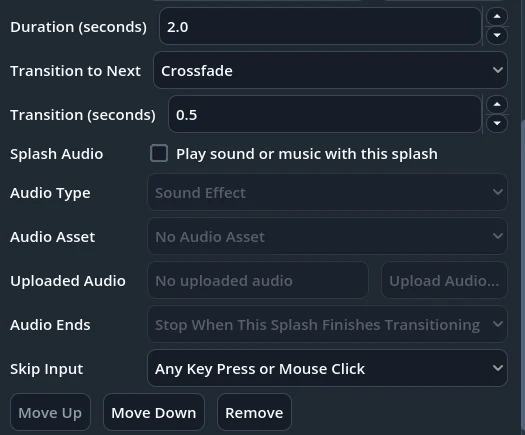
The row holds its own duration, transition, skip input, and Move Up/Move Down/Remove controls.
View source
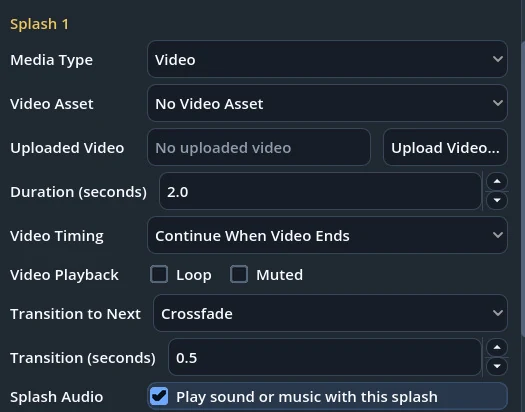
Video adds end-of-video/fixed-duration behavior, looping, and muting controls.
View source