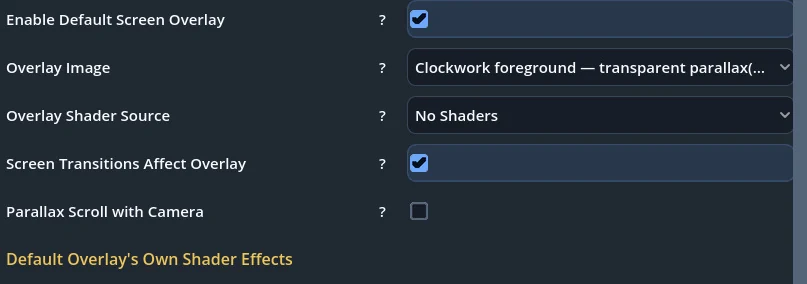
SEE WHAT YOU CAN MAKE
A closer look at PCA3D.
Explore real editor and gameplay screenshots from the itch.io page and every supplied guide. Open any image to see the details.
1,127distinct screenshots
Scene building, interfaces, scripting, cinematics and the details in between. Repeated images share one entry, with their guide and page references kept together.
Explore the features1,127 screenshots · 1,009–1,032
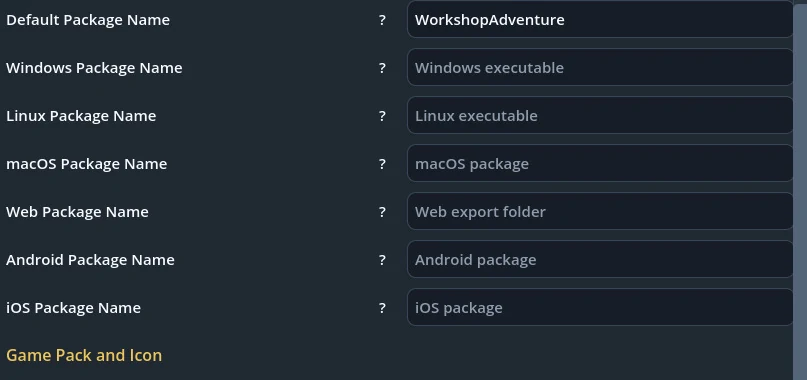
A platform name overrides Default Package Name.
View source
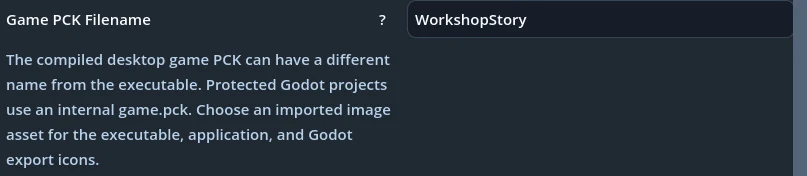
The game-data PCK has its own name.
View source
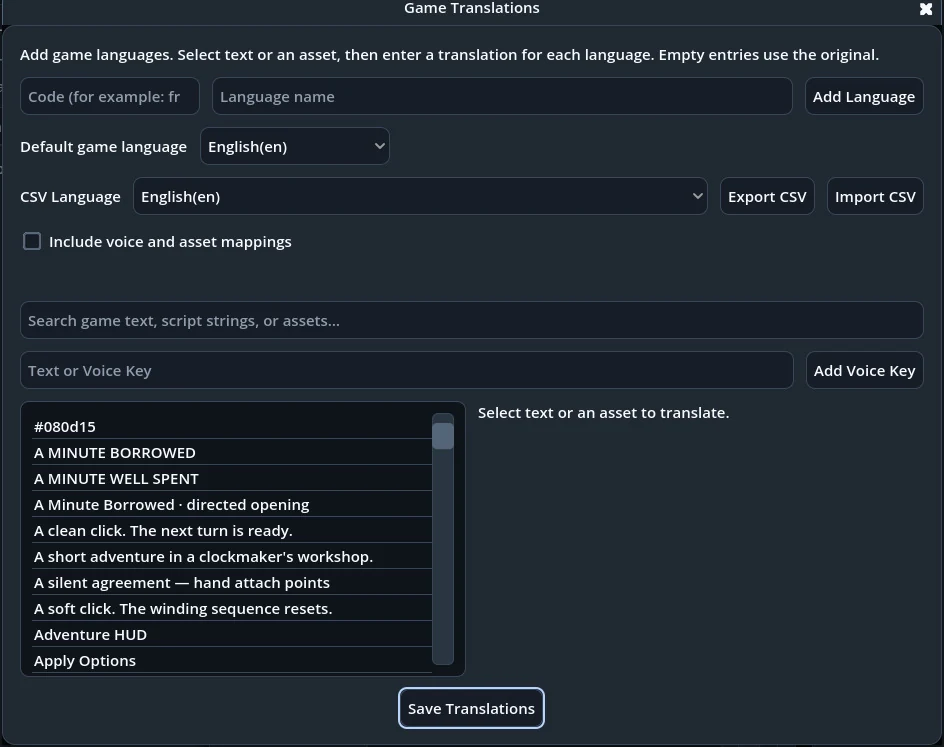
The game-localization window lists languages and translatable entries.
View source
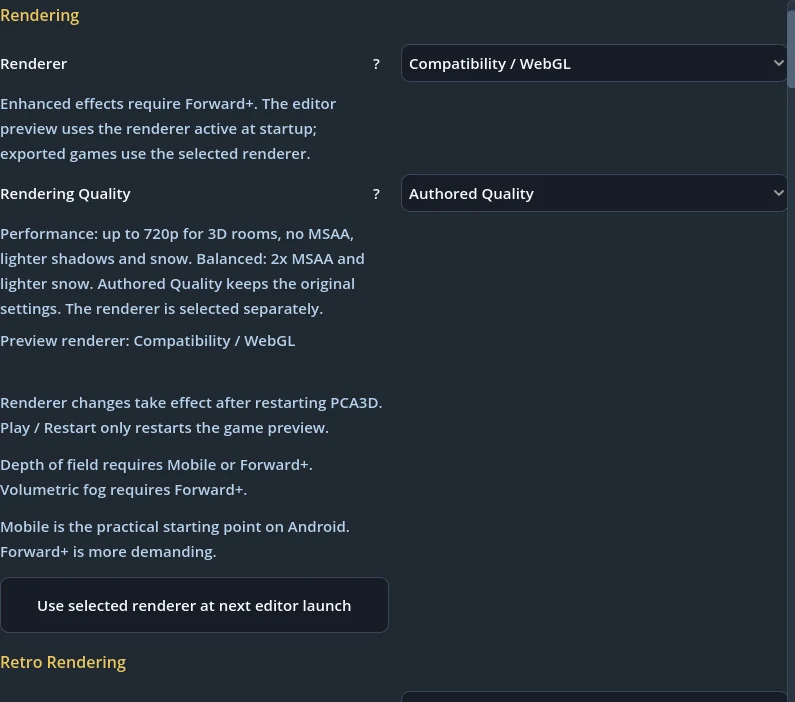
Renderer and Rendering Quality are separate choices.
View source
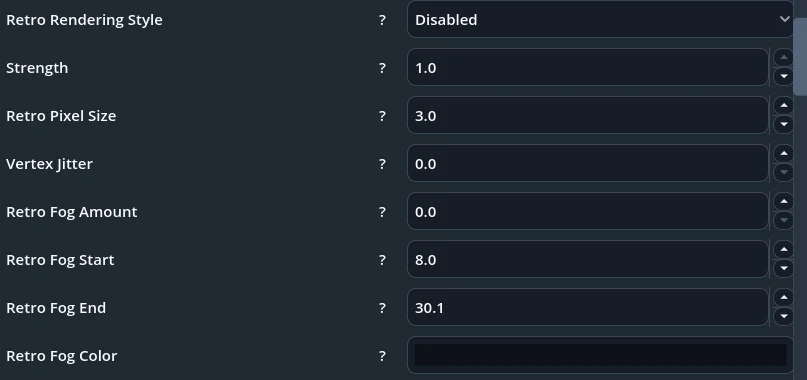
Retro Rendering has style, strength, pixel/jitter, and fog controls.
View source
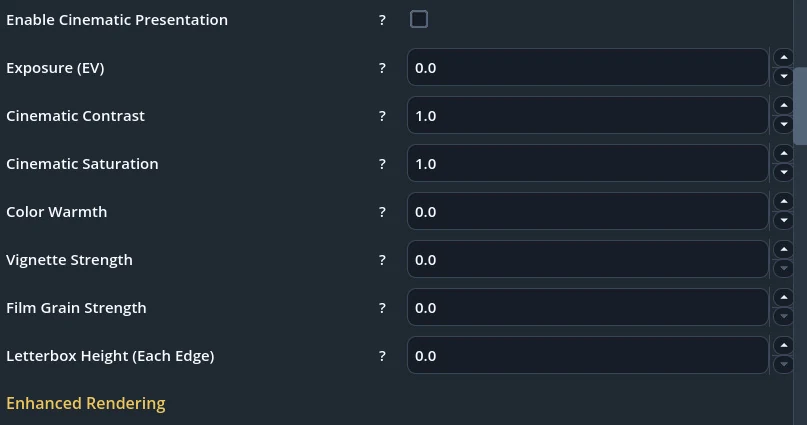
Cinematic grading adjusts the presented world image after lighting.
View source
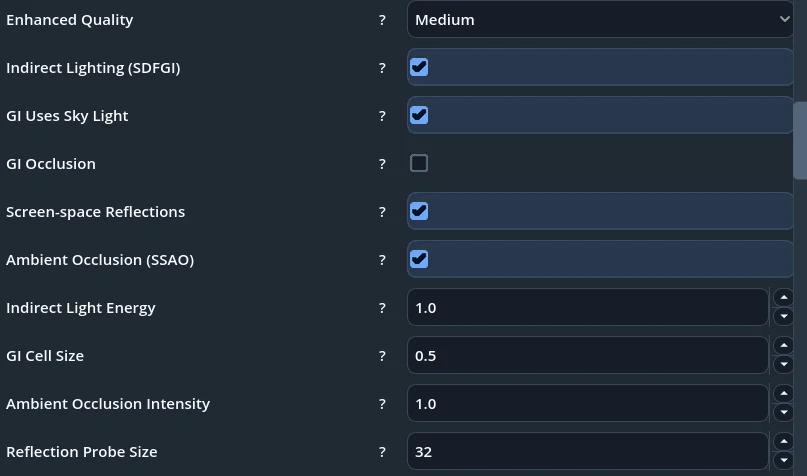
Enhanced Rendering exposes the optional Forward+ Enhanced configuration.
View source
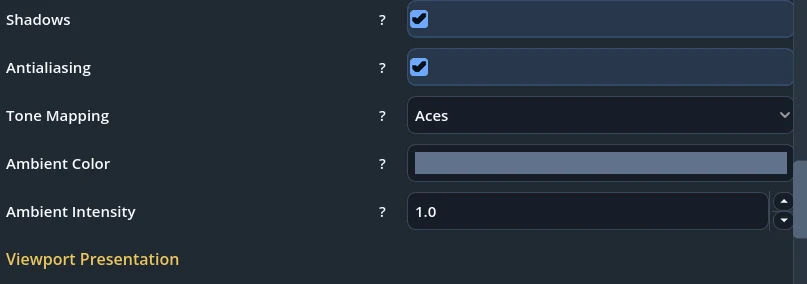
Shadows, Antialiasing, Tone Mapping, Ambient Color, and Ambient Intensity sit below the enhanced group.
View source
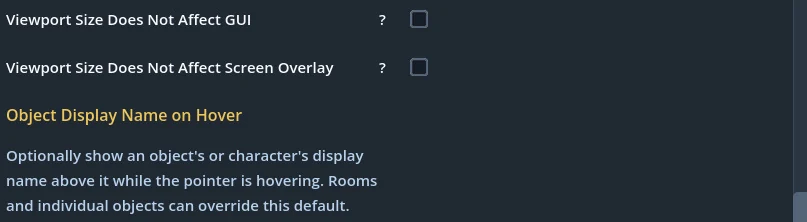
GUI and overlay size independence are separate choices.
View source
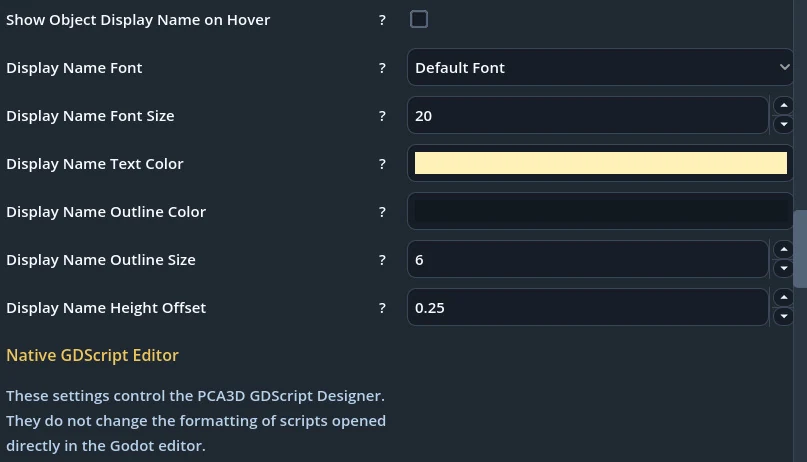
The global hover-name defaults include font, colors, outline, and height.
View source
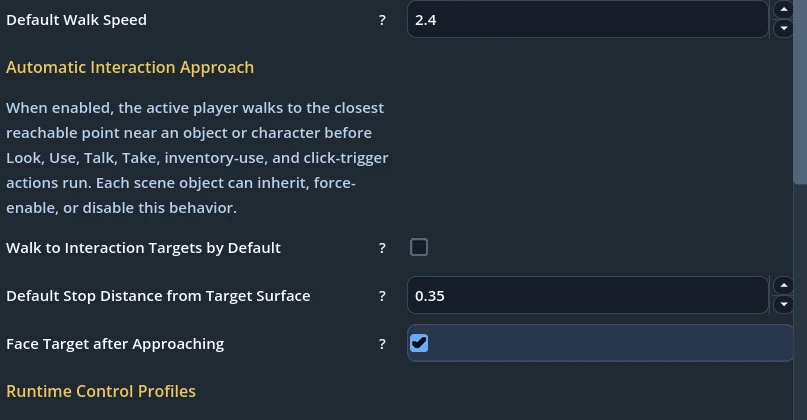
The shared walk speed and automatic approach controls establish sensible starting behavior for interactions.
View source
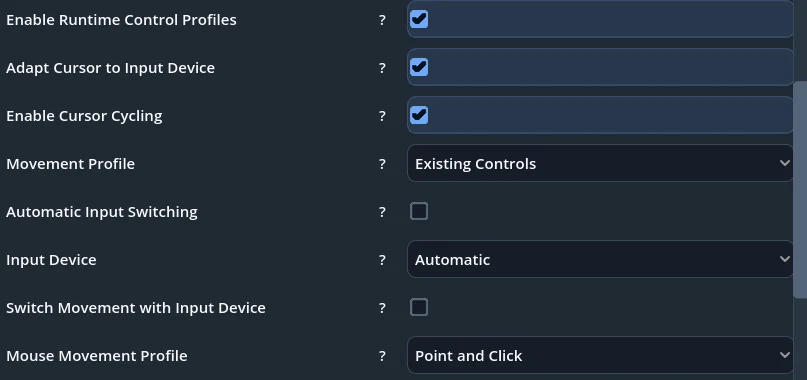
Enable Runtime Control Profiles controls the optional profile system.
View source
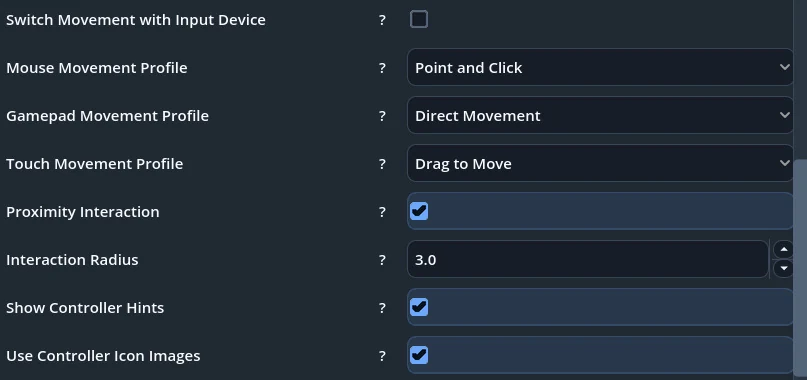
Automatic Input Switching and Switch Movement with Input Device are separate switches.
View source
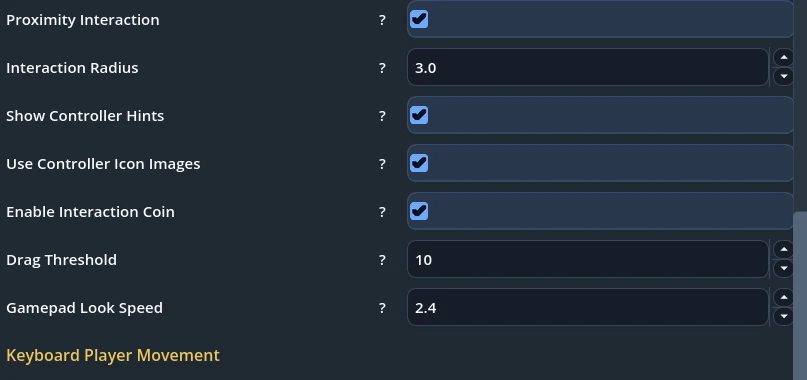
Proximity and hint controls support non-mouse play.
View source
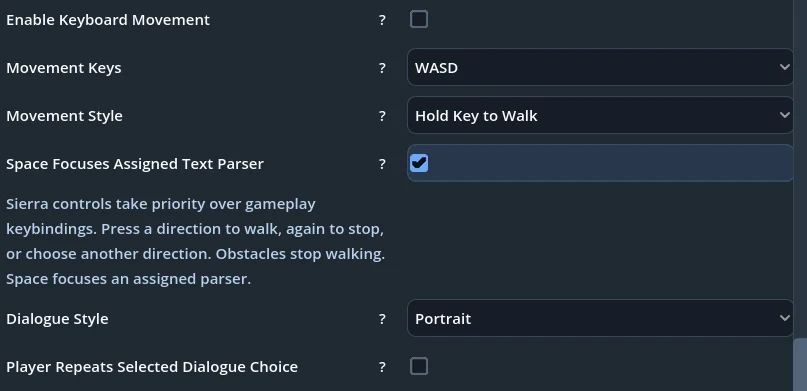
Keyboard movement can be added to navigation-based play.
View source
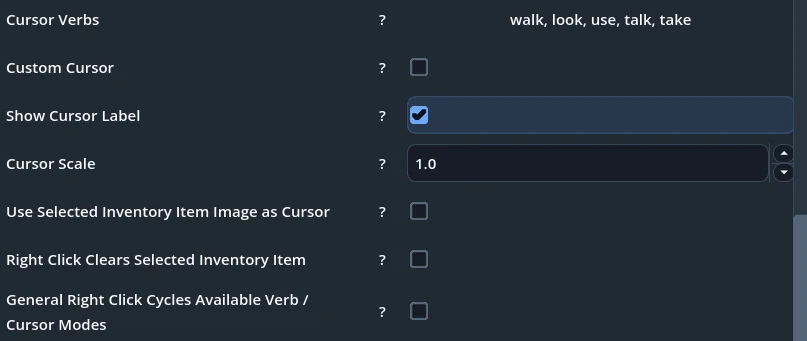
Cursor Verbs selects eligible verbs.
View source
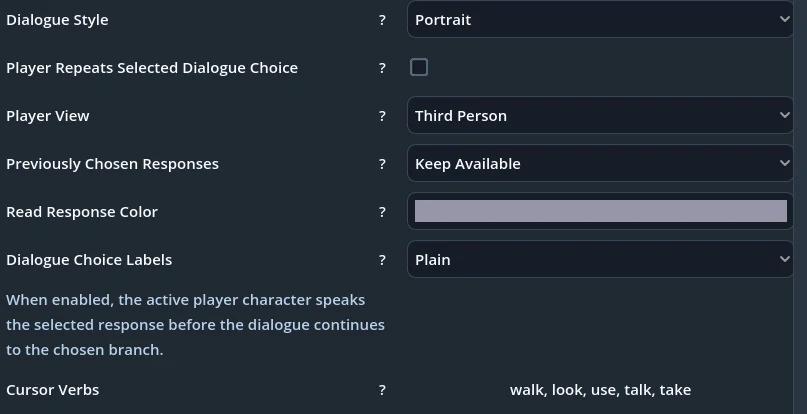
Dialogue Style, repeated player responses, read-response rules, and choice labels are shared dialogue defaults.
View source
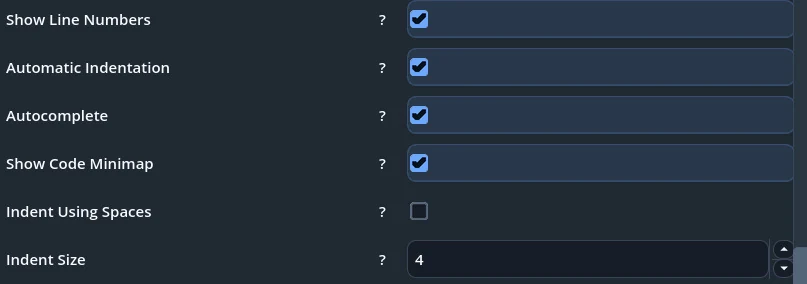
The native script-editor controls are on General in this release.
View source
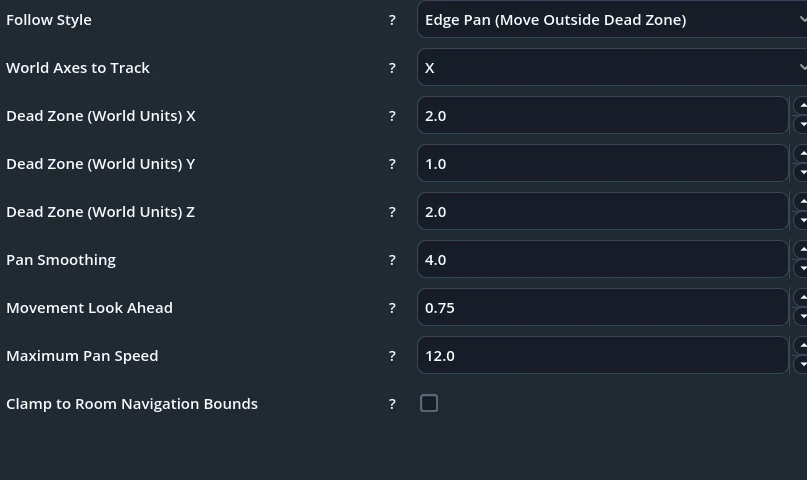
Enable Follow Active Player, then choose the follow style, tracked axes, and world-unit dead zone.
View source
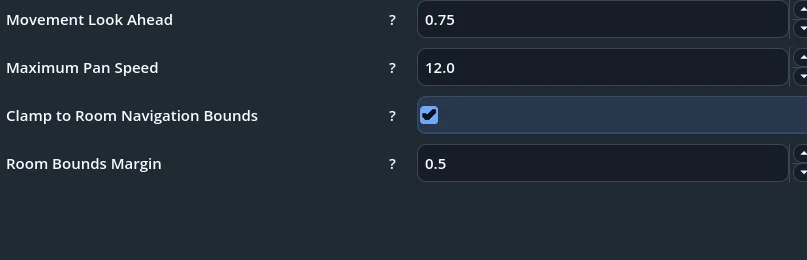
Look ahead, speed, and navigation-bound clamping fine-tune the camera.
View source
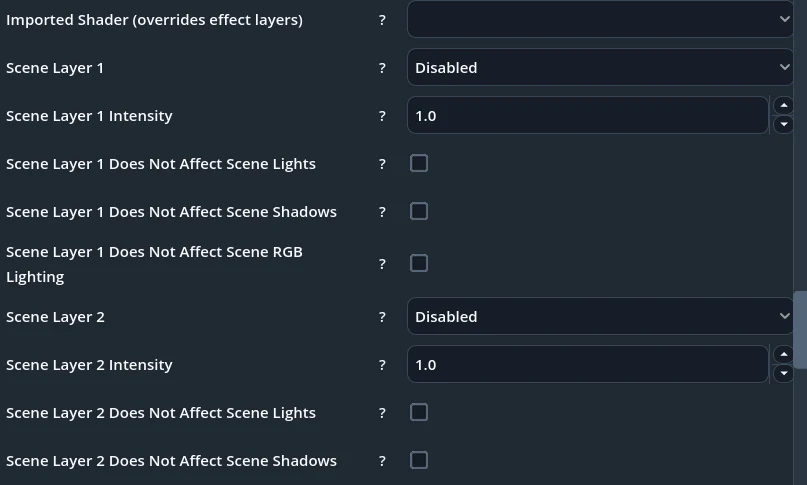
The shared stack has up to eight Scene Layers.
View source
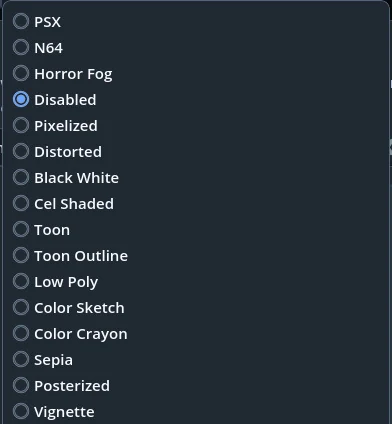
The native preset list includes PSX, N64, and Horror Fog alongside the other scene treatments.
View source
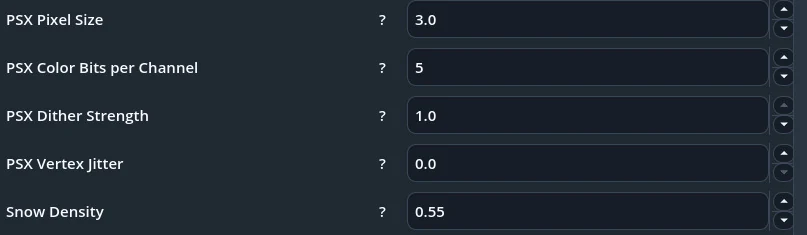
Selecting PSX exposes its dedicated screen-effect controls.
View source