SEE WHAT YOU CAN MAKE
A closer look at PCA3D.
Explore real editor and gameplay screenshots from the itch.io page and every supplied guide. Open any image to see the details.
1,127distinct screenshots
Scene building, interfaces, scripting, cinematics and the details in between. Repeated images share one entry, with their guide and page references kept together.
Explore the features1,127 screenshots · 1,081–1,104
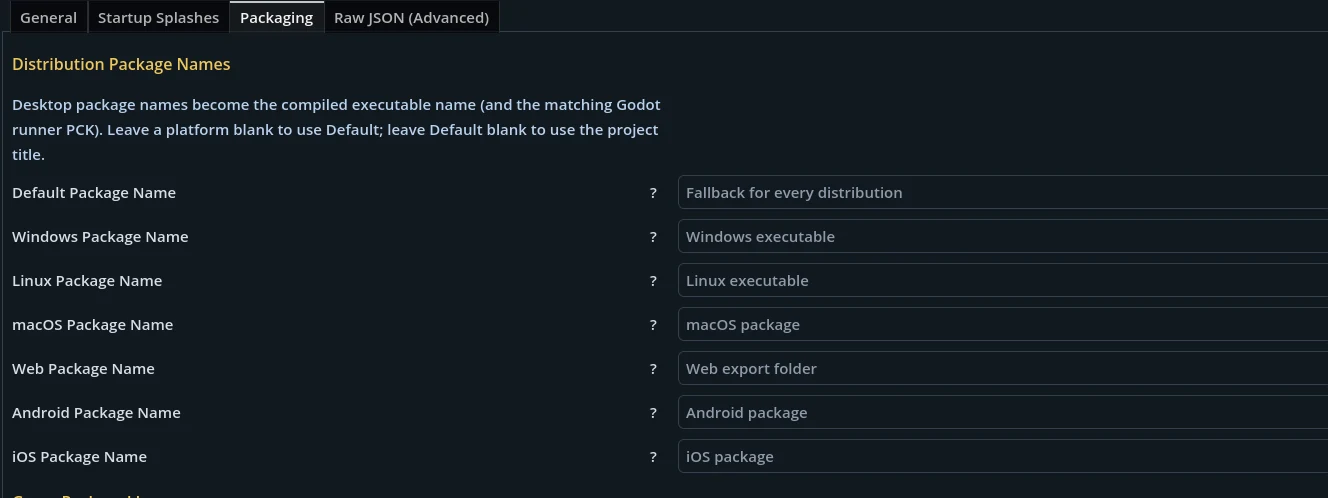
Build Tools & Game Export — Set the identity players will see
View source

Build Tools & Game Export — Make a compiled desktop build
View source
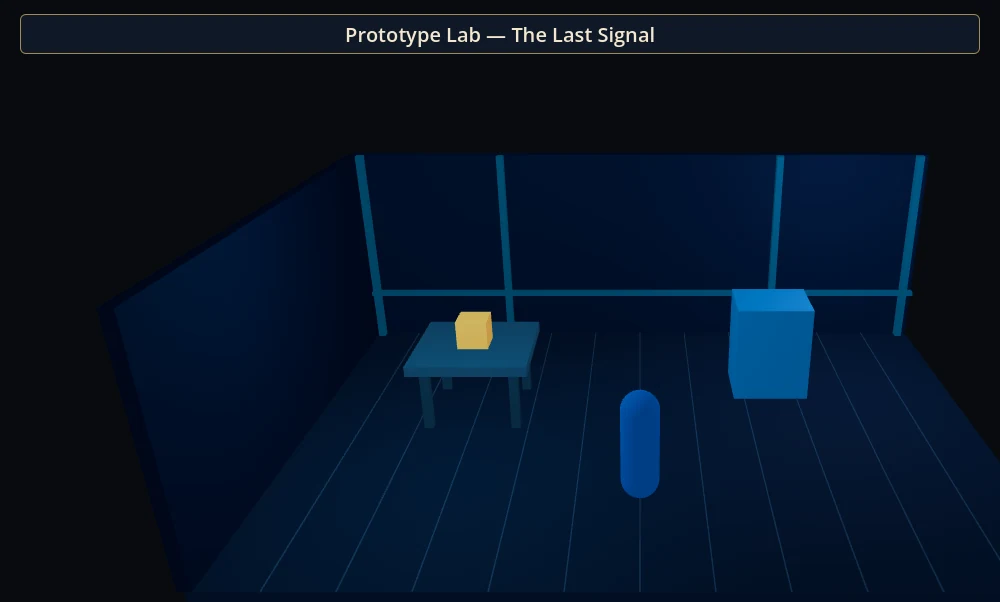
Build Tools & Game Export — Test the game outside the editor
View source
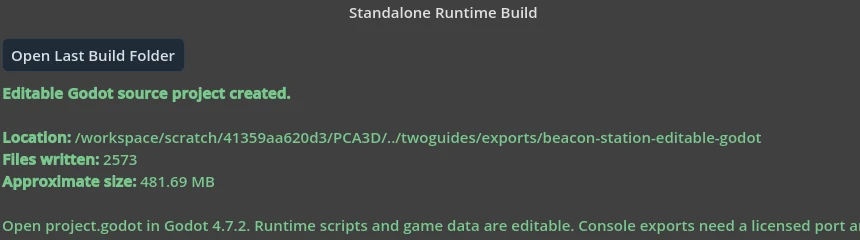
Build Tools & Game Export — Export editable Godot source
View source
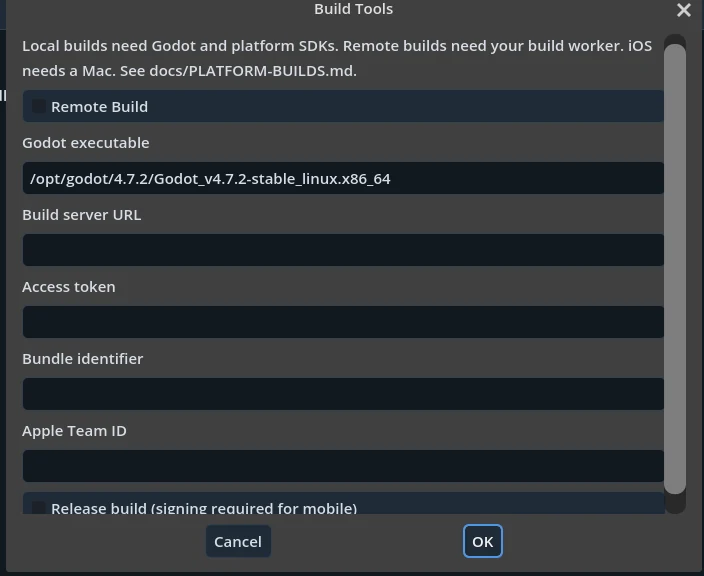
Build Tools & Game Export — Set up the Build Tools dialog
View source

Build Tools & Game Export — Build an iOS IPA
View source
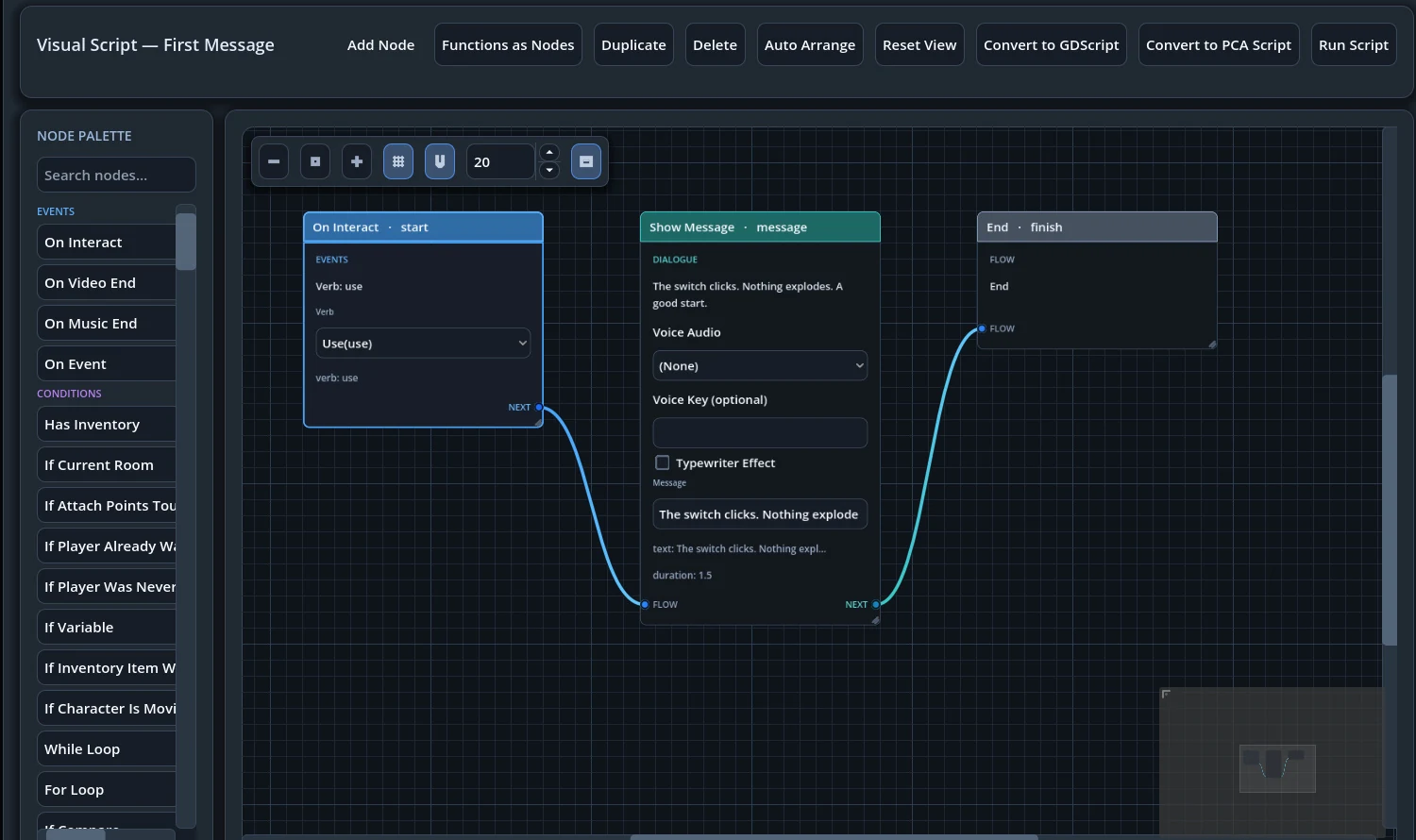
A real Visual Script in the editor: an entry, a message and an ending.
View source
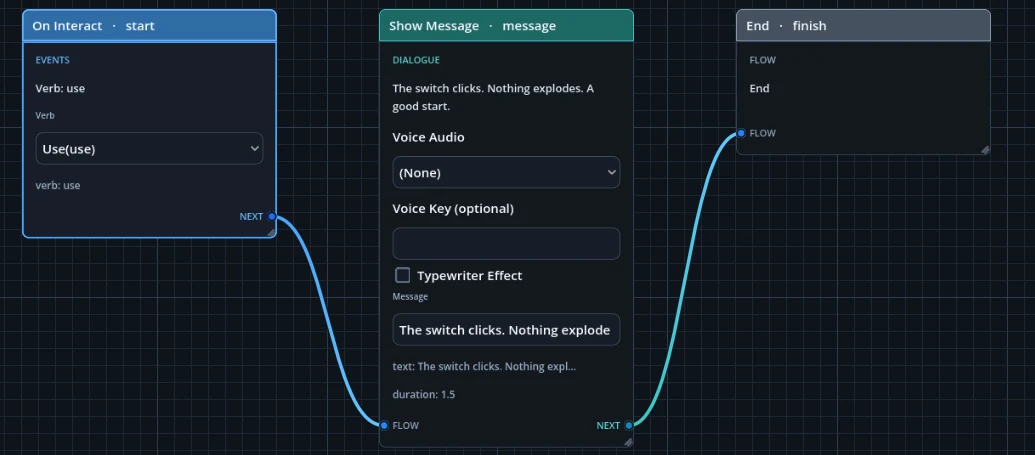
A working three-node graph.
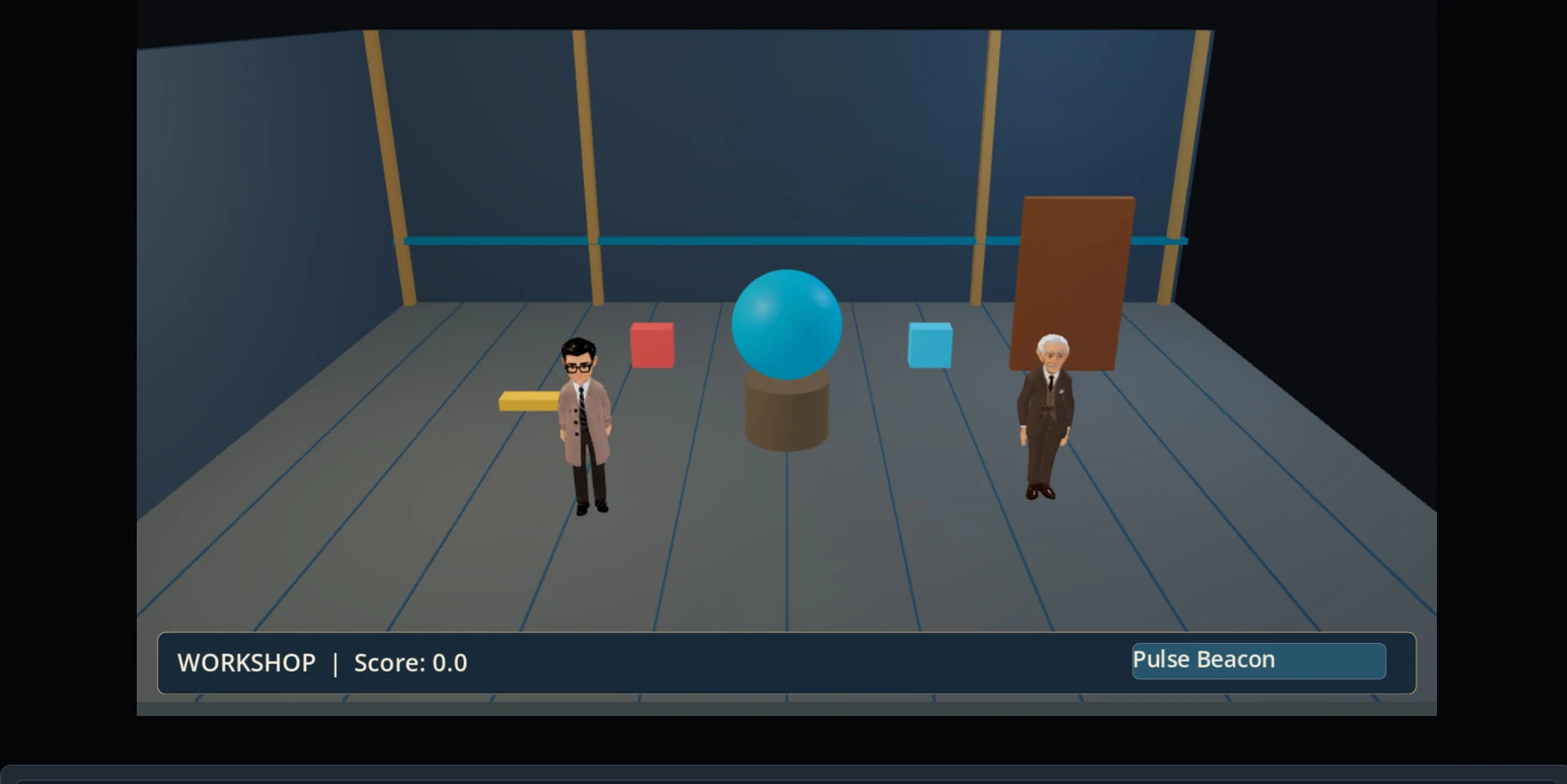
The workshop used throughout the guide.
View source
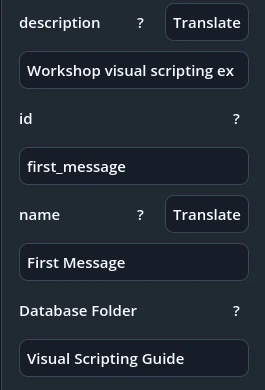
The script record has its own ID, display name, description and database folder.
View source
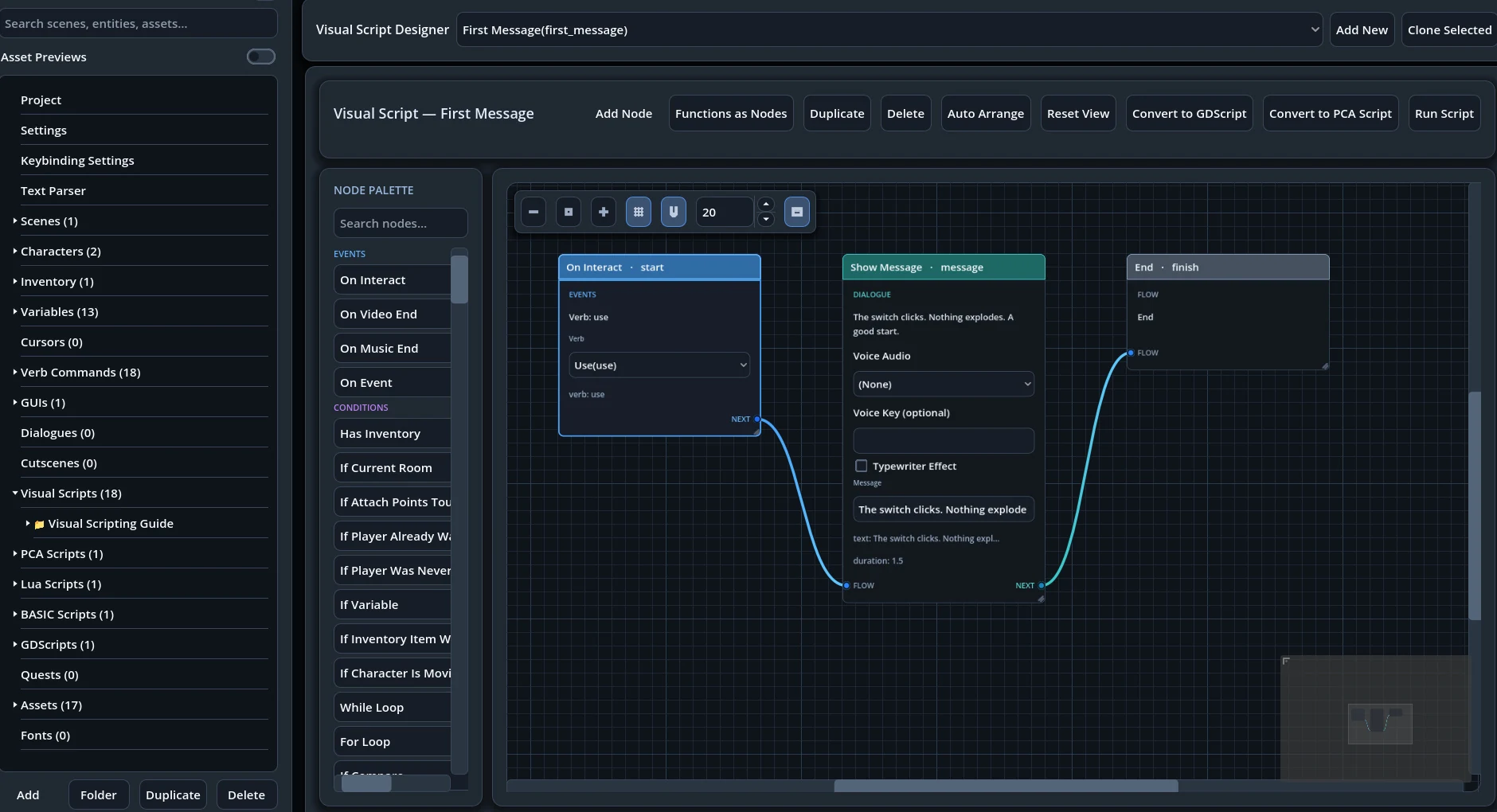
Adventure Database at the left, the script selector above, the node palette beside the graph and the graph toolbar across the top.
View source
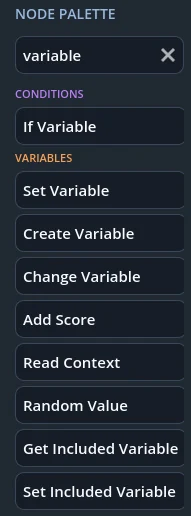
Searching for variable narrows the palette.
View source
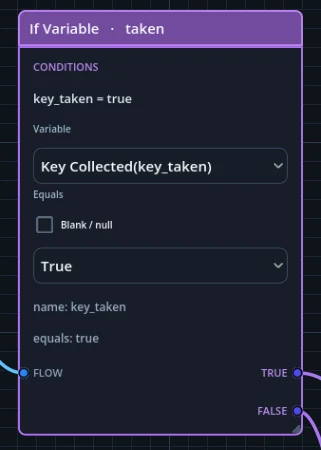
A condition node has two named outputs.
View source
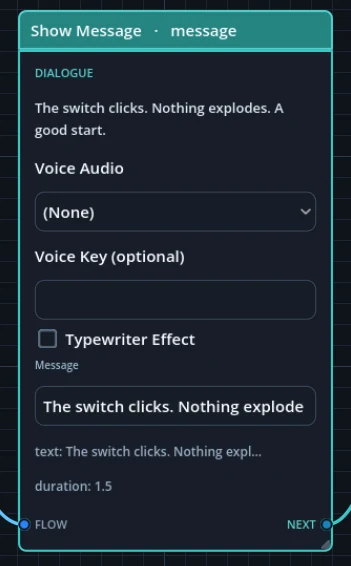
Message text, optional voice and typewriter settings live inside the node.
View source
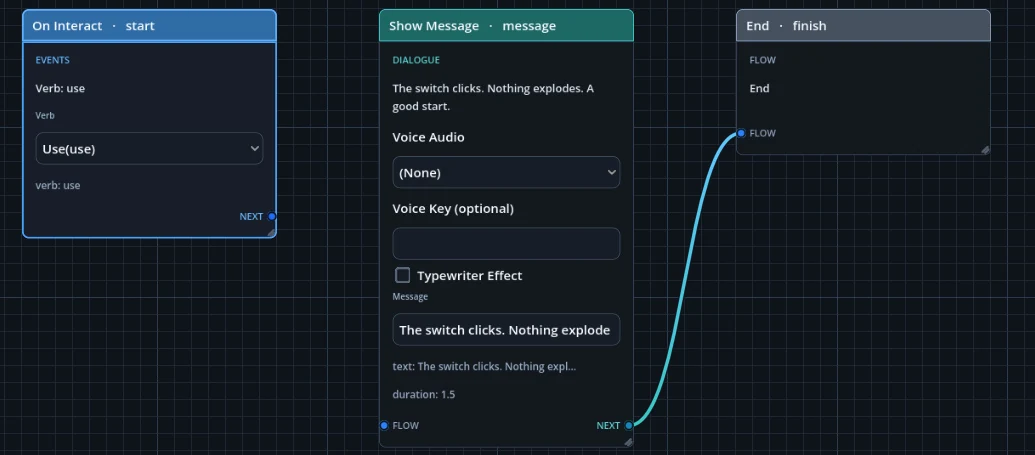
With the first connection removed, the message is no longer reachable from On Interact.
View source
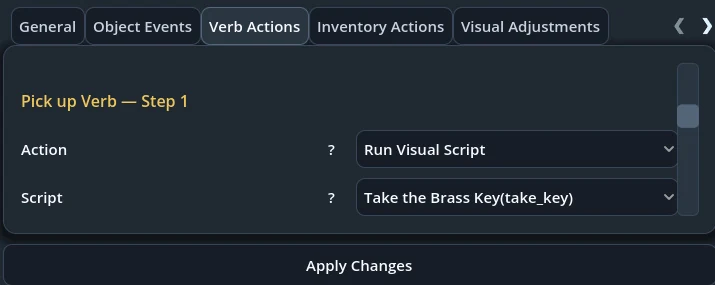
The key’s Pick Up verb calls Take the Brass Key through Run Visual Script.
View source
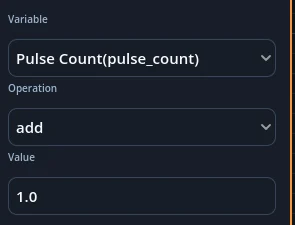
Change Variable can add to a number, toggle a flag or set a live value from an expression.
View source
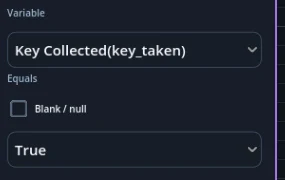
If Variable compares one runtime variable with its Equals value.
View source
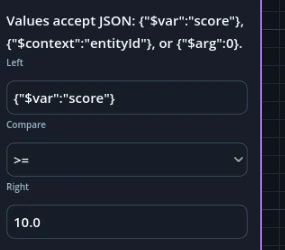
If Compare accepts a live expression on either side and a chosen comparison operator.
View source
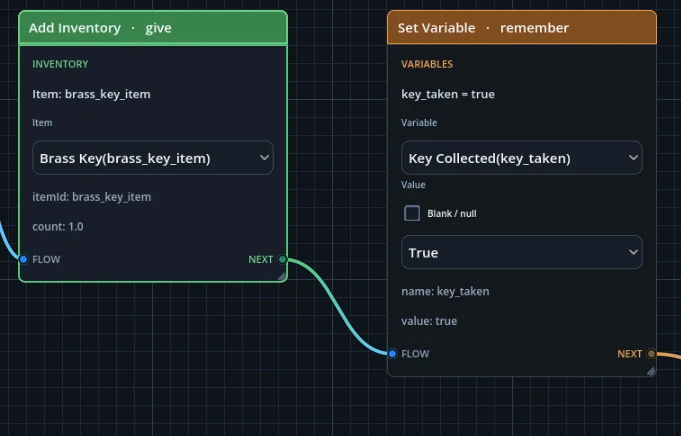
The pickup adds an inventory item, then remembers that the reward was collected.
View source
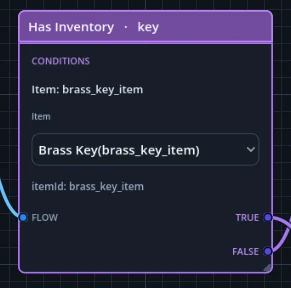
Has Inventory asks whether the active inventory contains the required item.
View source
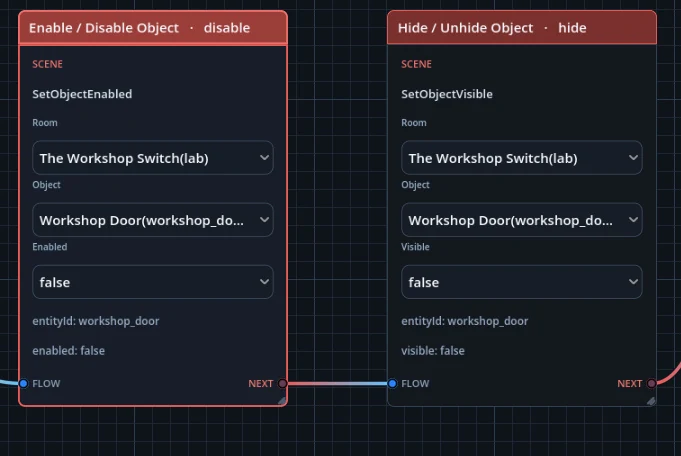
These actions explicitly disable the door and hide it after the puzzle is solved.
View source
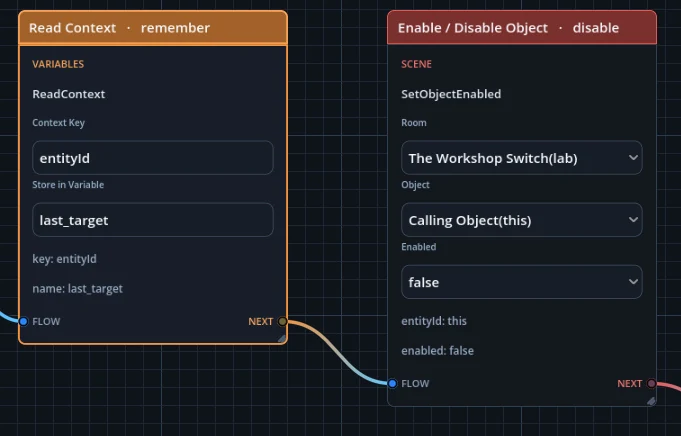
The shared switch graph stores the event target, then disables this rather than a hard-coded switch ID.
View source