SEE WHAT YOU CAN MAKE
A closer look at PCA3D.
Explore real editor and gameplay screenshots from the itch.io page and every supplied guide. Open any image to see the details.
1,127distinct screenshots
Scene building, interfaces, scripting, cinematics and the details in between. Repeated images share one entry, with their guide and page references kept together.
Explore the features1,127 screenshots · 97–120
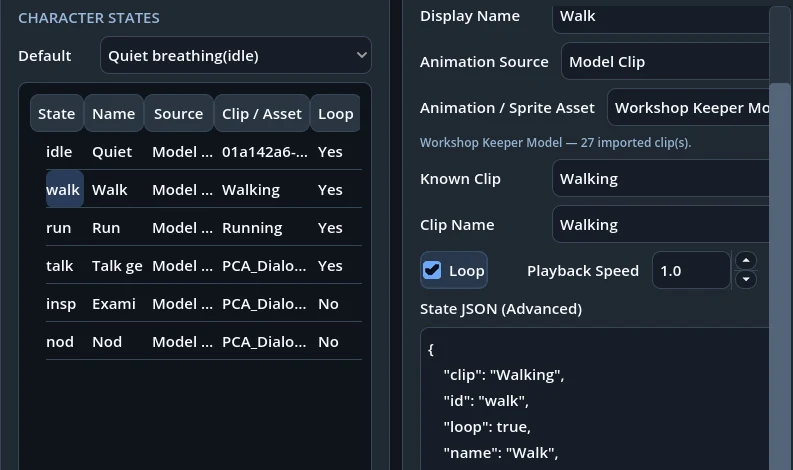
The state name and imported clip are separate.
View source
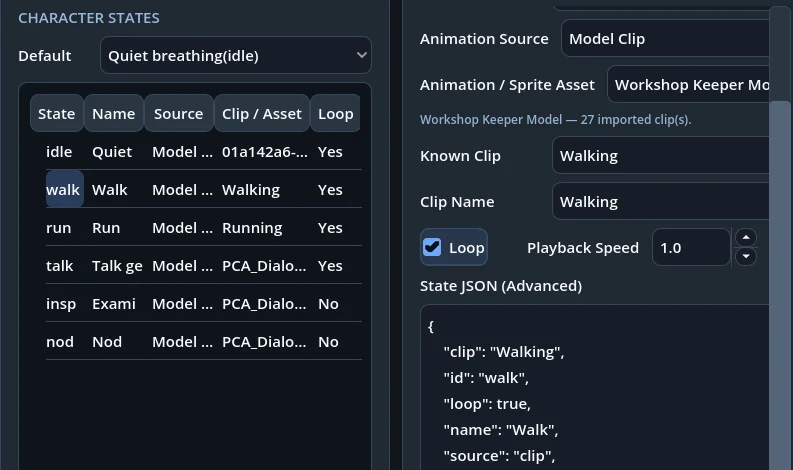
Loop, Playback Speed, and FPS have different jobs.
View source
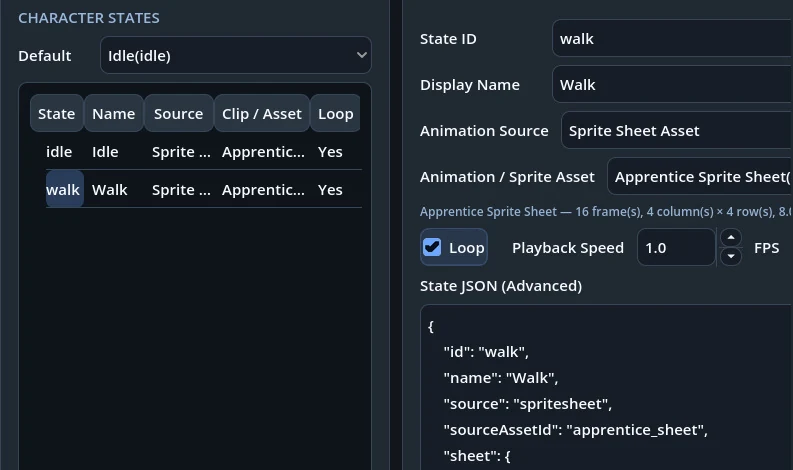
An image-based character uses the same state list.
View source
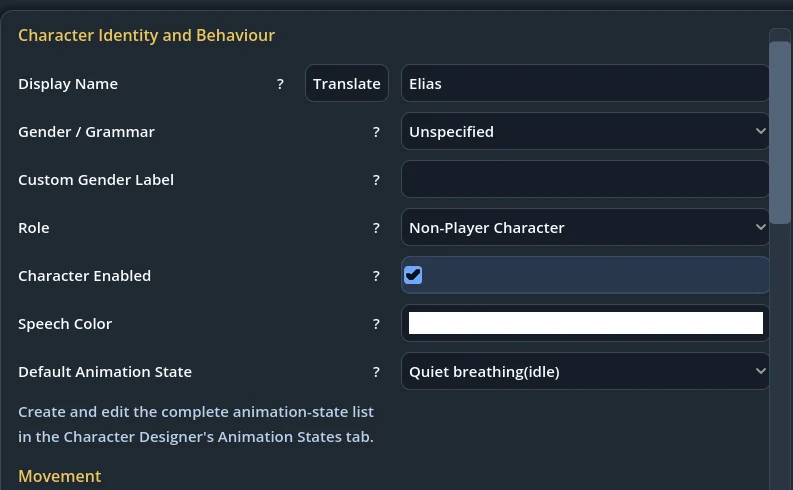
Display name, grammar metadata, role, speech color, and default animation are character-level choices.
View source
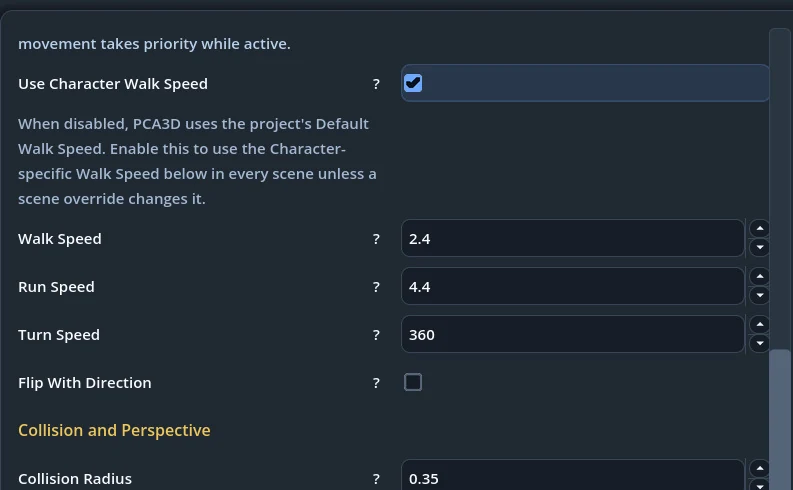
Walking, running, and turning are independent settings.
View source
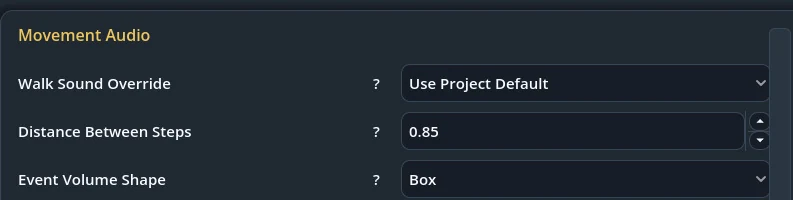
Walk Sound Override and Distance Between Steps control this character's footstep source and stride interval.
View source
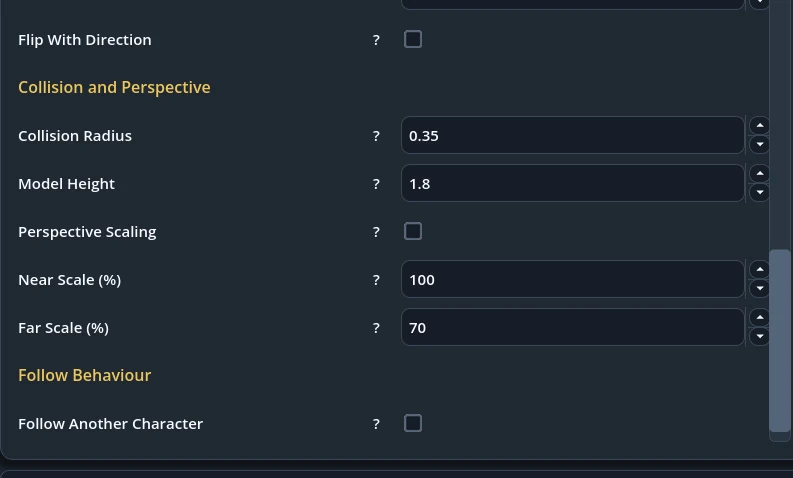
Collision, perspective settings, and following behavior are grouped farther down Character Settings.
View source
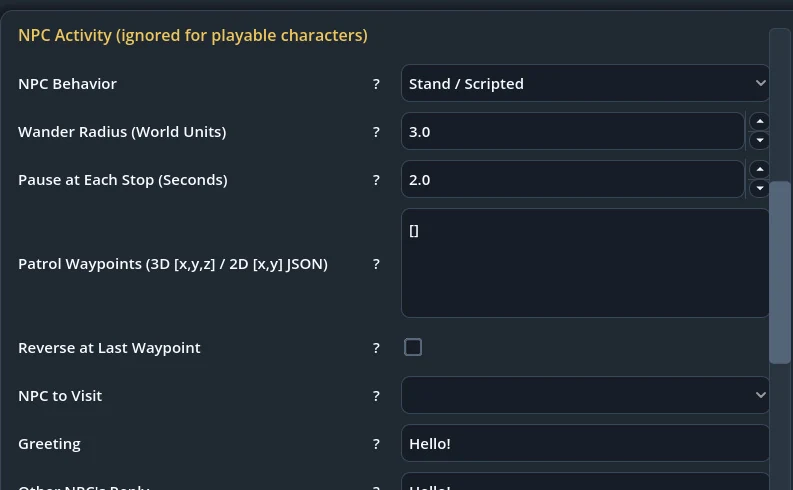
NPC activities are ignored for playable characters.
View source
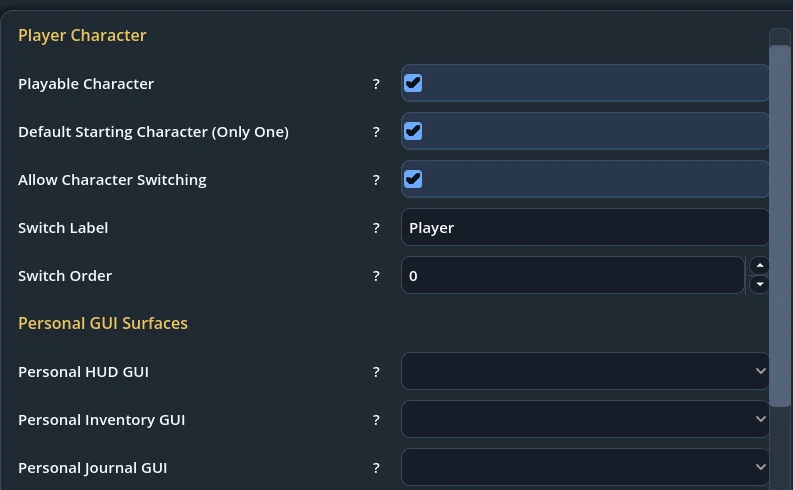
Playable status, the starting-player flag, and character switching are related but separate choices.
View source
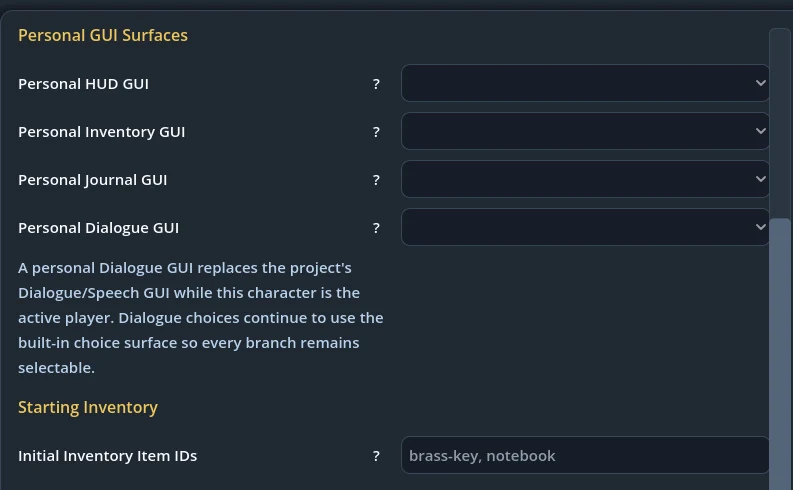
A character can select personal HUD, inventory, journal, and dialogue GUIs.
View source
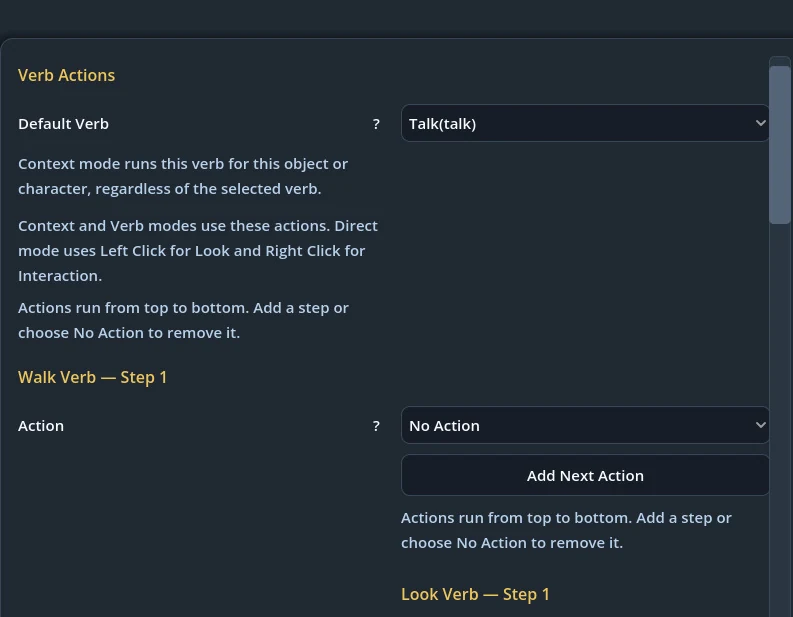
Verb Actions stores the responses to your game's verbs.
View source
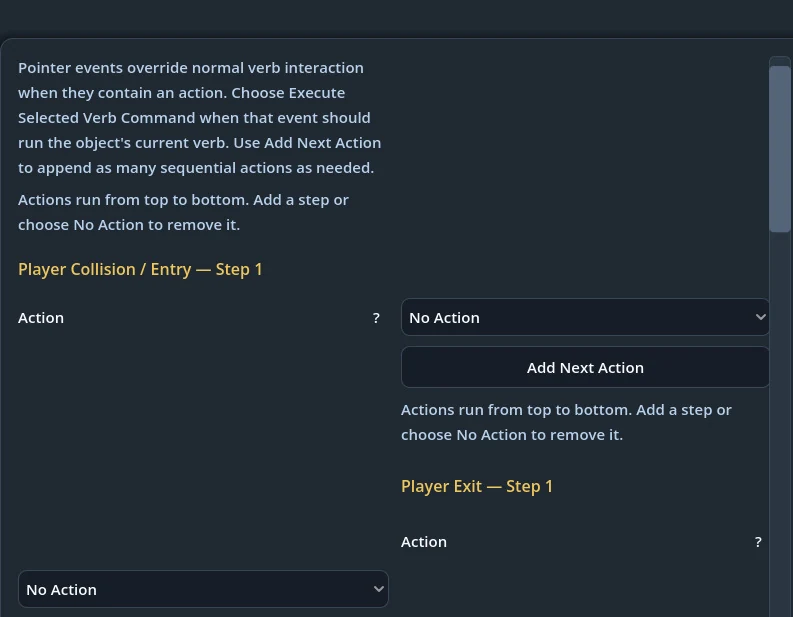
Character Events provides responses to contact and pointer activity.
View source
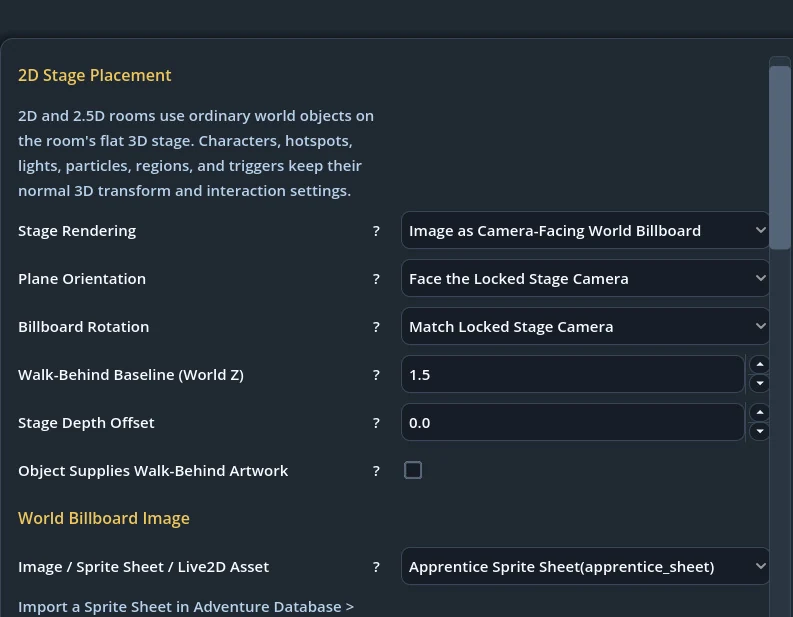
The 2D / 2.5D section belongs to image-based character presentation.
View source
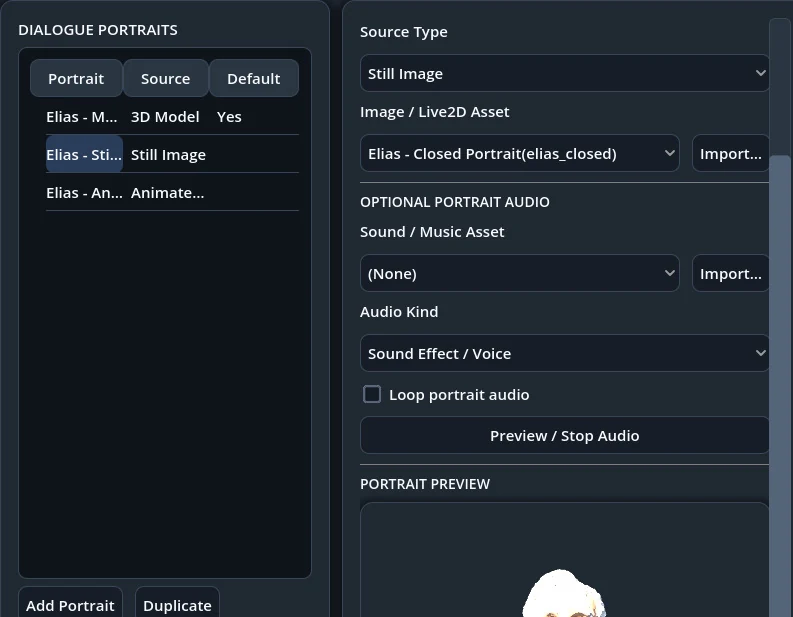
A still portrait references an imported Image asset.
View source
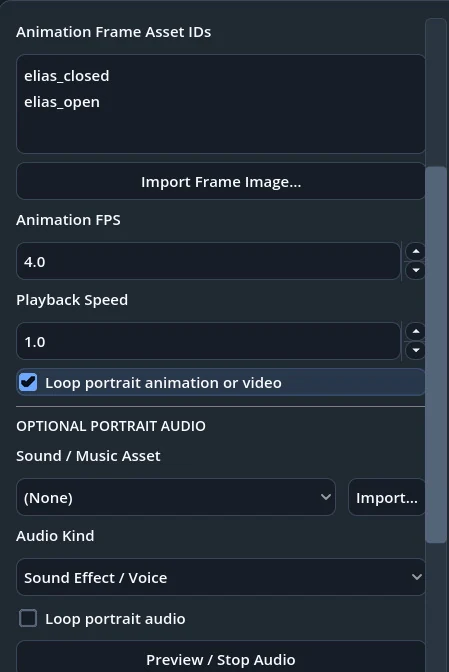
The frame list contains imported asset IDs, one per line.
View source
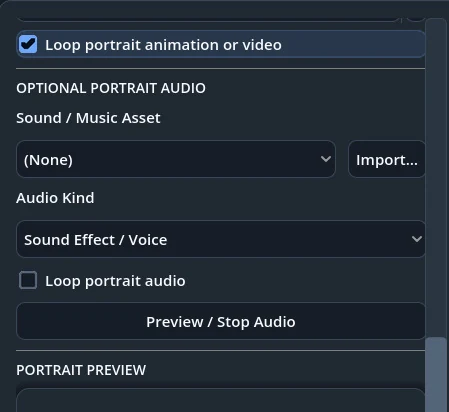
Portrait audio is a separate optional accompaniment.
View source
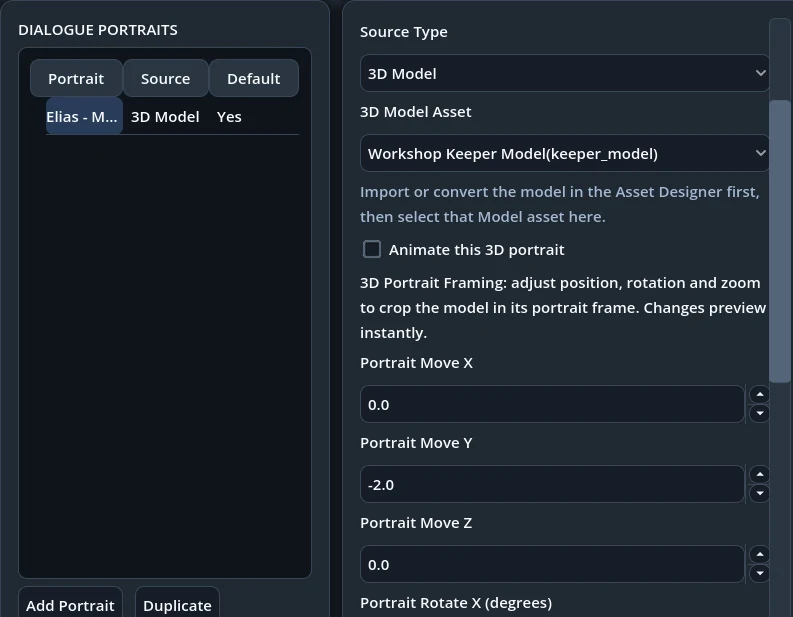
The portrait selects its own source model.
View source
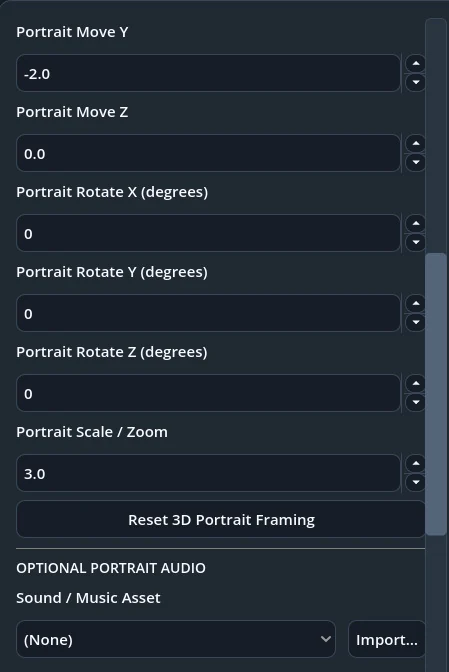
Portrait Position X/Y/Z, rotation, and scale adjust this model view.
View source
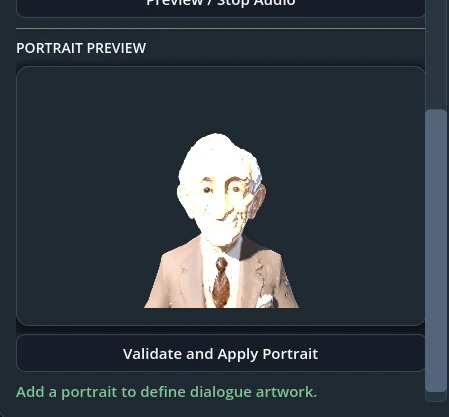
The native portrait preview shows the model with its own lighting and framing.
View source
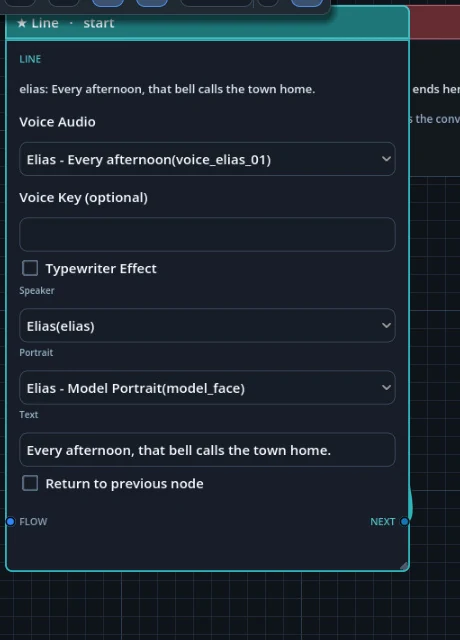
A line ties together Speaker, Portrait, text, and Voice Audio.
View source
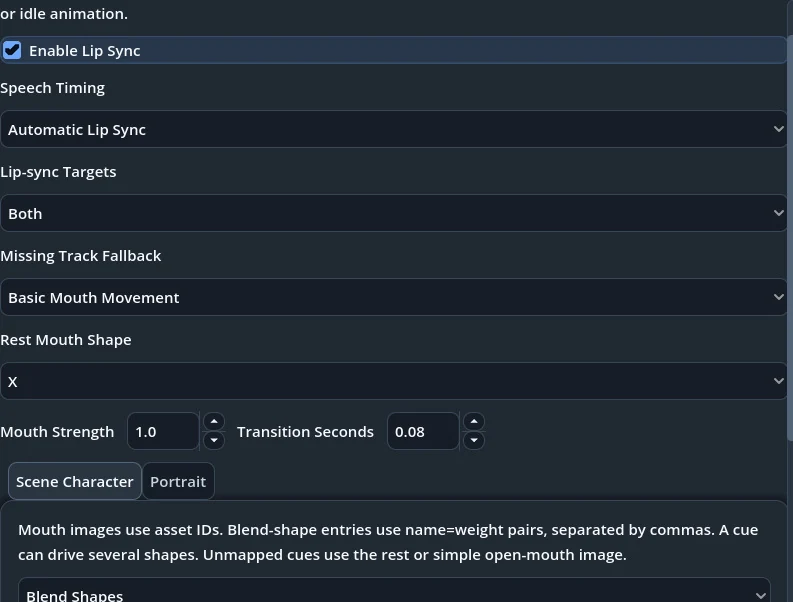
Lip sync is opt-in.
View source
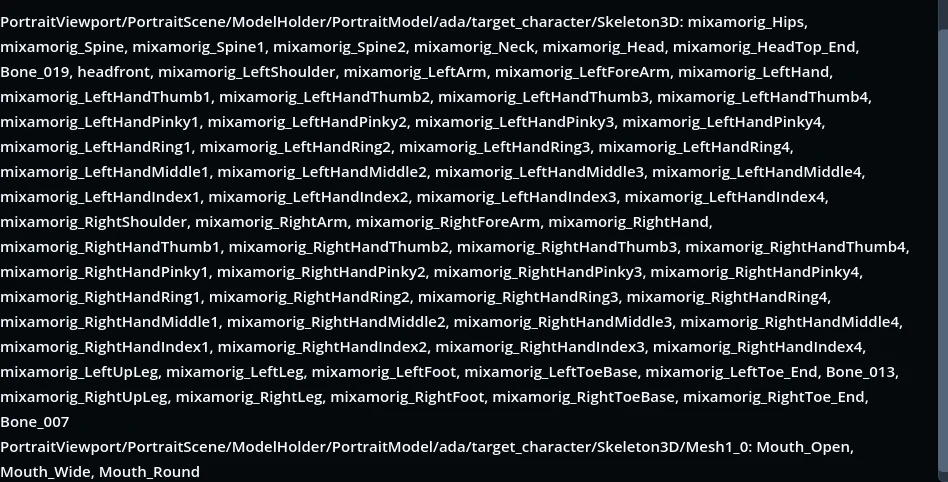
Inspect Mouth Targets reports the imported model's actual mesh and bone names.
View source
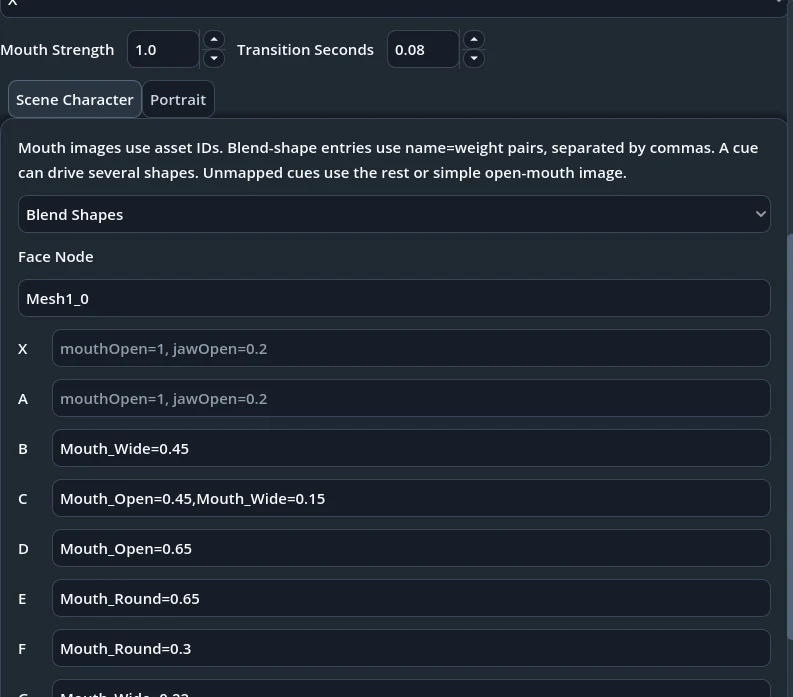
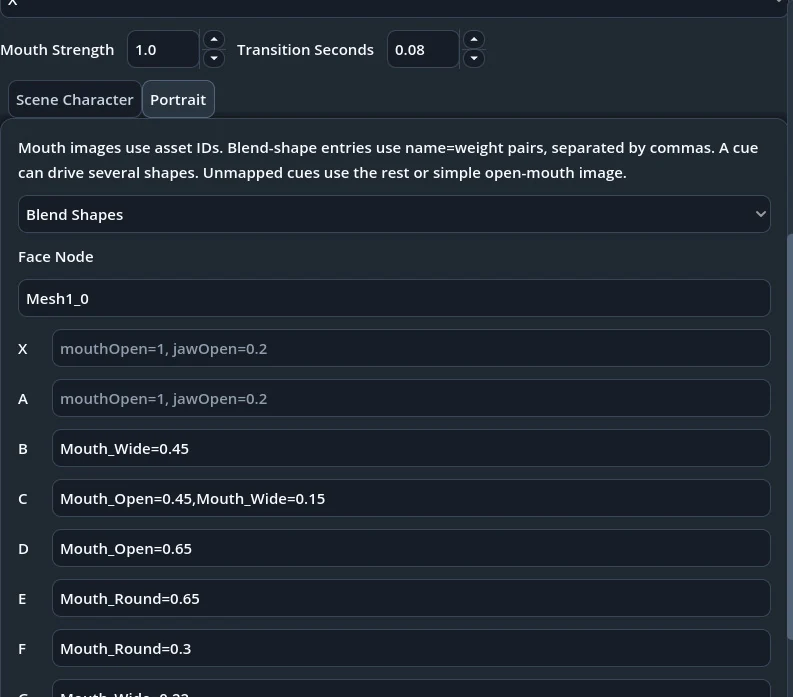
Blend Shapes maps the cue letters to named mesh controls.
View source