SEE WHAT YOU CAN MAKE
A closer look at PCA3D.
Explore real editor and gameplay screenshots from the itch.io page and the manual screenshot collection. Open any image to see the details.
1,127distinct screenshots
Scene building, interfaces, scripting, cinematics and the details in between. Repeated images share one entry, with their guide and page references kept together.
Explore the features1,127 screenshots · 169–192
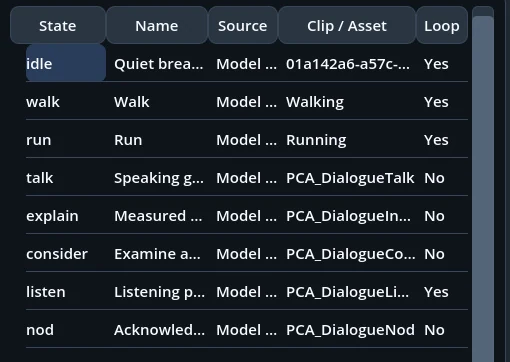
The bundled characters list mapped states.
View source
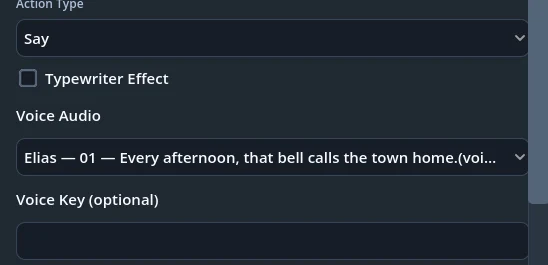
Timed speech has voice and typewriter controls as well as its action data.
View source
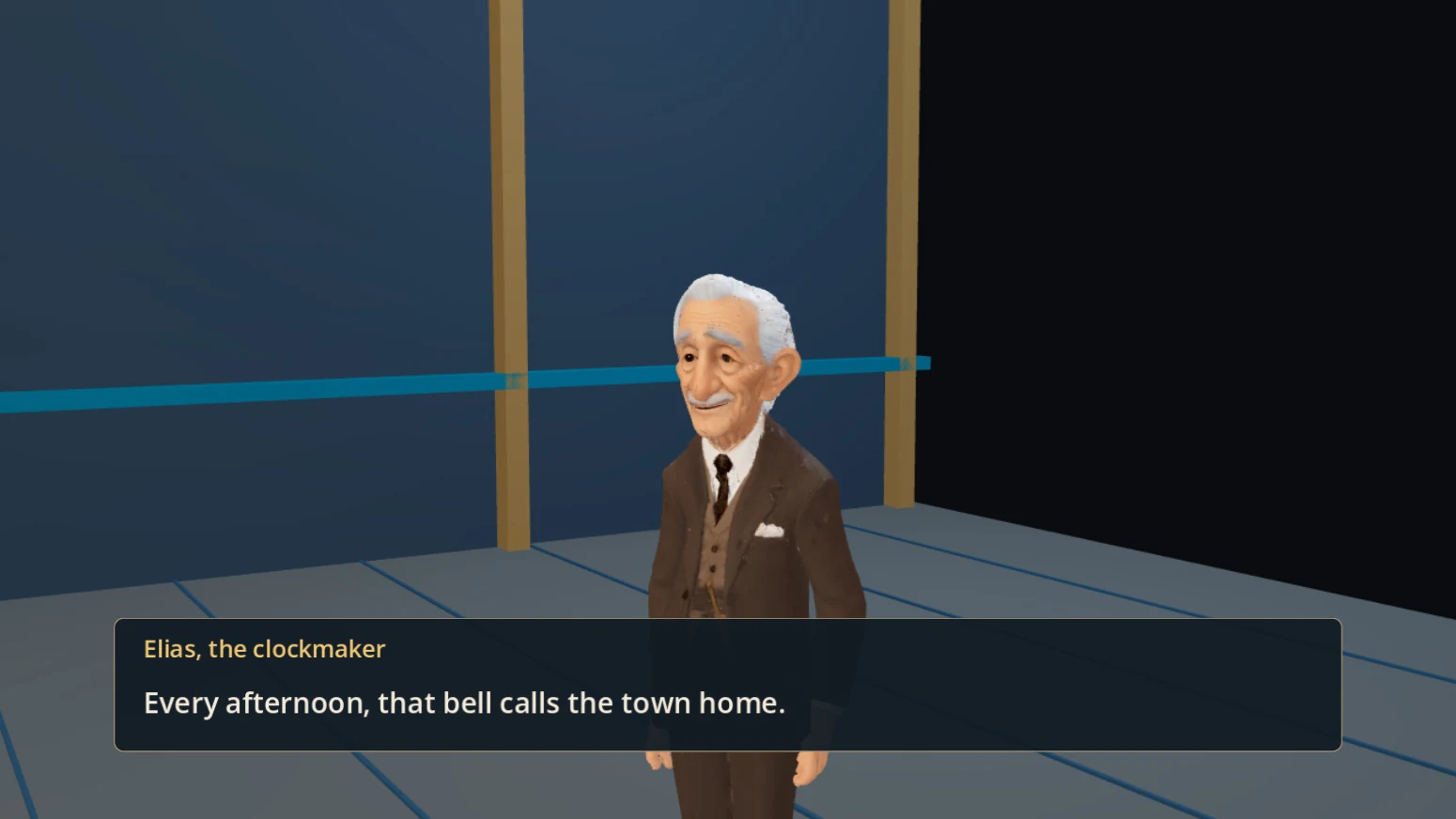
Elias’s close-up uses the real recording and a prepared mouth track on the scene character.
View source
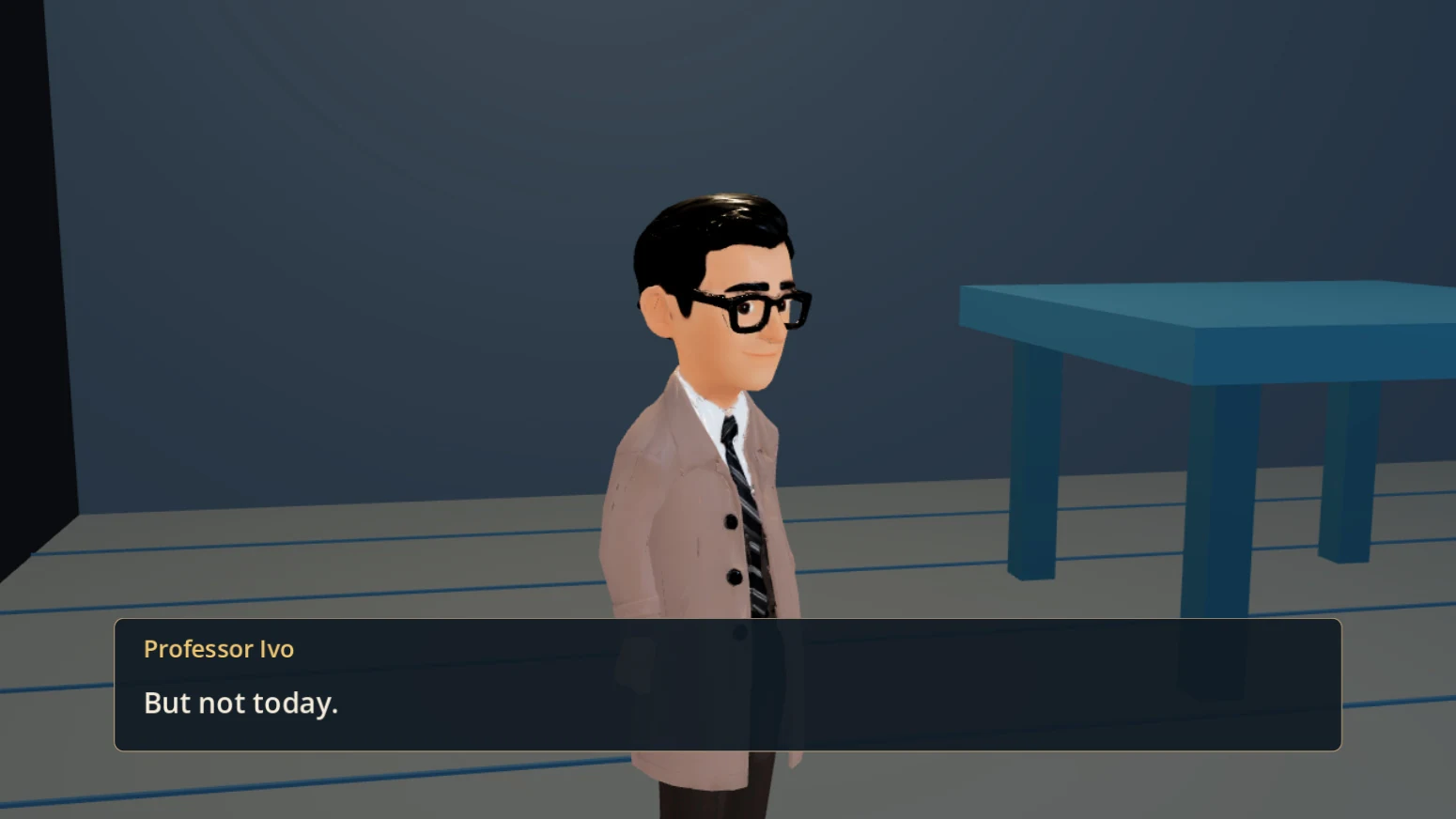
The reverse angle gives Ivo’s short reply its own readable moment.
View source
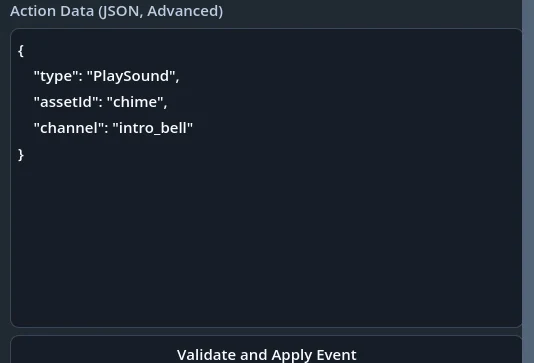
A named channel gives a later StopSound event an exact sound to stop.
View source

The subtitle Label receives speech through its Group ID.
View source
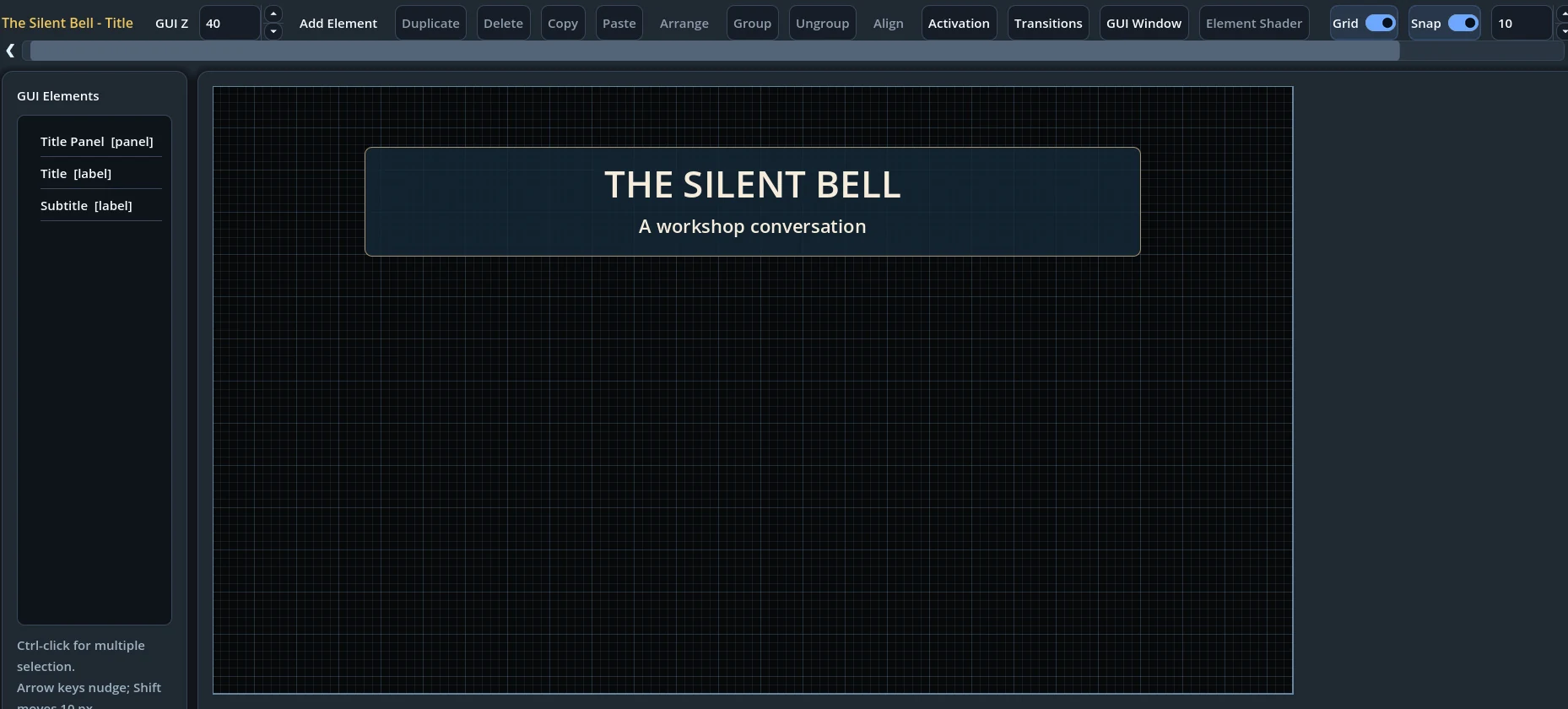
The title’s composition is edited in GUI Designer, independently of the timeline.
View source
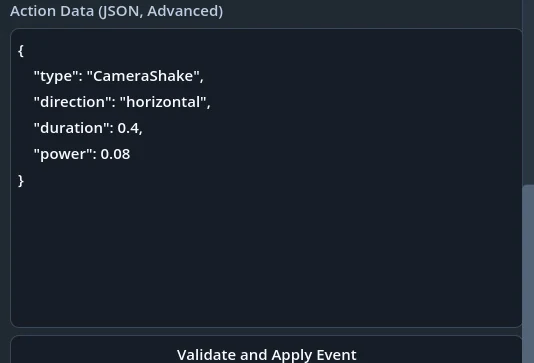
CameraShake has its own action duration and power.
View source
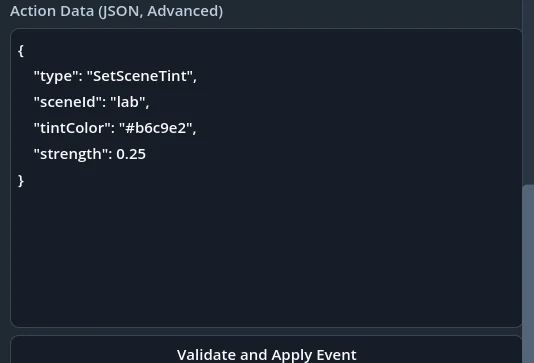
An atmosphere change is an action on the room, not a color painted onto the timeline track.
View source
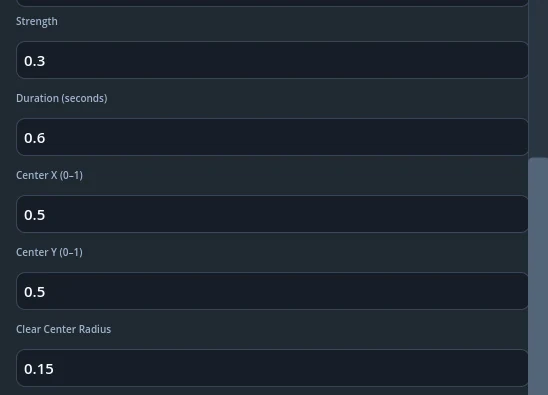
Zoom Blur provides strength, duration, center and clear-radius controls above its action data.
View source

Call Script Function exposes the registered function’s editable parameters in the cutscene event.
View source
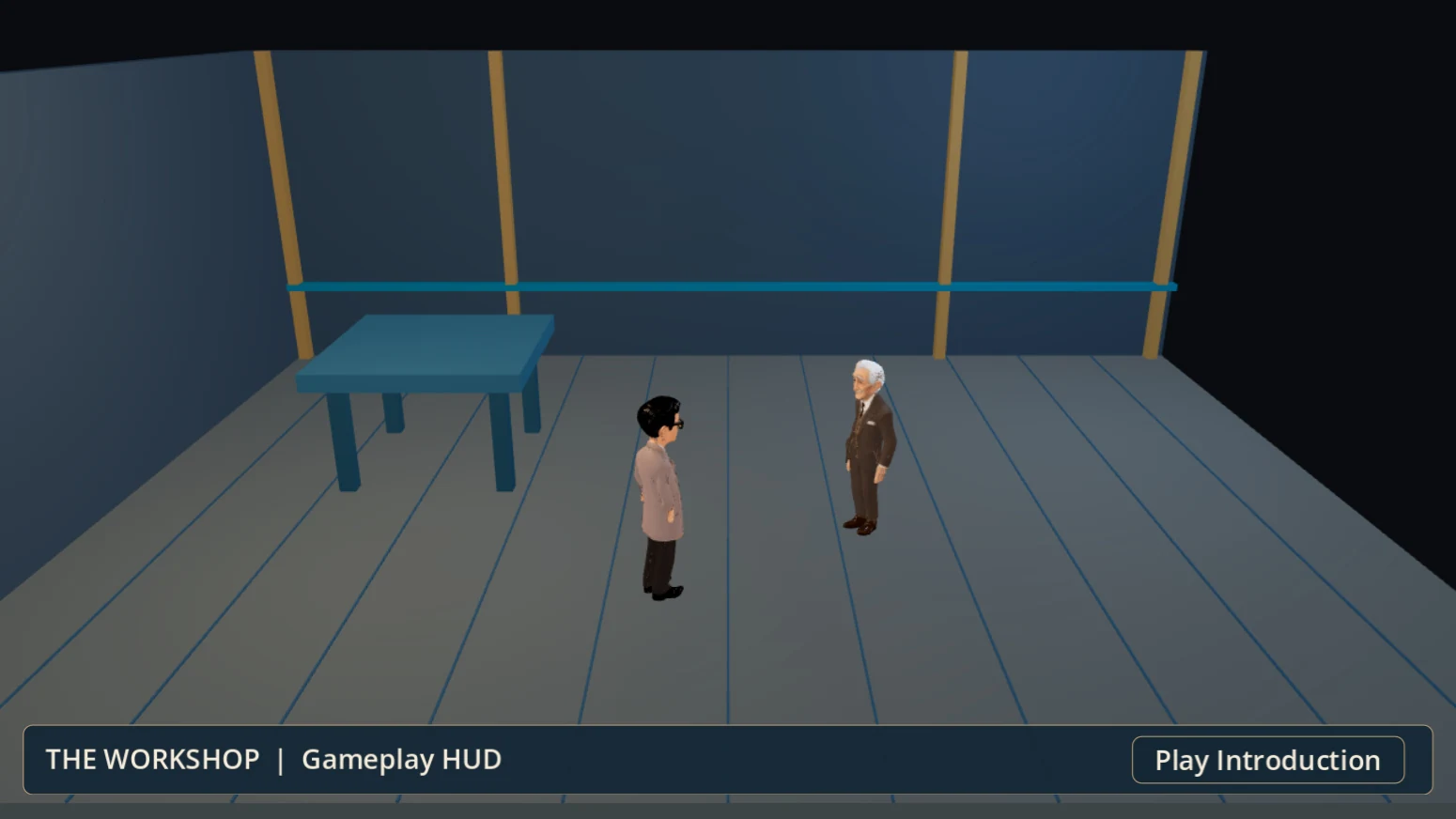
After the guarded skip, the title is closed, the HUD is back and Ivo is at the intended playable mark.
View source
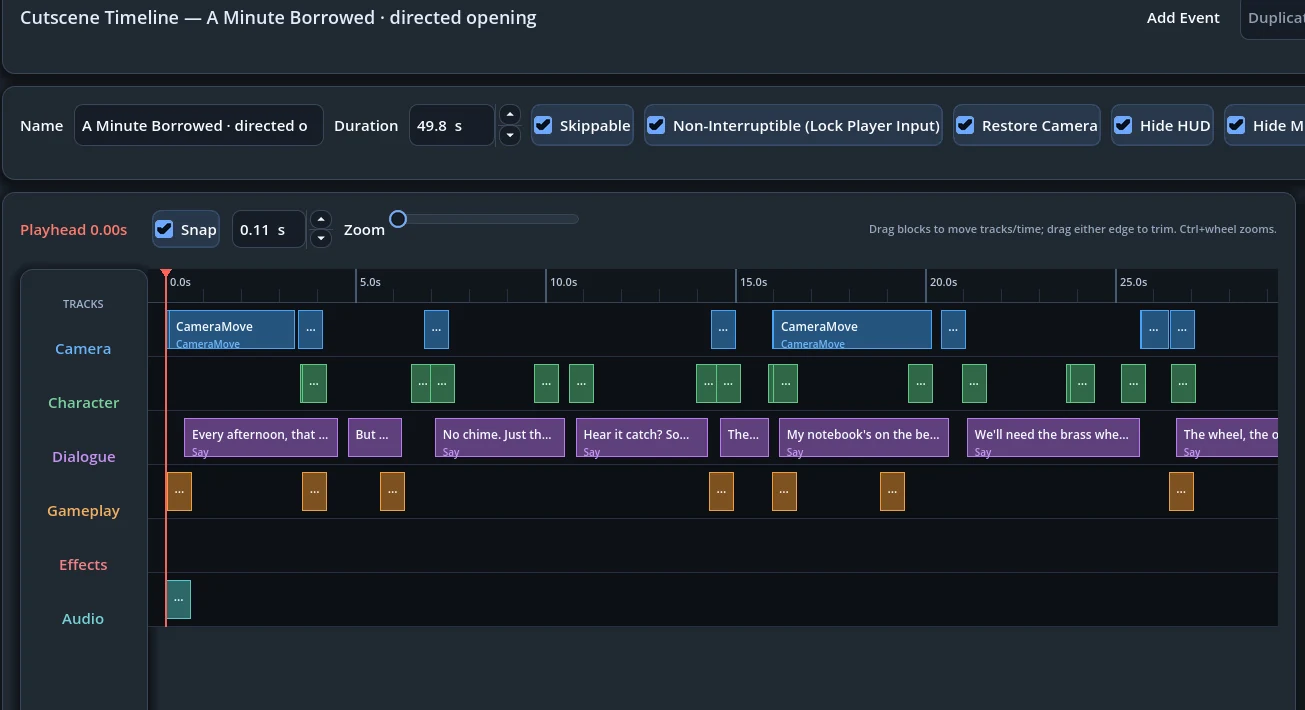
A portion of the real Clockmaker timeline.
View source
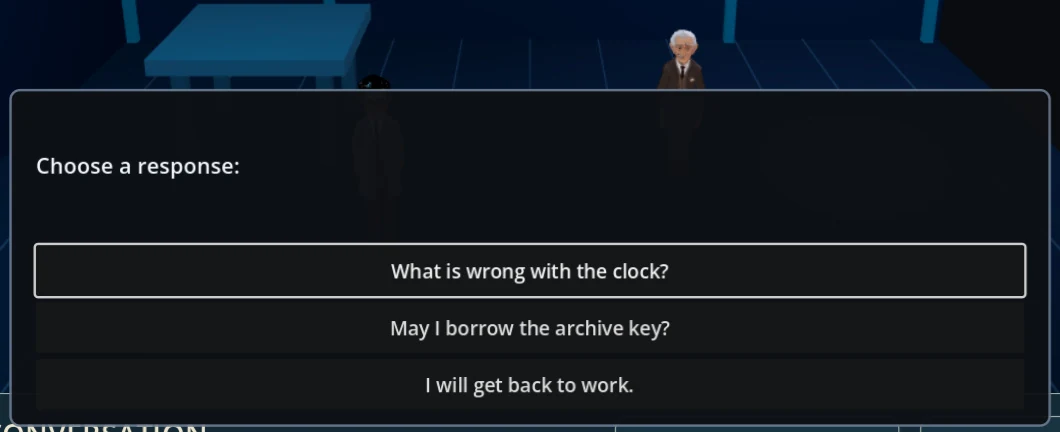
Elias’s conversation running in the workshop.
View 2 sources
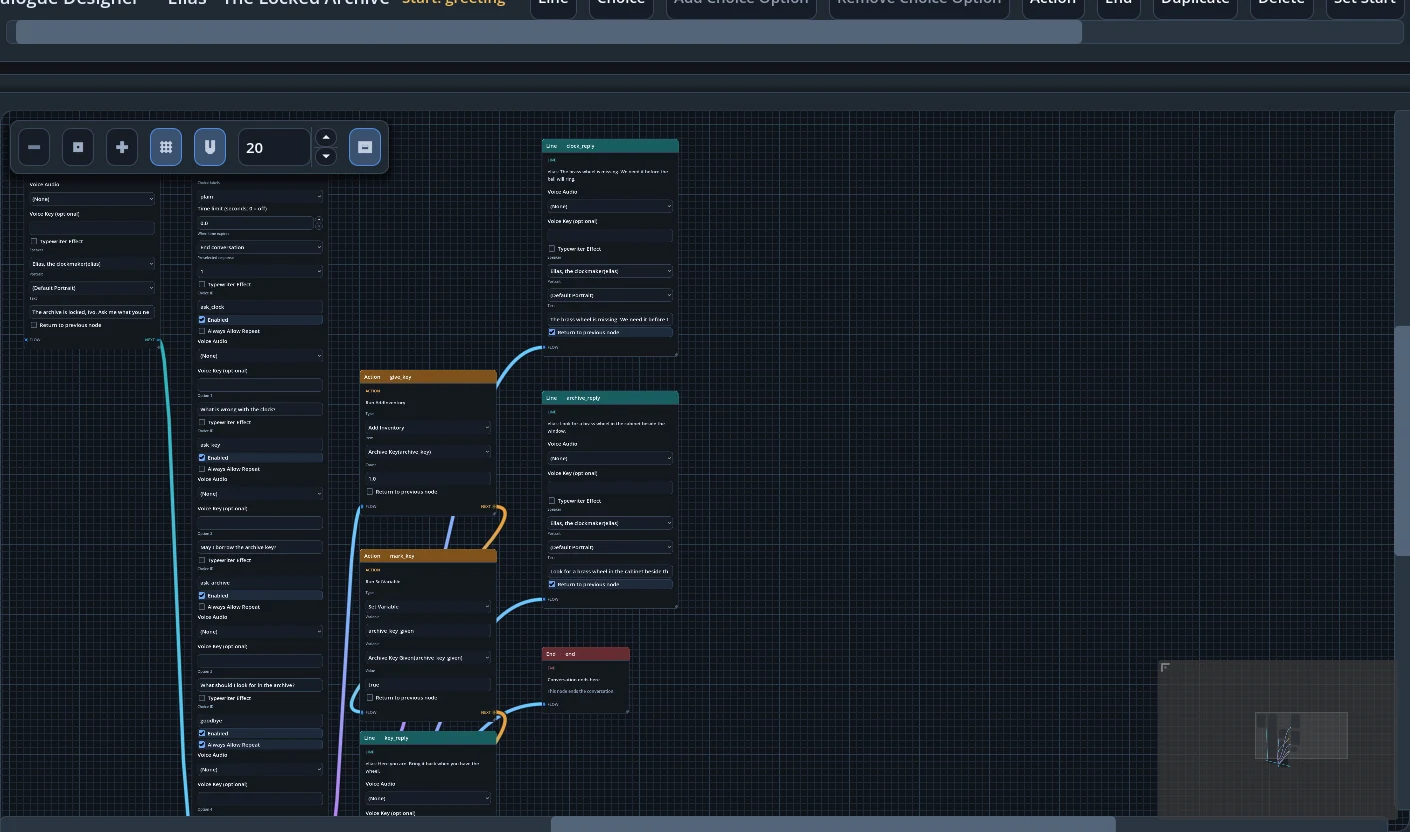
The graph provides a map of the conversation.
View source
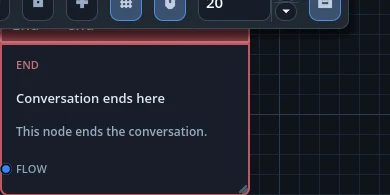
An End node has a simple job: finish this conversation.
View source
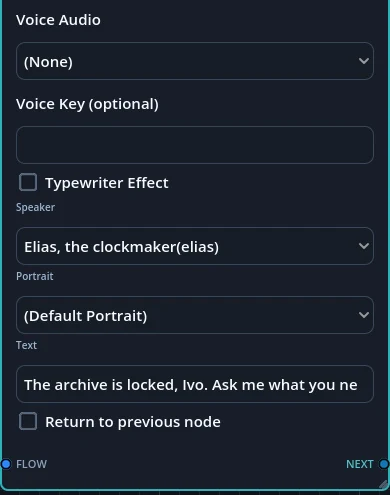
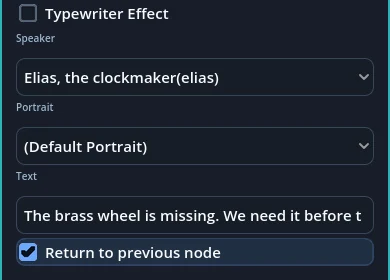
A Line node contains its speaker, text, portrait and optional voice settings.
View source
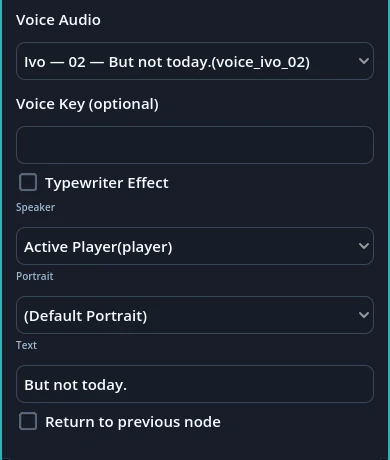
The special speaker player follows the active player character.
View source
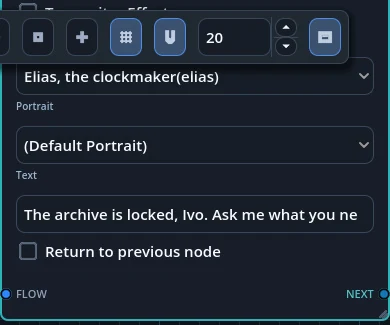
An opening line needs explicit forward flow.
View source
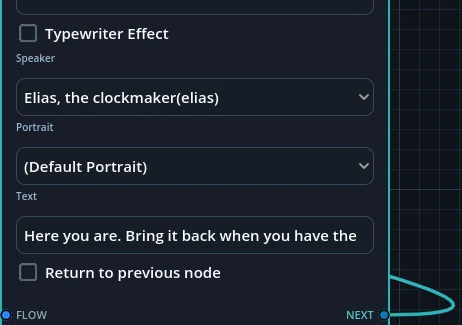
An explicit NEXT link is visible on a node whose automatic return is disabled.
View source
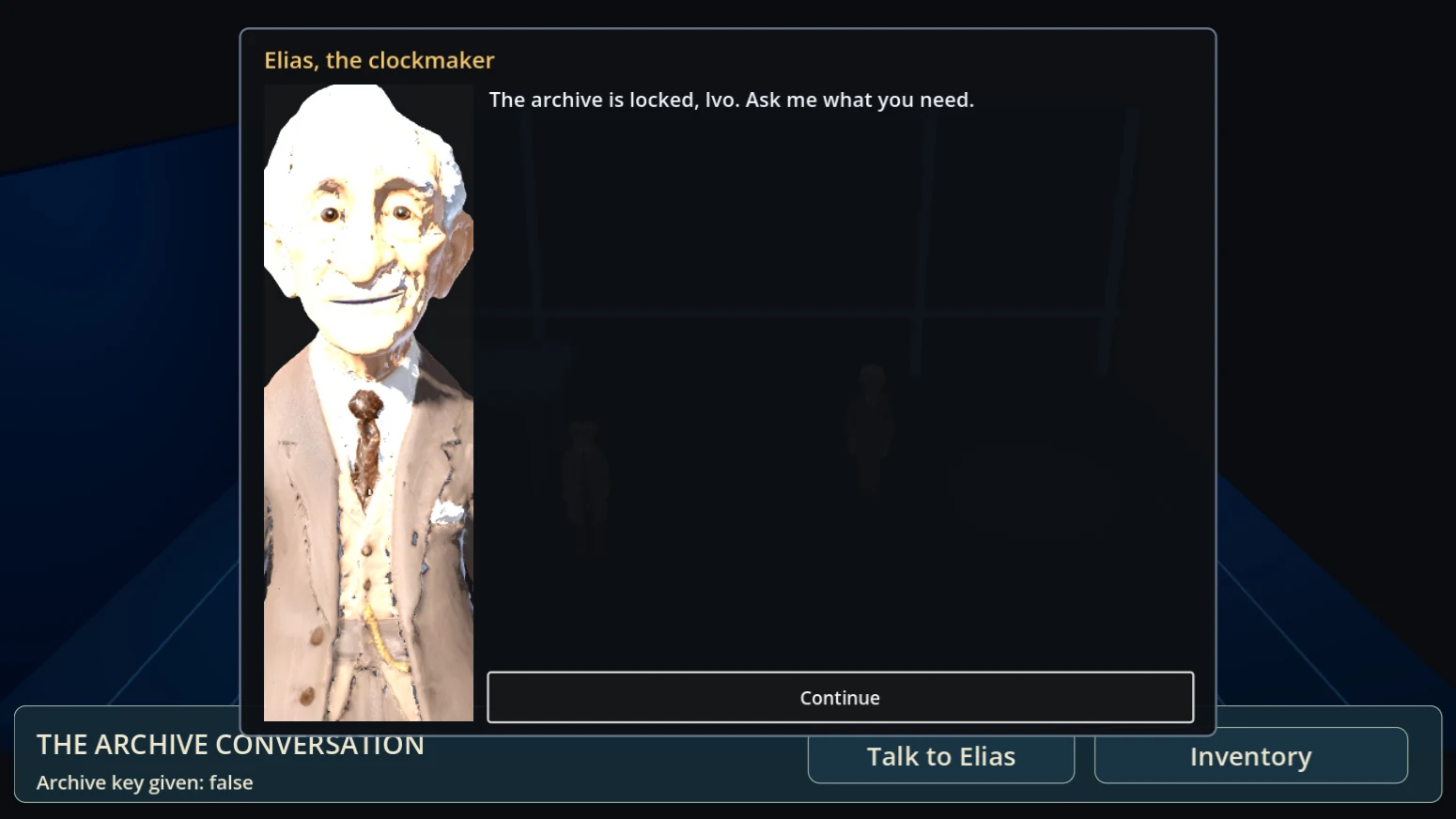
The first successful test is one greeting followed by a clean ending.
View source
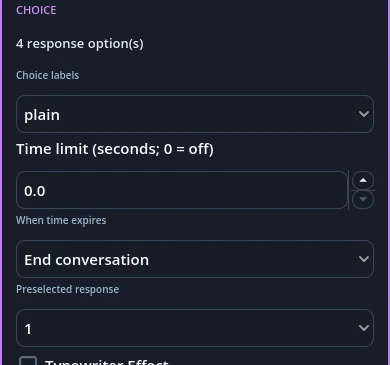
A Choice node starts with two options.
View source
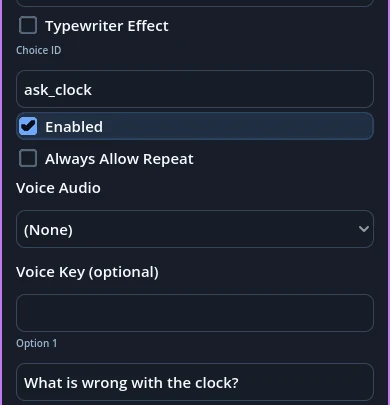
Each response has an ID, Enabled and Always Allow Repeat switches, voice fields and its displayed text.
View source